




 here!
here!
I’m your shopping assistant for PC builds, upgrades, and everything tech.
Got questions? Ask away!
Start a conversation
here!
I’m your shopping assistant for PC builds, upgrades, and everything tech.
Got questions? Ask away!
Start a conversation
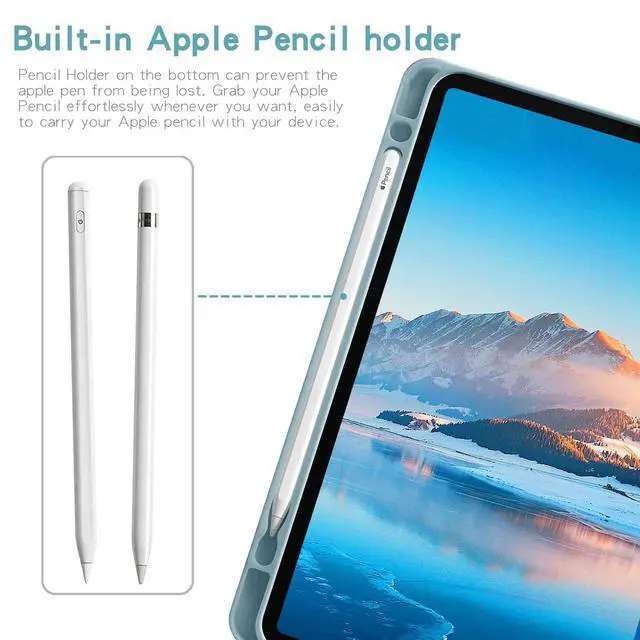
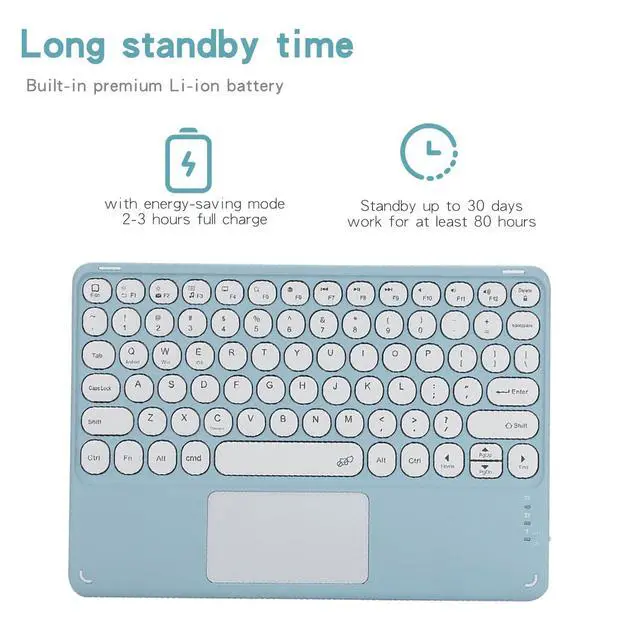
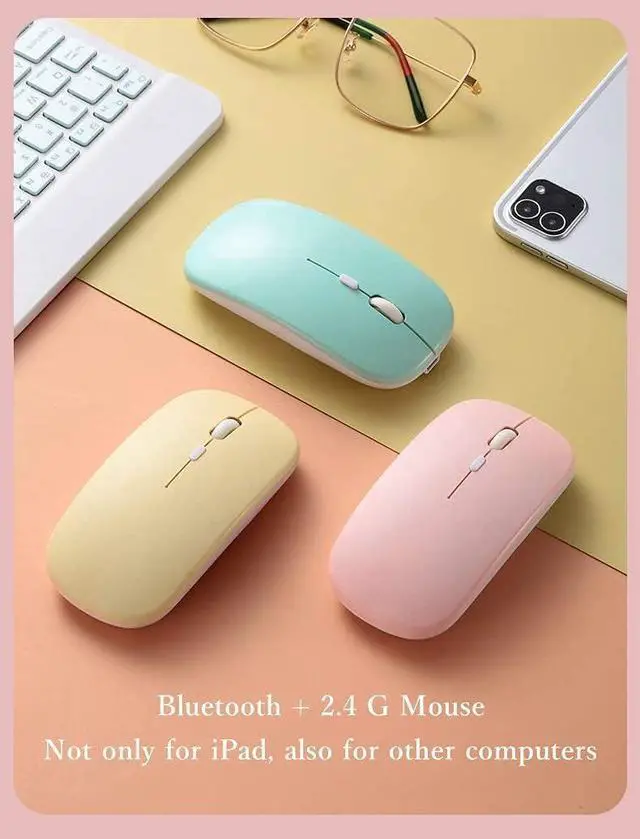



Any questions? Ask CelesteSM will help you find out quickly.
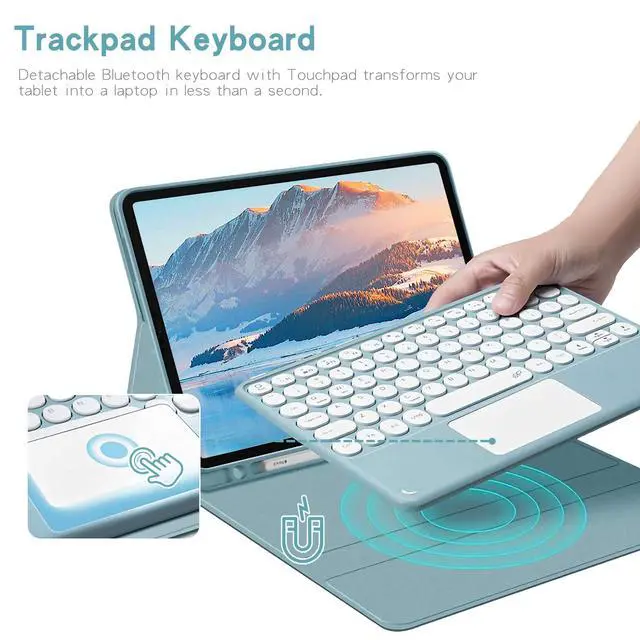
Pairing Instructions 1. Fully charge and power on the keyboard; indicator lights then shuts off. 2. Press **FN+C** to enter Bluetooth pairing mode. 3. Search and connect the keyboard in tablet Bluetooth settings. 4. Tap **FN+Q** to switch to Android mode for normal use. ### Important Notes - FN+C: Bluetooth pairingFN+Q: Android/Samsung mode - Auto-sleep after 15min idle; press any key to wake. - Bluetooth disconnects when tablet sleeps.
| Brand | Timoom |
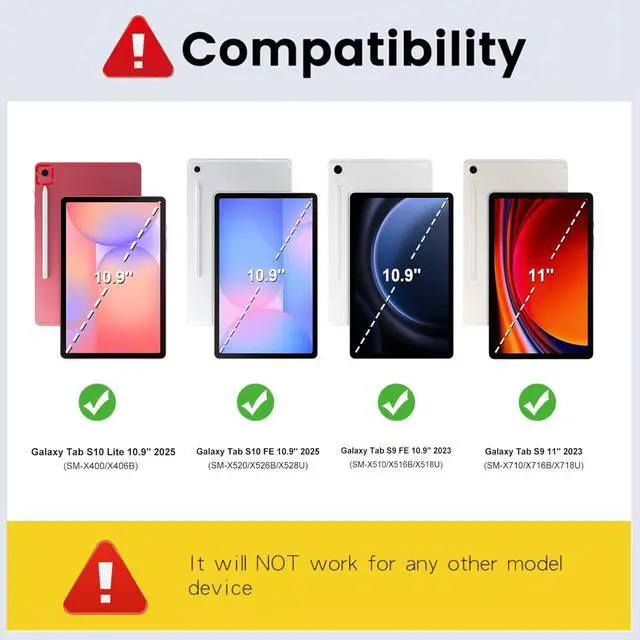
| Compatible Devices | Samsung Galaxy Tab S10 Lite 10.9''/S10 FE 10.9''/ S9 FE 10.9''/ S9 11'' |
| Connectivity Technology | Bluetooth |
| Keyboard Description | Multi Functional |
| Recommended Uses For Product | Personal |
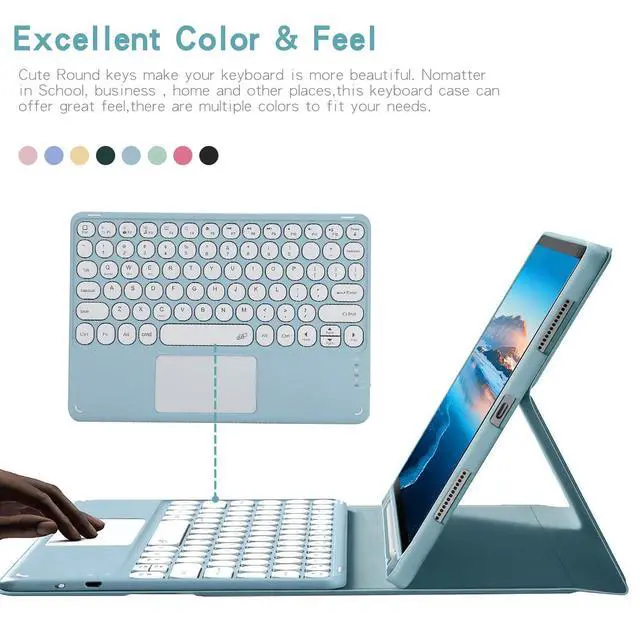
| Special Feature | Backlit |
| Color | Blue |
| Keyboard backlighting color support | RGB |
| Material | Acrylonitrile Butadiene Styrene |
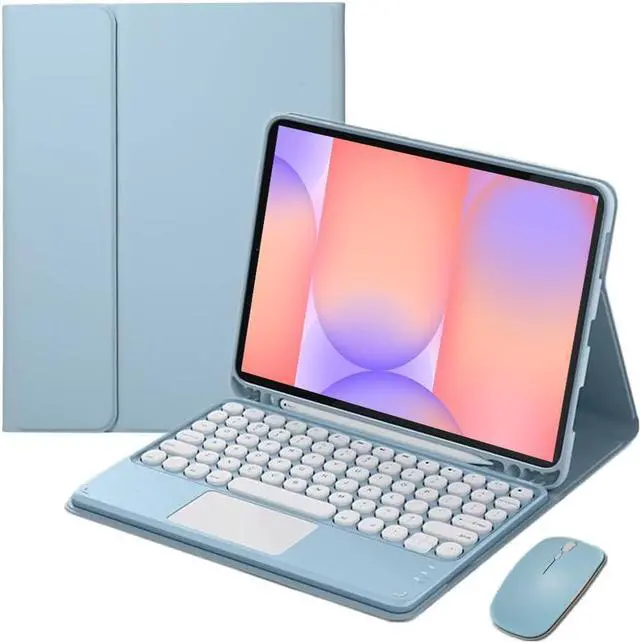
| Included Components | Bluetooth keyboard*1, Tablet Case*1, USB Cable, Wireless mouse*1 |
| Additional Features | Backlit |
| Enclosure Material | Acrylonitrile Butadiene Styrene |
| Antenna Location | Personal |
| Built-In Media | Bluetooth keyboard*1, Tablet Case*1, USB Cable, Wireless mouse*1 |
| Manufacturer | Wuzhuangtai |
| Warranty Description | 1Year |


