

Your Browsing History

Meet Your Seller

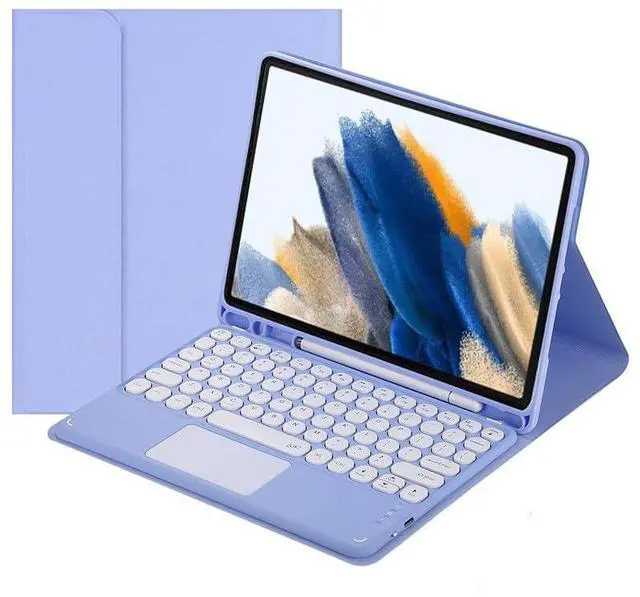


Magnetically Detachable Touch Bluetooth Keyboard Case with Pencil Holder for Samsung Tab A8 10.5" 2022(SM-X200/X205/X207),Purple
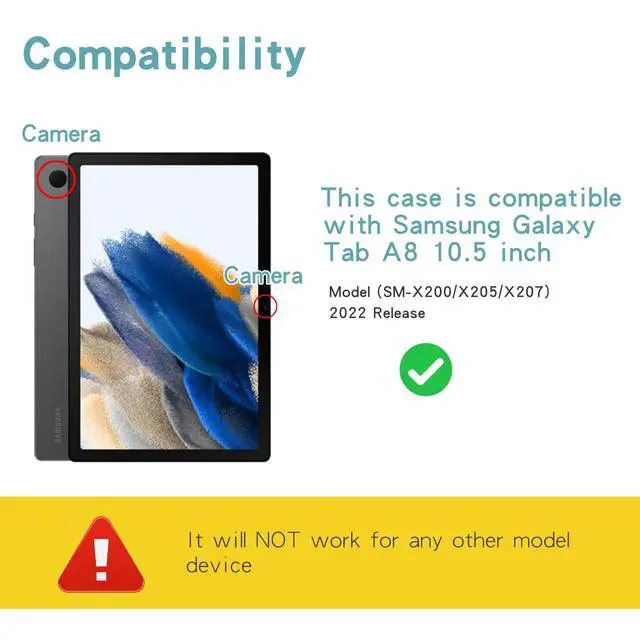
- Compatibility Only for Samsung Tab A8 10.5" (SM-X200/X205/X207); incompatible with other models.
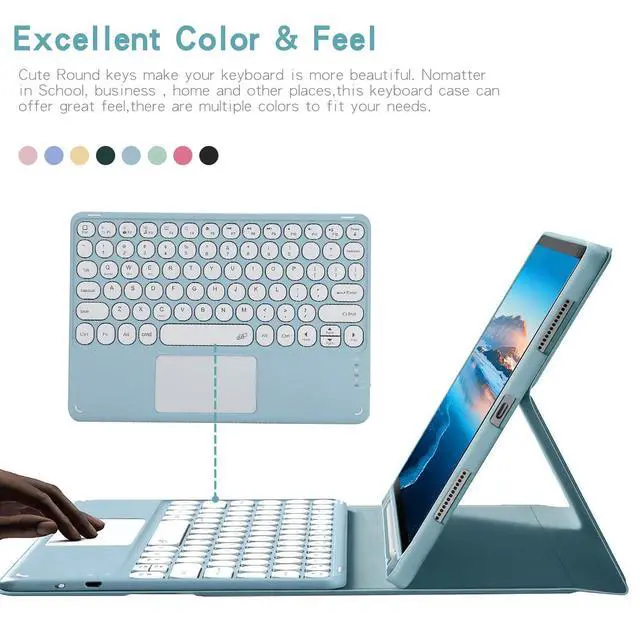
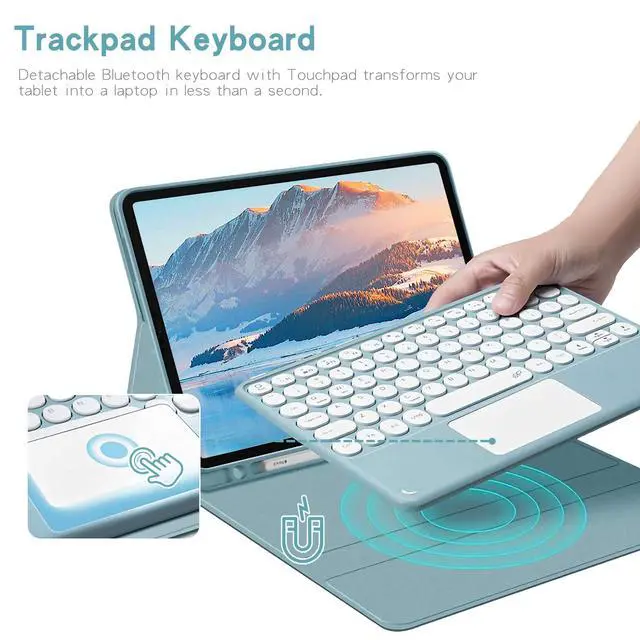
- Touchpad Keyboard Detachable Bluetooth keyboard with built-in touchpad turns tablet into laptop without an extra mouse.
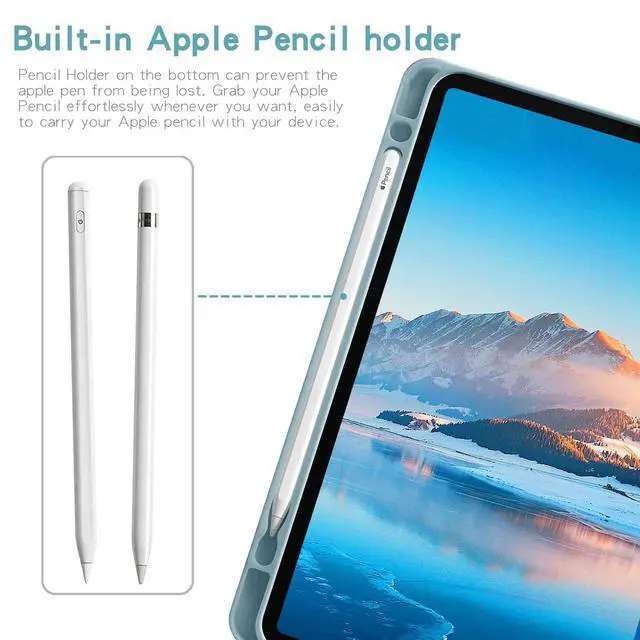
- Pencil Holder Bottom slot avoids stylus loss, **Pencil not included**.
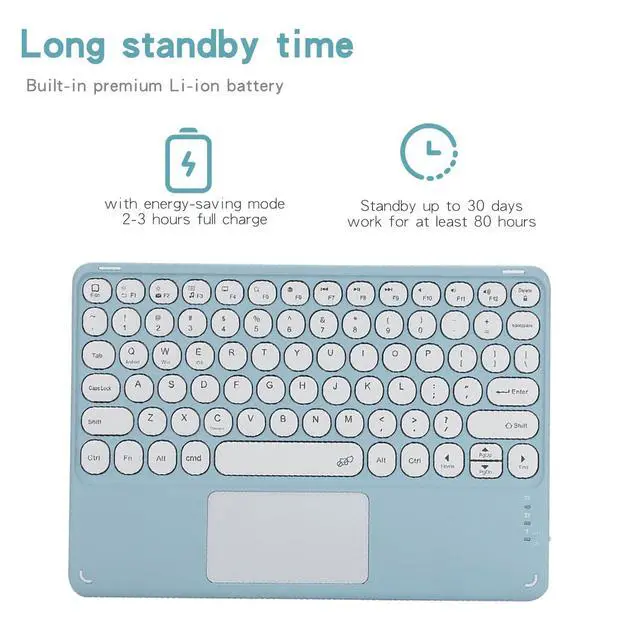
- Battery Performance 23 hours full charge; 80+ working hours, up to 30 days standby with power-saving design.
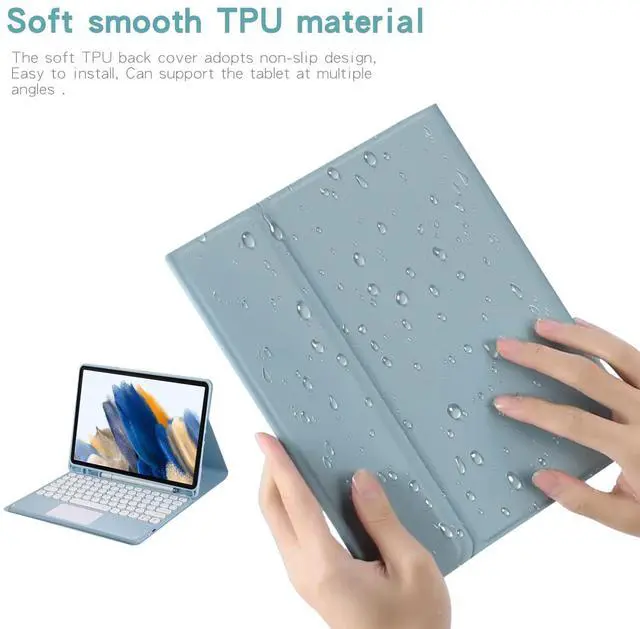
- TPU Protective Cover Non-slip soft TPU back shell, easy installation and multi-angle stand support.
- If you encounter any issues with your order, please avoid filing complaints or initiating returns directly. Instead, feel free to contact our customer service teamthey will wholeheartedly assist you in resolving the problem and provide a solution that meets your satisfaction. We value your experience and are committed to addressing any concerns you may have promptly and properly.Note: Tablets are not included in the product
+
+
Overview
Specs
Reviews

Any questions? Our AI mode will help you find out quickly.
Try me now
Pairing Steps 1. Fully charge and power on; indicator lights up then turns off. 2. Press **FN+C** simultaneously to activate Bluetooth pairing. 3. Locate and pair the keyboard in tablet Bluetooth settings. 4. After connection, press **FN+Q** to switch to Android mode for normal use.
Important Reminders - FN+C = Bluetooth pairingFN+Q = Samsung Android mode - Auto sleep after 15 minutes of inactivity; press any key to wake up. - Bluetooth disconnects automatically once the tablet enters sleep mode.
Product information
| Brand | Timoom |
| Compatible Devices | Samsung Galaxy Tab A8 10.5 Inch 2022 Model (SM-X200/X205/X207) |
| Connectivity Technology | Bluetooth |
| Keyboard Description | Multi Functional |
| Recommended Uses For Product | Personal |
| Special Feature | Backlit |
| Color | Purple |
| Keyboard backlighting color support | RGB |
| Material | Acrylonitrile Butadiene Styrene |
| Included Components | Bluetooth keyboard*1, Tablet Case*1, USB Cable, User Manual |
| Additional Features | Backlit |
| Compatible Tablet Computer Models | Samsung Galaxy Tab A8 10.5" (2021) |
| Number of Keys | 78 |
| Enclosure Material | Acrylonitrile Butadiene Styrene |
| Antenna Location | Personal |
| Built-In Media | Bluetooth keyboard*1, Tablet Case*1, USB Cable, User Manual |
| Manufacturer | Timoom |
| Warranty Description | 1Year |
Warranty & Returns
Warranty, Returns, And Additional Information
Warranty
- Please contact the Seller directly for warranty information. Warranty information may also be found on the Manufacturer's website.
- CONTACT
Return Policies
- Return for refund within: 30 days
- Return for replacement within: non-replaceable
- This item is covered by Top tech Store Return Policy
Manufacturer Contact Info
- For a directory of all our manufacturers, please click below.
- Manufacturers Directory
LOADING...