




 here!
here!
I’m your shopping assistant for PC builds, upgrades, and everything tech.
Got questions? Ask away!
Start a conversation
here!
I’m your shopping assistant for PC builds, upgrades, and everything tech.
Got questions? Ask away!
Start a conversation





Any questions? Ask CelesteSM will help you find out quickly.
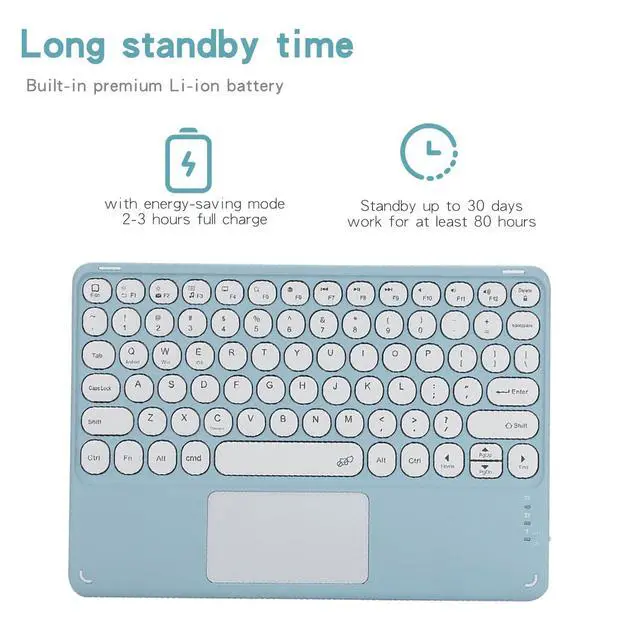
Keyboard Pairing Steps 1. Power on via the right-side button; power LED flashes then turns off for power saving (not defective). 2. Shortcut **FN+C** to activate pairing mode; Bluetooth light blinks. 3. Enable iPad Bluetooth in Settings, select the keyboard from searched list to pair. 4. Input displayed PIN code on keyboard and hit Enter if verification is required. 5. Bluetooth indicator turns off once pairing succeeds. 6. Press **FN+E** to switch to iOS mode for iPad use.
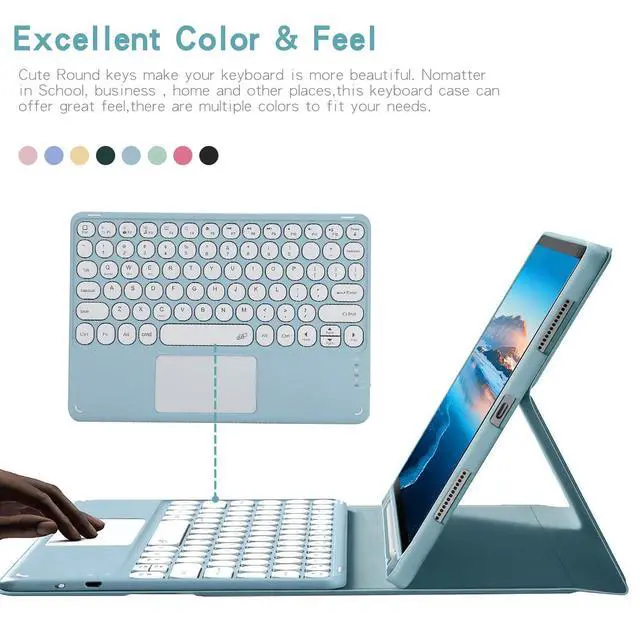
Trackpad Scroll Tip iPad defaults to Natural Scrolling (reverse scrolling vs Windows). Disable path: Settings > General > Trackpad & Mouse > Natural Scrolling
| Brand | Timoom |
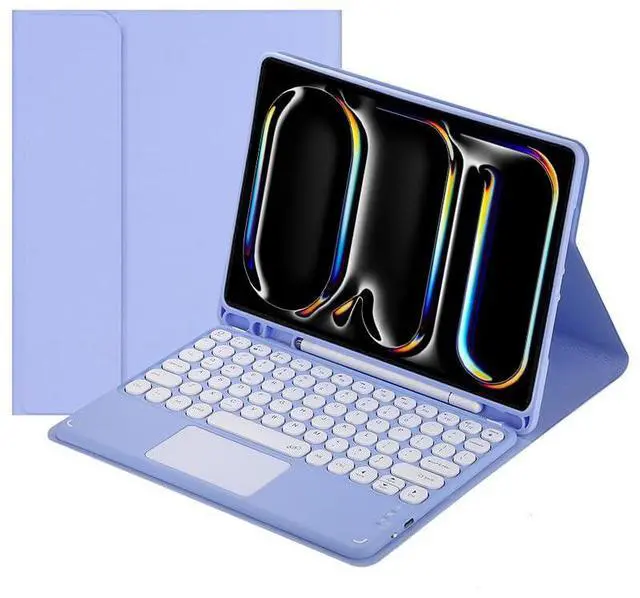
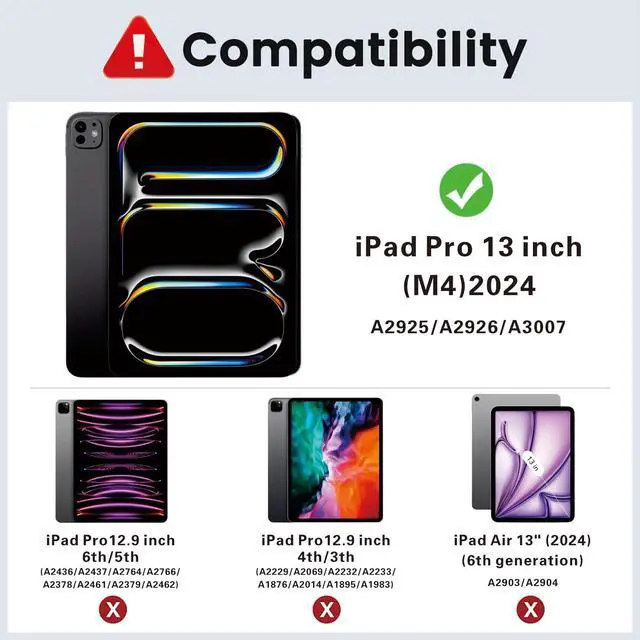
| Compatible Devices | iPad Pro 13 Inch 2024 (M4) (Model Number: A2925/A3007) |
| Connectivity Technology | Bluetooth |
| Keyboard Description | Multi Functional |
| Recommended Uses For Product | Personal |
| Special Feature | Backlit |
| Color | Purple |
| Keyboard backlighting color support | RGB |
| Material | Acrylonitrile Butadiene Styrene |
| Included Components | Bluetooth keyboard*1, Tablet Case*1, USB Cable, User Manual |
| Additional Features | Backlit |
| Number of Keys | 78 |
| Enclosure Material | Acrylonitrile Butadiene Styrene |
| Antenna Location | Personal |
| Built-In Media | Bluetooth keyboard*1, Tablet Case*1, USB Cable, User Manual |
| Manufacturer | Timoom |
| Warranty Description | 1Year |


