




 here!
here!
I’m your shopping assistant for PC builds, upgrades, and everything tech.
Got questions? Ask away!
Start a conversation
here!
I’m your shopping assistant for PC builds, upgrades, and everything tech.
Got questions? Ask away!
Start a conversation
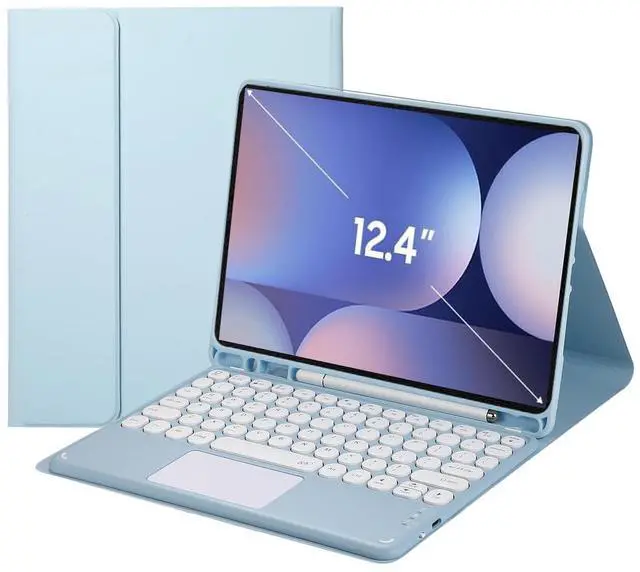



Any questions? Ask CelesteSM will help you find out quickly.
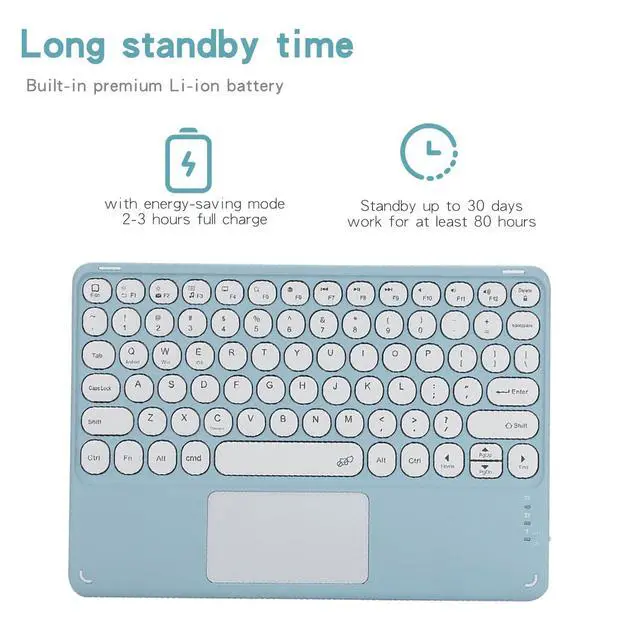
Pairing Instructions 1. Toggle the right-side power button; the power light flashes then turns off for power saving (not malfunction). 2. Shortcut **FN+C** to activate Bluetooth pairing mode; Bluetooth LED blinks. 3. Open iPad Settings Bluetooth, enable Bluetooth and select the keyboard from searched list to pair. 4. Input the displayed PIN via keyboard and hit Enter if passcode verification pops up. 5. Bluetooth indicator goes off once pairing succeeds. 6. Press **FN+E** to switch to iOS dedicated mode for iPad use.
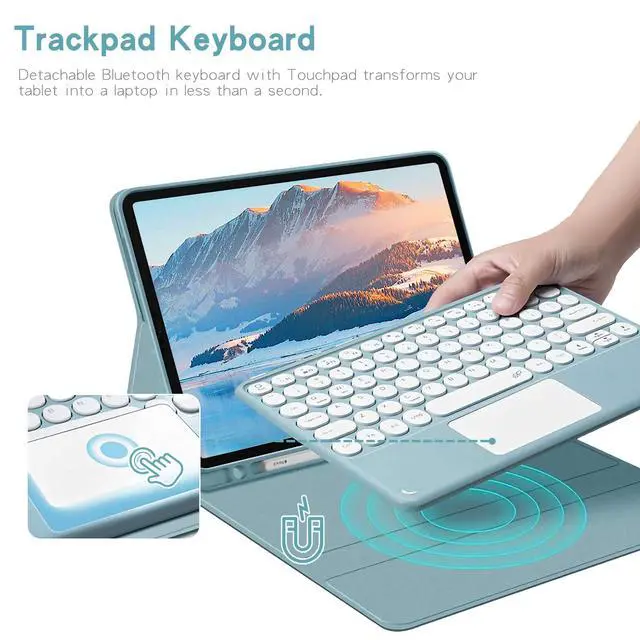
Trackpad Setting Tip iPad uses Natural Scrolling (opposite to Windows by default). Disable path: Settings > General > Trackpad & Mouse > Natural Scrolling
| Brand | Timoom |
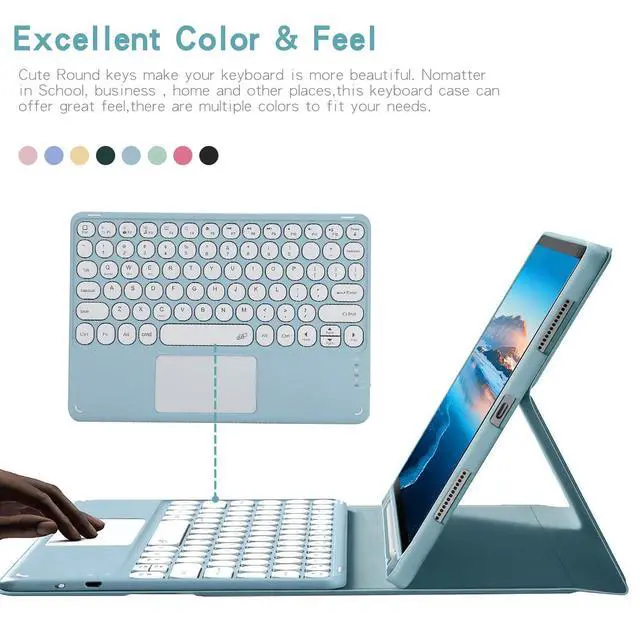
| Color | Blue |
| Battery Weight | 0.1 pounds |
| Battery Cell Type | lithium_ion |
| Enclosure Material | Acrylonitrile Butadiene Styrene |
| Manufacturer | Timoom |
| Battery Type | a |
| Number of Batteries | 1 |
| Lithium-Battery Packaging | batteries_packed_with_equipment |
| Lithium-Battery Energy Content | 1 watt_hours |
| Number of Items | 1 |
| Additional Features | Backlit |
| Are Batteries Included | true |
| Are Batteries Required | true |
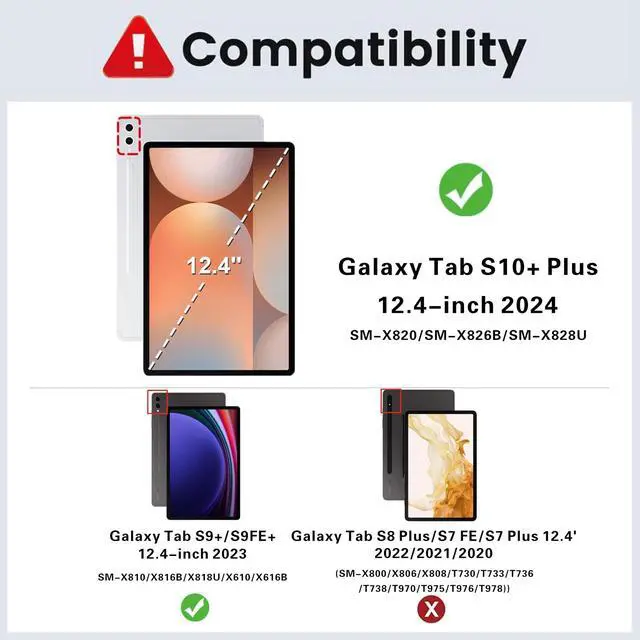
| Compatible Devices / 0 | Samsung Galaxy Tab S10+ Plus 12.4 inch (Model SM-X820/SM-X826B/SM-X828U) |
| Compatible Devices / 1 | Samsung Galaxy Tab S9+/S9 Plus 12.4 inch (Model SM-X810/X816B/X818U) |
| Compatible Devices / 2 | Samsung Galaxy Tab S9 FE+/S9 FE Plus 12.4 inch (Model SM-X610/X616B) |
| Built-In Media / 0 | Tablet Case*1 |
| Built-In Media / 1 | Bluetooth keyboard*1 |
| Built-In Media / 2 | USB Cable |
| Built-In Media / 3 | User Manual |
| Package Weight | 0.1 pounds |
| Keyboard Description | Multi Functional |
| Package Quantity | 1 |
| Connectivity Technology | Bluetooth |
| Item Package Dimensions | 1 L x 1 W x 1 H inches |
| Contains Battery or Cell | battery |
| Number of Lithium-ion Cells | 1 |
| Antenna Location | Personal |
| Keyboard Backlighting Color Support | rgb |
| Radio Frequency Emission & Authorization Status | has_fcc_id |
| FCC ID | 2AYK5-KPH-030 |
| Has Multiple Battery Powered Components | false |


