

Your Browsing History

Meet Your Seller

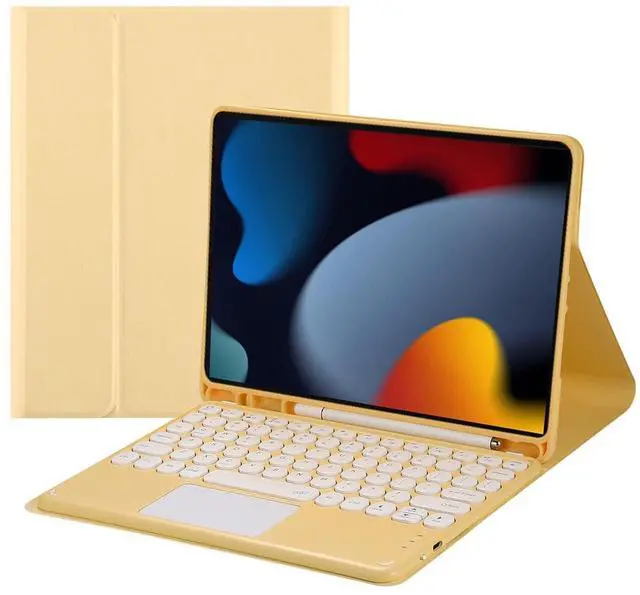


Magnetically Detachable Touch Bluetooth Keyboard Case with Pencil Holder for iPad 9th / 8th / 7th Gen 10.2" (2021/2020/2019), Yellow
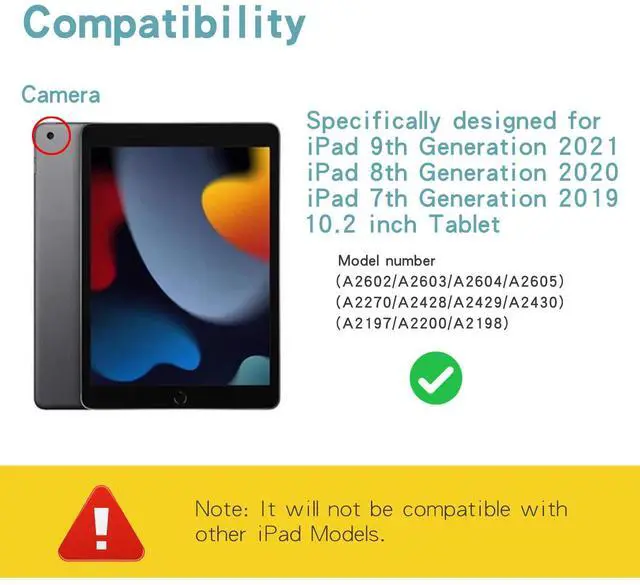
- Compatibility: Custom tailored for 10.2-inch iPad 9th Gen (2021: A2602/A2603/A2604/A2605), 8th Gen (2020: A2270/A2428/A2429/A2430) & 7th Gen (2019: A2197/A2200/A2198); not compatible with other iPad models.
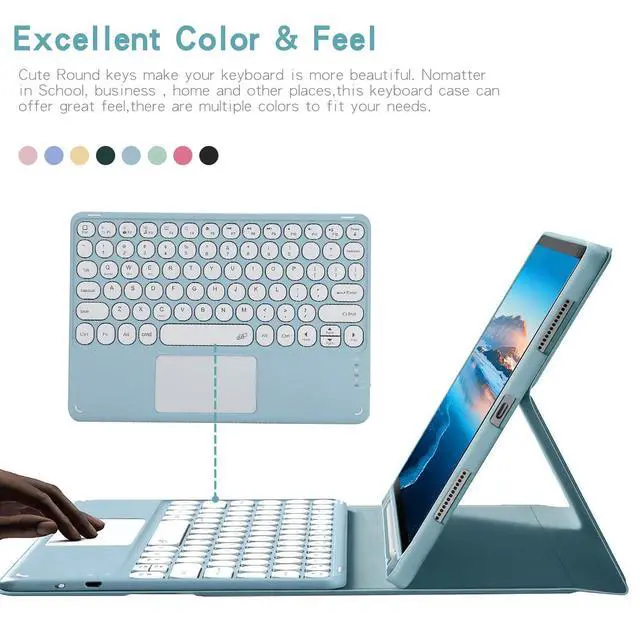
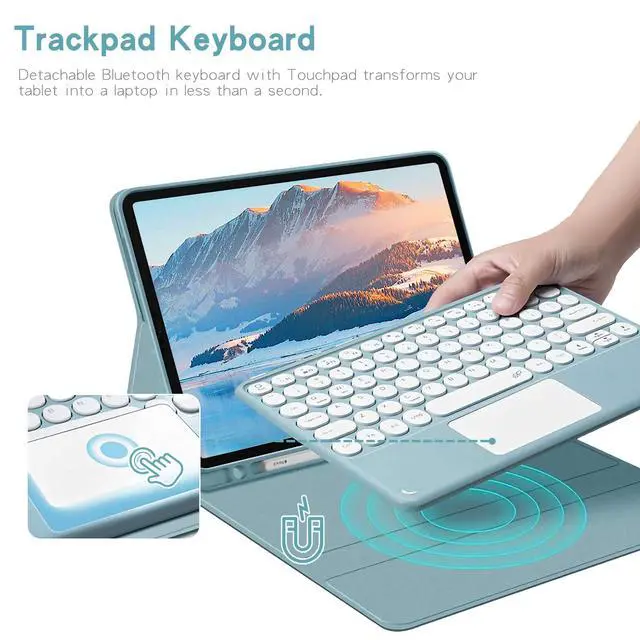
- Detachable Touchpad Bluetooth Keyboard: Magnetically detachable keyboard with built-in touchpad instantly turns your iPad into a laptop. Note: Requires iOS 13 or above; enable AssistiveTouch in Accessibility settings to activate touchpad functions.
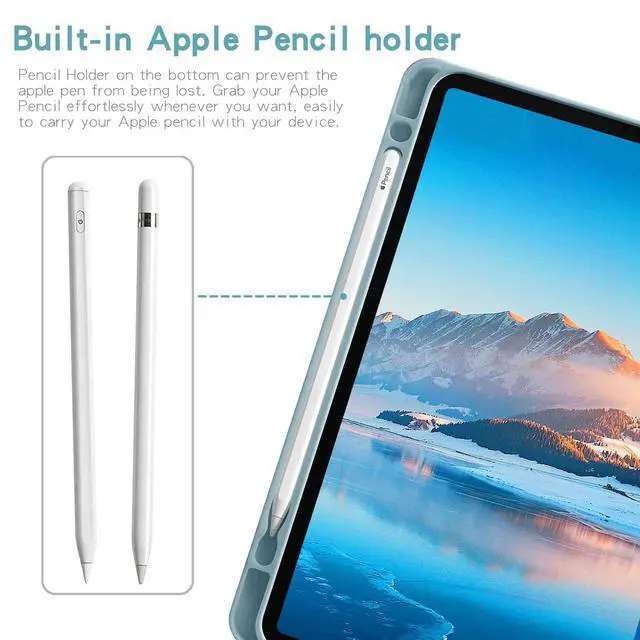
- Built-in Apple Pencil Slot: Bottom storage slot keeps your stylus securely stored to prevent loss; Apple Pencil is sold separately.
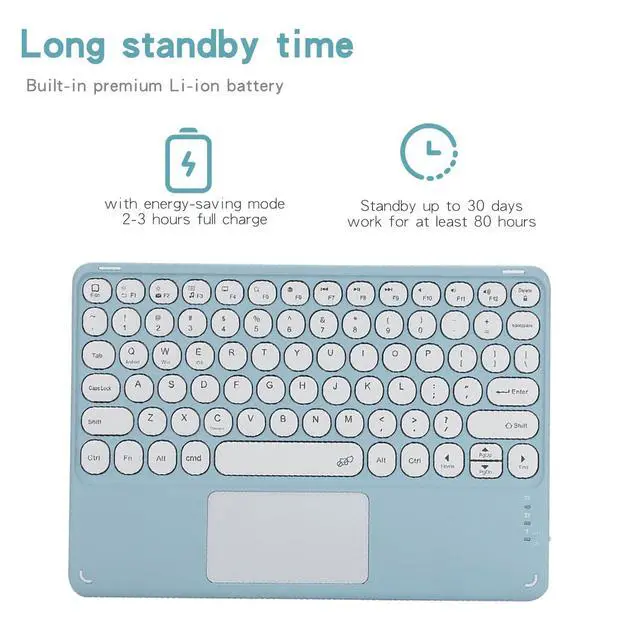
- Durable Battery Life: High-efficiency lithium battery fully charges within 23 hours, delivering up to 30 days standby time or 80 hours of continuous use.
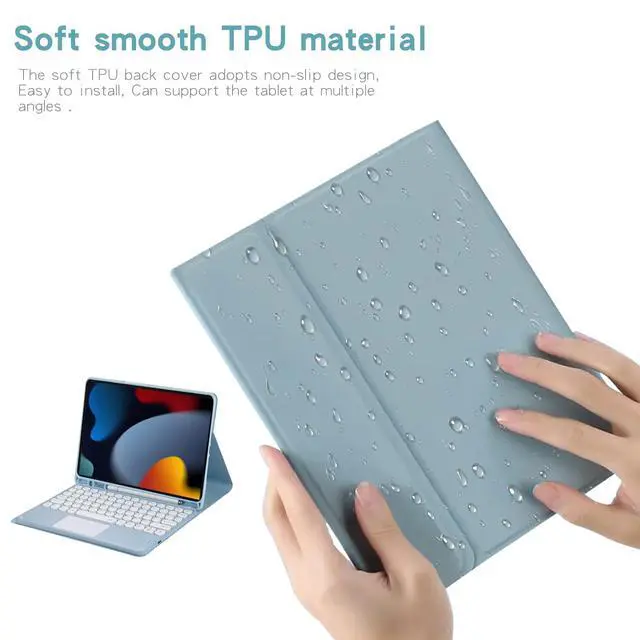
- Anti-slip Soft TPU Cover: Flexible non-slip TPU back shell for quick easy installation, multi-angle bracket supports flexible viewing for daily work & entertainment.
- If you encounter any issues with your order, please avoid filing complaints or initiating returns directly. Instead, feel free to contact our customer service teamthey will wholeheartedly assist you in resolving the problem and provide a solution that meets your satisfaction. We value your experience and are committed to addressing any concerns you may have promptly and properly.Note: Tablets are not included in the product.
+
+
Overview
Specs
Reviews

Any questions? Our AI mode will help you find out quickly.
Try me now
Pairing Steps
- Slide the power button on the keyboards right side. The power LED flashes then turns off automatically for power saving instead of malfunction.
- Press FN + C simultaneously to activate Bluetooth pairing mode; the Bluetooth indicator blinks.
- Go to iPad Settings > Bluetooth, enable Bluetooth and select the target keyboard from the searched list to complete pairing.
- If a PIN verification code pops up, input the code via the keyboard and hit Enter.
- The Bluetooth light shuts off once connected successfully.
- Shortcut FN+E to switch to dedicated iOS system mode for iPad use.
Touchpad Scroll Setup
iPad uses Natural Scrolling by default (opposite scrolling direction compared with Windows).
To reverse it: Settings > General > Trackpad & Mouse > Turn off Natural Scrolling
Product information
| Brand | Timoom |
| Compatible Devices | iPad 7th Generation 2019 (A2197/A2200/A2198), iPad 8th Generation 2020 (A2270/A2428/A2429/A2430), iPad 9th Generation 2021 (A2602/A2603/A2604/A2605) |
| Connectivity Technology | Bluetooth |
| Keyboard Description | Multi Functional |
| Recommended Uses For Product | Personal |
| Special Feature | Backlit |
| Color | Yellow |
| Keyboard backlighting color support | RGB |
| Material | Acrylonitrile Butadiene Styrene |
| Included Components | Bluetooth keyboard*1, Tablet Case*1, USB Cable, User Manual |
| Additional Features | Backlit |
| Number of Keys | 78 |
| Enclosure Material | Acrylonitrile Butadiene Styrene |
| Antenna Location | Personal |
| Built-In Media | Bluetooth keyboard*1, Tablet Case*1, USB Cable, User Manual |
| Manufacturer | Timoom |
| Warranty Description | 1Year |
Warranty & Returns
Warranty, Returns, And Additional Information
Warranty
- Please contact the Seller directly for warranty information. Warranty information may also be found on the Manufacturer's website.
- CONTACT
Return Policies
- Return for refund within: 30 days
- Return for replacement within: non-replaceable
- This item is covered by Top tech Store Return Policy
Manufacturer Contact Info
- For a directory of all our manufacturers, please click below.
- Manufacturers Directory
LOADING...