




 here!
here!
I’m your shopping assistant for PC builds, upgrades, and everything tech.
Got questions? Ask away!
Start a conversation
here!
I’m your shopping assistant for PC builds, upgrades, and everything tech.
Got questions? Ask away!
Start a conversation
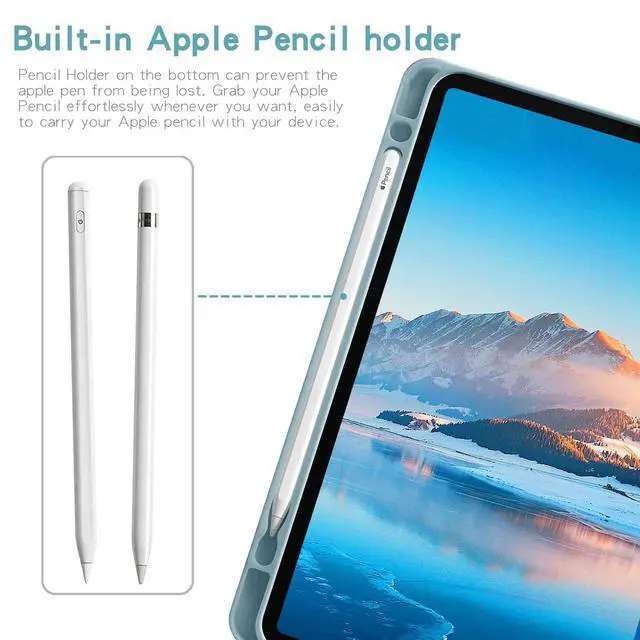
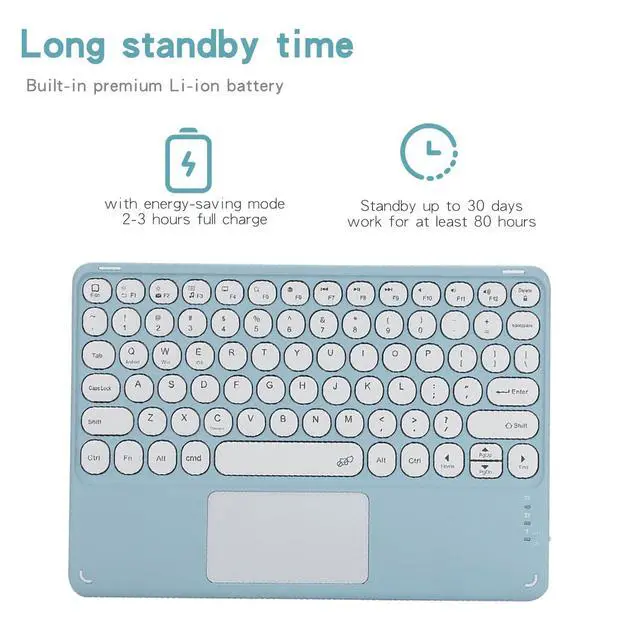
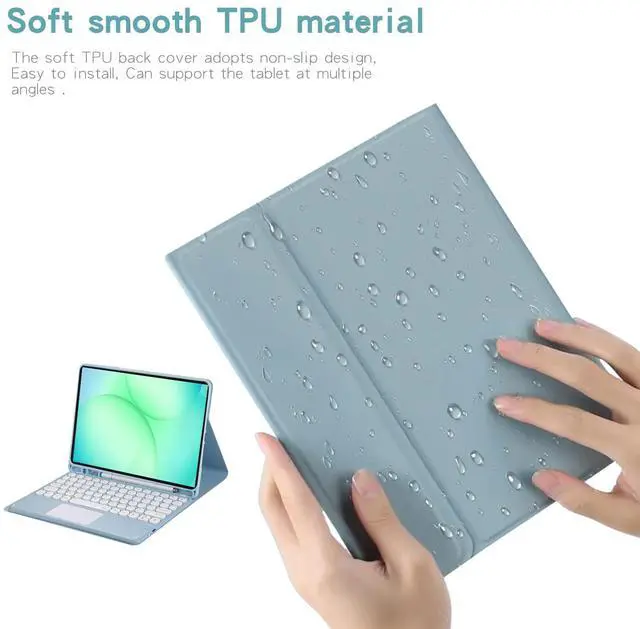



Any questions? Ask CelesteSM will help you find out quickly.
Pairing Instructions 1. Fully charge and turn on the keyboard. The indicator light will flash then turn off. 2. Press **FN + C** at the same time to enable Bluetooth pairing. 3. On your tablet, go to **Settings > Bluetooth** and search for the keyboard. 4. Tap the device name to connect. 5. Press **FN + Q** to switch to Android mode for normal use.
Important Reminders 1. Use **FN + C** to activate Bluetooth. 2. Use **FN + Q** for Samsung/Android system mode. 3. The keyboard sleeps after 15 minutes of inactivity; press any key to wake it. 4. Bluetooth will disconnect when the tablet enters sleep mode.
| Brand | Timoom |
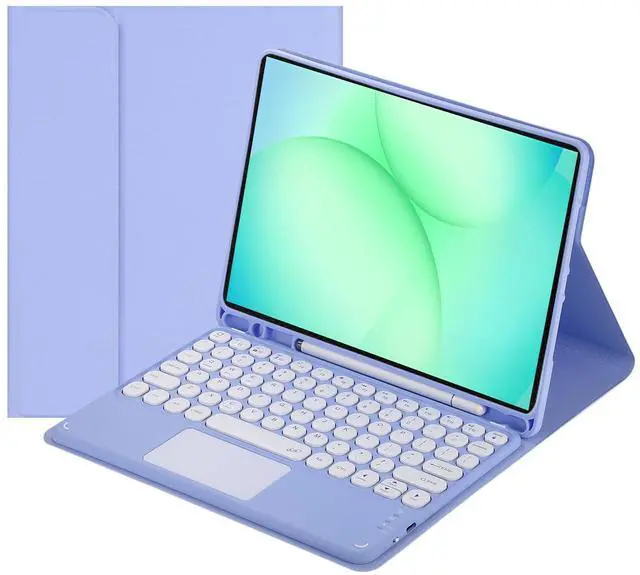
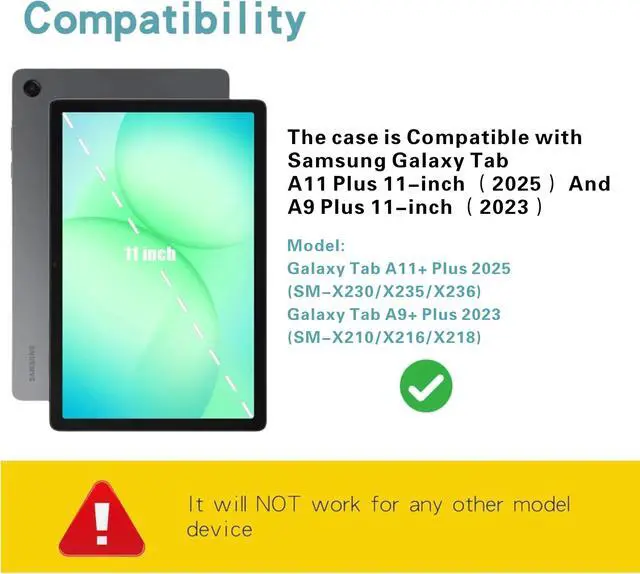
| Compatible Devices | Samsung Galaxy Tab A11+ / A11 Plus 11-inch 2025 release (models: SM-X230/X235/X236), Samsung Galaxy Tab A9+ / A9 Plus 11-inch 2023 release (models: SM-X210/X216/X218) |
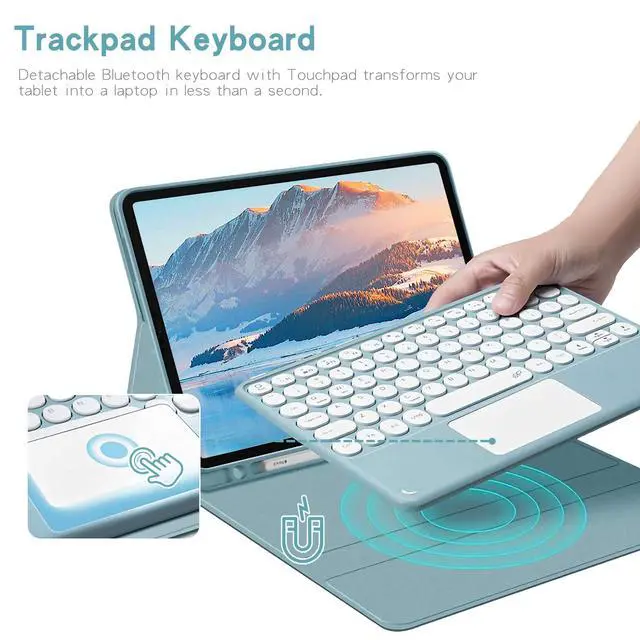
| Connectivity Technology | Bluetooth |
| Keyboard Description | Multi Functional |
| Recommended Uses For Product | Personal |
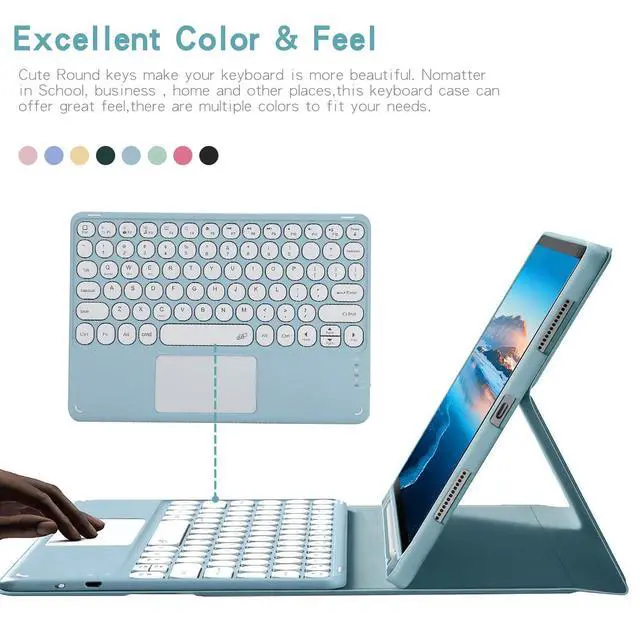
| Special Feature | Backlit |
| Color | Purple |
| Material | Acrylonitrile Butadiene Styrene |
| Included Components | Bluetooth keyboard*1, Tablet Case*1, USB Cable, User Manual |
| Number of Buttons | 78 |
| Additional Features | Backlit |
| Button Quantity | 78 |
| Enclosure Material | Acrylonitrile Butadiene Styrene |
| Antenna Location | Personal |
| Built-In Media | Bluetooth keyboard*1, Tablet Case*1, USB Cable, User Manual |
| Manufacturer | Timoom |
| Warranty Description | 1Year |


