

Your Browsing History

Meet Your Seller

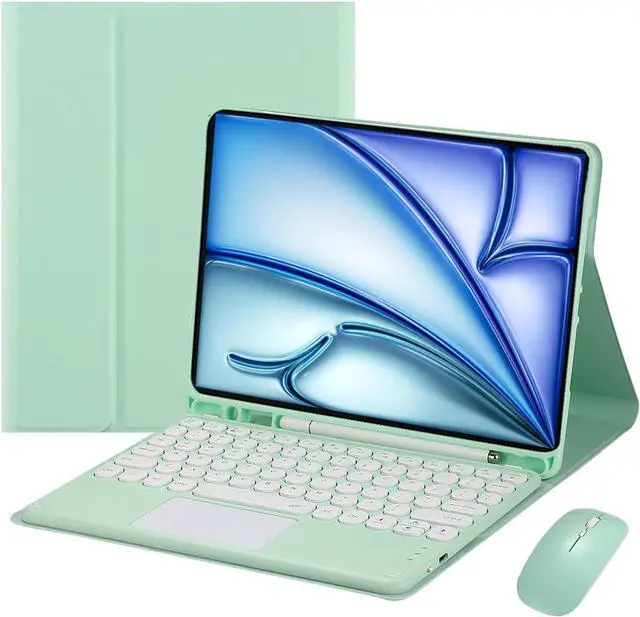
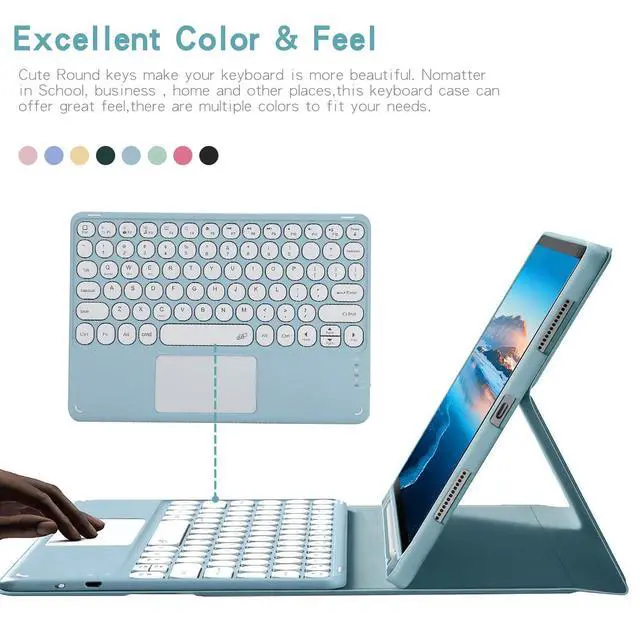


Magnetically Detachable Touch Bluetooth Keyboard Case with Mouse for iPad Air 11" M3(2025)/M2(2024), iPad Air 5th/4th Gen 10.9" (2022/2020),Green
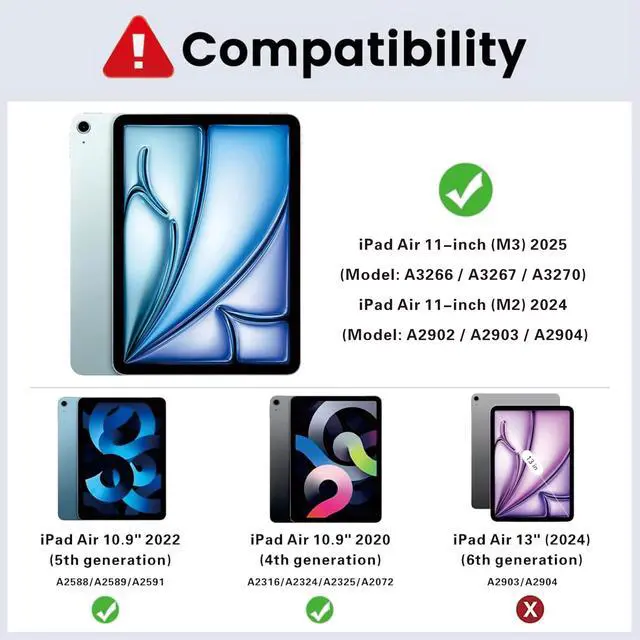
- **Compatibility**: Fits iPad Air 11" M3 2025 (A3266/A3267/A3270), M2 2024 (A2899/A2900), 10.9" 5th Gen 2022 (A2588/A2589/A2591) & 4th Gen 2020 (A2072/A2316/A2324/A2325). Not for other models.
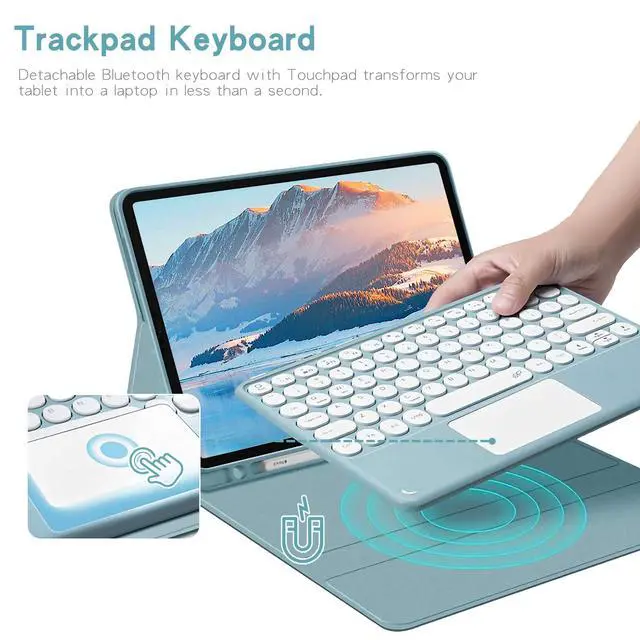
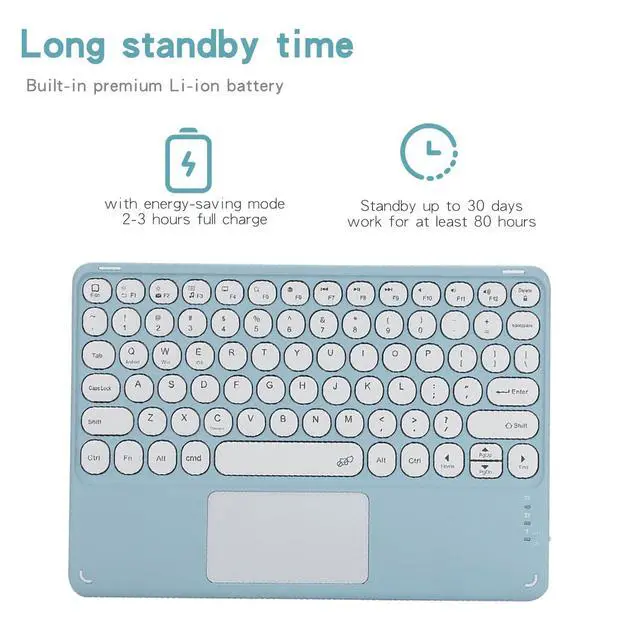
- **Trackpad Keyboard**: Detachable Bluetooth keyboard with trackpad. Requires iOS 13.0+; enable AssistiveTouch in Accessibility to use the trackpad.
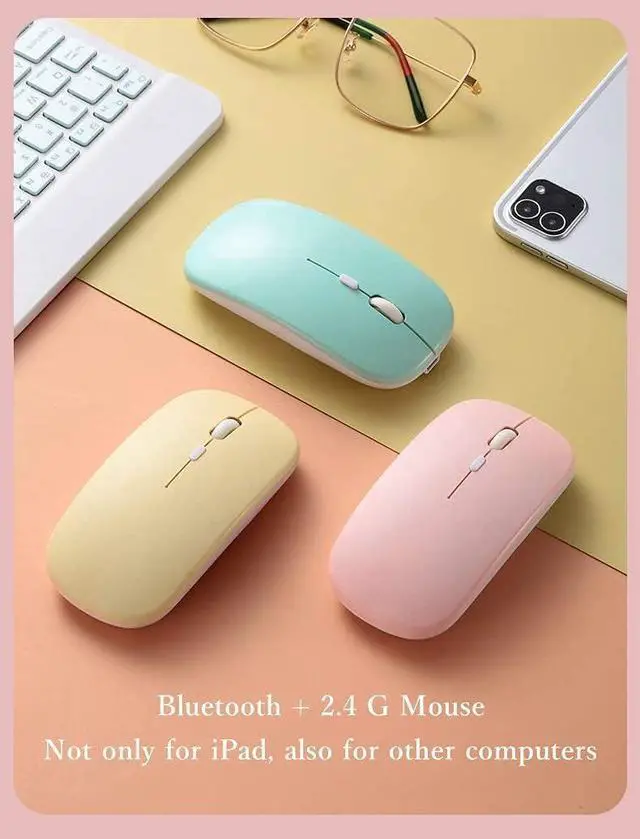
- **Dual-mode Mouse**: Supports Bluetooth and 2.4G connection, works with iPad and other devices.
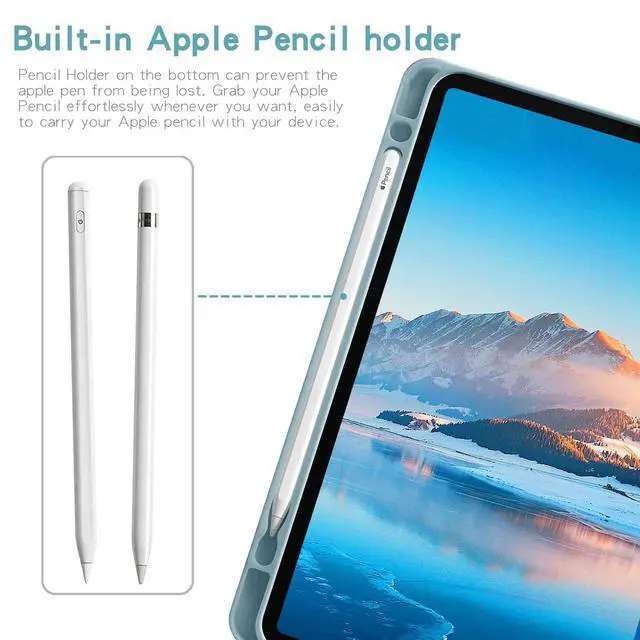
- **Pencil Holder**: Built-in slot for Apple Pencil. *Apple Pencil not included*.
- **Long Battery Life**: Fully charges in 2-3 hours, 30-day standby and 80 hours of use.
- If you encounter any issues with your order, please avoid filing complaints or initiating returns directly. Instead, feel free to contact our customer service teamthey will wholeheartedly assist you in resolving the problem and provide a solution that meets your satisfaction. We value your experience and are committed to addressing any concerns you may have promptly and properly.Note: Tablets are not included in the product.
+
+
Overview
Specs
Reviews

Any questions? Our AI mode will help you find out quickly.
Try me now
Ultra-concise version iPad Keyboard Pairing 1. Power on the keyboard. Hold **FN+C** to start pairing. 2. Turn on iPad Bluetooth and connect to the keyboard. 3. Input PIN and hit **Enter** if prompted. 4. Hold **FN+E** to switch to iPad mode. Scroll Adjustment Disable **Natural Scrolling** in Settings > General > Trackpad & Mouse.
Product information
| Brand | Timoom |
| Compatible Devices | iPad Air 11-inch M3 (2025) / M2 (2024), iPad Air 5th / 4th 10.9 Inch |
| Connectivity Technology | Bluetooth |
| Keyboard Description | Multi Functional |
| Recommended Uses For Product | Personal |
| Special Feature | Backlit |
| Color | Green |
| Keyboard backlighting color support | RGB |
| Material | Acrylonitrile Butadiene Styrene |
| Included Components | Bluetooth keyboard*1, Tablet Case*1, USB Cable, Wireless mouse*1 |
| Additional Features | Backlit |
| Number of Keys | 78 |
| Enclosure Material | Acrylonitrile Butadiene Styrene |
| Antenna Location | Personal |
| Built-In Media | Bluetooth keyboard*1, Tablet Case*1, USB Cable, Wireless mouse*1 |
| Manufacturer | Timoom |
| Warranty Description | 1Year |
Warranty & Returns
Warranty, Returns, And Additional Information
Warranty
- Please contact the Seller directly for warranty information. Warranty information may also be found on the Manufacturer's website.
- CONTACT
Return Policies
- Return for refund within: 30 days
- Return for replacement within: non-replaceable
- This item is covered by Top tech Store Return Policy
Manufacturer Contact Info
- For a directory of all our manufacturers, please click below.
- Manufacturers Directory
LOADING...