




 here!
here!
I’m your shopping assistant for PC builds, upgrades, and everything tech.
Got questions? Ask away!
Start a conversation
here!
I’m your shopping assistant for PC builds, upgrades, and everything tech.
Got questions? Ask away!
Start a conversation
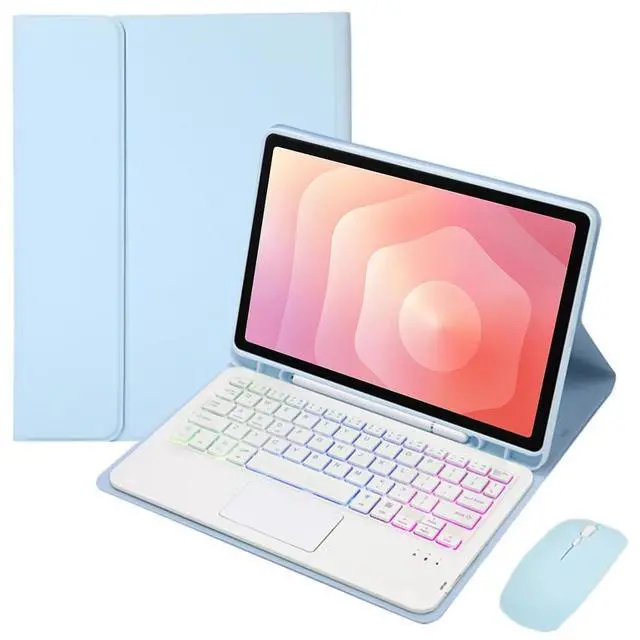
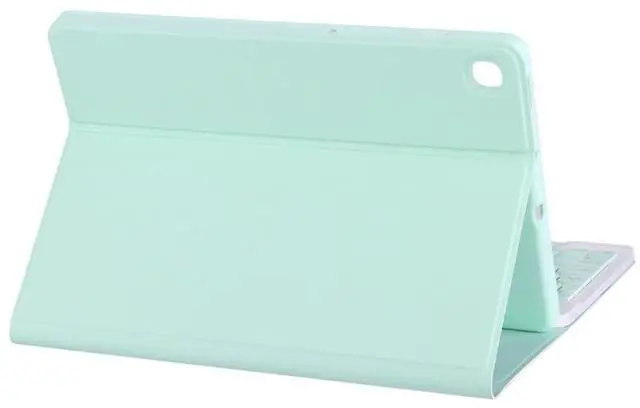
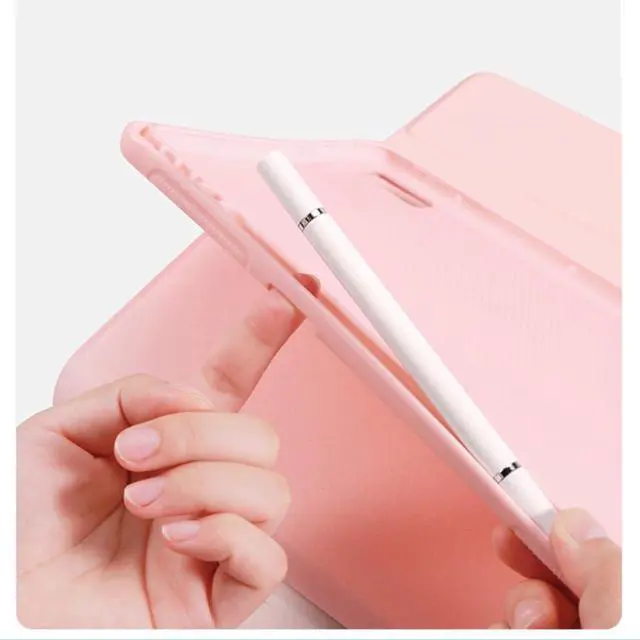
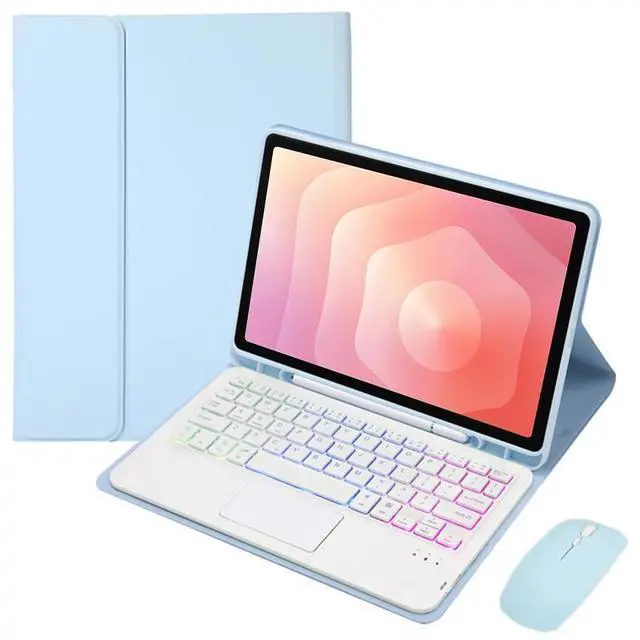
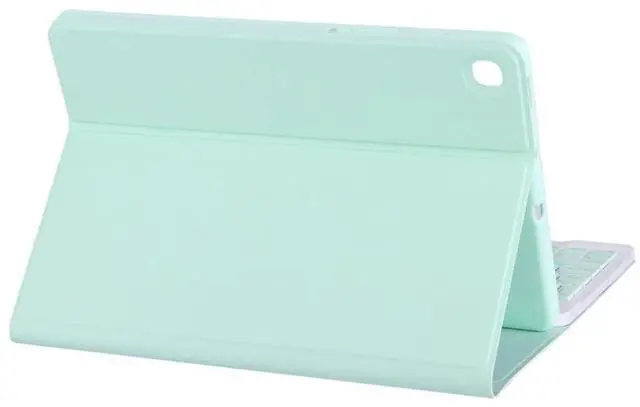



Any questions? Ask CelesteSM will help you find out quickly.
Tablet and pencil in picture not included!!!
Packaged products:
1 x Case
1 x BT Wireless Keyboard
1 x BT Wireless mouse
2 x USB Charging Cords
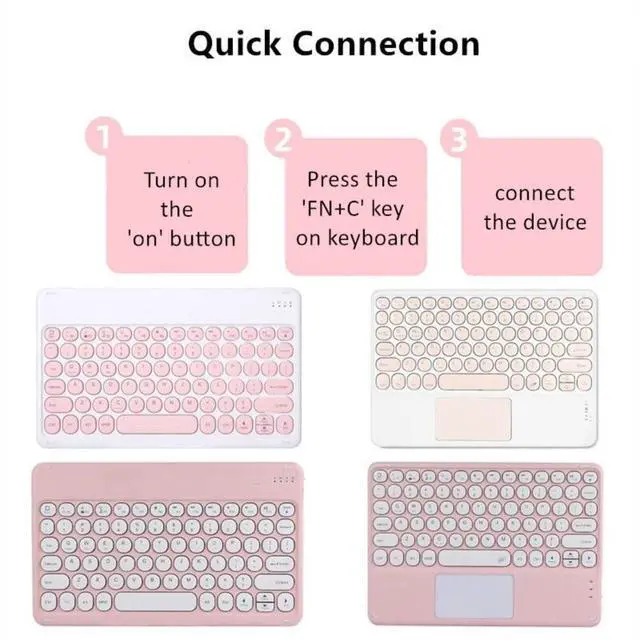
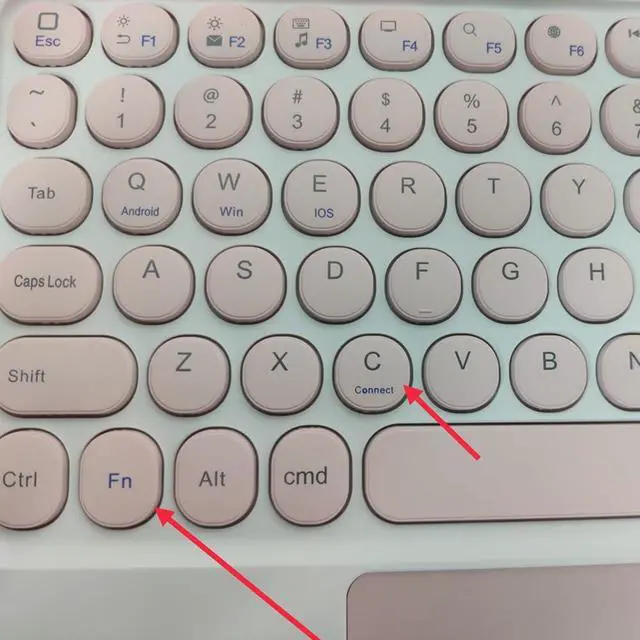
After the keyboard is turned on, you need to press "Fn+C" on the keyboard to enter the connection mode. The "Fn" key is next to the "Ctrl" key.
| Brand | Timoom |
| Compatible Devices | Tablet |
| Connectivity Technology | Bluetooth |
| Keyboard Description | Standalone |
| Recommended Uses For Product | Office |
| Special Feature | Backlit, Case, Rechargeable, Trackpad |
| Color | Sky Blue |
| Material | Synthetic Leather, Plastic |
| Included Components | Case, BT Wireless Keyboard, BT Wireless Mouse, 2 x USB Charging Cords |
| Power Source | USB Powered |
| Additional Features | Backlit, Case, Rechargeable, Trackpad |
| Hand Orientation | Ambidextrous |
| Enclosure Material | Synthetic Leather, Plastic |
| Antenna Location | Office |
| Built-In Media | Case, BT Wireless Keyboard, BT Wireless Mouse, 2 x USB Charging Cords |
| Manufacturer | Timoom |
| Warranty Description | Please contact the seller directly for warranty information for this product. |


