Your Browsing History
Meet Your Seller
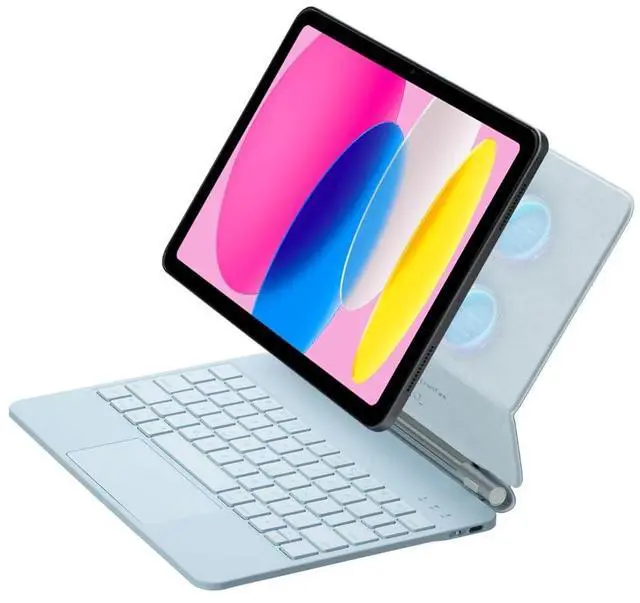
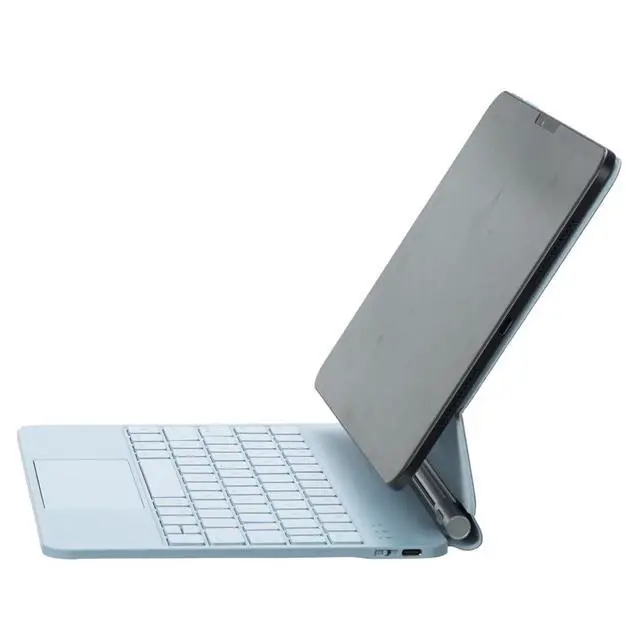
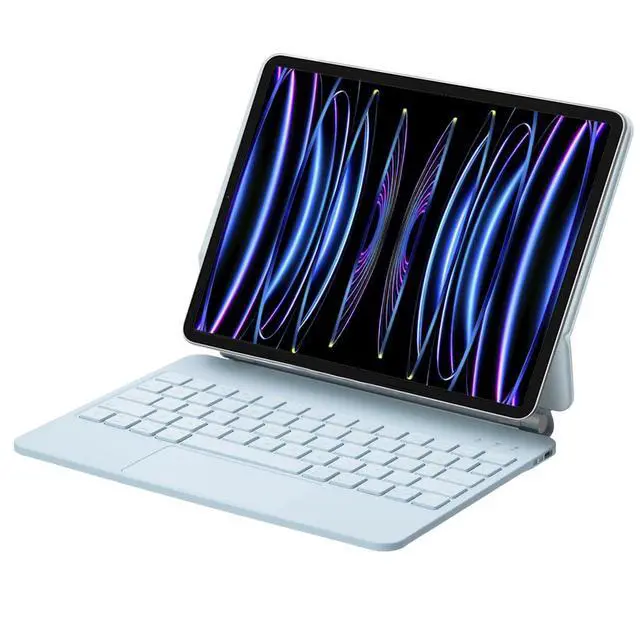
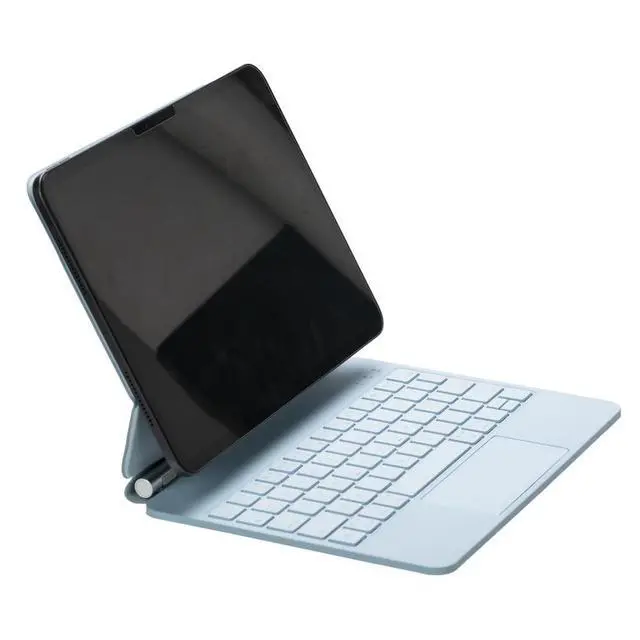
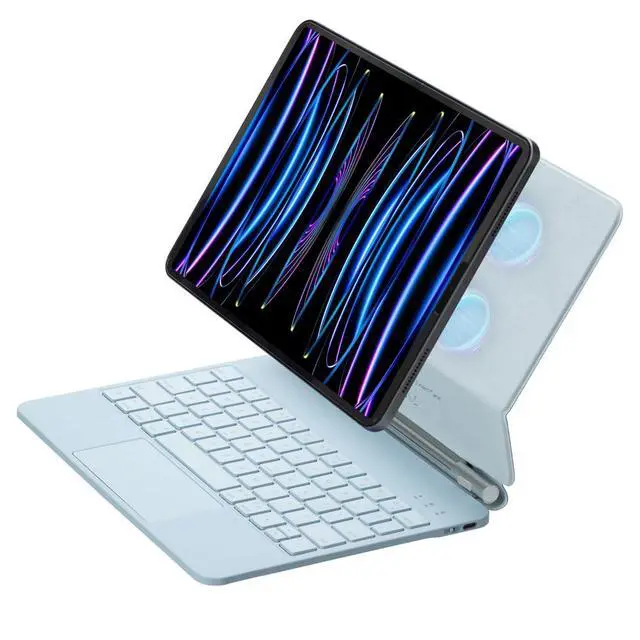
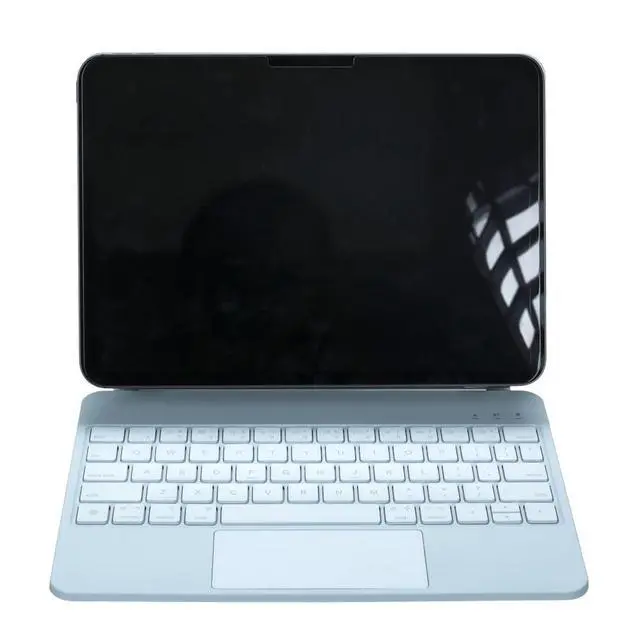
Magic Backlit Trackpad Keyboard Magnetic Case for iPad A16 2025 / iPad 11 Gen 11" A3355/A3356/A3354, Rechargeable US English Keypad (Blue)
- CompatibilityFits iPad A16 2025 / iPad 11th Gen 11" (A3355/A3356/A3354). Tablet is not included.
- All-in-One Laptop DesignQuickly turn your iPad into a mini laptop for typing, reading, video watching and drawing.
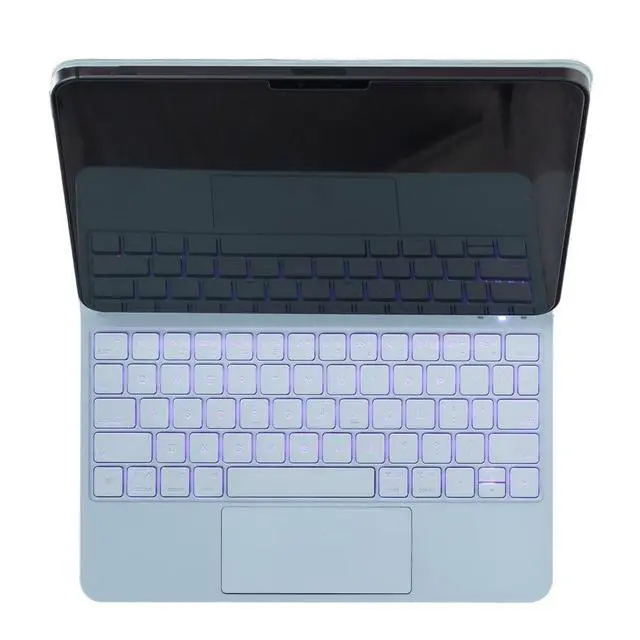
- US English Layout & 7-Color Backlit KeyboardStandard US layout with 7 adjustable rainbow backlight colors for free switching.Strong Magnetic BackPowerful magnetic panel firmly holds your iPad to prevent slipping or falling.
- Multi-Touch Trackpad Operation GuideEnable cursor function: Settings > Accessibility > Touch > AssistiveTouch
- Adjust trackpad sensitivity: Go to Settings > Touch/Mouse to customize pointer speed.
- If you encounter any issues with your order, please avoid filing complaints or initiating returns directly. Instead, feel free to contact our customer service teamthey will wholeheartedly assist you in resolving the problem and provide a solution that meets your satisfaction.We value your experience and are committed to addressing any concerns you may have promptly and properly.Note: Tablets are not included in the product.
+
+
Overview
Specs
Reviews
Any questions? Our AI beta will help you find out quickly.
Try me now
Timoom Magic Backlit Trackpad Keyboard Magnetic Case (Blue)
Turn your iPad into a laptop-style setup in seconds. This Timoom keyboard case is designed specifically for iPad A16 (2025) / iPad 11th Generation 11-inch models A3355/A3356/A3354, combining protection, a rechargeable Bluetooth keyboard, and an integrated trackpad for easier navigation.
Key Features
- Compatibility: iPad A16 (2025) / iPad 11th Gen 11-inch (A3355/A3356/A3354). Tablet not included.
- US English : Familiar US layout for faster, more accurate typing.
- Integrated Trackpad: Cursor control and gesture support for productivity.
- Magnetic Back: Helps stabilize the iPad and supports flexible viewing angles.
- 7-Color Backlit Keys: Adjustable lighting for comfortable low-light typing.
Trackpad Setup (iPadOS)
Enable the touchpad mouse function: Settings > Accessibility > Touch > AssistiveTouch > On. You can also adjust trackpad/cursor speed in iPad Settings under Touch/Mouse options.
Whats in the Box
- 1 x Keyboard Case
- 1 x USB Charging Cable
- 1 x User Manual
Warranty & Returns
Warranty, Returns, And Additional Information
Warranty
- Please contact the Seller directly for warranty information. Warranty information may also be found on the Manufacturer's website.
- CONTACT
Return Policies
- Return for refund within: 30 days
- Return for replacement within: non-replaceable
- This item is covered by Top tech Store Return Policy
Manufacturer Contact Info
- For a directory of all our manufacturers, please click below.
- Manufacturers Directory
LOADING...