

Your Browsing History
- Free 30-day Returns
$89.99



Meet Your Seller

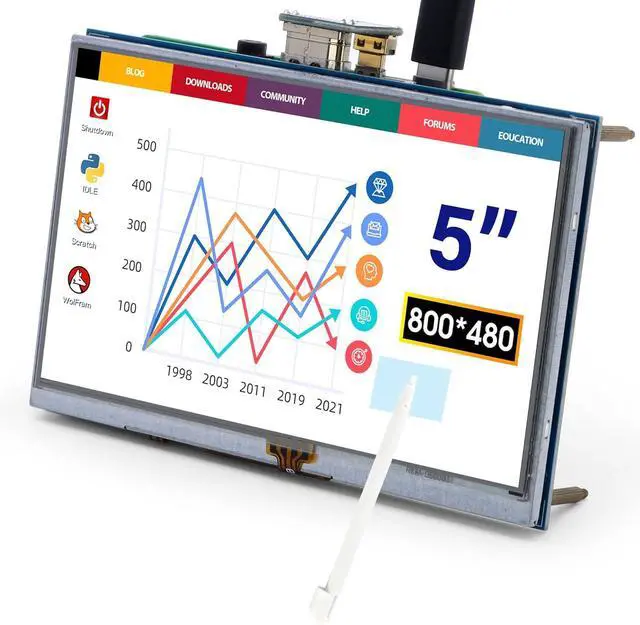
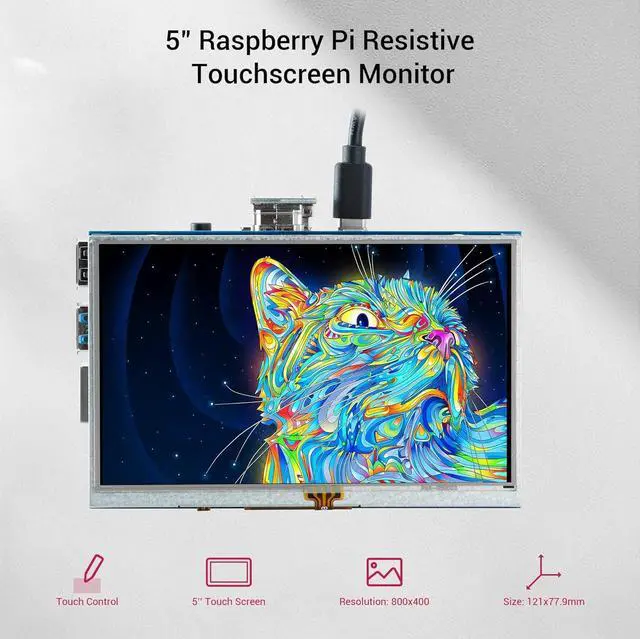


5-Inch Resistive Touch Screen TFT LCD Display, 800x480 HD Resolution, Compatible with Raspberry Pi 5/4/3/2B/Zero, Banana Pi, Jetson Nano, Windows 11/10/8/7
- 800*480 HD Resolution: The 5-inch monitor for Raspberry Pi has an 800*480 LCD screen, high-resolution picture, large viewing angle, fast response time, and full-color display. It supports manual backlight control, and the backlight switch can be turned off to lower power consumption
- Industrial-Grade Resistive Touchscreen: The resistive touchscreen comes with a touch pen for easy use. It also supports gloved hands or non-conductive tools. Ideal for harsh environments (dust, moisture) with 1 million touch lifespan
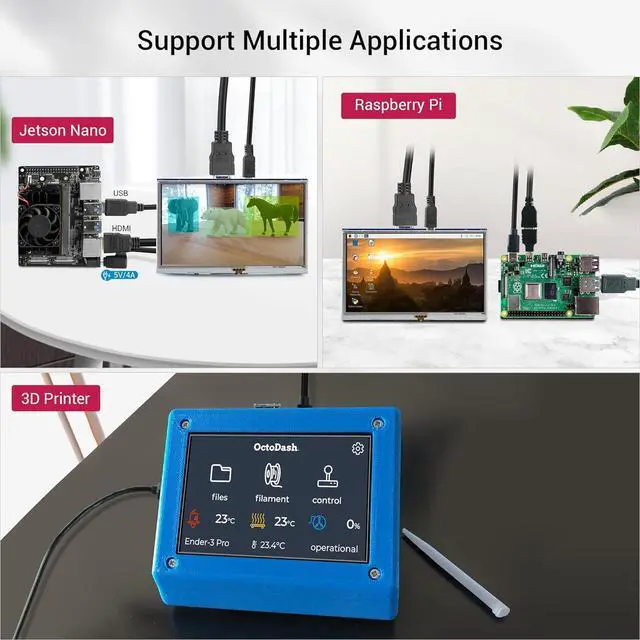
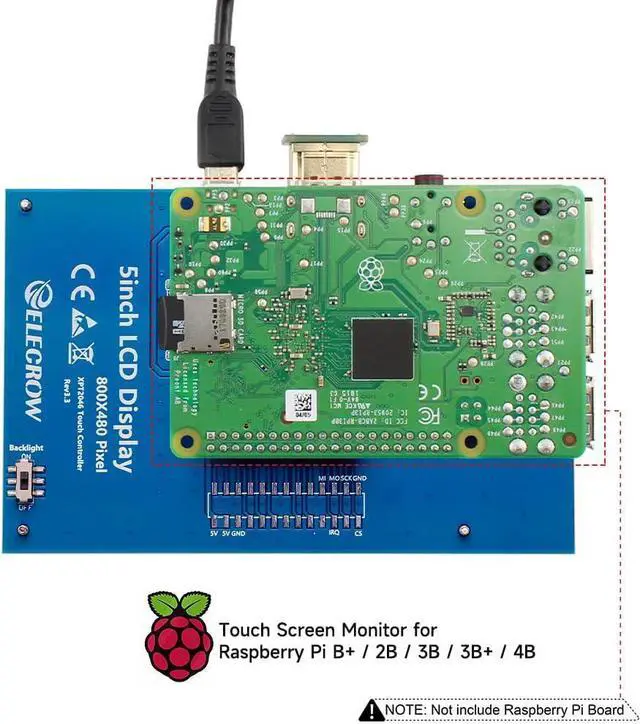
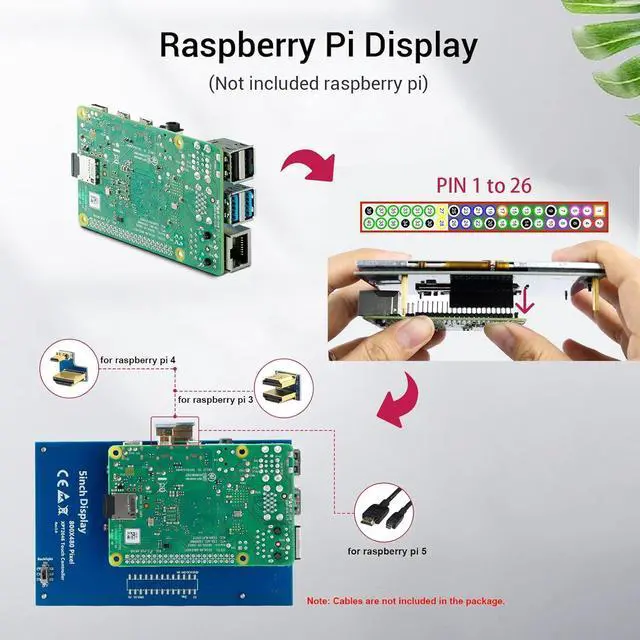
- Multi-Platform Compatibility: Just plug it directly when used as Pi touch screen; compatible with Raspberry Pi 5/4/3B+/3B/2B+/Zero, GPIO for touch function and power supply, HD interface for display
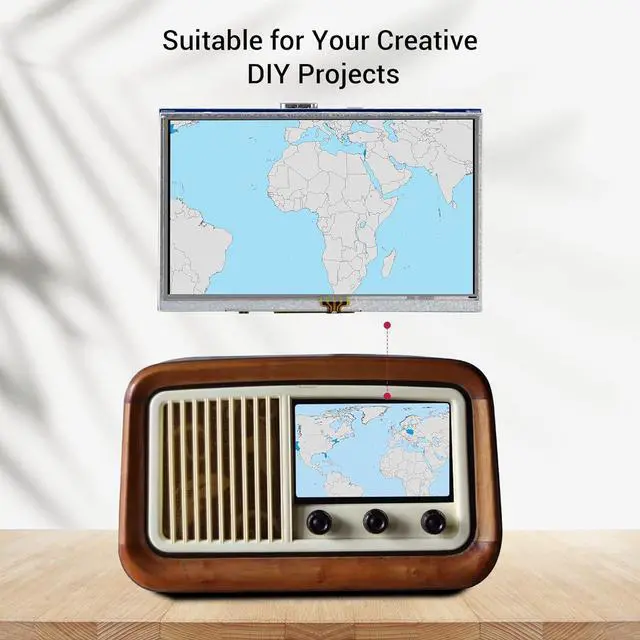
- Note: This mini LCD can also work with standard HDMI-compatible devices such as a PC monitor. Please adjust output resolution to 800*480 and use a 5V 2A power supply to power it; the touch function is not available in this case
- Package included: 5 inch touchscreen x1, CD x1, Touch Pen x1, HD Adapter x1, Copper Pillars (4PCS) x1. For any technical issues, our support team is ready to assist you
+
+
Overview
Specs
Reviews

Any questions? Our AI mode will help you find out quickly.
Try me now
How to install driver to get Touchscreen work?
Online installation (RPi need to be connected to the Internet)
1) Log onto the Pi by Putty SSH (User: pi; Password: raspberry)
2) Download the driver from github then execute the following command
chmod -R 755 LCD-show
cd LCD-show/
sudo ./LCD5-show
3) Wait for a moment after executing, then you can use the corresponding Raspberry LCD.

When you test the item and find the screen appear to be blank white, white line, black screen, no touch function and flashing etc?
Please modify the config.txt to adjust the output resolution. Details refer to user manual.

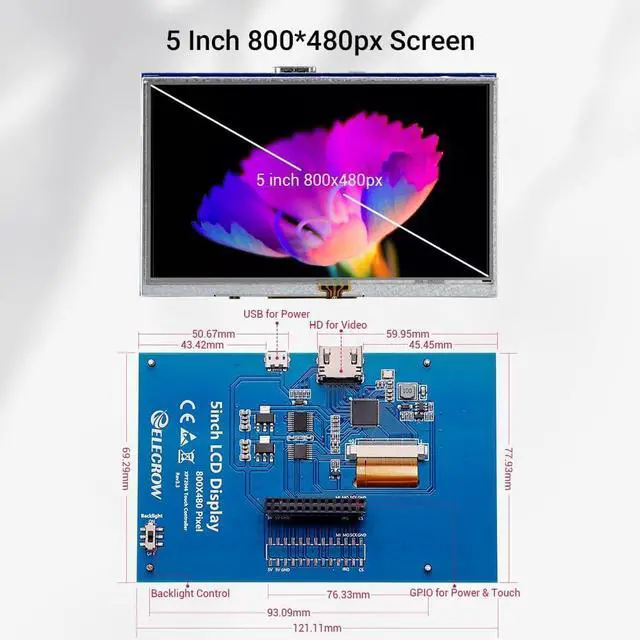
1. Micro USB: get 5V power (not need when connect by GPIO)
2. HD interface: Audio/video transmission
3. Backlight switch: turn on/off the backlight (save power)
4. GPIO (13*2): get 5V power& touch function
5. Extended interface

5 Inch Touch Display x1
Dual HD Connector x1
Micro HD to HD Connector x1
Copper Pillars (4pcs) x1
Touch Pen x1
CD x 1
Specifications:
5" TFT LCD Module
Resolution: 800x480
Touch Screen Type: Resistive
LCD driver IC: ILI9486L
Refresh rate: 60Hz
LCD Size: 121.11 mm x 77.93 mm
Compatible Devices & OS:
1. The monitor can work with standard HDMI-compatible devices (adjust output resolution to 800*480), while the touch function is only available for Raspbian and Ubuntu systems.
2. Touch panel function NOT supported---Retropie, Windows 10 IOT, Kodi, Windows 10/8/7, Jetson Nano.
3. When working with Raspberry Pi 4, for the system image after 2021-10-30, for example, on Bullseye, please modify "dtoverlay = vc4-kms-v3d" to "dtoverlay = vc4-fkms-v3d" in the config file, otherwis,e it may fail to start. But on Buster, please comment out "dtoverlay = vc4-fkms-V3D" by adding #.
Warranty & Returns
Warranty, Returns, And Additional Information
Warranty
- Please contact the Seller directly for warranty information. Warranty information may also be found on the Manufacturer's website.
- CONTACT
Return Policies
- Return for refund within: 30 days
- Return for replacement within: 30 days
- This item is covered by B-IN Electronics Return Policy
Manufacturer Contact Info
- For a directory of all our manufacturers, please click below.
- Manufacturers Directory
LOADING...