Installation Guide
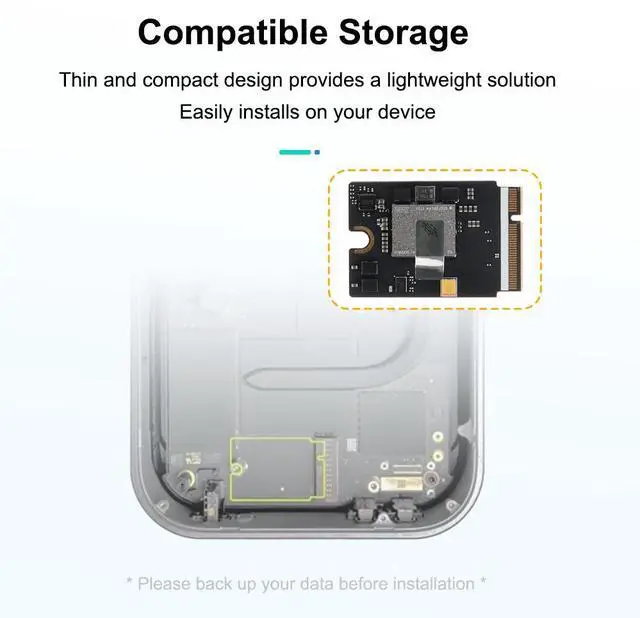
Upgrading your Mac mini with this SSD module requires careful preparation.
Here are some key points to consider before you begin:
Opening the device:
This process involves removing the bottom cover of the Mac mini using a metal pry tool. Please note that this may cause minor scratches on the bottom edge of the aluminum chassis, but these scratches will not be visible during normal use.
Critical Data Backup:
Back up your data before you begin. Due to Apple's security features, you will not be able to recover data from your previous SSD after installing the new SSD.
System Recovery Required:
After installation, you will need another macOS device (2015 or later, including Hackintosh) to complete the setup, as your Mac mini will enter DFU mode and require a firmware update.
For detailed step-by-step instructions, check out our comprehensive guide on kingsener:
Confidence Statement
This replacement SSD module is a reliable solution to extend the life of your Mac mini M4 or enhance its storage capacity. Please make sure to follow the above guidelines to ensure a smooth installation process.
Q&A:
Will you design a 4TB or 8TB storage module?
No. Mac mini M4 supports up to 2TB.
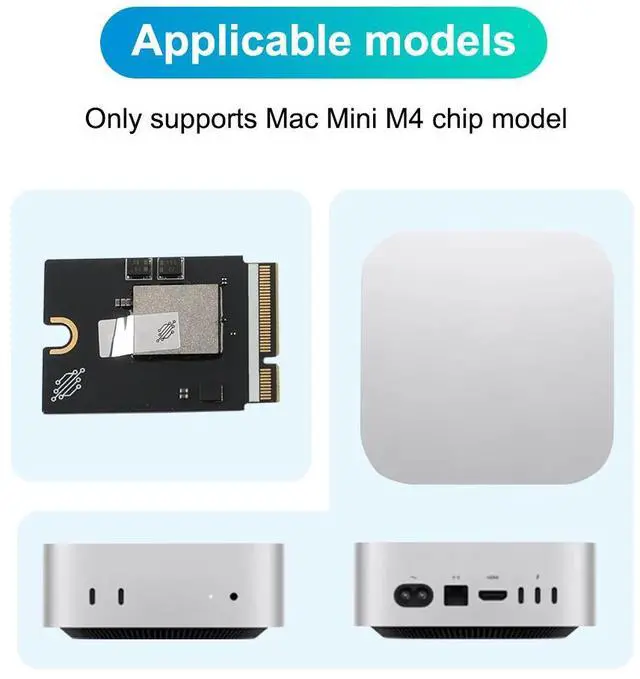
Will this module support Mac mini M4 Pro?
No.
Will you design a storage module for Mac mini M4 Pro?
We are already working on the design verification, and the pre-order link will be online after the samples are properly tested, so stay tuned.
Can it be installed without a second Mac? Not yet.
Features:
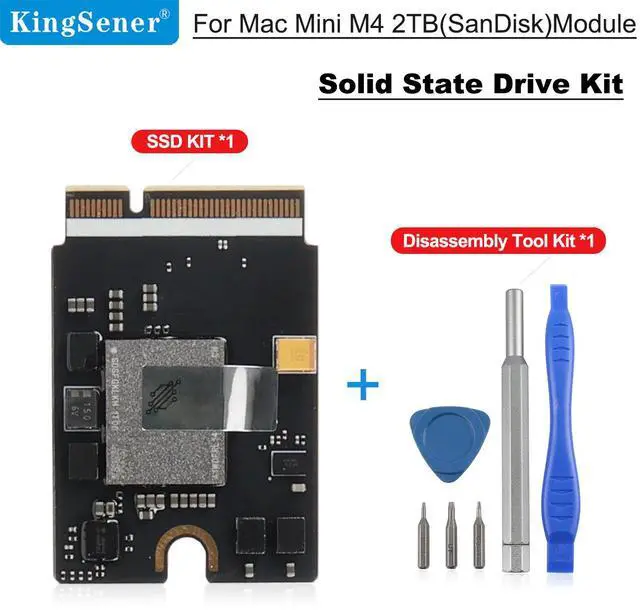
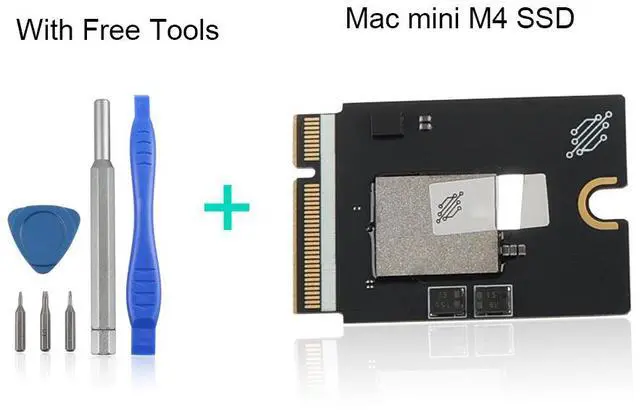
No soldering required; you can install and replace it yourself.
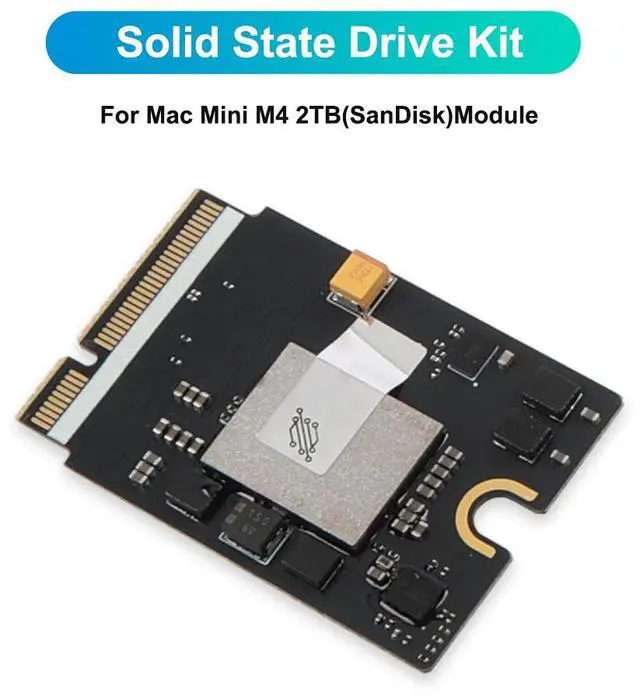
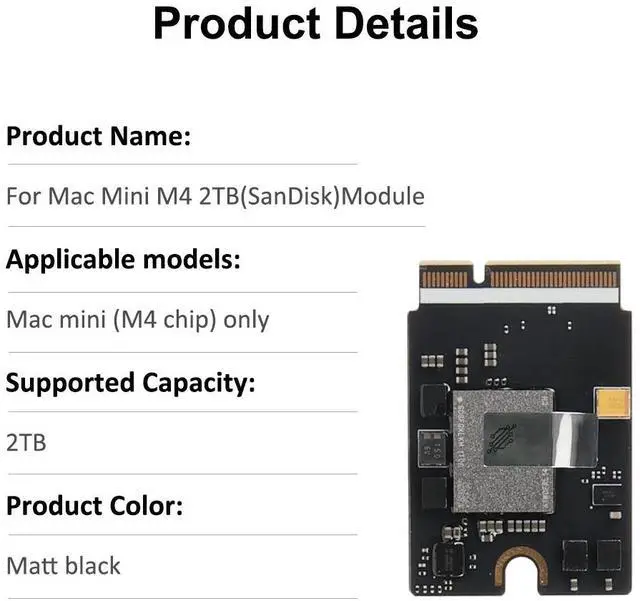
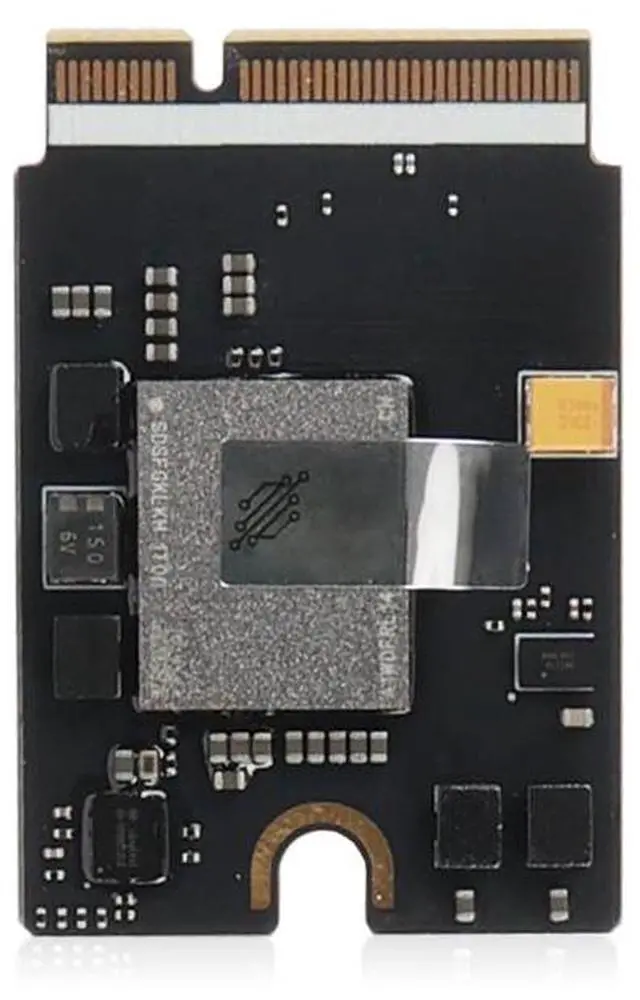
Fully compatible with Mac Mini M4.
2TB capacity, maximum read speed of 3300 MB/s, write speed of 3000 MB/s.
Brand new chip, lifespan is the same as original Apple components.
One-year warranty.