

Your Browsing History

Meet Your Seller


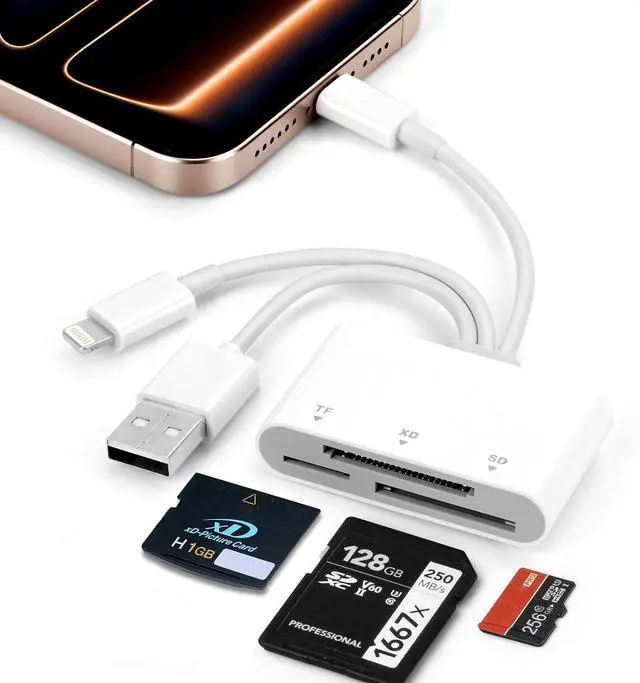


SD Card Reader XD Card Reader for iPhone 3 in 1 SD/TF/XD Picture Reader for Lightning/USB C/USB A Device Lightning+USB A+USB C TF Card Adapter for iPhone 17/16/15/14/13/iPad/PC/Android
- SD Card Reader XD Card Reader for iPhone 3 in 1 SD/TF/XD Picture Reader for Lightning/USB C/USB A Device Lightning+USB A+USB C TF Card Adapter for iPhone 17/16/15/14/13/iPad/PC/Android
+
+
Overview
Specs
Reviews

Any questions? Our AI mode will help you find out quickly.
Try me now
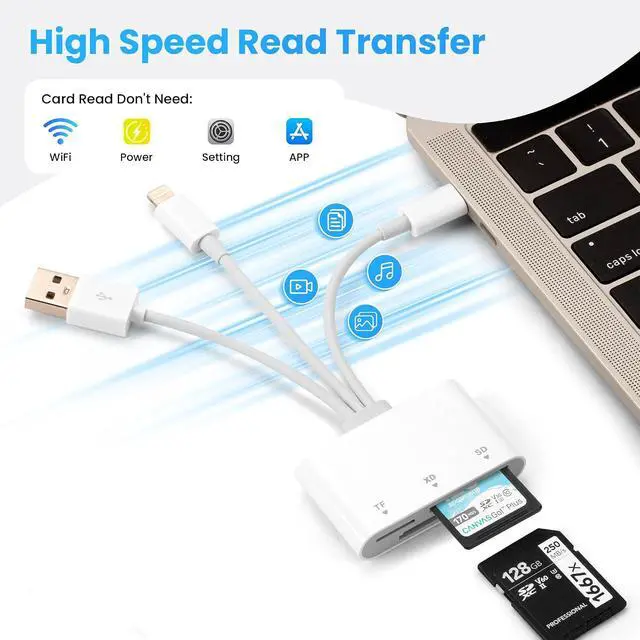
Ultra-fast data transfer: Experience ultra-fast transfer speeds of up to 480 Mbps with this Fujifilm XD Card Adapter allowing you to transfer large volumes of photos and files in just seconds. Youll save a lot of waiting time.
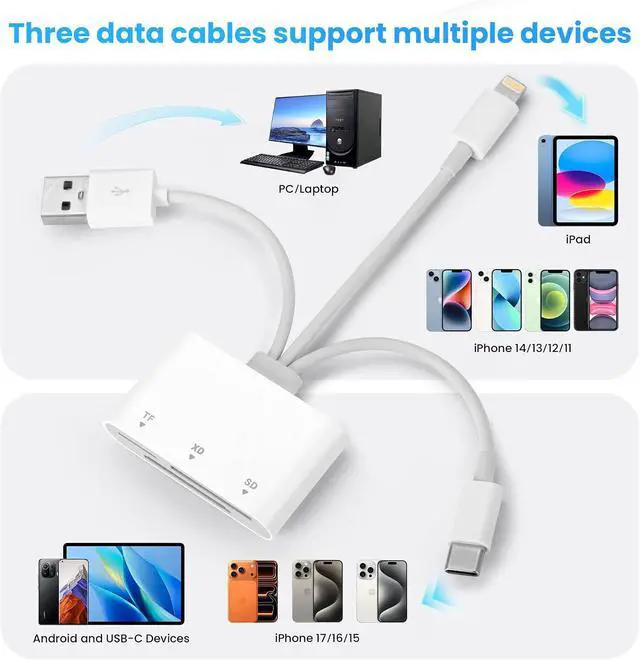
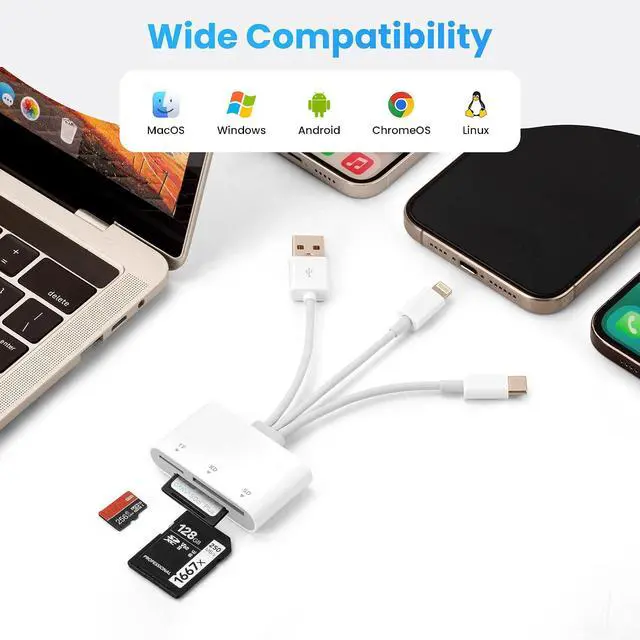
3-in-1 Universal Compatibility: This SD card reader seamlessly connects to USB-C Lightning and USB Type-A devices making it ideal for smartphones tablets and computers. It works with the iPhone 17/16/15/14 series iPad Pro/Air/Mini MacBook Pro/Air Android phones ( Galaxy Google Pixel) Windows PCs and DSLR cameras such as Canon and Nikon. No more carrying around multiple adapters. Professional Camera Card Reader for
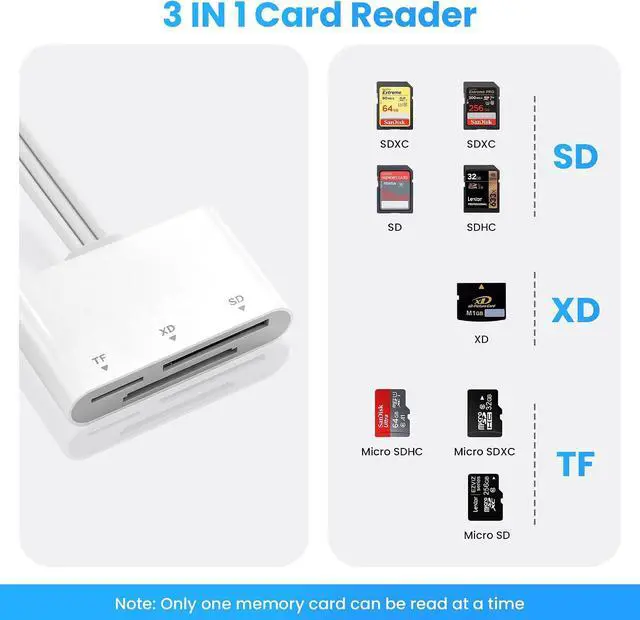
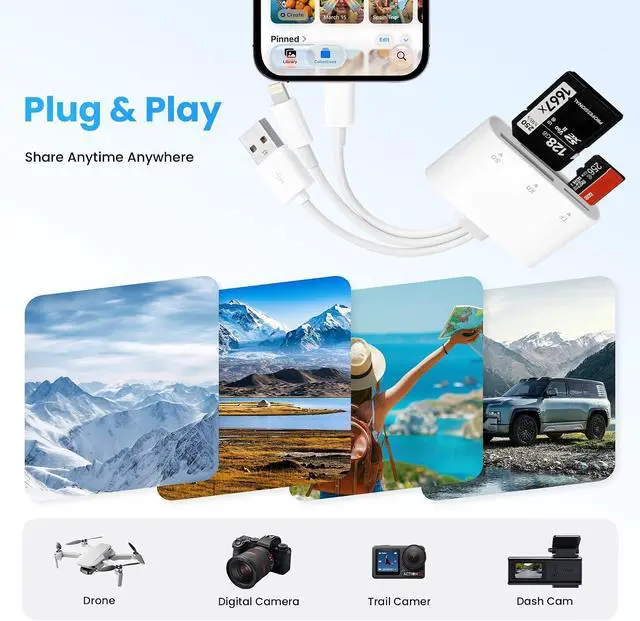
Photographers: This XD card reader features three dedicated slots (SD/TF/XD) and supports SD/SDHC/SDXC MicroSD/MicroSDHC/MicroSDXC and XD memory cards. It is perfect for professional photography and videography and is the ideal choice for photographers.
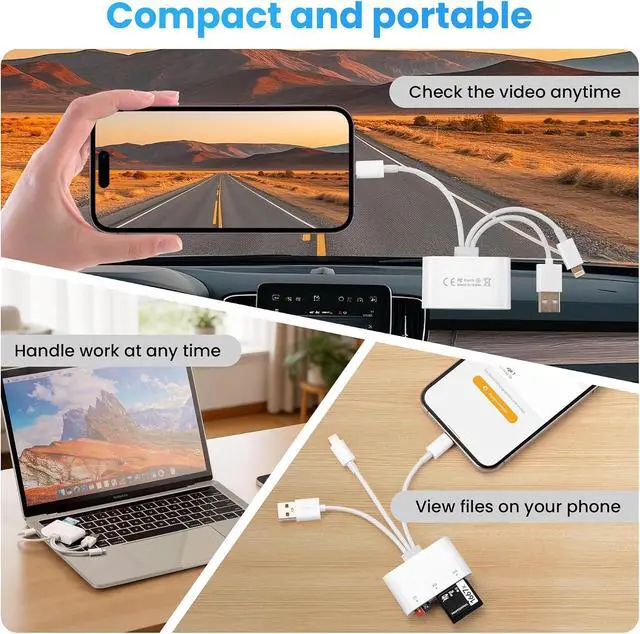
Two-way data transfer: This Micro SD card reader supports two-way data transfer. It not only allows you to transfer data from an SD card to an iPhone or iPad but also enables you to transfer data from an iPhone to an SD card thereby expanding your device's storage capacity.
Note: Make sure to format the memory card using a supported file system (Support exFAT NOT support NTFS). Due to system limitations the card reader can only read one card at a time. Do not insert two cards at the same time. For Android devices insert the memory card into the card reader first then connect the card reader to the device. When changing memory cards unplug the card reader and reconnect it after inserting the new card to avoid recognition issues.
3-in-1 Universal Compatibility: This SD card reader seamlessly connects to USB-C Lightning and USB Type-A devices making it ideal for smartphones tablets and computers. It works with the iPhone 17/16/15/14 series iPad Pro/Air/Mini MacBook Pro/Air Android phones ( Galaxy Google Pixel) Windows PCs and DSLR cameras such as Canon and Nikon. No more carrying around multiple adapters. Professional Camera Card Reader for
Photographers: This XD card reader features three dedicated slots (SD/TF/XD) and supports SD/SDHC/SDXC MicroSD/MicroSDHC/MicroSDXC and XD memory cards. It is perfect for professional photography and videography and is the ideal choice for photographers.
Two-way data transfer: This Micro SD card reader supports two-way data transfer. It not only allows you to transfer data from an SD card to an iPhone or iPad but also enables you to transfer data from an iPhone to an SD card thereby expanding your device's storage capacity.
Note: Make sure to format the memory card using a supported file system (Support exFAT NOT support NTFS). Due to system limitations the card reader can only read one card at a time. Do not insert two cards at the same time. For Android devices insert the memory card into the card reader first then connect the card reader to the device. When changing memory cards unplug the card reader and reconnect it after inserting the new card to avoid recognition issues.
Warranty & Returns
Warranty, Returns, And Additional Information
Warranty
- Please contact the Seller directly for warranty information. Warranty information may also be found on the Manufacturer's website.
- CONTACT
Return Policies
- Return for refund within: 30 days
- Return for replacement within: 30 days
- This item is covered by Wu Hu Shi Liu Xie Dian Zi Shang Wu Xiao Return Policy
Manufacturer Contact Info
- For a directory of all our manufacturers, please click below.
- Manufacturers Directory
LOADING...