Your Browsing History
Meet Your Seller
USB C SD Card Reader
- AVMAX USB C SD Card Reader
+
+
Overview
Specs
Reviews
Any questions? Our AI mode will help you find out quickly.
Try me now
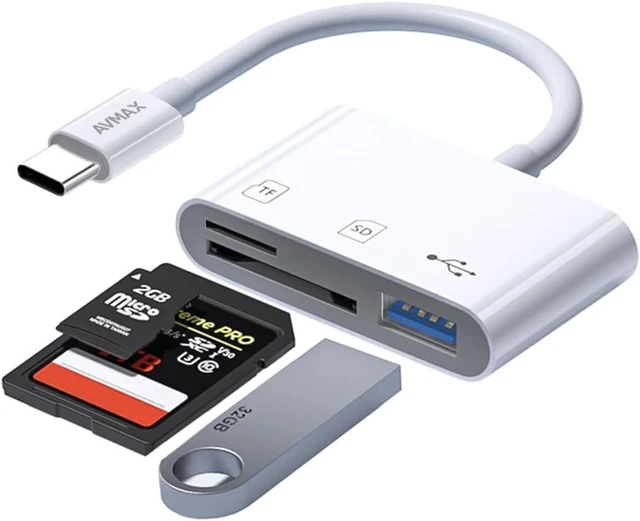
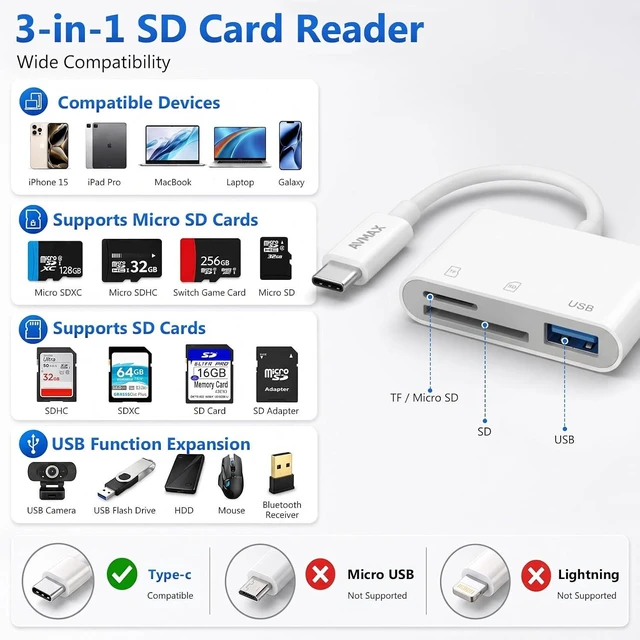
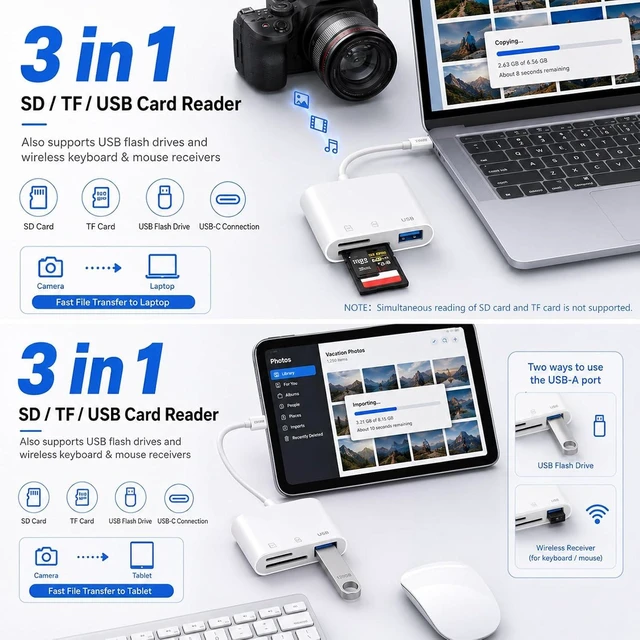
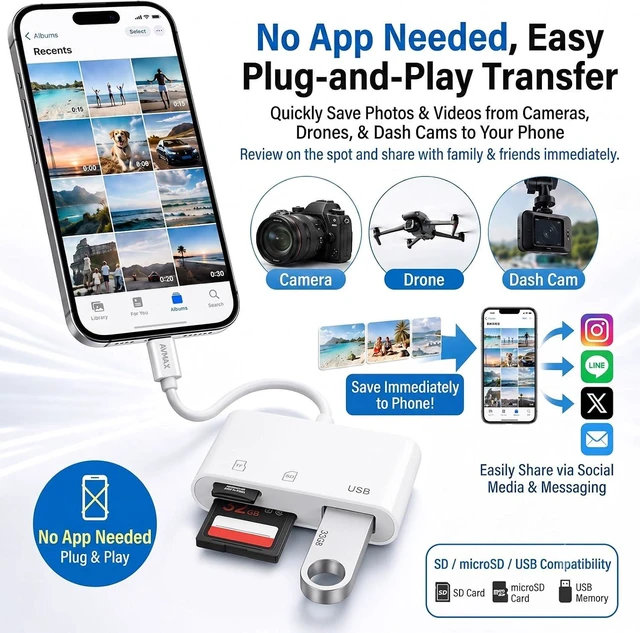
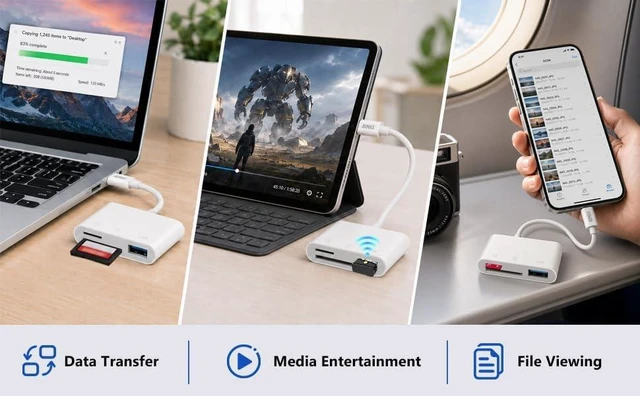
3-in-1 Card ReaderThis AVMAX USB C SD Card Reader features dual card slots and a USB 3.0 port compatible with SD SDHC SDXC MicroSD Micro SDXC and Micro SDHC memory cards. Effortlessly transfer photos from your memory card to iPhone iPad Mac or cameras. View photos and videos stored on memory cards anytime and anywhere and directly upload content to social media. Perfect companion for travel and outdoor activities. Two-way Fast Data transferThis SD card reader enables batch photo and video transfer to iPhone iPad Mac and cameras greatly speeding up file uploads and cutting down waiting time.
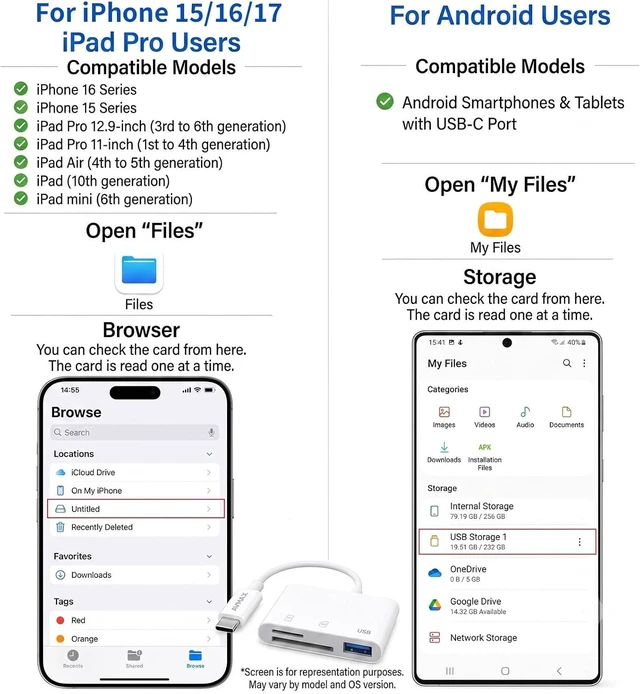
You can also directly back up data from your smartphone or computer to your SD card through this card reader. Plug? and? PlayThis Type? C SD card reader is user? friendly and works with memory cards from cameras dash cams smartphones tablets and more. Just plug and play to start instant data transfer. no third? party app download required. 12-Months WarrantyWith a 12-month quality assurance. you can enjoy worry-free use of the product. If the product does not meet your expectations we are committed to providing a replacement.
Warm TipsPlease insert the SD card flat & straight into the slot. Do NOT insert at an angle. Align the gold? colored contacts correctly push gently until it clicks. Do NOT force the card or it may damage the card or reader.

You can also directly back up data from your smartphone or computer to your SD card through this card reader. Plug? and? PlayThis Type? C SD card reader is user? friendly and works with memory cards from cameras dash cams smartphones tablets and more. Just plug and play to start instant data transfer. no third? party app download required. 12-Months WarrantyWith a 12-month quality assurance. you can enjoy worry-free use of the product. If the product does not meet your expectations we are committed to providing a replacement.
Warm TipsPlease insert the SD card flat & straight into the slot. Do NOT insert at an angle. Align the gold? colored contacts correctly push gently until it clicks. Do NOT force the card or it may damage the card or reader.
Warranty & Returns
Warranty, Returns, And Additional Information
Warranty
- Please contact the Seller directly for warranty information. Warranty information may also be found on the Manufacturer's website.
- CONTACT
Return Policies
- Return for refund within: 30 days
- Return for replacement within: 30 days
- This item is covered by AudioNest Shop Return Policy
Manufacturer Contact Info
- For a directory of all our manufacturers, please click below.
- Manufacturers Directory
LOADING...