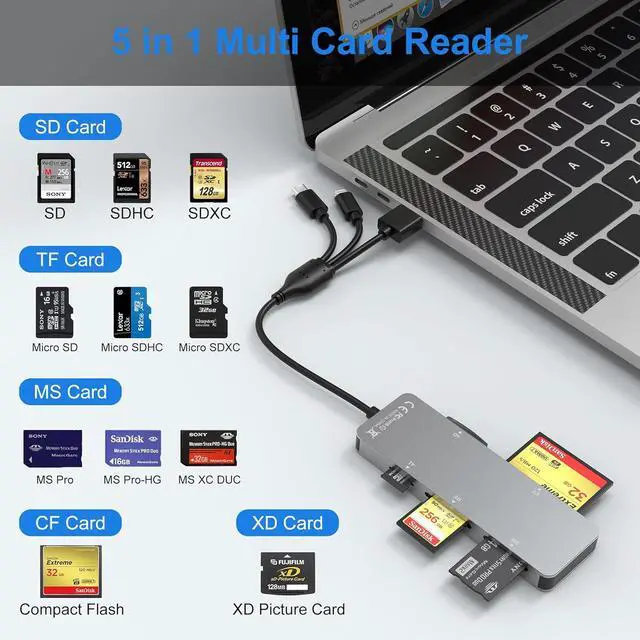
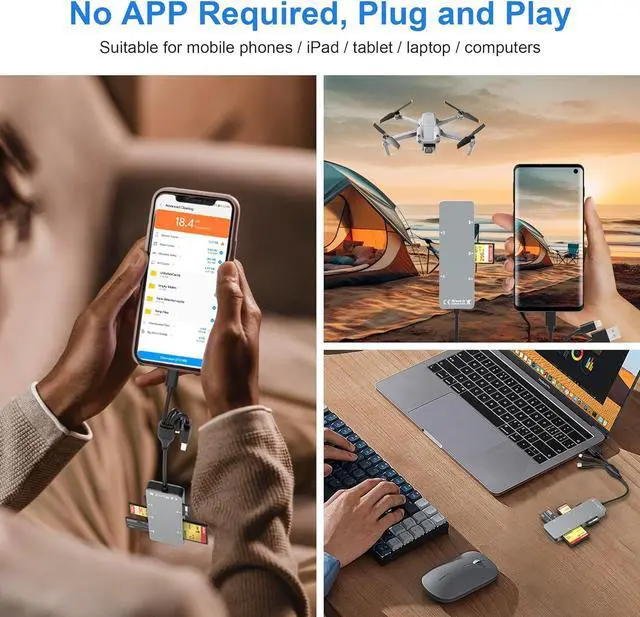
??????????????????????????????????????????????????????????????????????? 1. Insert the memory card into the card reader. 2. Then insert the reader into the iPhone. 3. Find the Files APP ClickUntitled.
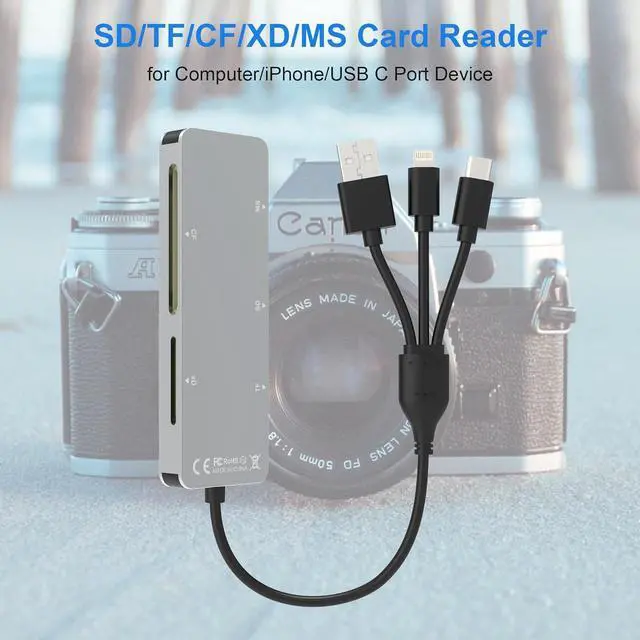
4. Selsct the photo or video you want to import into your iPhhone. 5. Select Save Items to complete the ooperation?? -???? -?????????????????????????????????????? /?????? -?? /?????? -?? Plug this card reader into any device via Lightning USB-C or USB-A.
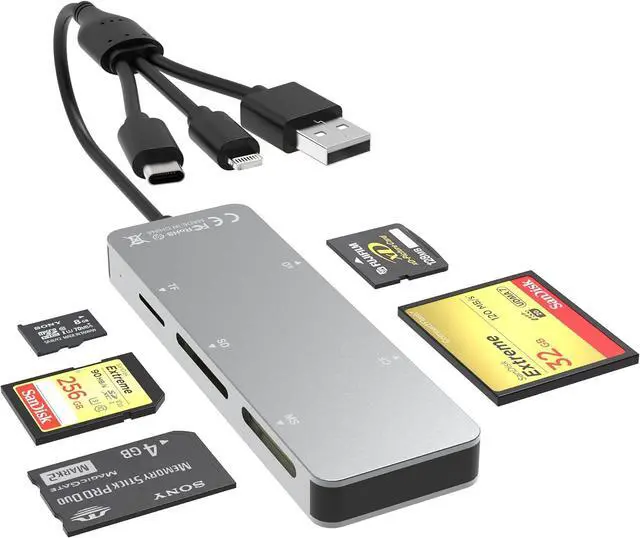
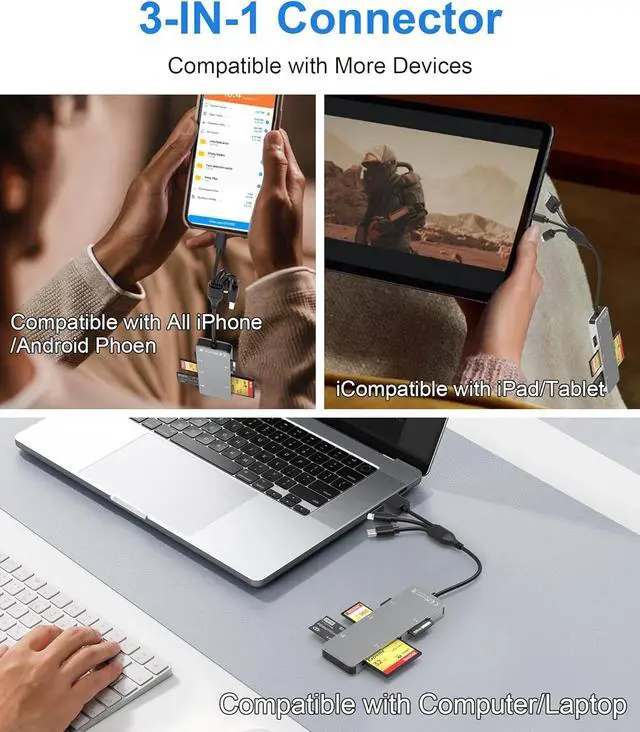
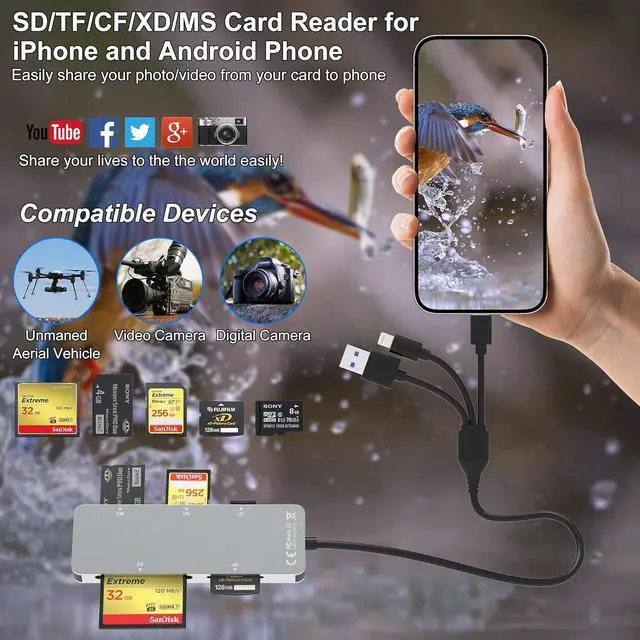
Works with iPhone 15/16/17 iPhone 14-11 iPad Android phones Mac laptop and PC. No need to carry multiple card readers for different devices. Plug and play?? -???? -?????????????????? This Memory Stick Pro Duo adapter reads SD microSD Memory Stick CF (CompactFlash Type I) and xD-Picture cards including SDHC/SDXC microSDHC/SDXC and Memory Stick PRO/Duo/HG. One reader handles all your camera and phone memory cards. No need to switch readers.????????:?????????????????????????????????????????????????????????????????????????????????? This universal sd card reader for iPhone (Lightning/USB-C) Android/MacBook/Surface (USB-C) and PC (USB-A). Compatible with iOS Android Windows and macOS.
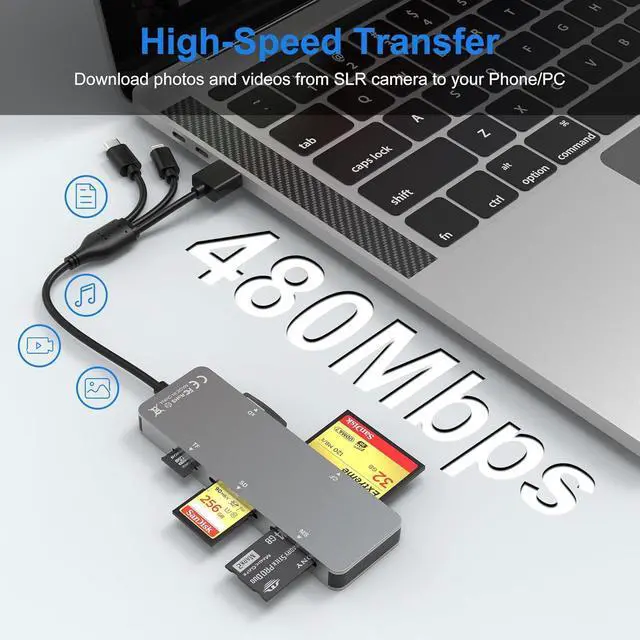
Note: Android devices require FAT32-formatted cards (see below)?????????????????????? -?????????????????????????? This Memory Stick Pro Duo reader transfer photos and videos from your camera card to your phone or laptop at speeds up to 60MB/s. High-resolution photos transfer in seconds; a 4GB video takes about 1 - 2 minute. No more waiting spend less time transferring more time creating???????????????? -?????? -???????? Insert your card connect to any device and start transferring in seconds. No drivers or apps required????????: For Android OTG insert the memory card first then connect the reader to your phone. Reconnect if you swap cards. iPhones work without this step





 here!
here!