




 here!
I’m your shopping assistant for PC builds, upgrades, and everything tech.
Got questions? Ask away!
Start a conversation
here!
I’m your shopping assistant for PC builds, upgrades, and everything tech.
Got questions? Ask away!
Start a conversation




Any questions? Ask CelesteSM will help you find out quickly.

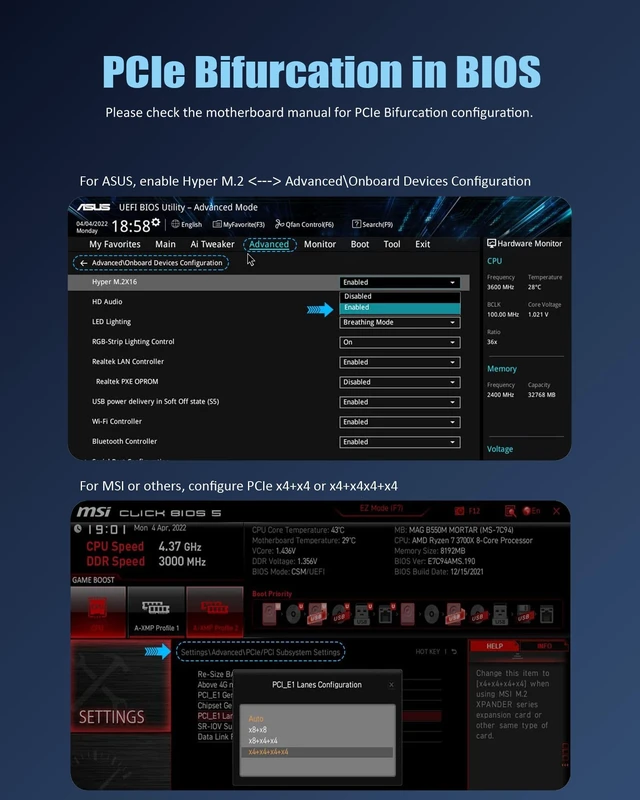
Enable Hyper M.2 <---> Advanced\Onboard Devices Configuration

Configure PCIe x4+x4x4+x4


GLOTRENDS specializes in developing high-performance PCIe adapters and riser cables for computer engineers and DIY enthusiasts.
The products mainly include 2 series: PCIe adapters (M.2 SSD Adapter, SATA Card, WiFi/Ethernet Card, USB Card, etc) and PCIe 5.0/4.0/3.0 extension cables.
The goal of GLOTRENDS is to provide quality-assured and cost-effective products to customers worldwide. Customized production is welcome.
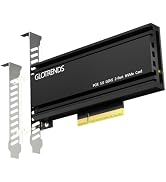
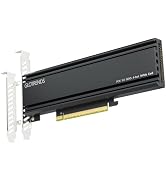
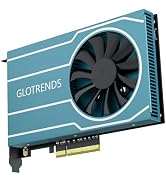
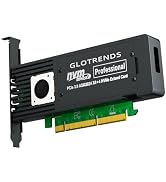

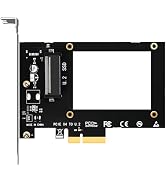
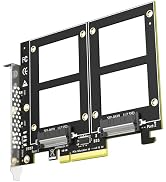
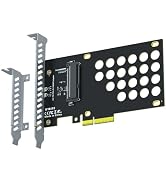
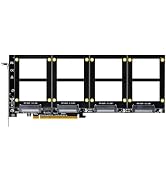
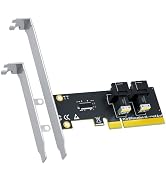
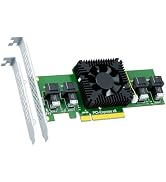
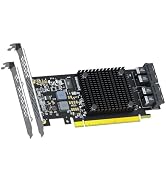
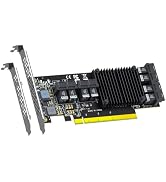

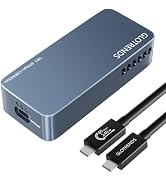
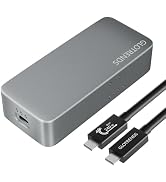
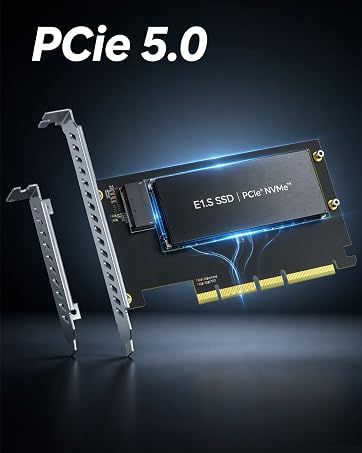
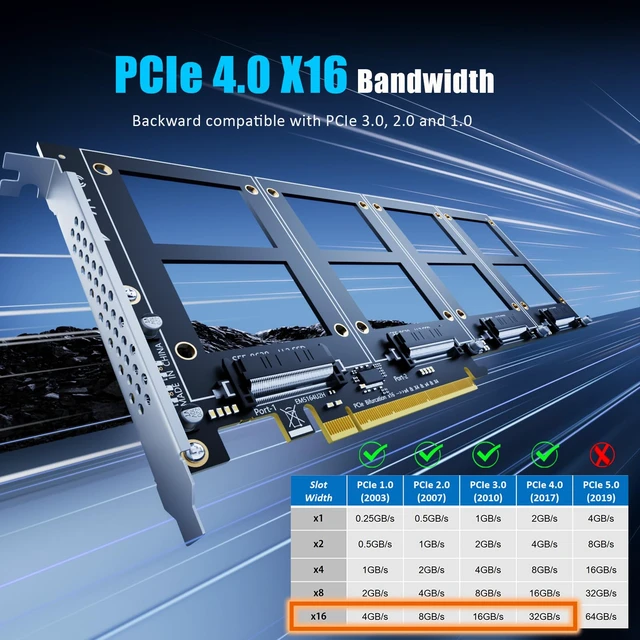
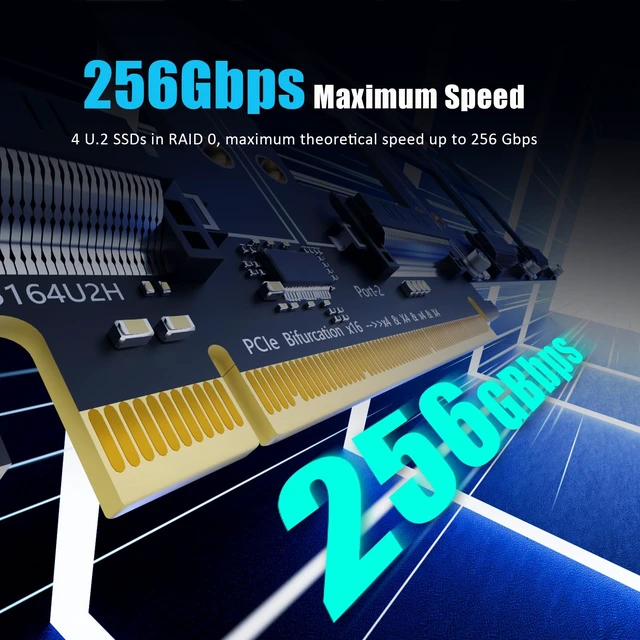
| Interface to PC | PCI-Express 4.0 X16 (256GBbps at max) |
|---|---|
| Interface to SSD | 4 x U.2 |
| OS Compatibility | Windows and Linux (Note: not support windows 7) |
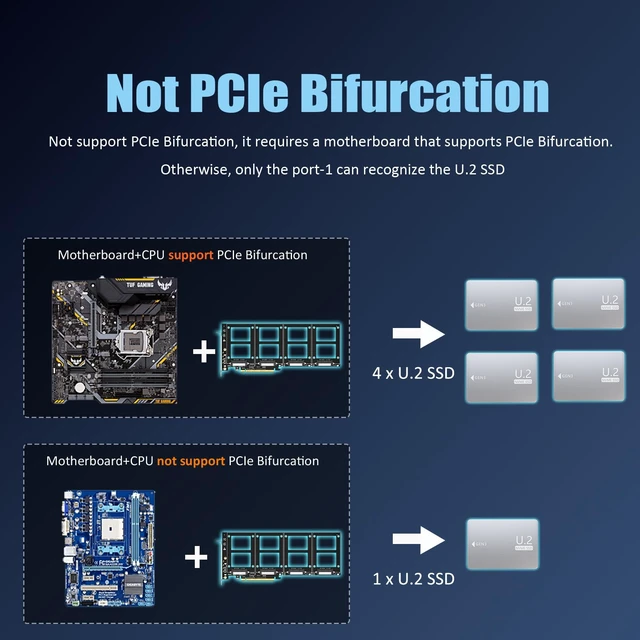
| PCIe Bifurcation | Not support, so it requires a motherboard that supports PCIe Bifurcation |
| Hardware Platform | Intel and AMD motherboard with PCIe Bifurcation (Note: not support Mac Pro) |
| CPU Requirements | Intel 11th Gen or Ryzen 5000 Series and above |
| RAID Setup | Software RAID setup via Windows Disk Management or Linux mdadm Utility |
| Installation | Regular-profile bracket |


Enable Hyper M.2 <---> Advanced\Onboard Devices Configuration
Configure PCIe x4+x4x4+x4
Software RAID for U.2 SSD
GLOTRENDS specializes in developing high-performance PCIe adapters and riser cables for computer engineers and DIY enthusiasts.
The products mainly include 2 series: PCIe adapters (M.2 SSD Adapter, SATA Card, WiFi/Ethernet Card, USB Card, etc) and PCIe 5.0/4.0/3.0 extension cables.
The goal of GLOTRENDS is to provide quality-assured and cost-effective products to customers worldwide. Customized production is welcome.
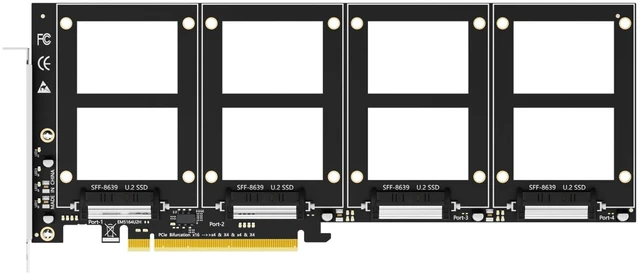
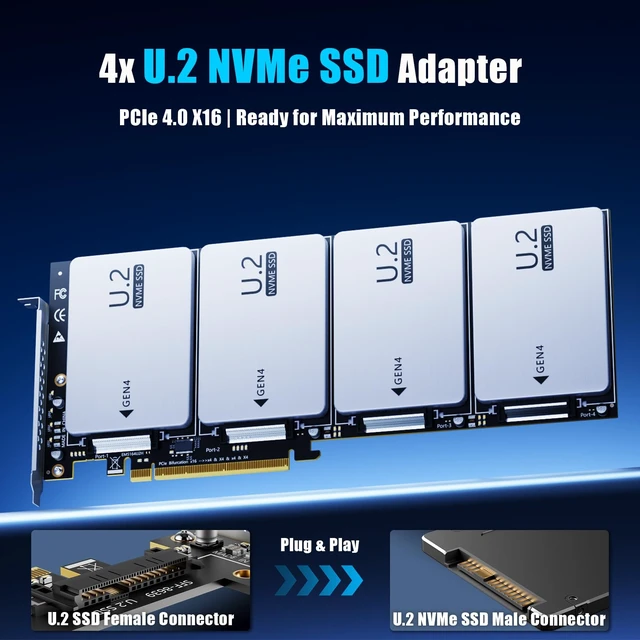
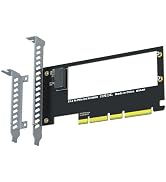
GLOTRENDS PU41 Quad U.2 SFF-8639 SSD to PCIe 4.0 X16 Adapter, Bifurcation Required Four enterprise U.2 SSDs, one PCIe 4.0 x16 slot, up to 256Gbps combined. The PU41 is the passive way to build a 16TB+ all-NVMe array from surplus datacenter drives - no switch chip, no fan, no power cable, nothing extra to fail. A NOTE FOR OPTANE OWNERS Intel Optane P4800X / 905P and similar enterprise U.2 drives were built for exactly this card: direct-to-CPU lanes, no translation layer, full endurance intact. IMPORTANT - READ BEFORE ORDERING This is a passive adapter. Your motherboard must support PCIe x16 bifurcation - enable X4X4X4X4 in BIOS. With X8X4X4 only three drives are detected; without bifurcation only Port 1 works. Check your motherboard manual or message us before ordering. WHAT YOU GET 4 x U.2 (SFF-8639) ports, no capacity limit (4TB/6TB enterprise drives) Up to 256Gbps combined, backward compatible with PCIe 3.0 drives Passive design: no fan, no noise, no extra power Soft RAID via Windows Disk Management or Linux mdadm; Intel VROC needs a separate key Bootable from a U.2 drive (OS reinstallation + BIOS/UEFI setup)
| Compatible Devices | PC/Server (PCIe X16 Slot support PCIe Bifurcation: X4X4X4X4 or Hyper M.2 X16 mode), Not support Mac Pro |
| Specific Uses For Product | PC |
| Connector Type | U.2 SFF-8639 |
| Color | Black |
| Brand | GLOTRENDS |
| Number of Ports | 4 |
| Power Plug Type | No Plug |
| Item Weight | 0.21 kg |
| Package Quantity | 1 |
| Unit Count | 4 Count |
| Number of Items | 1 |
| Model Number | PU41 |
| Manufacturer | glotrends |
| Mfr Part Number | PU41 |
| Warranty Description | 30 Day Warranty Against Manufacturer Defects |


