




 here!
I’m your shopping assistant for PC builds, upgrades, and everything tech.
Got questions? Ask away!
Start a conversation
here!
I’m your shopping assistant for PC builds, upgrades, and everything tech.
Got questions? Ask away!
Start a conversation





Any questions? Ask CelesteSM will help you find out quickly.

Enable Hyper M.2 <---> Advanced\Onboard Devices Configuration

Configure PCIe x4+x4 or x4+x4x4+x4


GLOTRENDS specializes in developing high-performance PCIe adapters and riser cables for computer engineers and DIY enthusiasts.
The products mainly include 2 series: PCIe adapters (M.2 SSD Adapter, SATA Card, WiFi/Ethernet Card, USB Card, etc) and PCIe 5.0/4.0/3.0 extension cables.
The goal of GLOTRENDS is to provide quality-assured and cost-effective products to customers worldwide. Customized production is welcome.
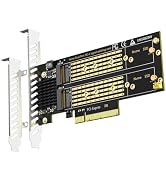
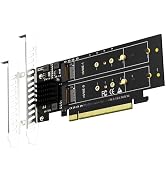
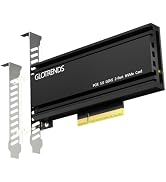
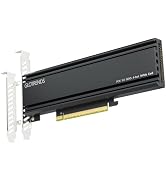
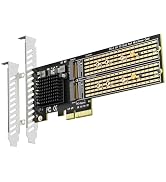
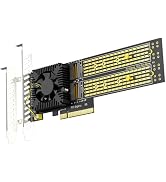
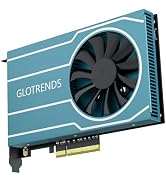
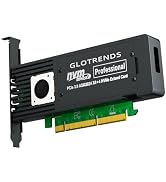

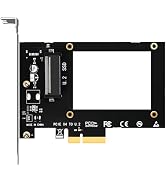
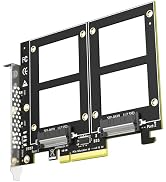
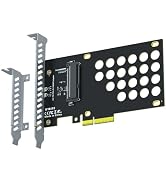
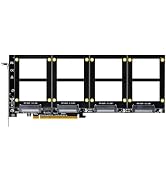
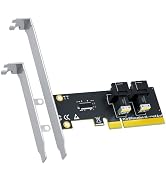
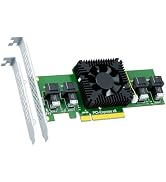
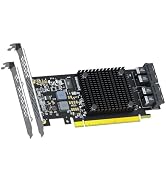
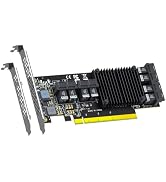
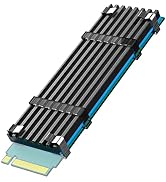
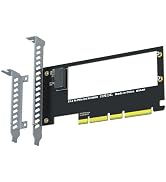
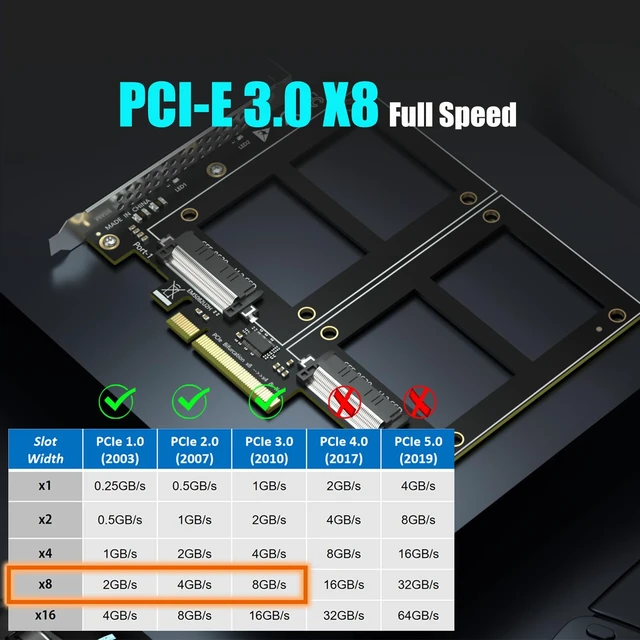
| Interface to PC | PCI-Express 3.0 X8 (64GBbps at max) |
|---|---|
| Interface to SSD | 2 x U.2 |
| OS Compatibility | Windows and Linux (Note: not support windows 7) |
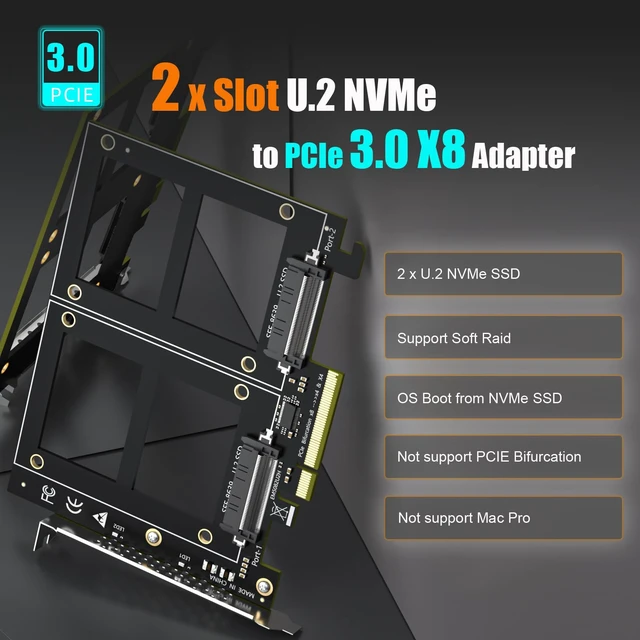
| PCIe Bifurcation | Not support, so it requires a motherboard that supports PCIe Bifurcation |
| Hardware Platform | Intel and AMD motherboard with PCIe Bifurcation (Note: not support Mac Pro) |
| CPU Requirements | Intel 11th Gen or Ryzen 5000 Series and above |
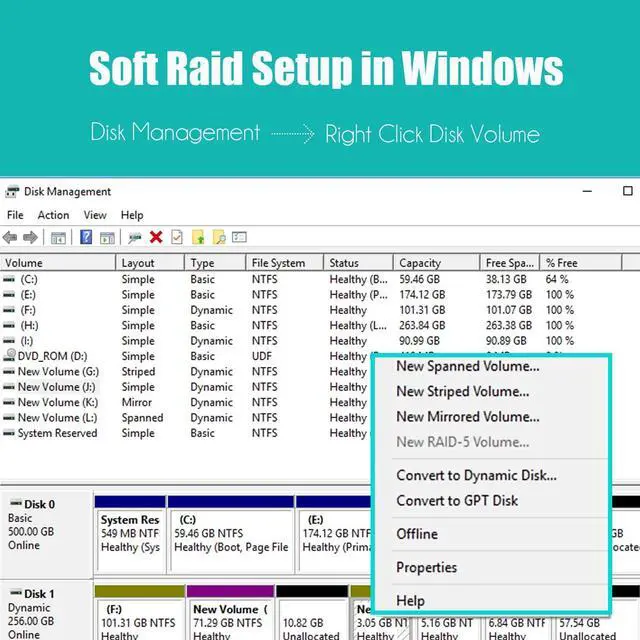
| RAID Setup | Software RAID setup via Windows Disk Management or Linux mdadm Utility |
| Installation | Regular-profile bracket |


Enable Hyper M.2 <---> Advanced\Onboard Devices Configuration
Configure PCIe x4+x4 or x4+x4x4+x4
Software RAID for U.2 SSD
GLOTRENDS specializes in developing high-performance PCIe adapters and riser cables for computer engineers and DIY enthusiasts.
The products mainly include 2 series: PCIe adapters (M.2 SSD Adapter, SATA Card, WiFi/Ethernet Card, USB Card, etc) and PCIe 5.0/4.0/3.0 extension cables.
The goal of GLOTRENDS is to provide quality-assured and cost-effective products to customers worldwide. Customized production is welcome.


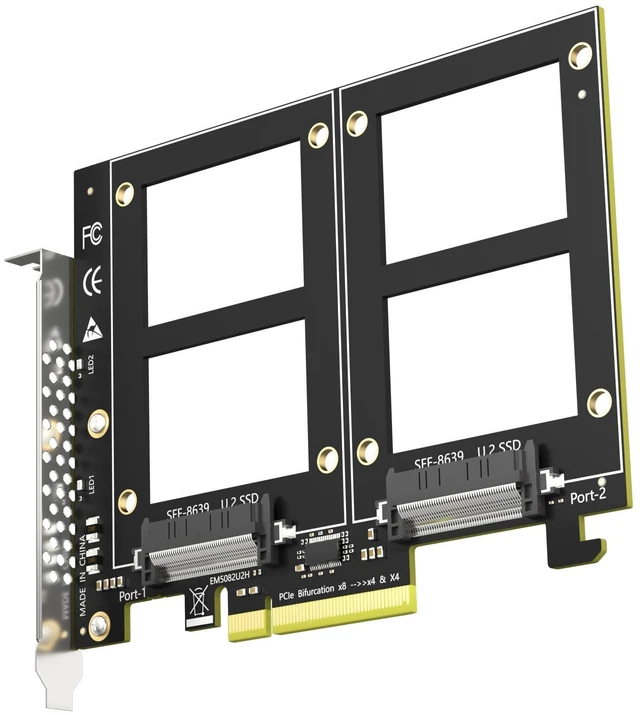
GLOTRENDS PU21 Dual U.2 SFF-8639 SSD to PCIe 3.0 X8 Adapter, Bifurcation Required Two enterprise U.2 SSDs, one PCIe slot, zero switch chips. The PU21 passes each 2.5" U.2 (SFF-8639) NVMe SSD straight through to the PCIe 3.0 x8 lanes - fewer active components, less heat, fewer failure points, and no switch-chip price tag. IMPORTANT - READ BEFORE ORDERING This is a passive adapter. Your motherboard must support PCIe x8 bifurcation - enable X4X4 (or Hyper M.2 X16) mode in BIOS. Without bifurcation only one drive is detected. Not compatible with Mac Pro. Check your motherboard manual or message us before ordering. WHAT YOU GET 2 x U.2 (SFF-8639) ports for enterprise NVMe SSDs, no capacity limit (4TB/6TB+) Up to 64Gbps combined bandwidth, backward compatible with PCIe 2.0 Passive design: no fan, no noise, no extra power cable RAID 0 / RAID 1 via Windows Disk Management or Linux mdadm Bootable from a U.2 drive (OS reinstallation + BIOS/UEFI setup)
| Compatible Devices | PC/Server (PCIe Slot support PCIe Bifurcation: X4X4 or Hyper M.2 X16 mode), Not support Mac Pro |
| Brand | GLOTRENDS |
| Item Weight | 0.15 kg |
| Number of Ports | 2 |
| Number of Items | 1 |
| Model Number | PU21 |
| Manufacturer | glotrends |
| Mfr Part Number | PU21 |
| Warranty Description | 30 Day Warranty Against Manufacturer Defects |


