Out of stock
  • $26.99
  • Free 30-day Returns
Price alert
Shop it at NeweggBusiness.

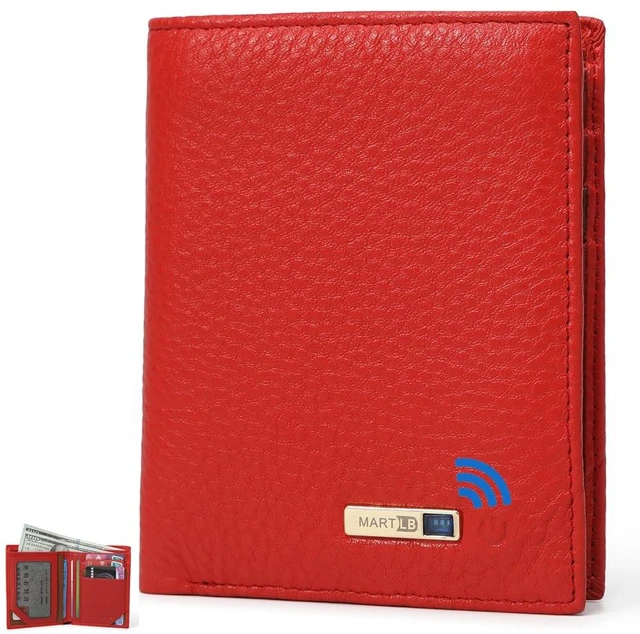
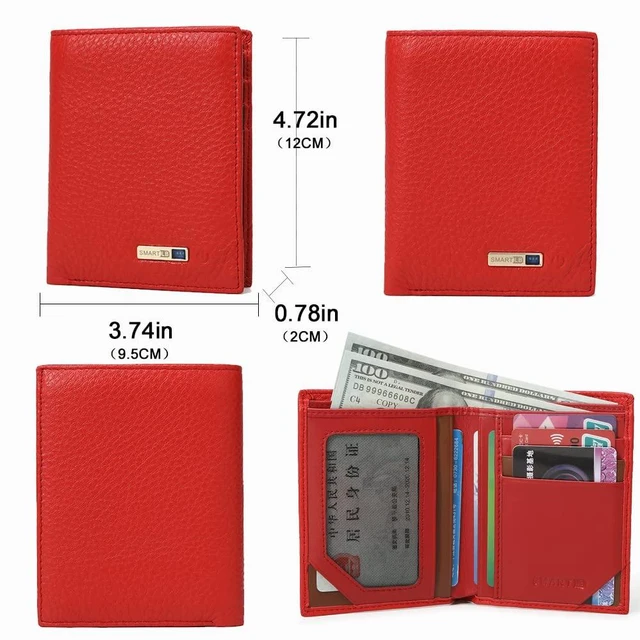
Men Wallet with Tracker Work with iOS&Android, Wallet Tracker with Bifold Genuine Leather Wallet 8 Card &1 ID Windows & 2Cash Slot&Coin Pocket (Red)

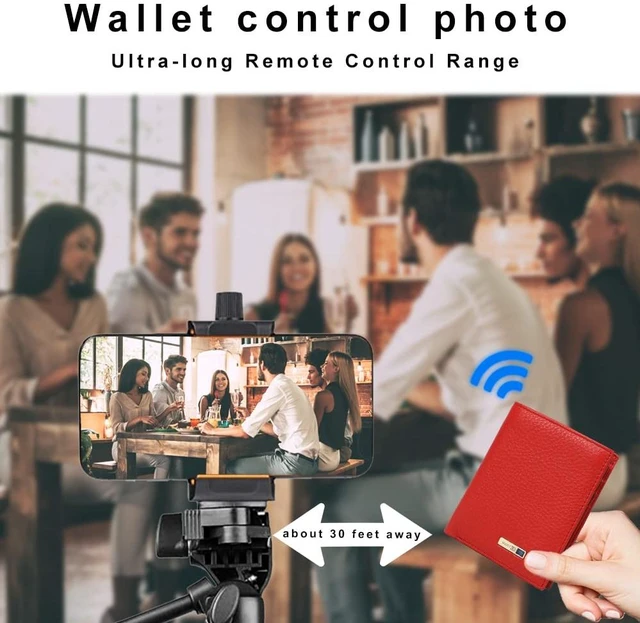
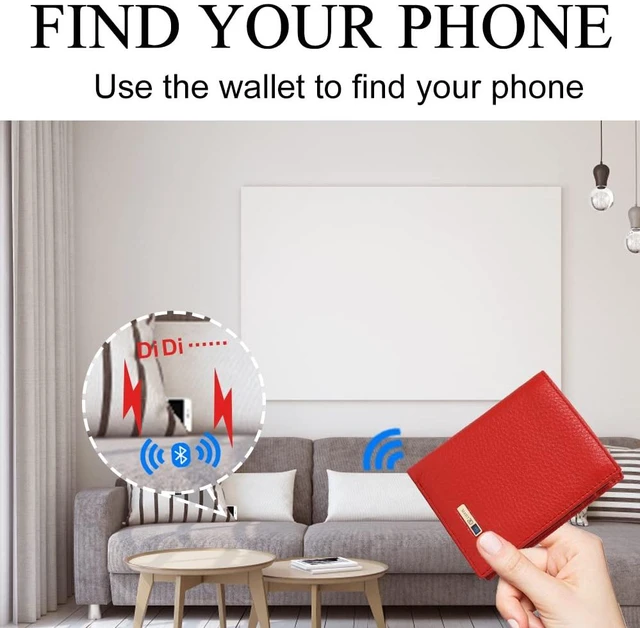
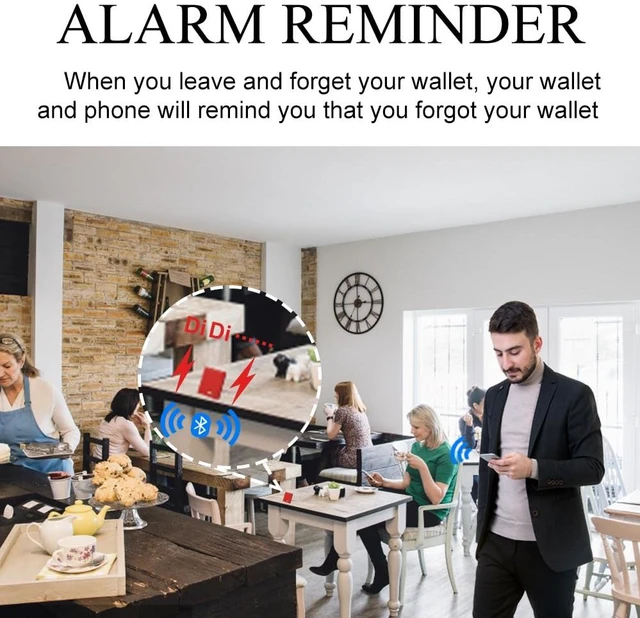
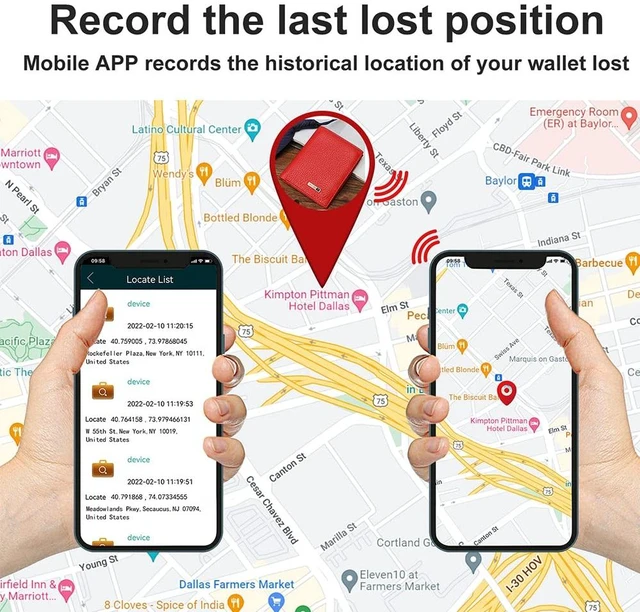
  • This leather wallet has a built-in rechargeable tracker that connects to an Android or iOS device via Bluetooth using the Bseek app, available on Google Play or the App Store. Features include left-behind alerts, two-way tracking, remote camera shutter control, and location history. Within Bluetooth range, you can use your phone to locate the wallet, or the wallet to locate your phone. The tracker and charger are integrated into the wallet. A standard USB-C charging port is located inside, behind the compartment with the window slot. The wallet holds up to 9 cards, including credit cards, a driver's license, and insurance cards. It also has a compartment for cash. Setup: 1. Open the Bseek app. It will display Bseek connected. 2. The app includes an introductory tutorial. 3. Press and hold the wallet's power button. You will hear 2 beeps and see 2 blue flashes next to the button. Press the button again to turn the wallet off; it will flash and beep once. 4. The phone and wallet are now linked. 5. If you close the app, turn off the wallet, or separate the devices, the phone will sound an alarm, and the wallet will flash and emit a sound. 6. The app can drop a pin, show the wallet's location on a map, and use the wallet's power button to trigger the phone's camera shutter

+
+
Overview
Specs
Reviews

Any questions? Ask CelesteSM will help you find out quickly.

This leather wallet has a built-in rechargeable tracker that connects to an Android or iOS device via Bluetooth using the Bseek app, available on Google Play or the App Store. Features include left-behind alerts, two-way tracking, remote camera shutter control, and location history. Within Bluetooth range, you can use your phone to locate the wallet, or the wallet to locate your phone. The tracker and charger are integrated into the wallet. A standard USB-C charging port is located inside, behind the compartment with the window slot. The wallet holds up to 9 cards, including credit cards, a driver's license, and insurance cards.

It also has a compartment for cash.
Setup: 1. Open the Bseek app. It will display Bseek connected. 2. The app includes an introductory tutorial. 3. Press and hold the wallet's power button. You will hear 2 beeps and see 2 blue flashes next to the button. Press the button again to turn the wallet off; it will flash and beep once. 4. The phone and wallet are now linked. 5. If you close the app, turn off the wallet, or separate the devices, the phone will sound an alarm, and the wallet will flash and emit a sound. 6. The app can drop a pin, show the wallet's location on a map, and use the wallet's power button to trigger the phone's camera shutter

Warranty & Returns

Warranty, Returns, And Additional Information

Warranty

  • Please contact the Seller directly for warranty information. Warranty information may also be found on the Manufacturer's website.
  • CONTACT

Return Policies

Manufacturer Contact Info

LOADING...