Your Browsing History
Meet Your Seller
Visit EmpressTech Store
FOLLOW
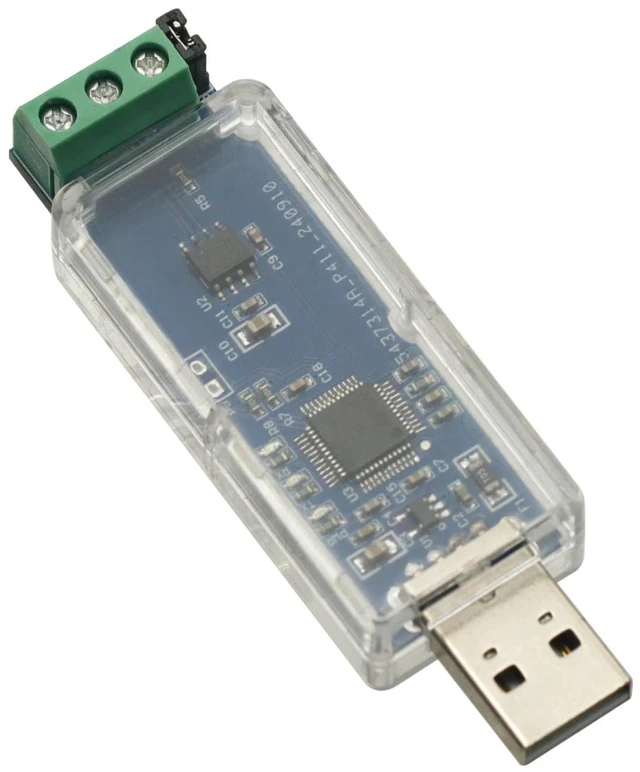
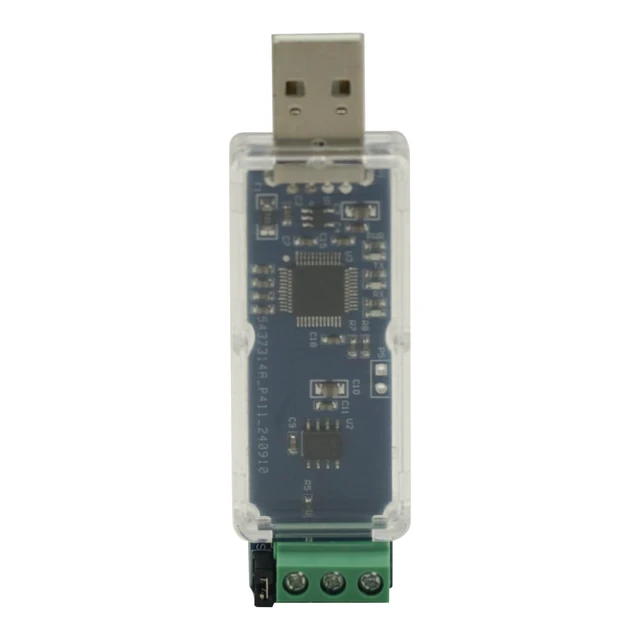
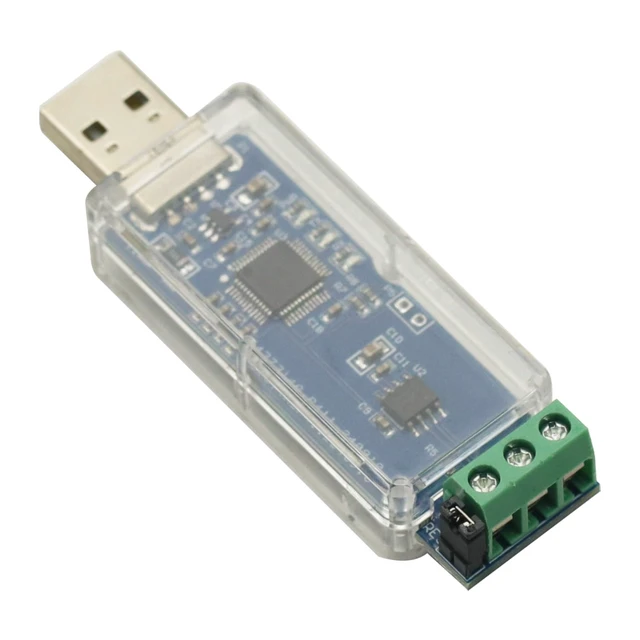
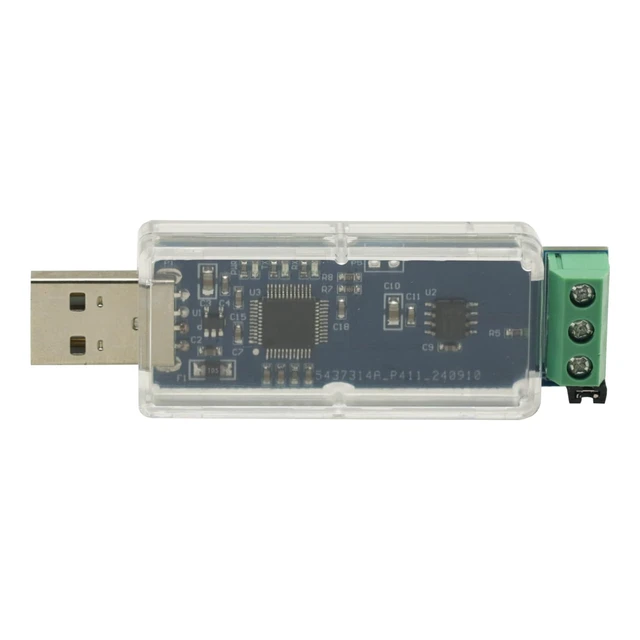
USB to CAN Bus Converter Adapter,Can Bus Analyzer,USB to CAN Module TJA1051T/3 Nonisolated
- Using CAN non-isolated chip TJA1051T/3, baud rate up to 1M; USB to CAN module (TJA1051T/3 non-isolated version) CAN bus debugging assistant CAN bus analyzer supports open source upper computer For Cangaroo CAN protocol analysis software; Input voltage: 5V (USB powered)
+
+
Overview
Specs
Reviews
Any questions? Ask CelesteSM will help you find out quickly.
Try me now
Product description USB to CAN Bus Converter Adapter, Can Bus Analyzer, USB to CAN Module TJA1051T/3 Nonisolated Using CAN non-isolated chip TJA1051T/3, baud rate up to 1M USB to CAN module (TJA1051T/3 non-isolated version) CAN bus debugging assistant CAN bus analyzer supports open source upper computer For Cangaroo CAN protocol analysis software CANABLE usb to can module is based on the open source project ported. CAN bus protocol analysis can be performed using the open source upper computer For Cangaroo.
Functional features: Input
voltage: 5V (USB powered)
Chip: TJA1051T/3
Baud rate: up to 1M
Status indicator: Tri-colour
LED Support: Open source upper computer For Cangaroo CAN protocol analysis software
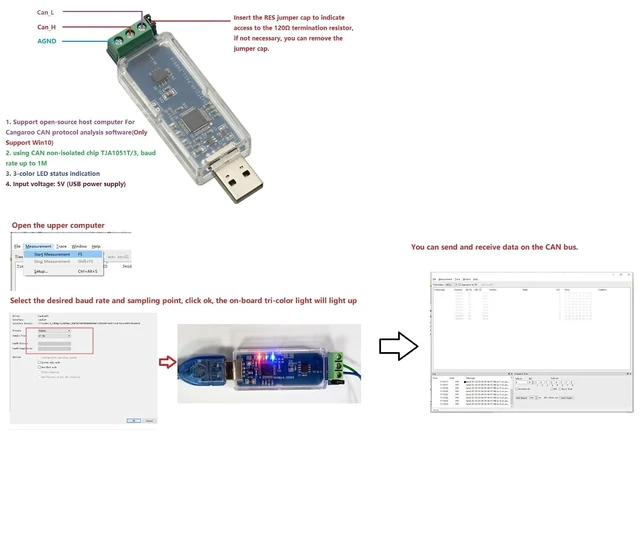
Instructions for use: The RES jumper cap is inserted to indicate access to the 120Q termination resistor, if not needed the jumper cap can be removed. Connect CAN_H and CAN_L to the CAN bus, GND can be connected or not. Plug in the PC and the CAN device will appear in the device manager. Open the host computer Select the desired baud rate and sampling point, click ok, the on-board tri-colour light will illuminate. You can send and receive data on the CAN bus.
Functional features: Input
voltage: 5V (USB powered)
Chip: TJA1051T/3
Baud rate: up to 1M
Status indicator: Tri-colour
LED Support: Open source upper computer For Cangaroo CAN protocol analysis software
Instructions for use: The RES jumper cap is inserted to indicate access to the 120Q termination resistor, if not needed the jumper cap can be removed. Connect CAN_H and CAN_L to the CAN bus, GND can be connected or not. Plug in the PC and the CAN device will appear in the device manager. Open the host computer Select the desired baud rate and sampling point, click ok, the on-board tri-colour light will illuminate. You can send and receive data on the CAN bus.
Warranty & Returns
Warranty, Returns, And Additional Information
Warranty
- Please contact the Seller directly for warranty information. Warranty information may also be found on the Manufacturer's website.
- CONTACT
Return Policies
- Return for refund within: 30 days
- Return for replacement within: 30 days
- This item is covered by EmpressTech Return Policy
Manufacturer Contact Info
- For a directory of all our manufacturers, please click below.
- Manufacturers Directory
LOADING...