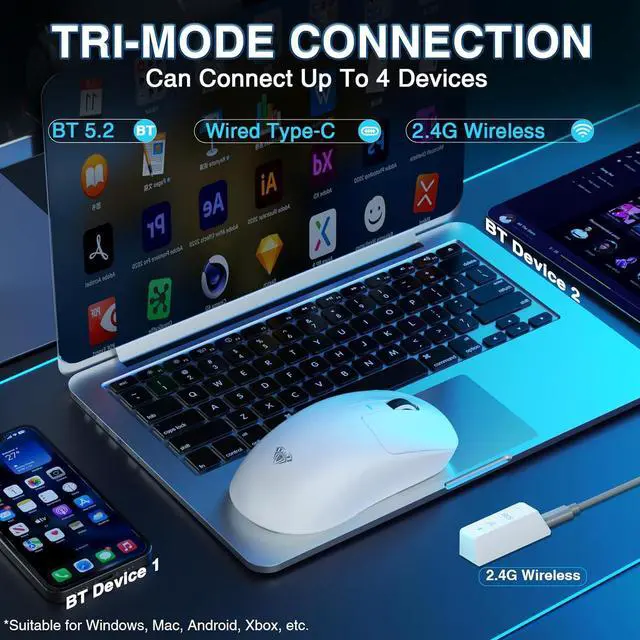
1Ultra-lightweight2Programmable Software How to connect BT?
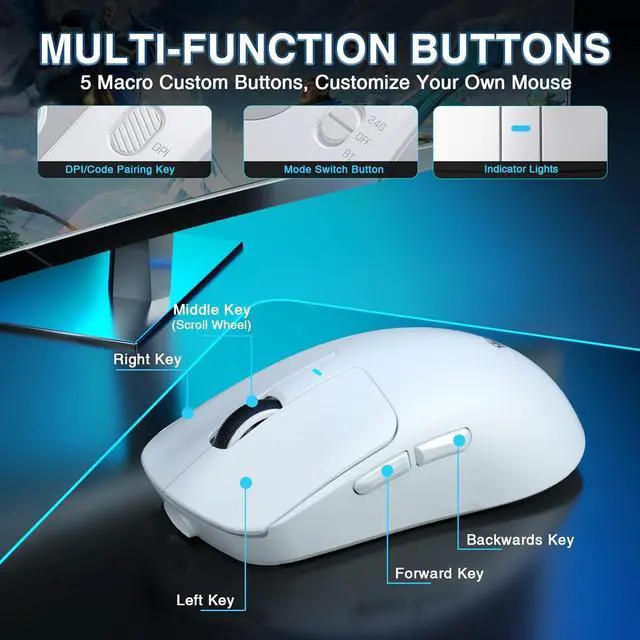
BT1: Hold down the DPI key for 5s, blue light will flash the deviceAULA-SC680-1
BT2: Hold down the middle key+back key for 5s, green light will flash the deviceAULA-SC680-2
To switch from BT2 to BT1, Hold down the middle key+forward key for 5s.
How do I know if the mouse needs charging?
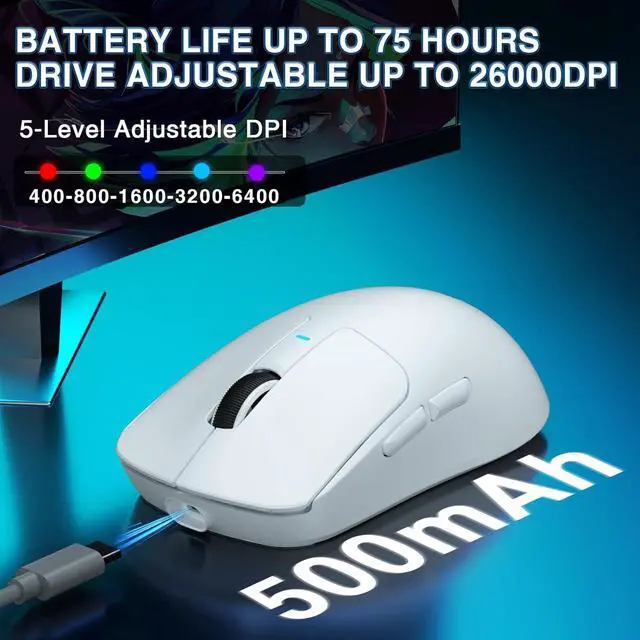
Low voltage alarm: The mouse indicator flashes red to remind you to charge.
When charging, the red light flashes, and when fully charged, the light turns off and the light effect returns.
What precautions should be taken when charging?
Please use the original mouse cable and a computer USB port to charge the mouse. Do not use fast-charging phone chargers or wall chargers for direct charging.
How to download the software?
1.Download the software via bit.ly/m/AULA
2.Compatible with Windows systems and supports 2.4GHz wireless mode and USB-C wired mode. For BT connection mode, WIN10 or higher is required.
How to connect BT?
How do I know if the mouse needs charging?
What precautions should be taken when charging?
How to download the software?