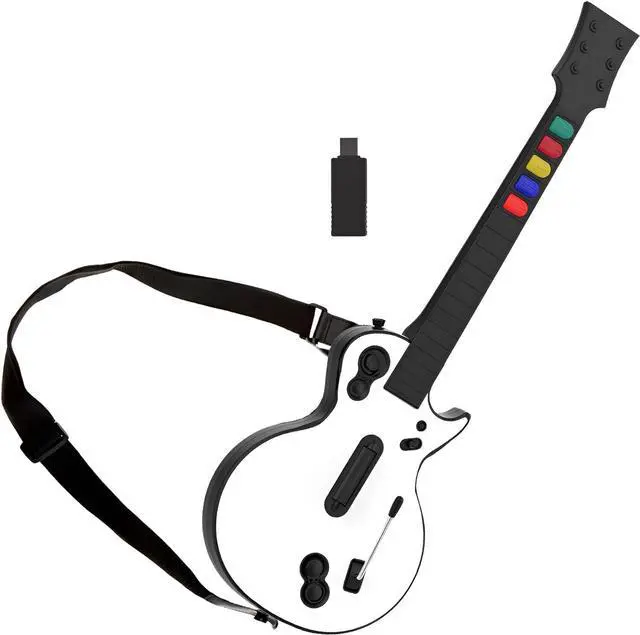
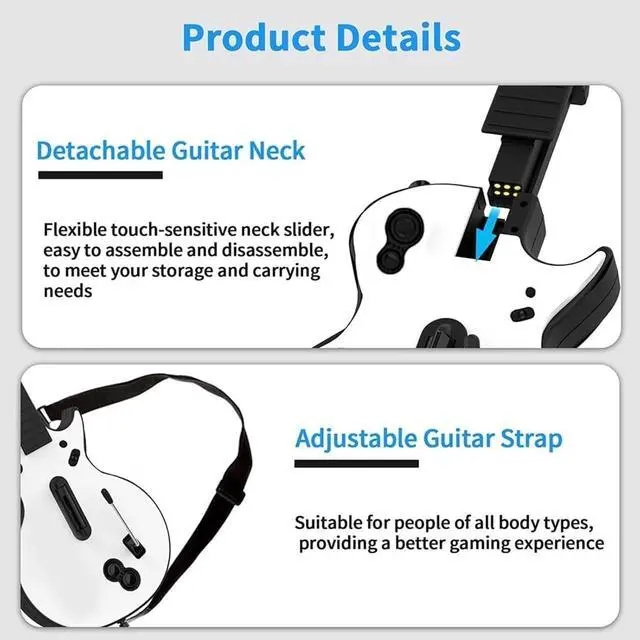
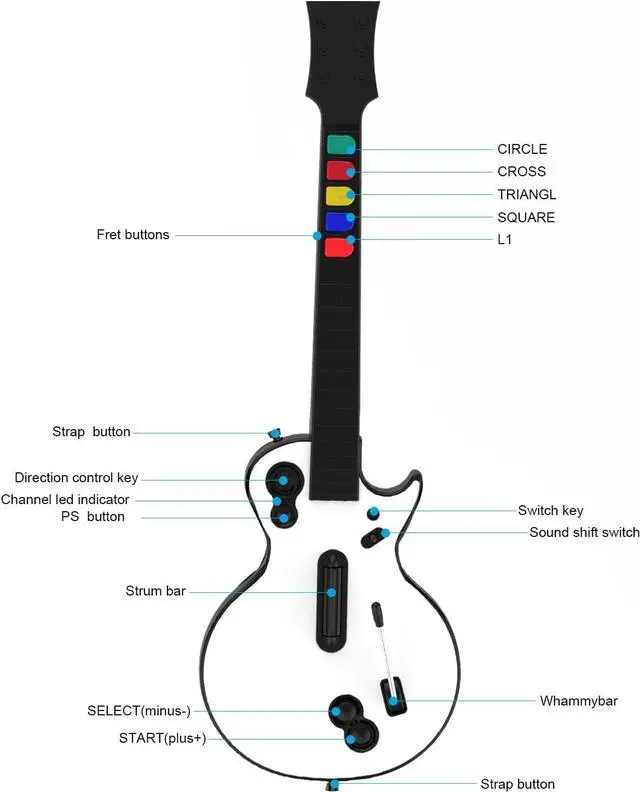
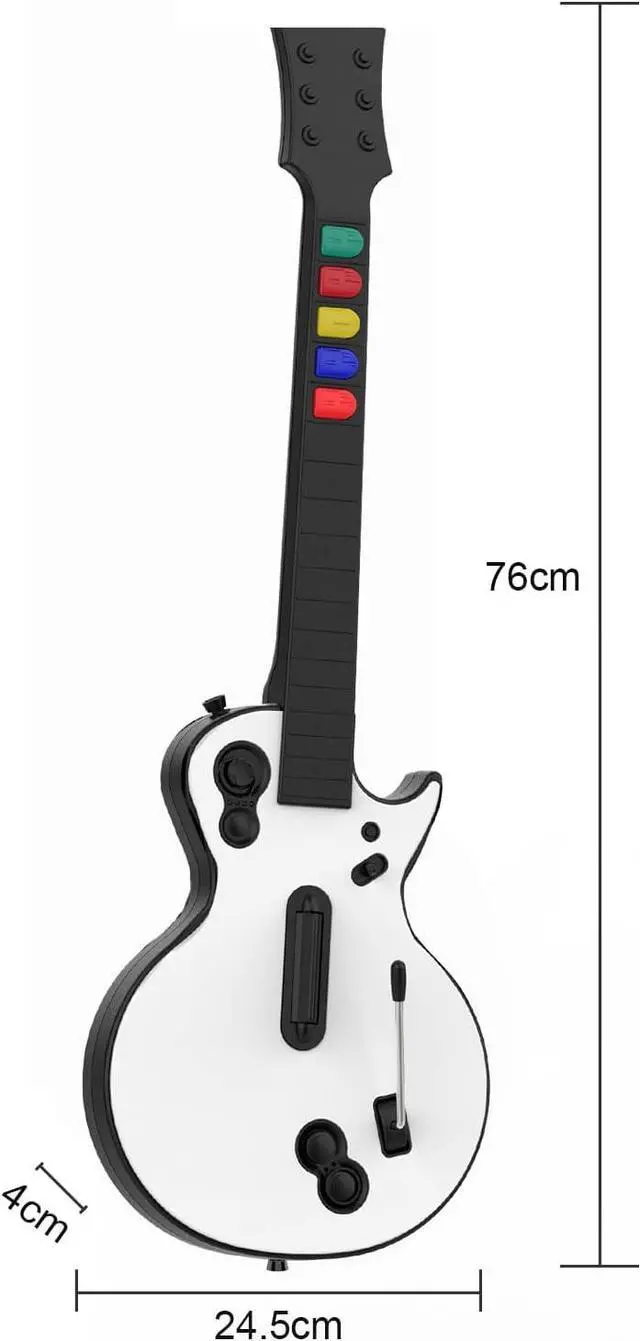
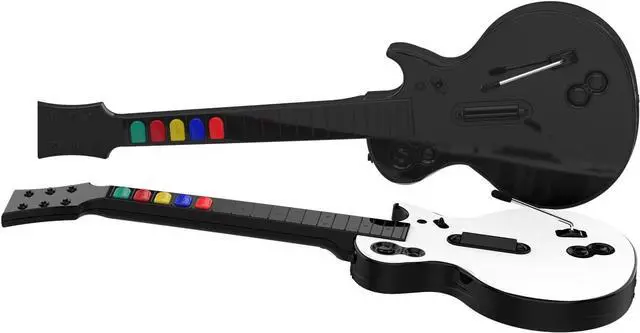
NBCP focuses on high-quality gaming accessories with durable, safe materials and precision design for an authentic play experience.
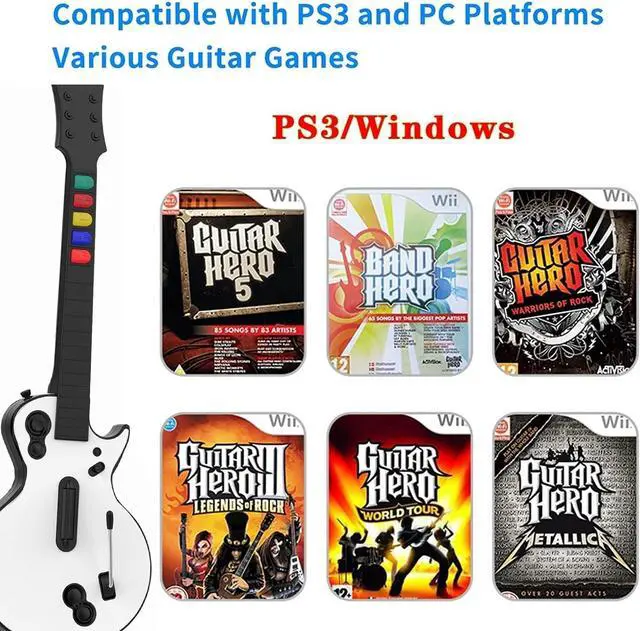
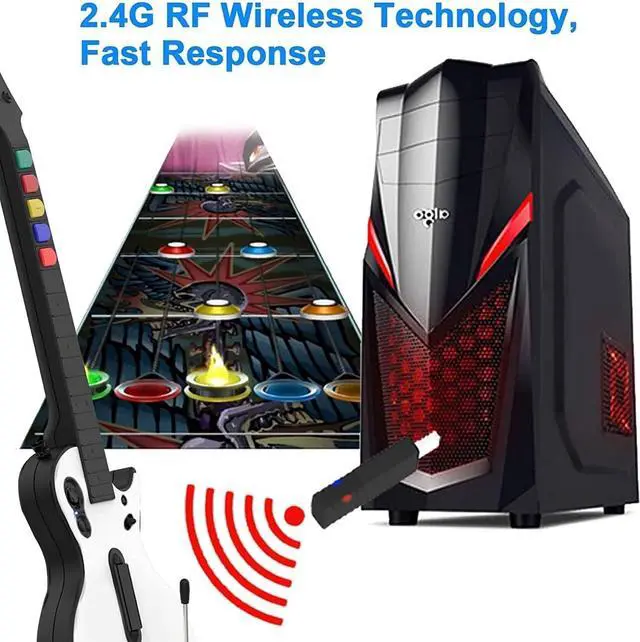
PC platform: Guitar Hero 3 / Guitar Hero 3 Legends of rock / Guitar Hero World Tour / Guitar Hero Aerosmith / Clone Hero games, etc...
PS3 platform: Guitar Hero 3 / guitar hero 4 / Guitar Hero 5 / rockband1 / rockband2 ,etc...
One-click switch the hero and rock band games by pressing and holding the small button on the guitar for 2 seconds.
Please ensure the guitar is placed flat on the desktop after playing PC games. Do not position the PC guitar vertically, as it may activate the bead explosion switch, causing potential computer abnormalities. Remember to switch off the guitar power after gaming promptly.
Q & A
Q: No guitar indicator?
A: Check the battery orientation in the guitar. Incorrect polarity may cause this issue.
Q: Rockband game mode not functioning properly?
A: Verify if the guitar is set to Rockband game mode. A lit red light on the receiver indicates successful mode activation.
Q: The pressure bar is non-functional or abnormal?
A: Avoid touching the pressure bar before turning on the guitar power switch. Power off, then on again to reset functionality.
Q: Are guitar buttons occasionally unresponsive?
A: Inspect the metal probe of the guitar rod for oxidation. Ensure the rod's position probe is unobstructed. If oxidation is present, gently clean with alcohol or an eraser. For prolonged storage, protect the guitar in plastic bags to prevent oxidation.
What makes NBCP different? This PC guitar works great with the Clone Hero, please make sure to set it as a keyboard, not a mouse or controller. Product Features: One-click Switch Game Mode NOTE: Quick Help -When the neck BUTTONS not work?