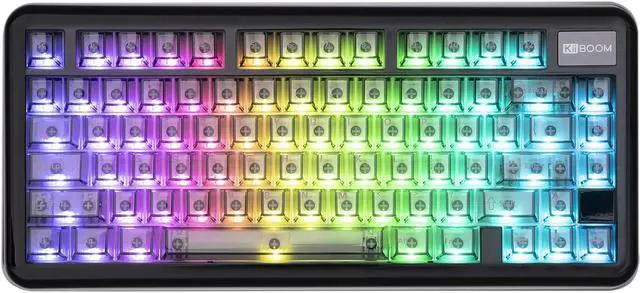
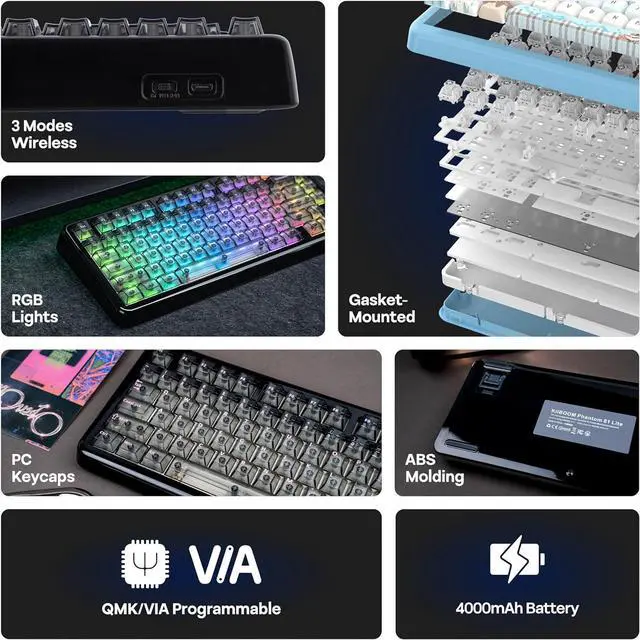
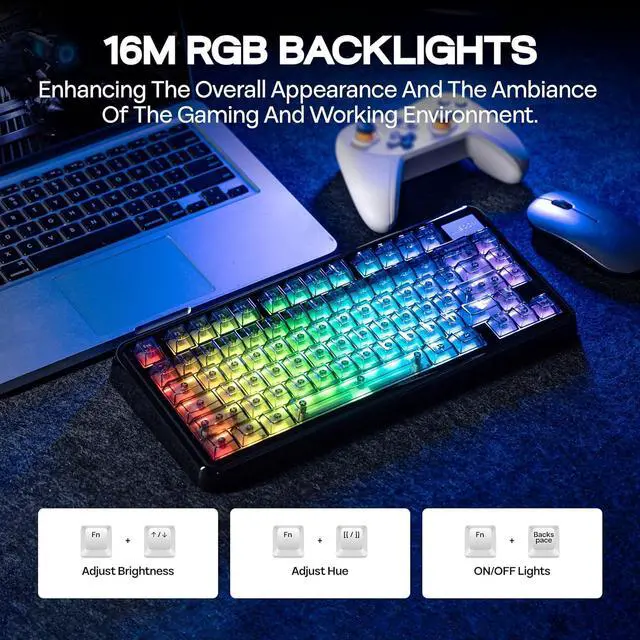
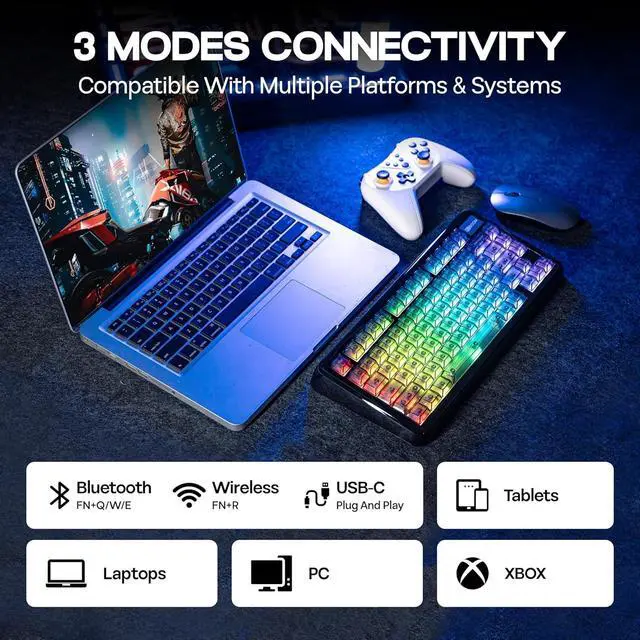
Sound-Dampened Layers: Equipped with specialized sound-dampening materials, this keyboard significantly reduces noise. Enjoy a quieter workspace without compromising on the tactile feedback that mechanical keyboards are known for.
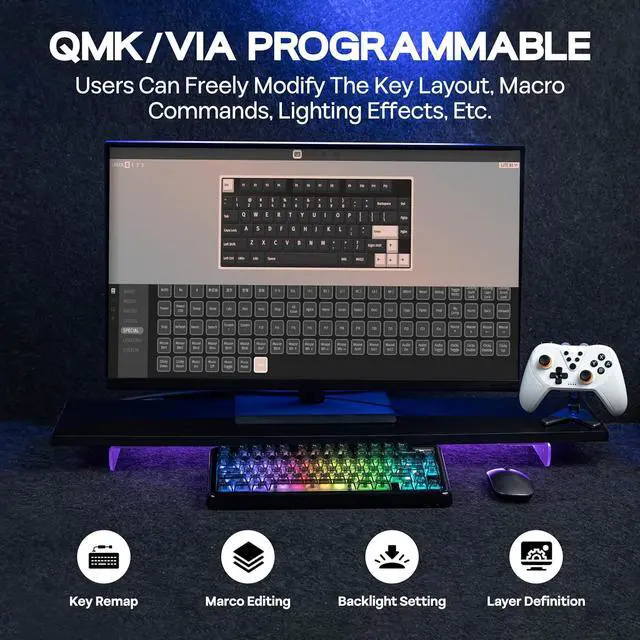
Why I can't connect to VIA?
1. Make sure your keyboard is connected to your device in Wired mode
2. Upload the correct JSON file of the keyboard
3. If in VIA Application, try a few more times
4. If in online VIA Software, make sure you authorize the keyboard connecting VIA
What do the indicator lights mean?
Low battery: Fn key blinks red
Win Lock: Win key stays lit, Caps Lock: Caps key stays lit
Mode switch: A/S blinks 3 times
Brightness/speed limit: Arrow keys blink 3 times
Current mode: Hold Fn to show (Q/W/E/R/T/A/S light up)
Why my Alt key and Win key swapped function?
The keyboard might be in the Mac mode. Press Fn + A to switch the keyboard back to Windows mode
How can I check my keyboard's remaining battery?
Hold FN + Enter to view your battery status:
The 1-0 keys will light up to show your current battery percentage (e.g., 6 lit keys = 60% charge)
Your keyboard charges automatically in both wired and wireless modes when connected via USB-C
Phantom81 Lite Black KiiBOOM Phantom81 Lite: Hot-Swappable Custom Mechanical Keyboard with RGB Backlights Creamy Gasket Structure / KiiBOOM Linear Switch / Packing List Gasket-Mounted Structure Phantom81 Lite Black Where can I download the JSON file of the Phantom81 Lite keyboard to custom?Can I remap FN key?
Why I can't connect to VIA?
What do the indicator lights mean?
Why my Alt key and Win key swapped function?
How can I check my keyboard's remaining battery?