




 here!
here!
I’m your shopping assistant for PC builds, upgrades, and everything tech.
Got questions? Ask away!
Start a conversation
here!
I’m your shopping assistant for PC builds, upgrades, and everything tech.
Got questions? Ask away!
Start a conversation
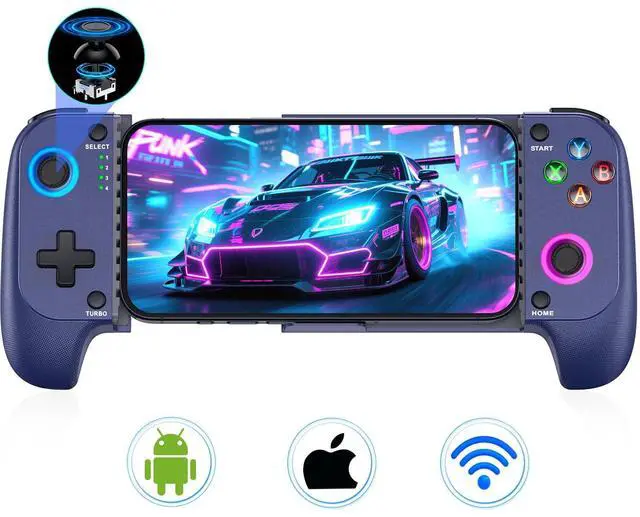
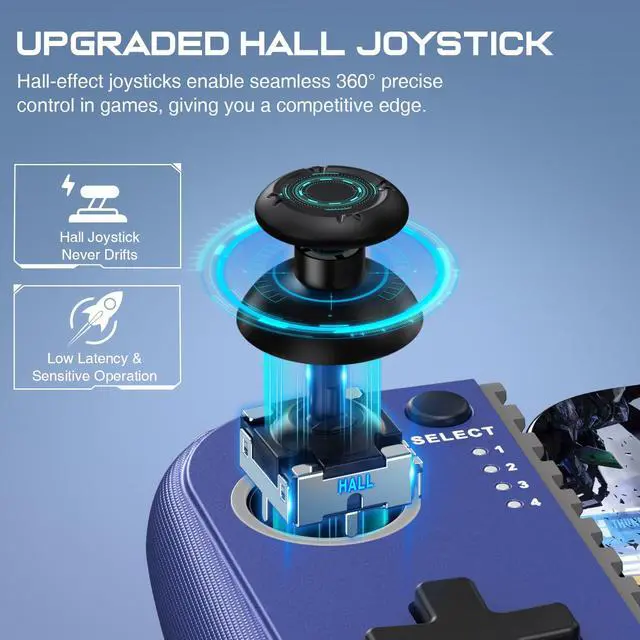
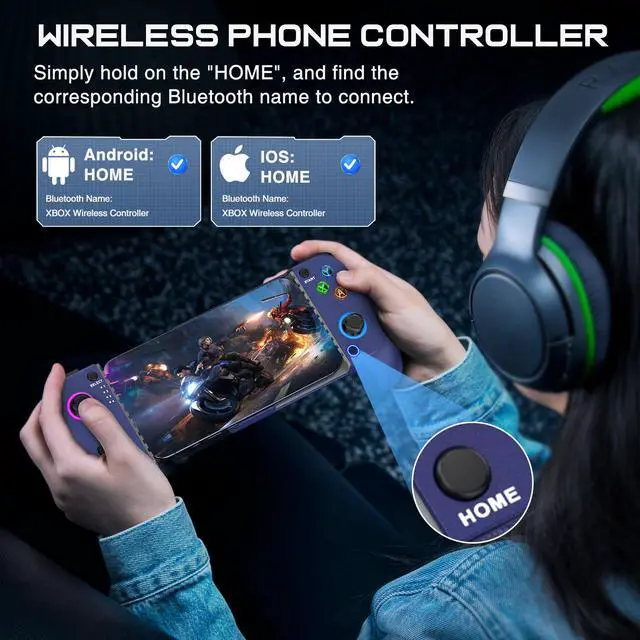
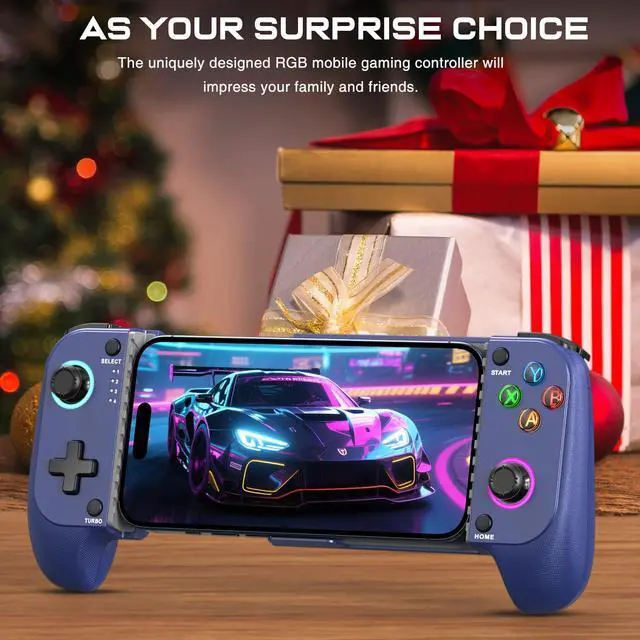





Any questions? Ask CelesteSM will help you find out quickly.


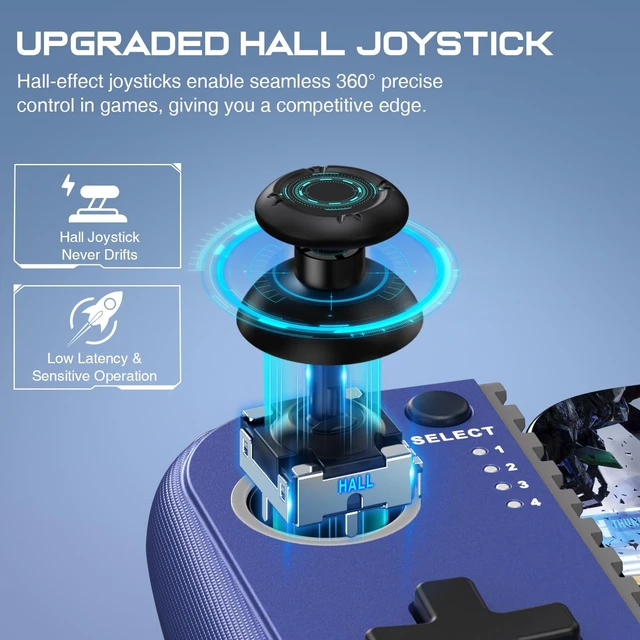
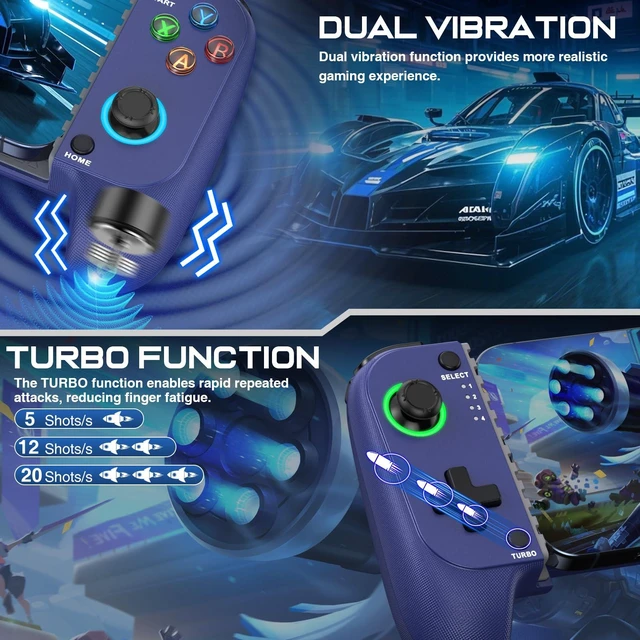
What should you do if the wireless game controller has connection/charging issues or joystick drift?
You can try resetting it: use a needle to press the 'RESET' hole on the back of the controller, then restart the iPhone controller to resolve most non-quality issues.
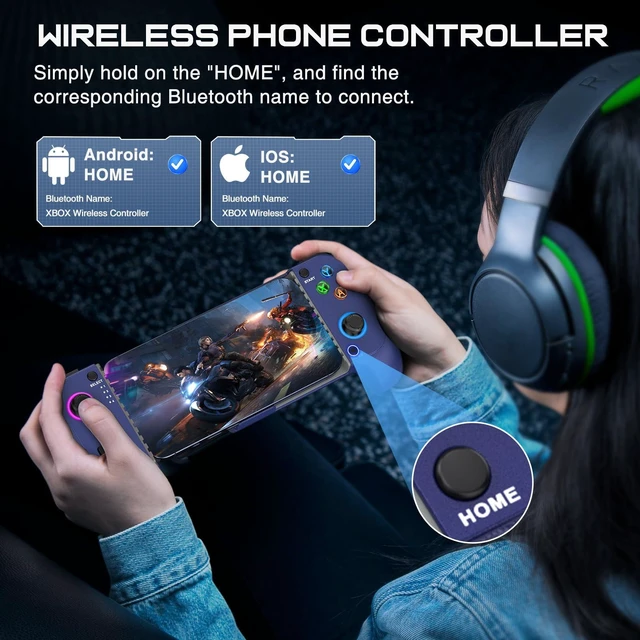
How do I easily pair this game controller with my device via Bluetooth?
1. Enable Bluetooth on your device.
2. Press "B+HOME" and check if the 4th LED light flashes rapidly.
3. For Android users, select "Wireless Controller"; For iOS users, select "DUALSHOCK 4 Wireless Controller."
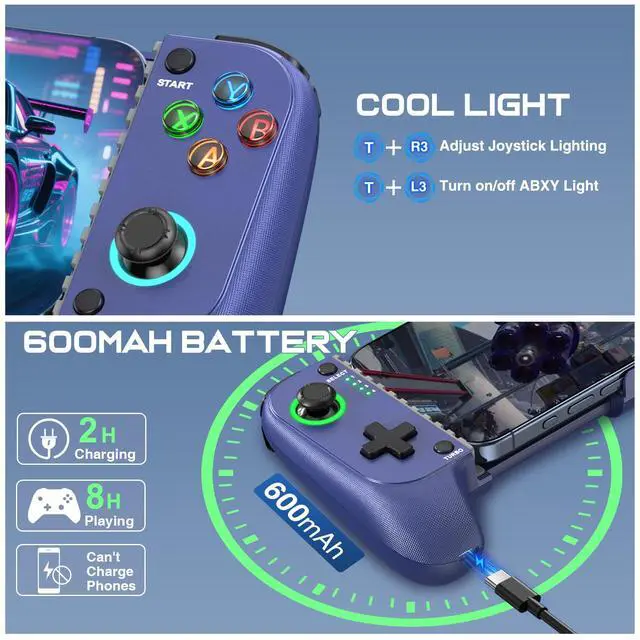
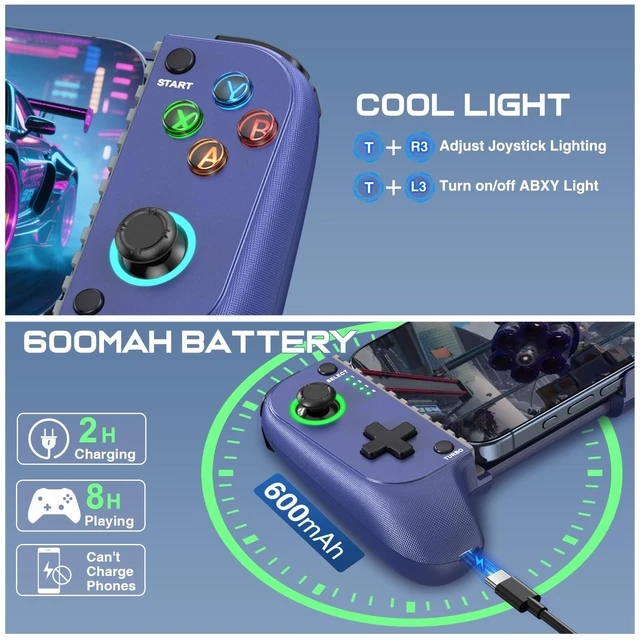
How do I customize the cool lighting on the game controller?
1. TURBO+L3 can turn on/off the lights of ABXY buttons.
2. TURBO+R3 can cycle the joystick aperture light effect.
Is it comfortable to play for long periods? Can you charge your phone at the same time?
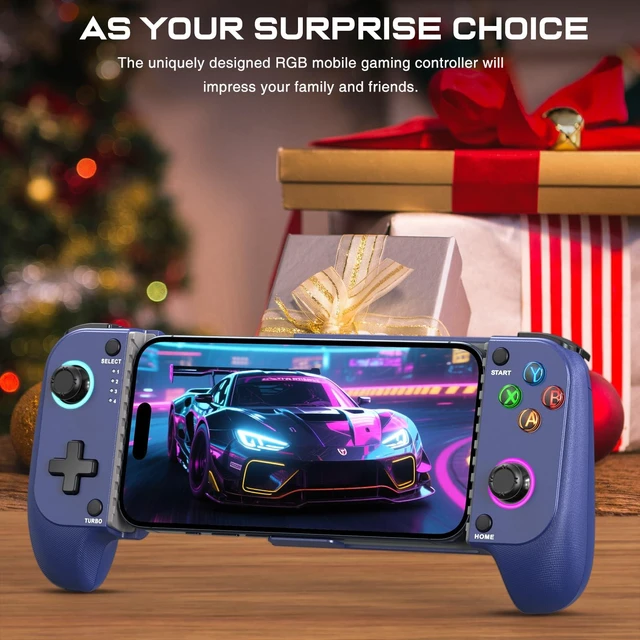
1. This game controller features a comfortable ergonomic design to prevent hand fatigue during long gaming sessions.
2. It does not support direct phone charging but is support with standard phone cases.


What should you do if the wireless game controller has connection/charging issues or joystick drift?
You can try resetting it: use a needle to press the 'RESET' hole on the back of the controller, then restart the iPhone controller to resolve most non-quality issues.
How do I easily pair this game controller with my device via Bluetooth?
1. Enable Bluetooth on your device.
2. Press "B+HOME" and check if the 4th LED light flashes rapidly.
3. For Android users, select "Wireless Controller"; For iOS users, select "DUALSHOCK 4 Wireless Controller."
How do I customize the cool lighting on the game controller?
1. TURBO+L3 can turn on/off the lights of ABXY buttons.
2. TURBO+R3 can cycle the joystick aperture light effect.
Is it comfortable to play for long periods? Can you charge your phone at the same time?
1. This game controller features a comfortable ergonomic design to prevent hand fatigue during long gaming sessions.
2. It does not support direct phone charging but is support with standard phone cases.


