




 here!
here!
I’m your shopping assistant for PC builds, upgrades, and everything tech.
Got questions? Ask away!
Start a conversation
here!
I’m your shopping assistant for PC builds, upgrades, and everything tech.
Got questions? Ask away!
Start a conversation
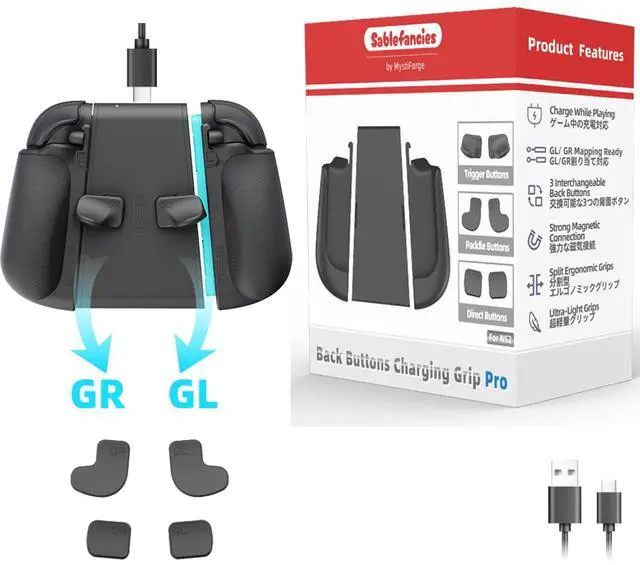
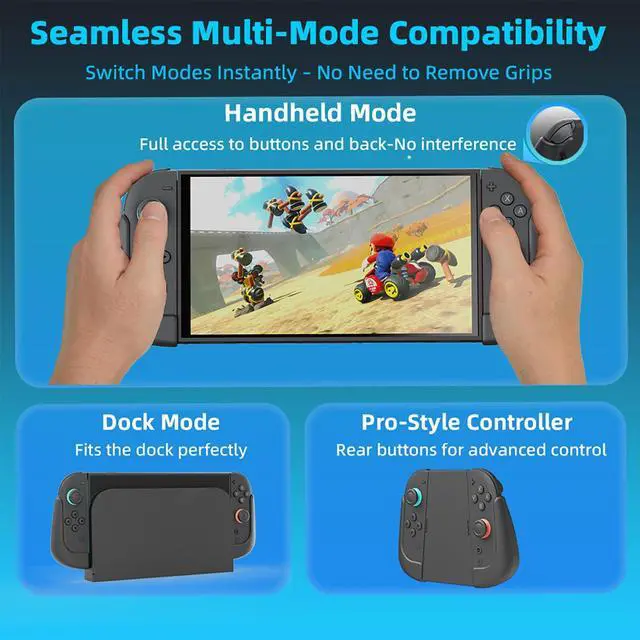
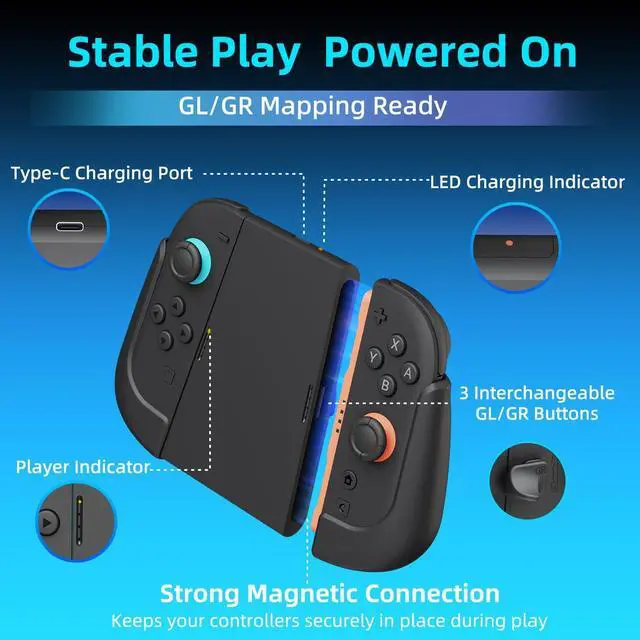
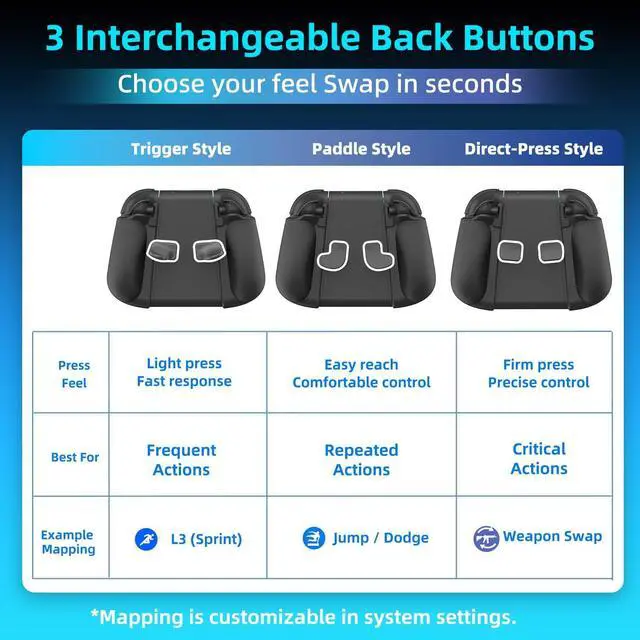



Any questions? Ask CelesteSM will help you find out quickly.
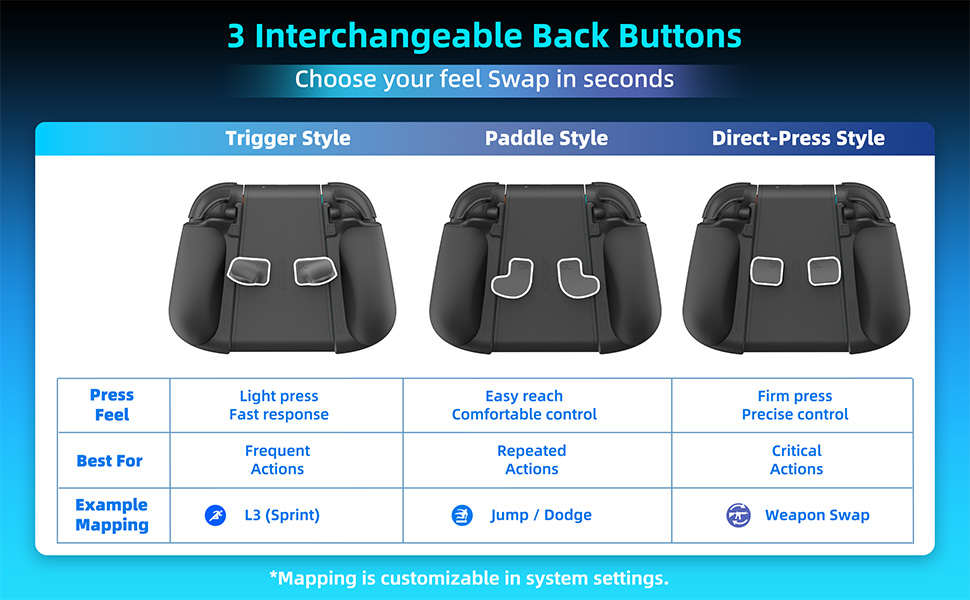
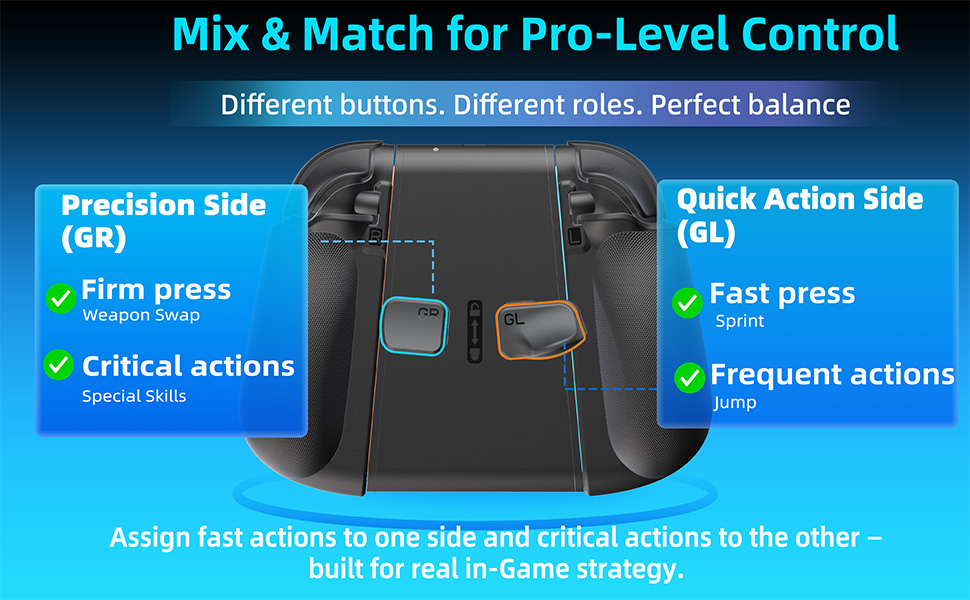
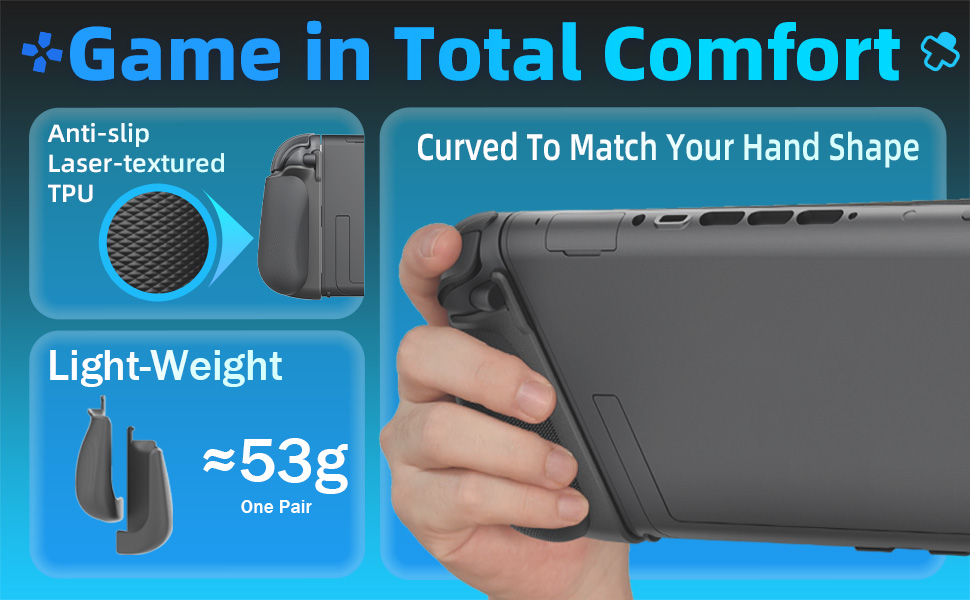
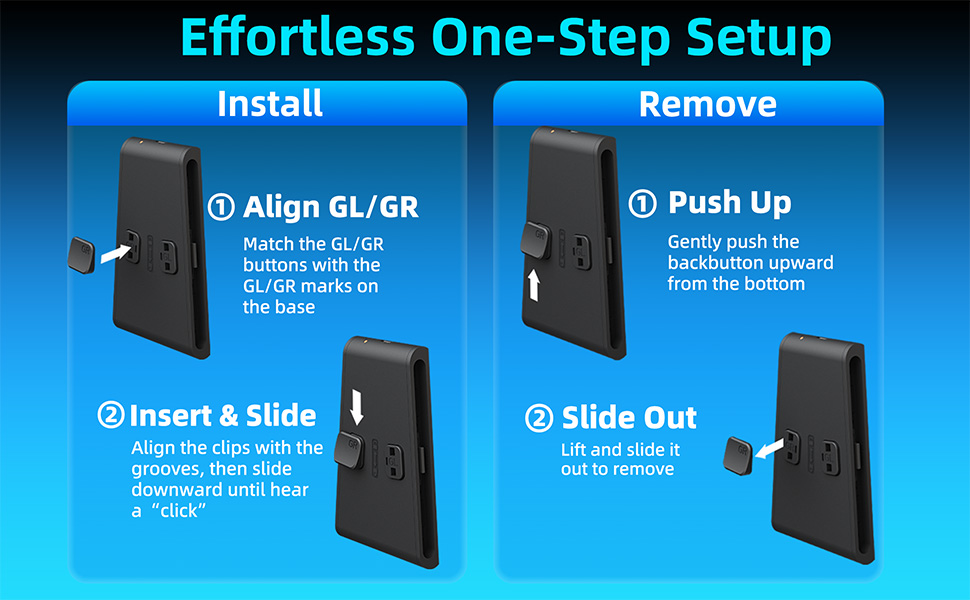
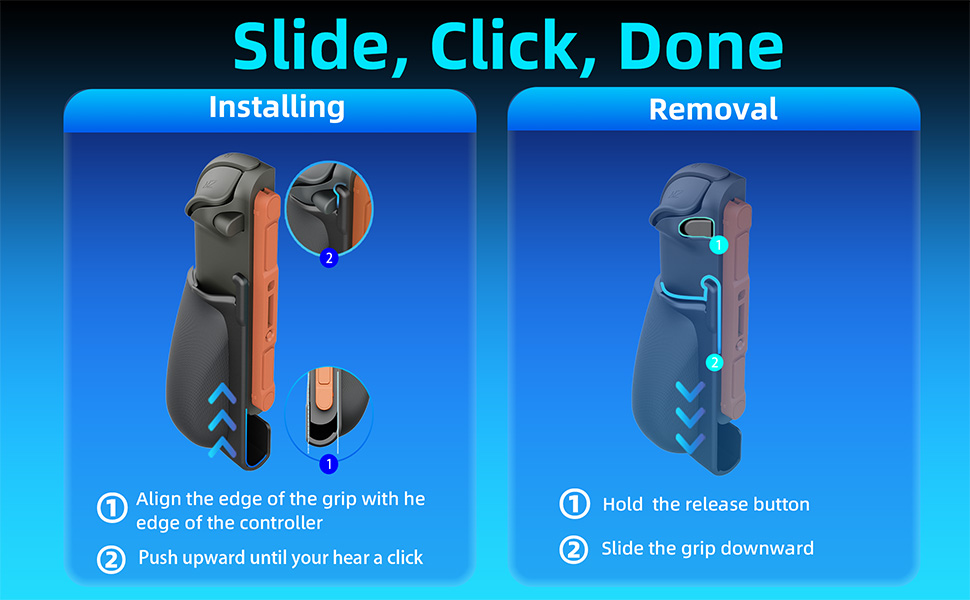
Q1: Why can't I install the back buttons successfully?
A: Check for Alignment.Please ensure that both the top and bottom clips of the back button are perfectly aligned with the bracket’s slots. If the button is tilted or any edge is lifted, it will not snap into place. Make sure the button sits flush before sliding to lock.
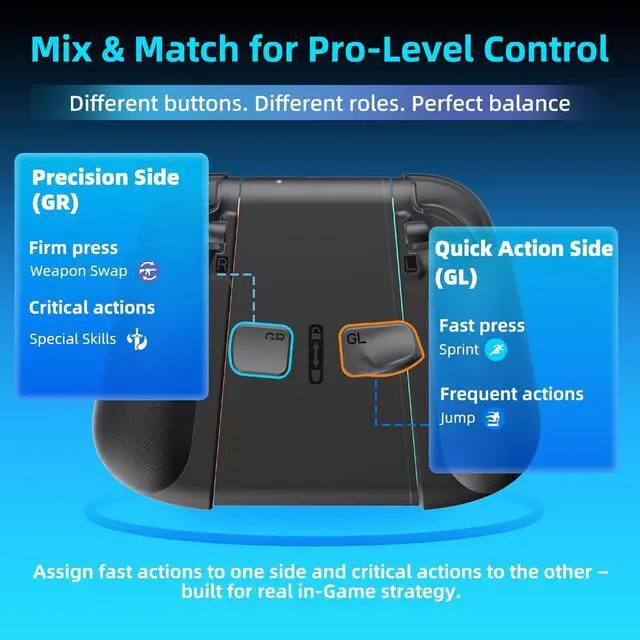
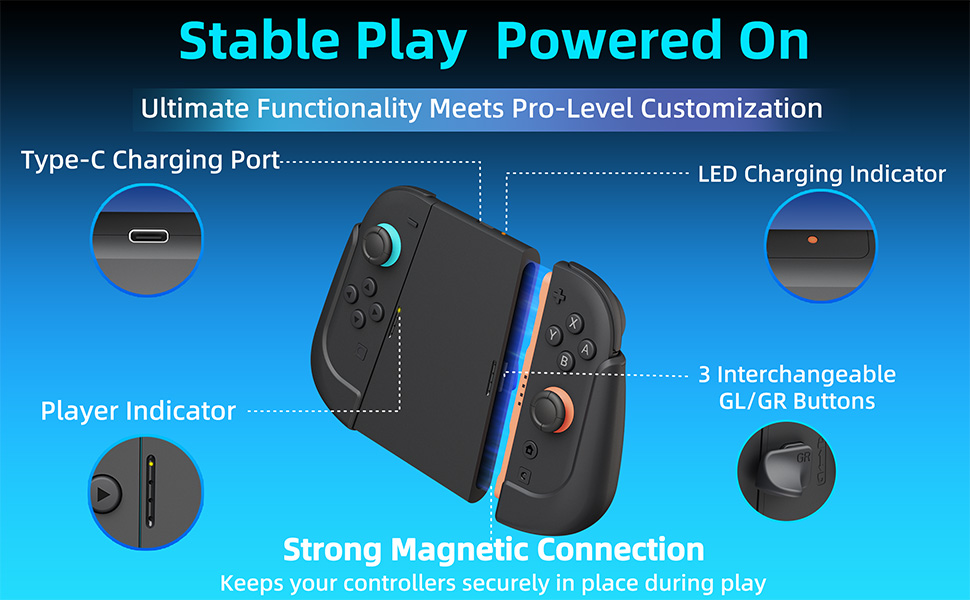
Q2: Why are the back buttons (GL/GR) not working?
A: Mapping and Connection Check.
Q1: Why can't I install the back buttons successfully?
A: Check for Alignment.Please ensure that both the top and bottom clips of the back button are perfectly aligned with the bracket’s slots. If the button is tilted or any edge is lifted, it will not snap into place. Make sure the button sits flush before sliding to lock.
Q2: Why are the back buttons (GL/GR) not working?
A: Mapping and Connection Check.


