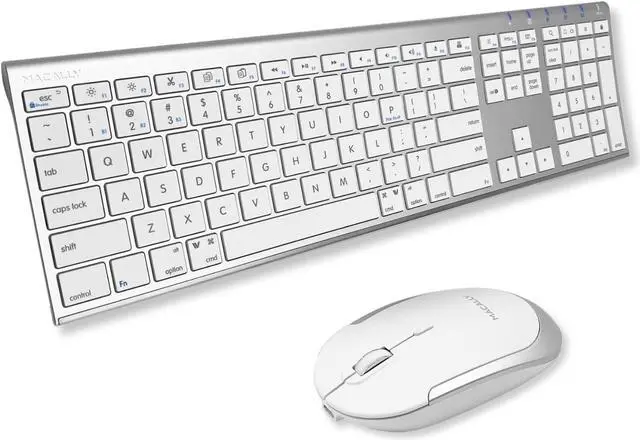
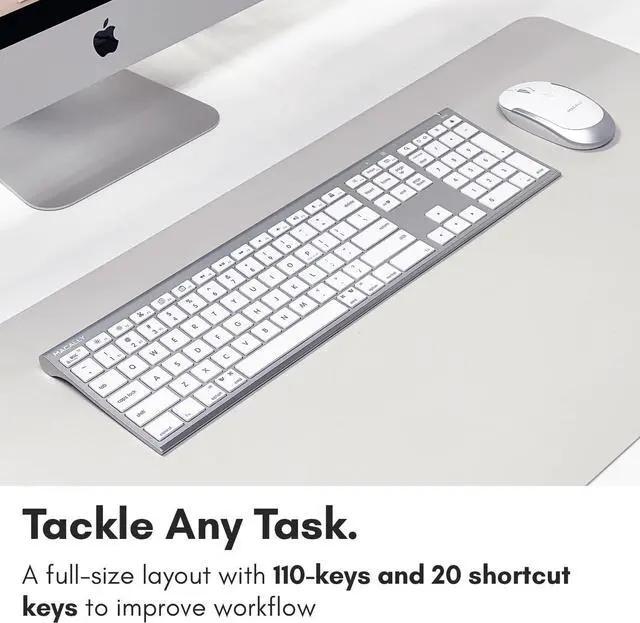
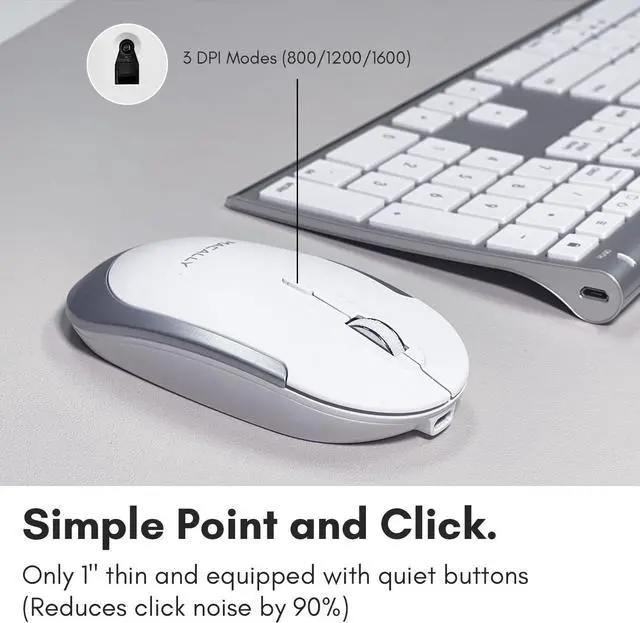
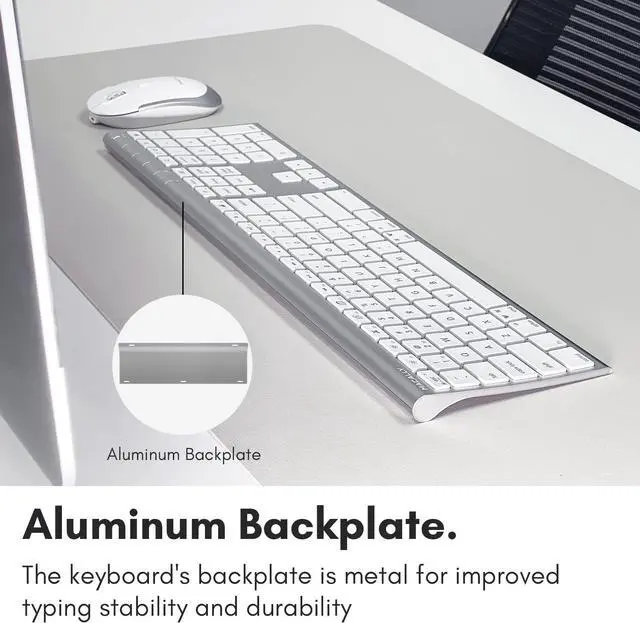
1Scissor Switch Keys2Quiet Click Buttons1Rechargeable 2Aluminum Backplate How do you pair the keyboard to three devices?
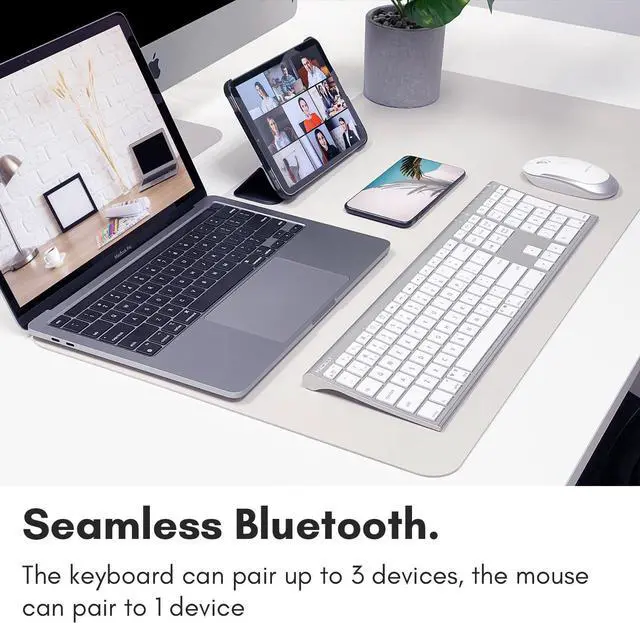
To pair, please press and hold the Fn key, and while holding it press the Number 1,2, or 3 key on the number row and let go. Then press and hold Fn then while holding Fn press the "P" key and let go.
How do you quick-switch the Bluetooth channels from B1 to B2 and B3 on the keyboard?
All you need to do is press and hold Fn and press the numbers 1,2, or 3 on the number row, and let go of both.
Can the mouse pair to 3 bluetooth devices?
No, only the keyboard can pair to 3 bluetooth devices. The mouse only pairs to 1.
Can you use the keyboard and mouse in wired mode?
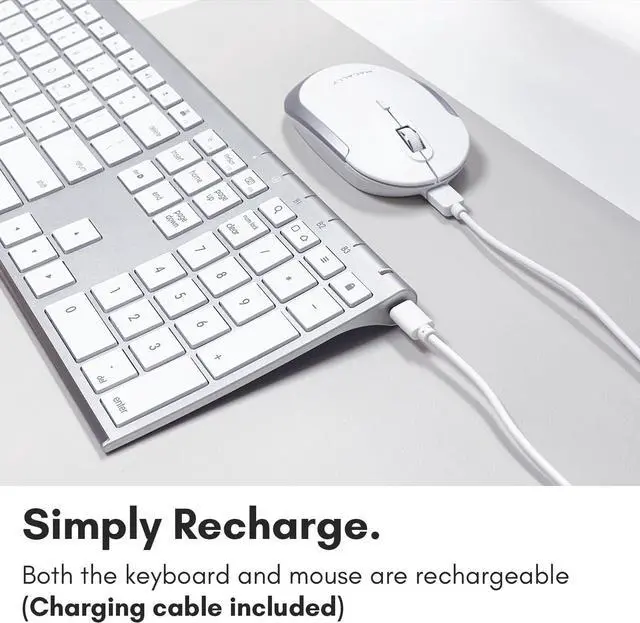
No, the mouse and keyboard can pair via bluetooth only. The wired cable is only for charging.
All you need to do is press and hold Fn and press the numbers 1,2, or 3 on the number row, and let go of both.
On the top right there should be a lock symbol with an FN in the lock. See if there is a Blue LED light on the panel which is on the top right. If there is a Blue LED light on, then press and hold Fn and press ESC to shut off the Fn lock.
How do you pair the keyboard to three devices?
How do you quick-switch the Bluetooth channels from B1 to B2 and B3 on the keyboard?
Can the mouse pair to 3 bluetooth devices?
Can you use the keyboard and mouse in wired mode?
All you need to do is press and hold Fn and press the numbers 1,2, or 3 on the number row, and let go of both.