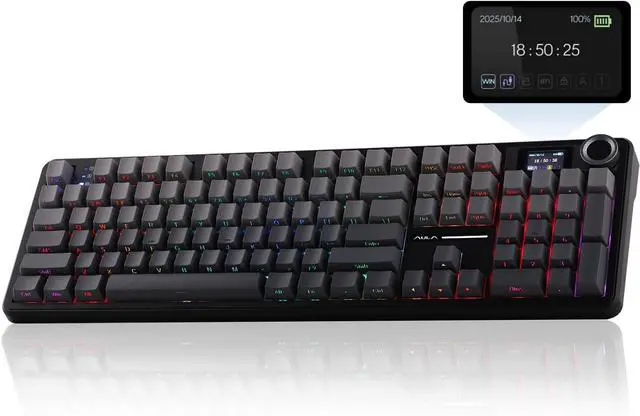
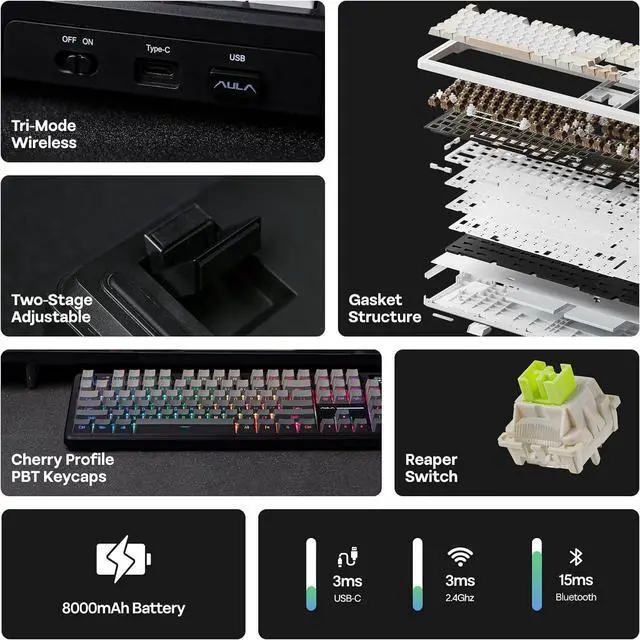
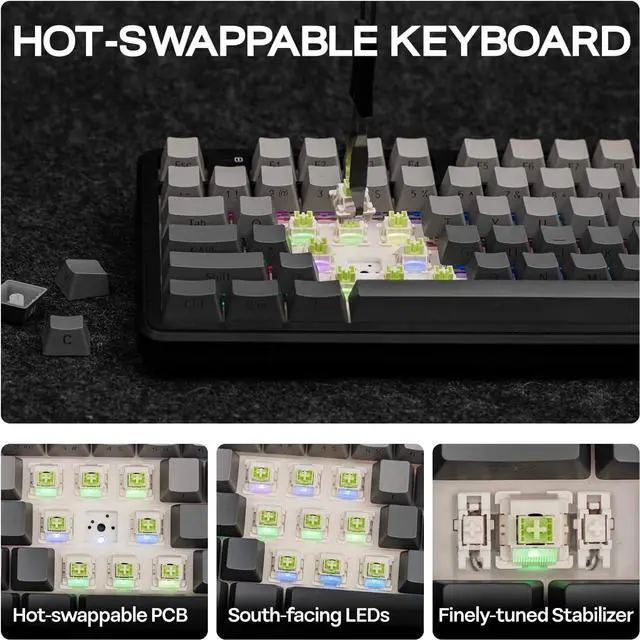
1Custom Software2Gasket Structure3Significant Creativity How to adjust the time, date, and upload GIF images on the screen?
You can find the download link for the driver on the "EPOMAKER" website. Adjust the time, date, and upload GIF images on the screen through the driver. Note: The F108 PRO driver currently only supports Windows systems.
Why does the keyboard backlight light up but the keys don't respond when I plug it in?
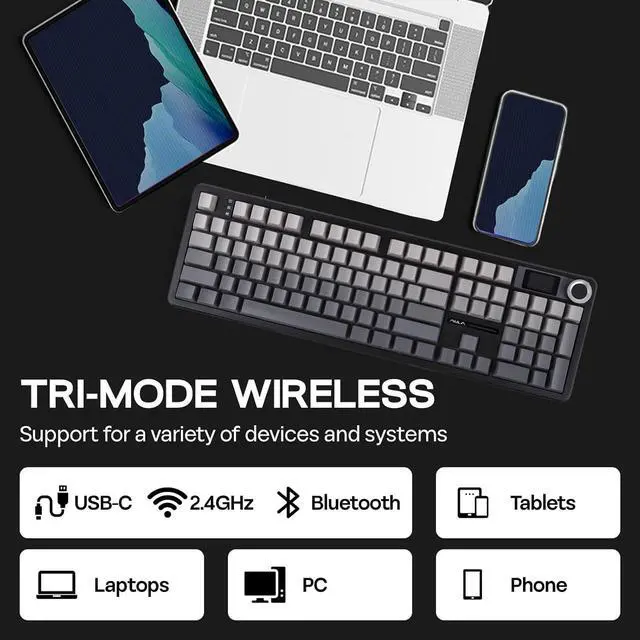
It's possible that the keyboard is not in the correct connection mode. You can press and hold the 'FN' key to check the connection system and OS of the keyboard. The symbols" ~`, 1, 2, 3, 4" correspond to "Wireless 2.4GHz, BT 1/2/3, and USB-C wired".
How to switch the keyboard operating system?
You can switch to the corresponding operating system using the key combinations "FN+Q/W/E/R". To check the current status, simply press and hold the "FN" key. The keys Q, W, E, and R correspond to Android, Windows, Mac, and iOS, respectively.
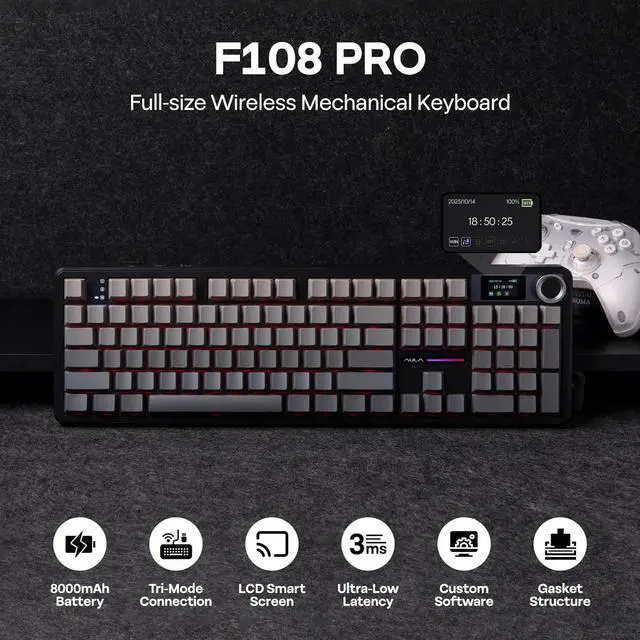
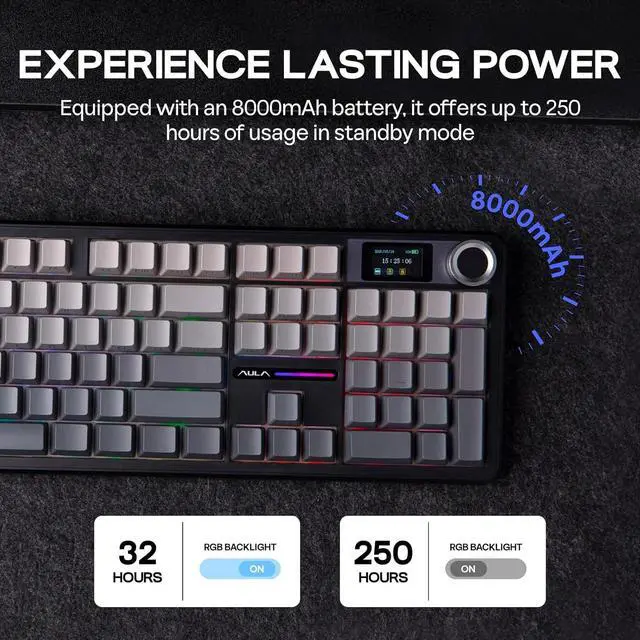
EPOMAKER X AULA F108 PRO Full Size Wireless Mechanical Keyboard with LCD Screen F108 PRO Full Size Wireless Mechanical Keyboard 360° Showcasing On Thocky Sound, RGB Backlit, Package & Size F108 PRO Wireless Gaming Keyboard How to adjust the time, date, and upload GIF images on the screen?
Why does the keyboard backlight light up but the keys don't respond when I plug it in?
How to switch the keyboard operating system?