Support Working While Charging
Being used with the 2 in 1 audio cable, the USB-C charging/Monitoring port support charging the receiver while monitoring
Stereo and Safety mode is not supported when using the 3.5mm to Lightning or USB C audio adapters.
( Please make sure your devices come with stereo function)
Can I use the stereo mode on my phones or laptops?
No, you can only use the mono mode on your phones or laptops,since you need to use the extra adapter for connecting.
How do I connect it to my iPhone?
For iPhone users, connect the 3.5mm to Lightning adapter with OTGto the receiver. iPhone speaker won't work when connected.
How do I connect it to my Android Phones or Laptop?
For Android, connect the 3.5mm to the USB-C audio adapter with OTG(not included). Your phone speaker won't output sound.
How do I connect it to my computer?
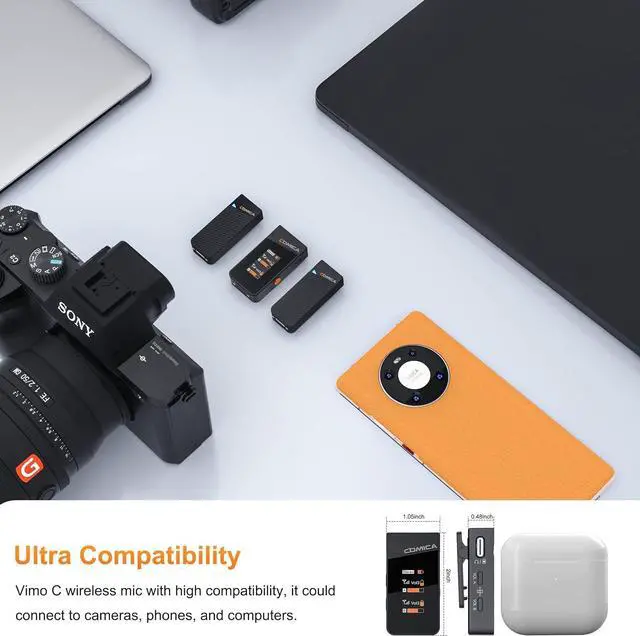
To connect VIMO C3 to a computer with USB-C input, use a 3.5mm to USB-C audio adapter (not included) or a TRS-TRS cable. Make sure to select VIMO C3 as the input audio device for your computer and recording software.
What should I do if my camera come with loud background noise?
Manually adjust camera recording volume, lower camera gain, and turn off automatic gain control. Note: Vimo C may not be compatible with wind noise suppression and noise reduction functions of your camera. Turn off both functions when recording.
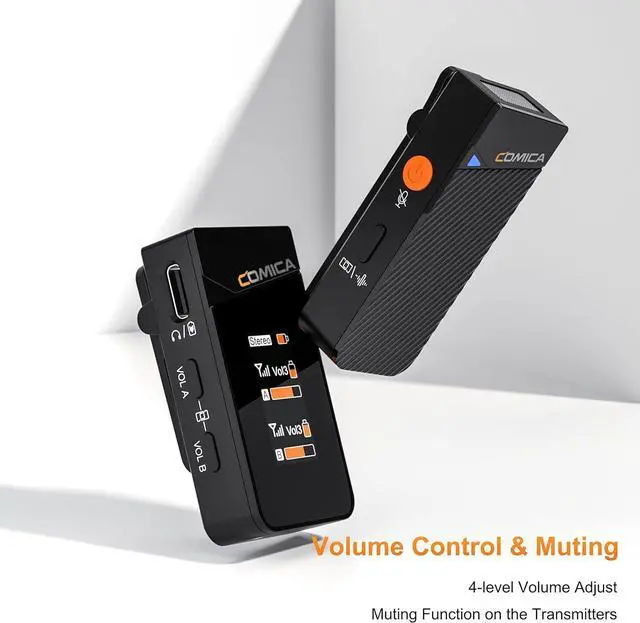
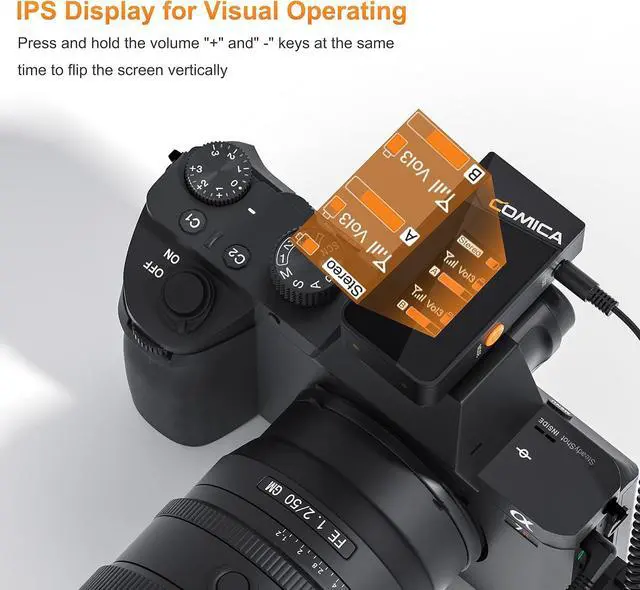
4-level Adjusted Gain Control Rotatable IPS Display One-click Muting 20 Hours Duration Time Real-time Monitoring Mono, Stereo and Safety Mode Widely Compatibility Can I use the stereo mode on my phones or laptops?
How do I connect it to my iPhone?
How do I connect it to my Android Phones or Laptop?
How do I connect it to my computer?
What should I do if my camera come with loud background noise?





 here!
here!