• $108.99
  • Free 30-day Returns
  • Ships from Hong Kong.
    Price alert
    Shop it at NeweggBusiness.

    Meet Your Seller

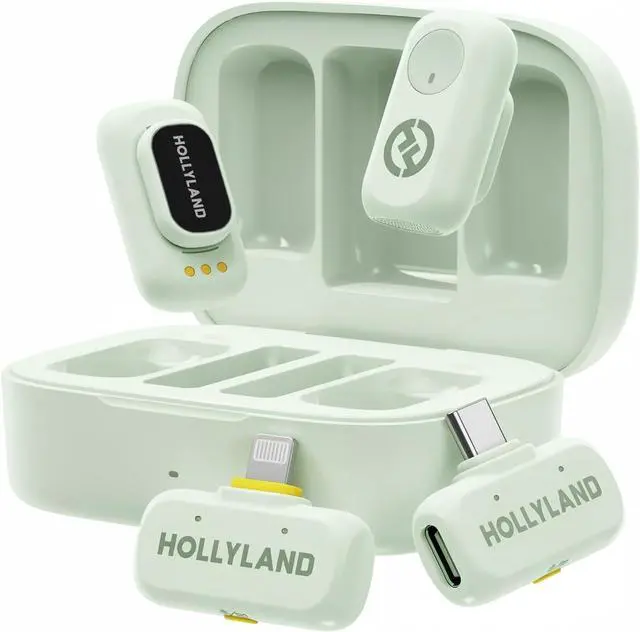
    Hollyland Lark A1 Wireless Mini Microphone for iPhone & Android, 48kHz/24-bit, 3-Level Intelligent Noise Cancel, Microphone for YouTube, Podcast, Vlogging (Green, 2TX + 2RX + Charging Case)

    • Real 48kHz/24-bit Studio Sound At a Price That Surprises: Experience true 48kHz/24-bit recording with powerful 120dB SPL handling. Capture crisp highs, rich lows, and distortion-free clarityeven during sudden loud moments. Professional audio performance without the premium price.
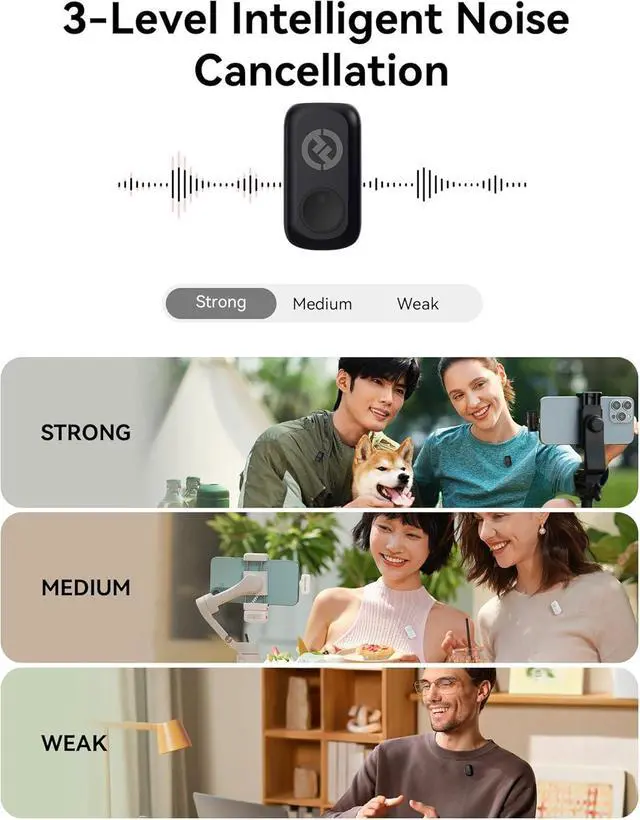
    • Clear Voice Anywhere Smart 3-Level Noise Cancellation: From windy streets to busy rooms, choose Weak, Medium, or Strong noise reduction to match your environment. Removes background noise without muffling your voice. Includes furry windshields for extra outdoor protection.
    • Plug & Play for Live Streaming No Bluetooth, No Dropouts: Just plug the USB-C/Lightning receiver into your phone and start instantly. Works for live streaming and video recording on YouTube, TikTok, Instagram Live, Zoom, and more. Direct receiver connection ensures smooth, stable audio every time
    • 200m (650ft) Wireless Freedom Move Without Limits: Enjoy up to 200m of stable transmission with anti-interferenc200m (650ft) Wirel
    +
    +
    Overview
    Specs
    Reviews
    avatar

    Any questions? Our AI beta will help you find out quickly.

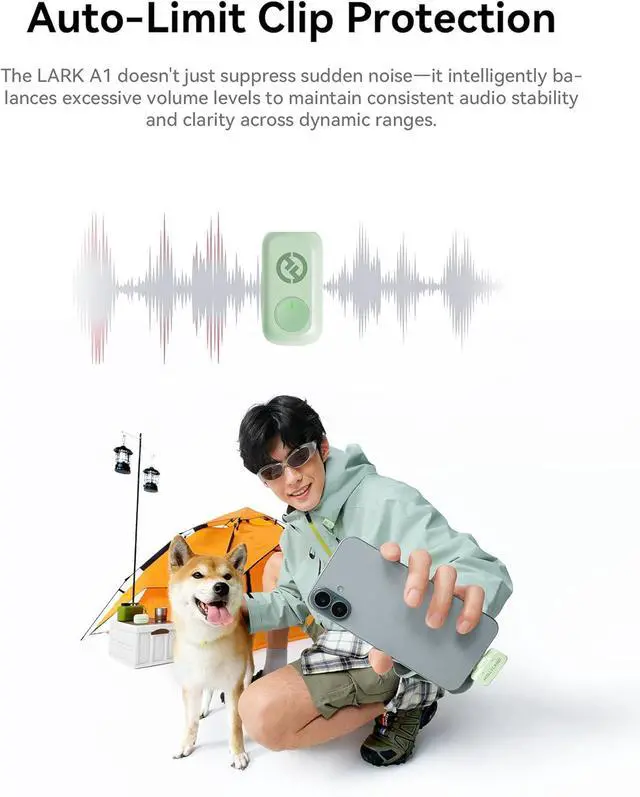
    148 kHz/24-bit23-Level Noise Cancel3EQ & Reverb Adj4Auto-Lim ClipProt5MagSnap Design What scenarios are the EQ Adjustment and Reverb Adjustment of LARK A1 suitable?
    EQ Adjustment: Enhances voice clarity & naturalness. Reverb Adjustment: Adds fullness/thickness to sound.
    Three-Level Reverb:
    Small: Voice chat, recordings, short videos
    Medium: video recording, podcasts
    Large: Live singing

    Why TX indicator of LARK A1 does not light up?
    LARK A1 supports Indicator light switch. After turning off the indicator light on the LARKSOUND APP, the TX indicator light will not light up.

    LARK A1 how to turn on mute function?
    LARK A1 supports the mute function on TX and RX.
    On the TX side, double press the button to turn on current mic.
    On the RX side, double press the yellow button to mute mic1, triple press to mute mic 2.

    What is the TX Identification function of LARK A1?
    When turning this function on will show different indicator light
    Purple: TX1
    Yellow: TX2
    Note: When the NC on will only show green light

    120dB SPL Studio Standard 120 dB Sound Pressure Level LARK A1 How to pair manualy?
    What scenarios are the EQ Adjustment and Reverb Adjustment of LARK A1 suitable?
    Why TX indicator of LARK A1 does not light up?
    LARK A1 how to turn on mute function?
    What is the TX Identification function of LARK A1?

    Warranty & Returns

    Warranty, Returns, And Additional Information

    Warranty

    • Please contact the Seller directly for warranty information. Warranty information may also be found on the Manufacturer's website.
    • CONTACT

    Return Policies

    Manufacturer Contact Info

    LOADING...