• $90.99
  • Free 30-day Returns
  • Price alert
    Shop it at NeweggBusiness.

    Meet Your Seller

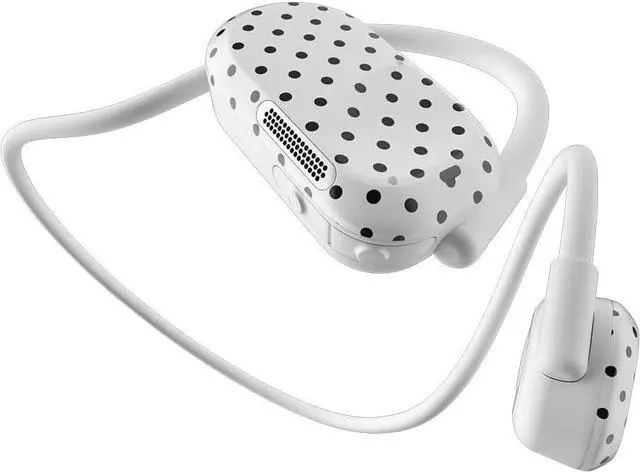
    Purity Air Open Ear Headphones - True Air Conduction Wireless Bluetooth Open Ear Earbuds with Dual Mic for iPhone/Android - Secured Long Wearing Comfort, Sports Sweat Resistant (Black dots)

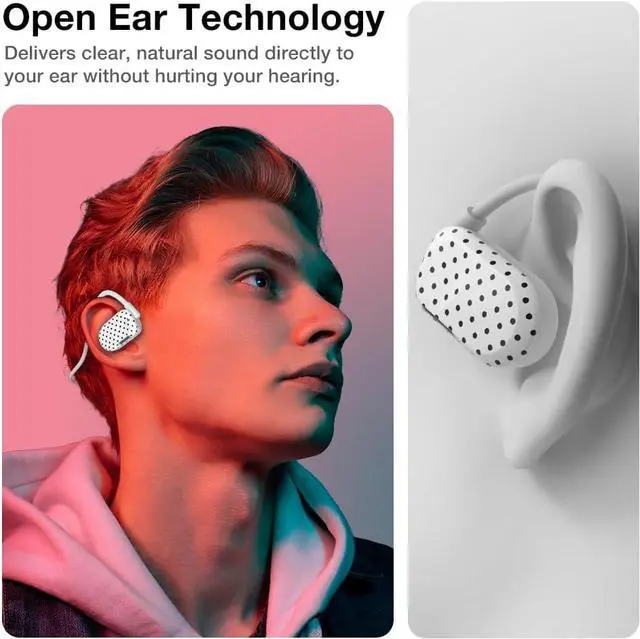
    • Open Ear Technology: Enjoy powerful audio with open ear air conduction technology that directly delivers clear, natural sound to your ear without hurting your hearing.
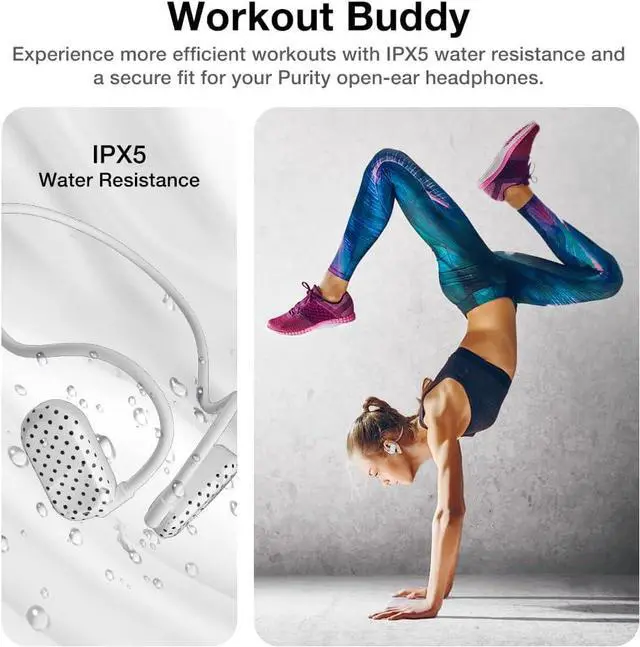
    • Best Fitness Partner: Experience more efficient workouts with IPX5 water resistance and a secure fit for your Purity open-ear headphones. The headphones allow you to be aware of your surroundings, making them ideal for outdoor activities, running, cycling, or any other activity that requires situational awareness.
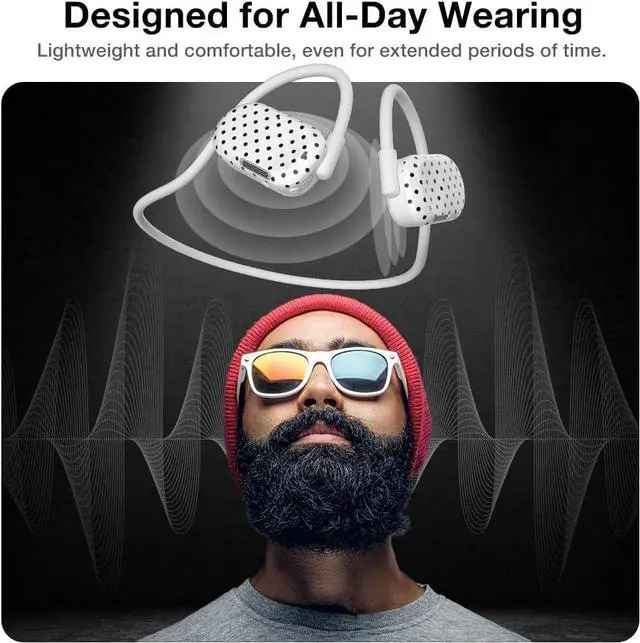
    • Comfortable Longtime Wearing: These headphones are designed for comfort with lightweight, making them perfect for wearing for long periods of time.
    • Environmental Noise Cancellation: Dual Microphones cancel all ambient background noise, while protecting your voice during calls.
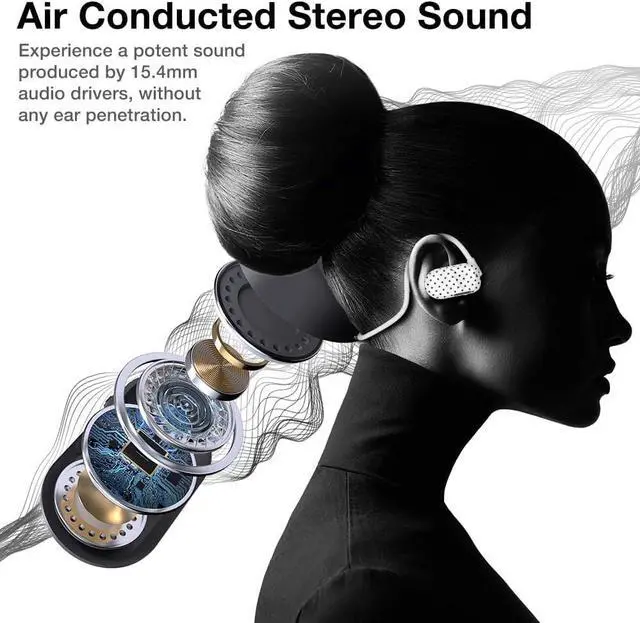
    • Powerful & Natural Sound: With two 15mm large high-quality speaker drivers, the Purity Open Ear Headphones provide you with more details of the music.
    +
    +
    Overview
    Specs
    Reviews
    avatar

    Any questions? Our AI beta will help you find out quickly.

    How to Reset?
    -Turn off the Headphone first.
    -Then Press and hold both Power and Volume Down buttons simultaneously for 5 seconds or more until you see the LED light starts flashing blue and red.

    How to Charge the Purity Air?
    -Connect the magnetic charging cable to the charging points located on the R speaker.
    - Ensure the pins and terminal are in contacts. The LED indicator will be solid red when it is charging; it will becomes solid blue when it is fully charged.

    How to clean your headphones? (Part1)
    - Wipe the headphones with a lint-free cloth
    - For stubborn exterior stains, use a cotton swab with a bit of isopropyl alcohol to clean
    - For stubborn dirt or wax in the speaker area, use compressed air to blow out the speaker grills in short bursts

    How to clean your headphones? (Part2)
    - Use a soft brush (such as a new or dedicated toothbrush) to gently brush across one of the speaker grilles. Hold the speaker downward so any material removed will either stick to the brush bristles or fall down.

    How to Turn On/Pair/Off?
    How to Reset?
    How to Charge the Purity Air?
    How to clean your headphones? (Part1)
    How to clean your headphones? (Part2)

    Warranty & Returns

    Warranty, Returns, And Additional Information

    Warranty

    • Please contact the Seller directly for warranty information. Warranty information may also be found on the Manufacturer's website.
    • CONTACT

    Return Policies

    • Return for refund within: 30 days
    • Return for replacement within: non-replaceable
    • This item is covered by honour_2 Return Policy

    Manufacturer Contact Info

    LOADING...