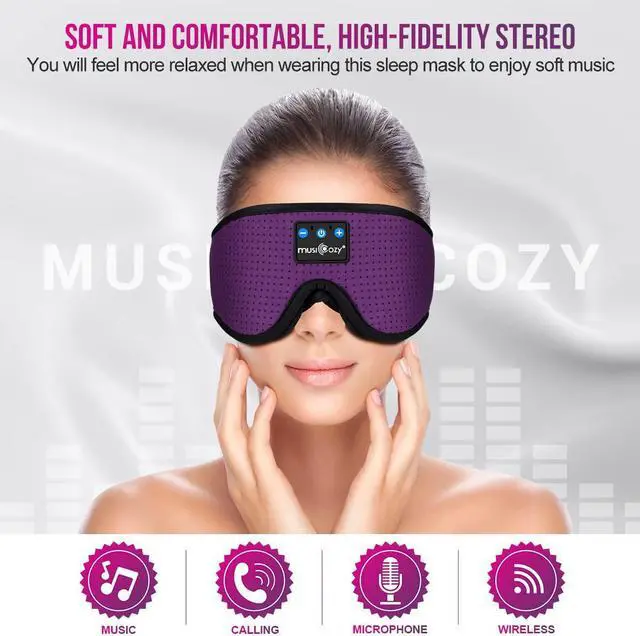
If you want to listen to songs to alleviate long-term environmental stress and fluctuating mood.
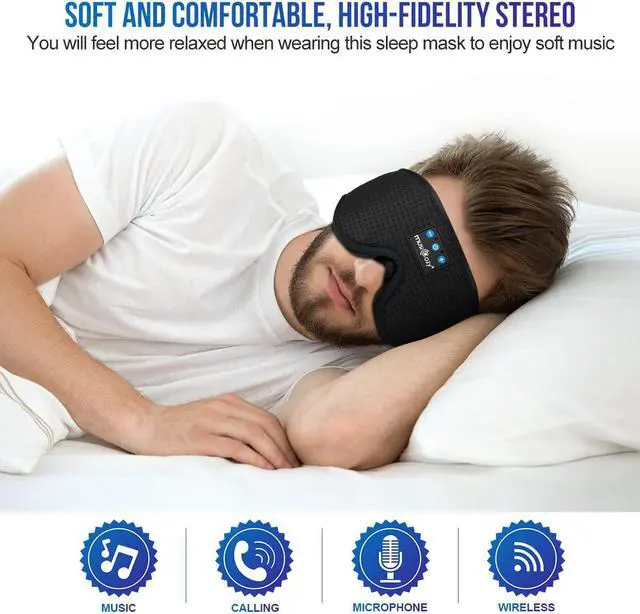
If you want to listen to music or audiobooks to relax while traveling or take a comfortable nap.
If you are sensitive to light, and the light in the bedroom cannot be completely covered by curtains.
If you want to block noises that keep you from falling asleep all night, such as the noise of neighbors, traffic sounds or the snoring of your partner.
If you try to use sleep earbuds to play music during sleep, but eventually it will fall off when you fall asleep, and the cable will get tangled around your body.
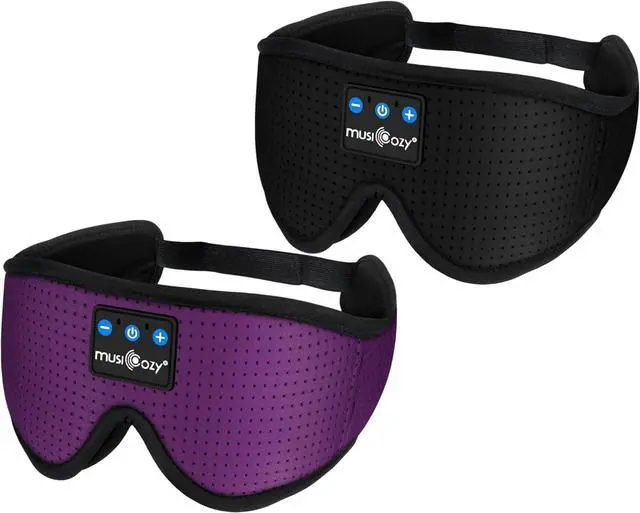
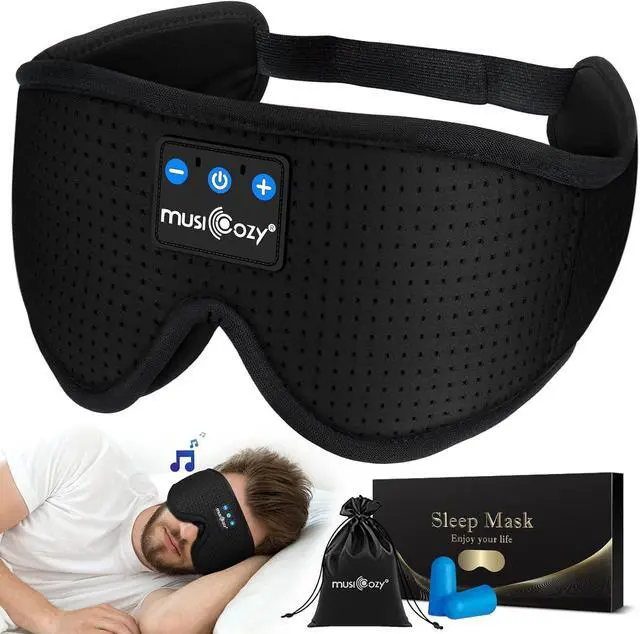
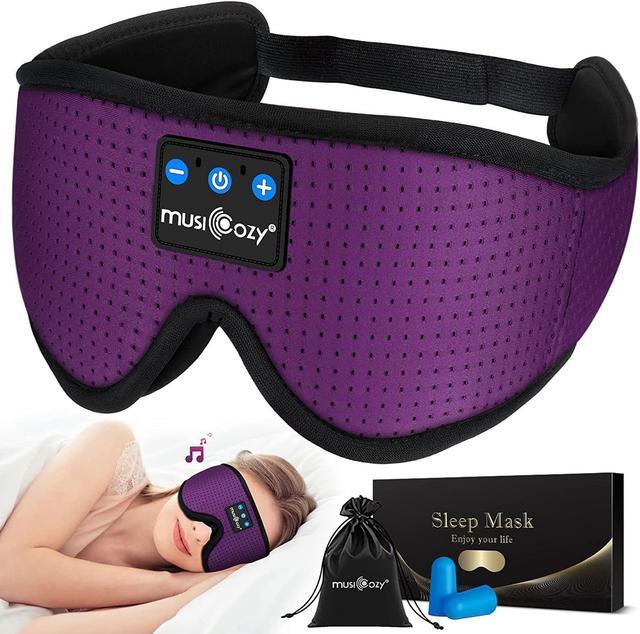
No matter what your situation is, if you are looking for an all-natural sleep aid that can help you fall asleep quickly, stay asleep longer and feel refreshed when you wake up. Then please take a look at our newest Bluetooth music sleep mask, which will help you Solve the above troubles.
The ergonomic Bluetooth Sleep Headphones have wider and deeper eye space than traditional sleep masks, and will not put pressure on your eyeballs and face.
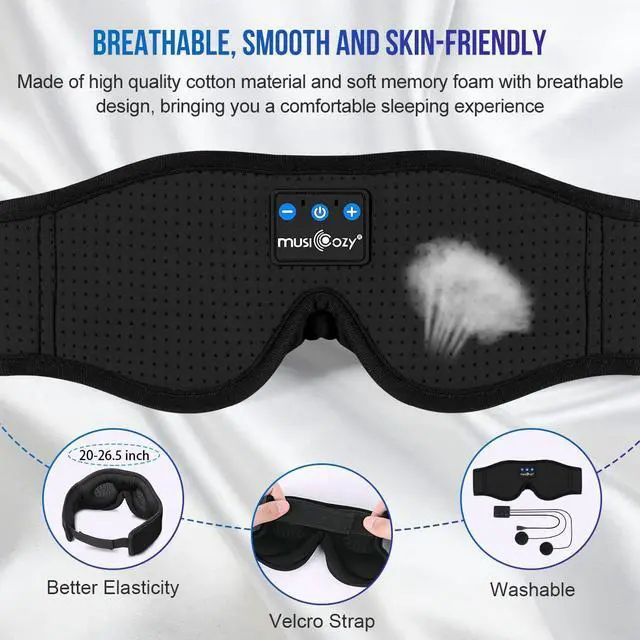
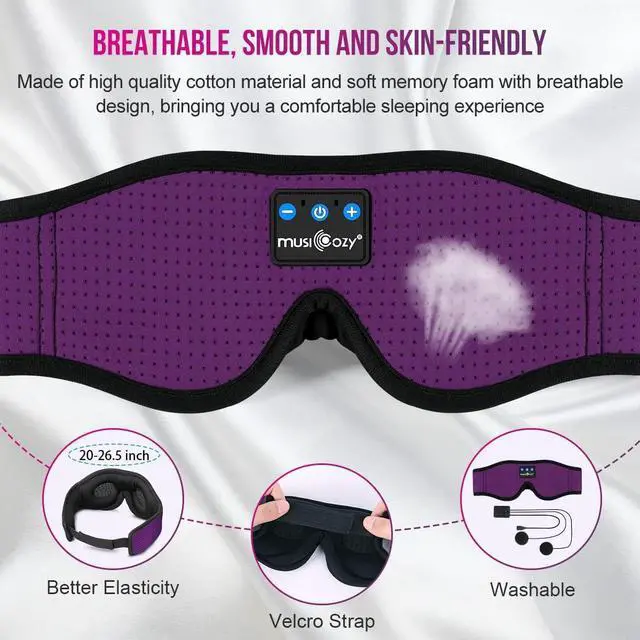
Made of premium soft memory foam and smooth ice silk lining, it can relieve facial pressure and help you fall asleep quickly.
The unique nose baffle design can block almost all light and fit your nose in a perfect way, keeping you completely in the dark and making you feel sleepy faster.
The surface of the Bluetooth sleep headphones is designed with breathable fabric, which can bring you a skin-friendly and cool feeling.
Ensure Bluetooth is enabled on your device (e.g., smartphone, tablet).
Press and hold the power button until the LED indicator flashes blue and red alternately, indicating that the sleep mask is in pairing mode.
On your device, navigate to the Bluetooth settings and select "musiCozy" from the list of available devices to establish a connection.
Once paired successfully, the LED indicator will turn off.
Why do you need MUSICOZY 3D breathable sleep headphones eye mask? MUSICOZY Breathable Sleep Headphones with Unique 3D Contour Design. How to Connect Your Bluetooth Device?