Your Browsing History
Meet Your Seller
Docking Station & 100W Charger for ROG Xbox Ally X (2025)/ROG Ally X/Steam Deck/Legion Go, 6-in-1 Dock with HDMI 4K@120Hz, Gigabit Ethernet, Dual USB A & USB C 3.2 Gen 1, 100W Charging - HB0609
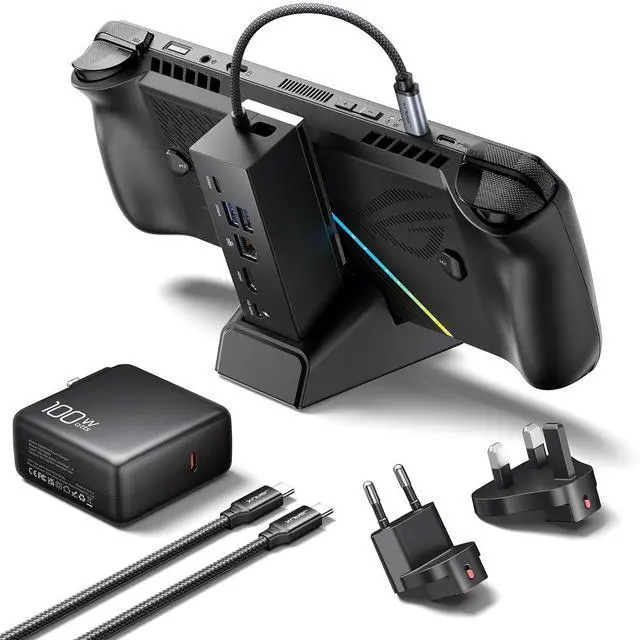
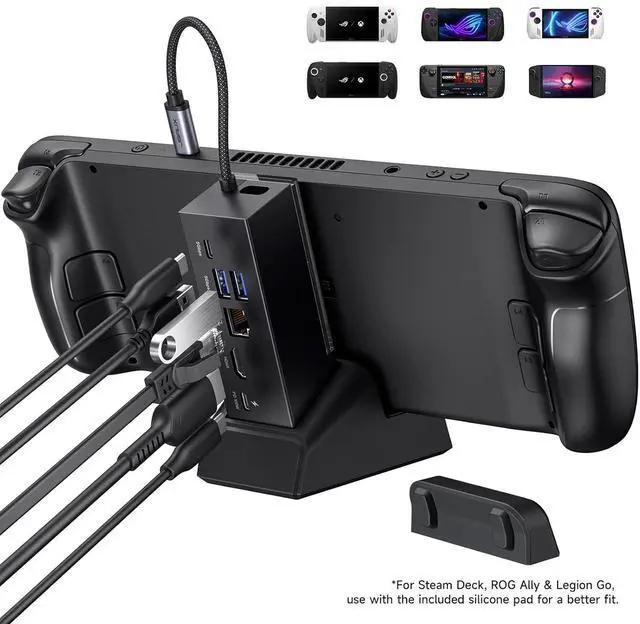
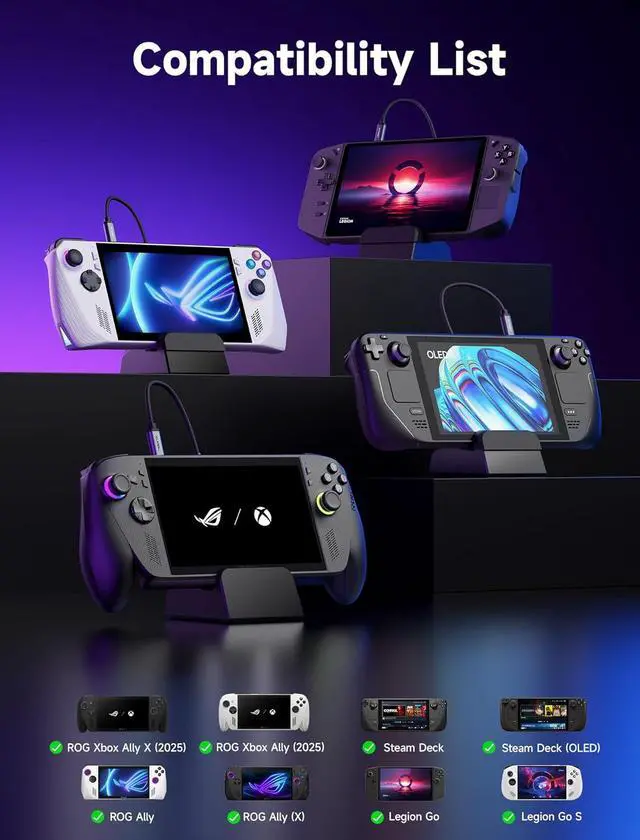
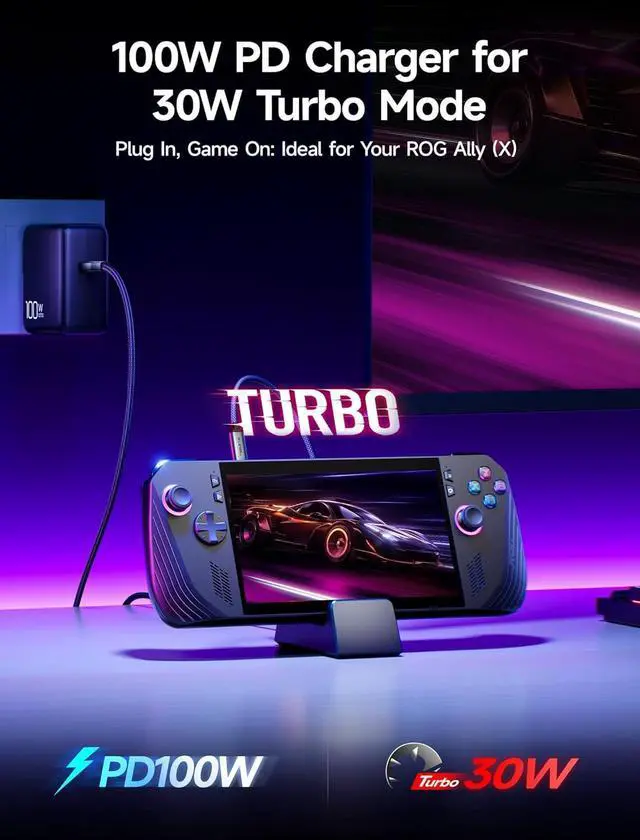
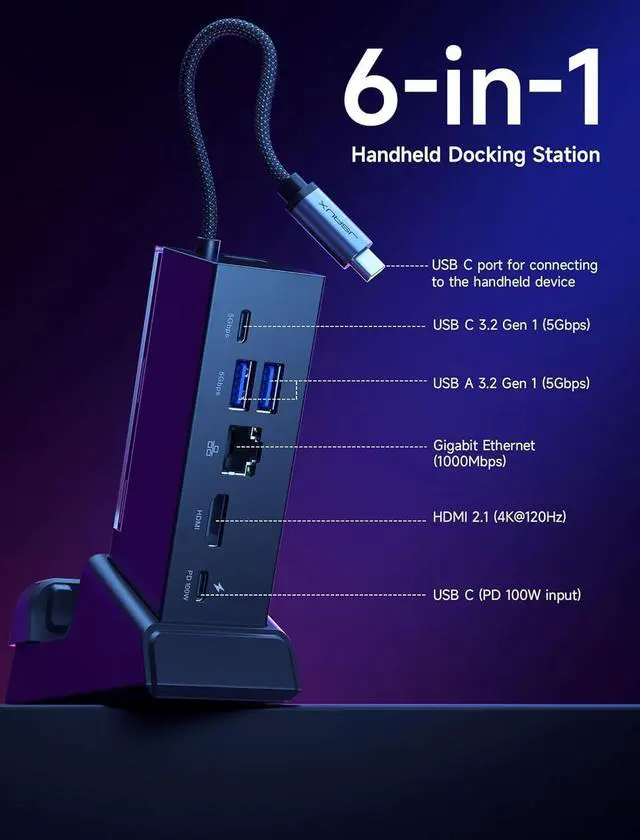
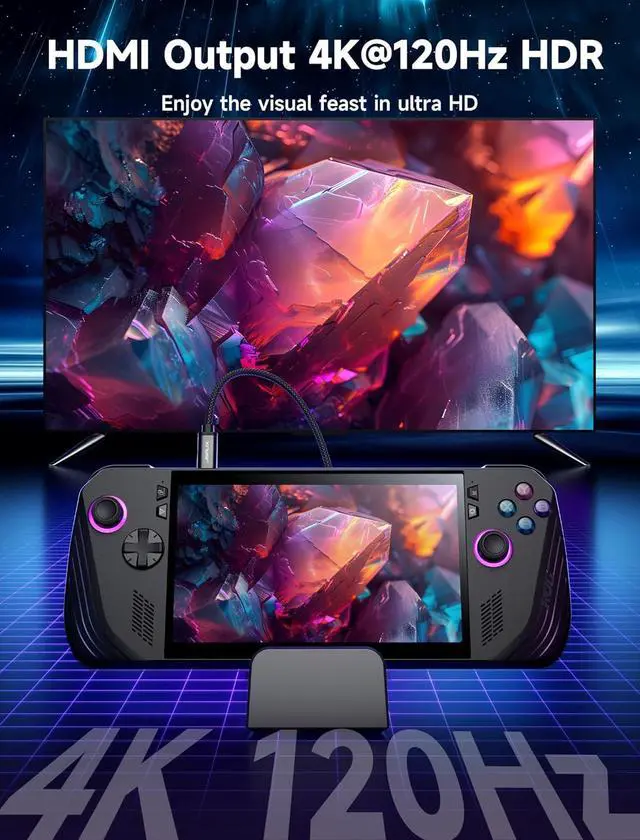
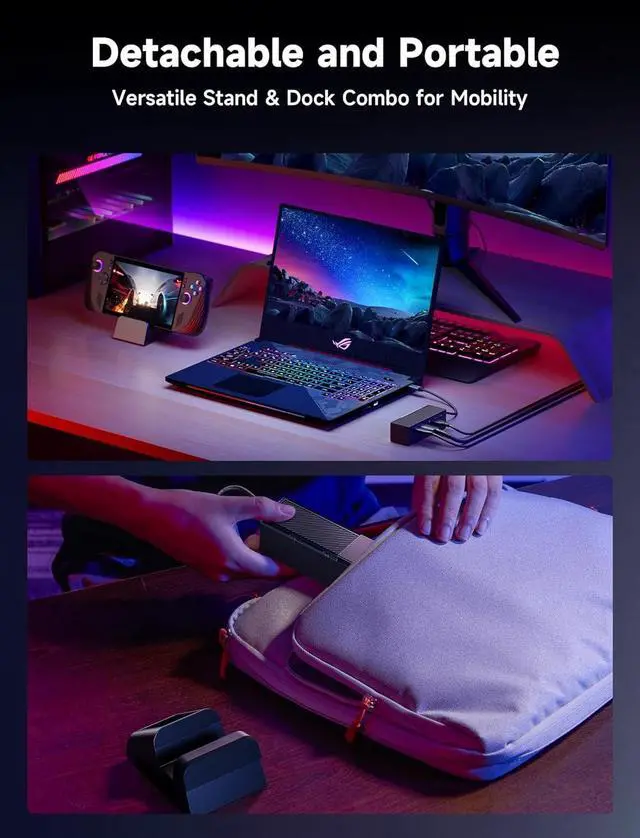
- 6-in-1 Docking Station for Handheld: Experience enhanced gaming with 4K@120Hz or 1080@240Hz HDMI output, Gigabit Ethernet, USB C PD charging, USB C 3.2 Gen 1, and dual USB A 3.2 Gen 1 ports; Included 100W PD Charger: Supports full-speed charging for major handheld consoles. Charging limits follow each devices max input: Steam Deck (up to 45W), ROG Ally / Ally X (up to 65W), and Legion Go (up to 65W). Fully supports ROG Ally / Ally Xs 30W Turbo Mode; Compatibility: Compatible with ROG Xbox Ally X (2025) , ROG Xbox Ally (2025), ROG Ally X, ROG Ally, Steam Deck, Legion Go, Legion Go S, Razer Edge, AYA NEO, AYA ODIN, Logitech G Cloud, and ONEXPLAYER.; Modular Docking Station: The JSAUX docking station offers dual functionality. Use it with your handheld console docked or detach the base for a standalone stand setup. The included silicone pad improves grip, enhances stability, and adjusts viewing angles for a better gaming experience. Plus, you can personalize the dock by inserting a custom card between the front cover and the base. Simply remove the cover, insert your card (3.00" × 1.13" × 0.01"), and snap it back on. Custom cards not included; What You Get: 1× Docking Station HB0609, 1× PD 100W Charger, 1× USB-C to USB-C Cable, 1× European Plug Adapter, and 1× UK Plug Adapter
+
+
Overview
Specs
Reviews
Any questions? Our AI beta will help you find out quickly.
Try me now
Product description JSAUX 6-in-1 Docking Station and PD 100W
Charger What You Get: 1× Docking Station HB0609, 1× 100W Charger, 1× USB C to USB C Cable, 1× European Plug Adapter, and 1× UK Plug Adapter What are the dimensions of the Docking Station HB0609B? Which monitors are not compatible? How do I enable Turbo Mode on the ROG Ally (X)? Then how to enable 30W Turbo Mode? Why does my ROG Ally (X) stop charging at 80%? How do I charge to 100%? Interface Parameters * 1x USB C port for connecting to the handheld device * 1x USB C 3.2 Gen 1 (5Gbps) * 2x USB A 3.2 Gen 1 (5Gbps) * 1x Gigabit Ethernet (1000 Mbps) * 1x HDMI (4K@120Hz /1080P@240Hz) * 1x USB C (PD 100W input)

Warranty & Returns
Warranty, Returns, And Additional Information
Warranty
- Please contact the Seller directly for warranty information. Warranty information may also be found on the Manufacturer's website.
- CONTACT
Return Policies
- Return for refund within: 30 days
- Return for replacement within: non-replaceable
- This item is covered by TechMax Depot Return Policy
Manufacturer Contact Info
- For a directory of all our manufacturers, please click below.
- Manufacturers Directory
LOADING...