1How to Use?2TX Operation3RX Operation How to Use Nank Wireless Lavalier Microphone?
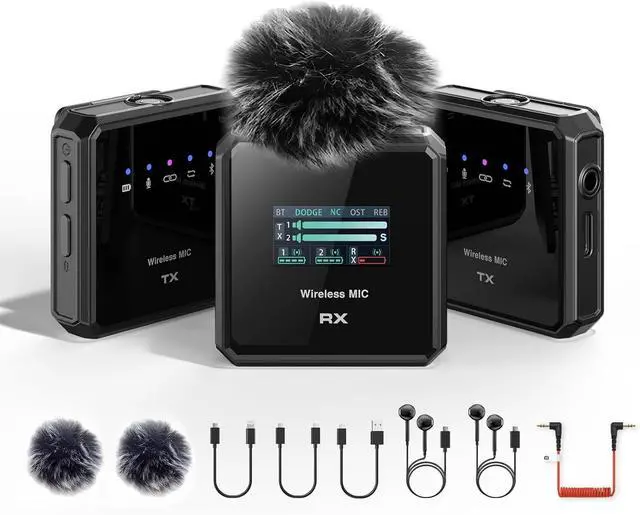
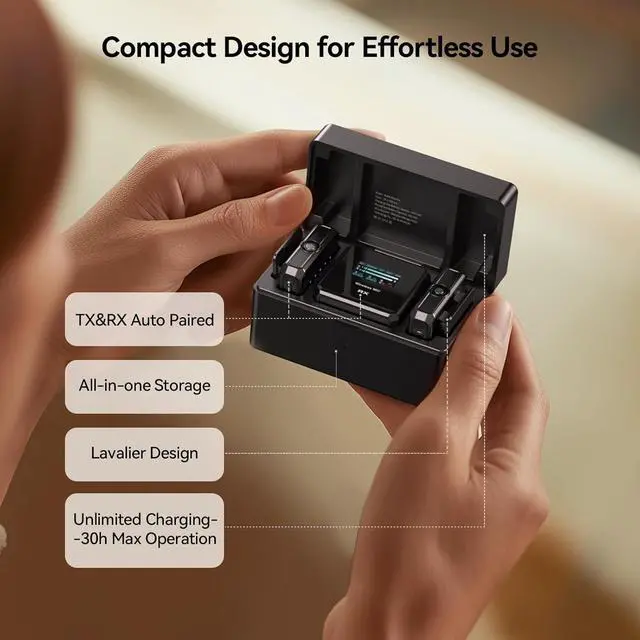
After the microphone and receiver are turned on, the two devices will automatically pair, and then connect the receiver to a mobile phone or camera. (Note: The phone needs to open recording software, and the camera will save it in the recorded video)
Does the NANK Lavalier Mic Have a Stereo Mode?
NANK lavalier mic has three modes: mono, dual channel and safe track. Perfect for pro video shooting, on-site interviews and other scenes that require multi-source collection, which can greatly improve the quality of the finished recording.
How to Avoid Picking Up Background Noise?
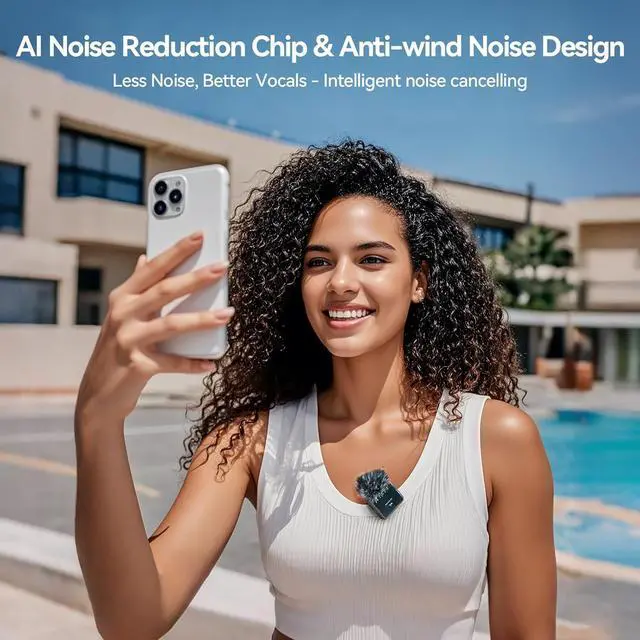
NANK content creator microphone has a noise reduction mode (the noise reduction mode is indicated by a blue light), and a windshield can also be used. (You can record two sounds for comparison)
How to Add Background Music to Audio or Video?
Turn off the main microphone Bluetooth for audio recording, turn on the secondary microphone Bluetooth and play background music; interview vlog easily overlays ambient music
What Devices Can be Connected With NANK Wireless Lavalier Microphones & Systems?
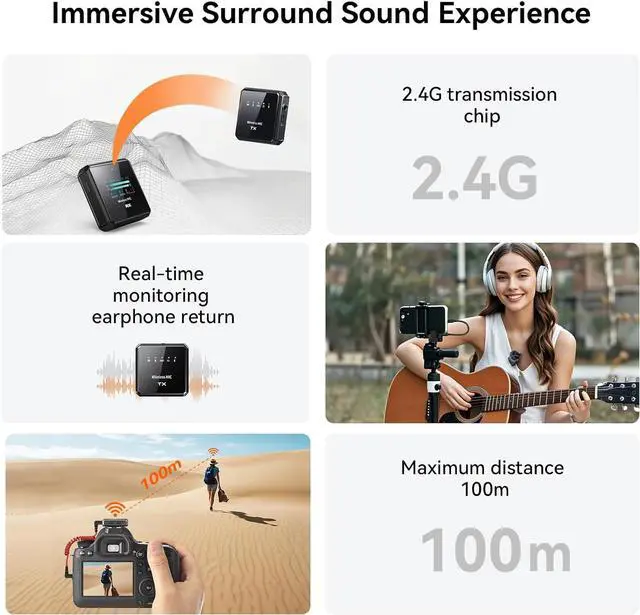
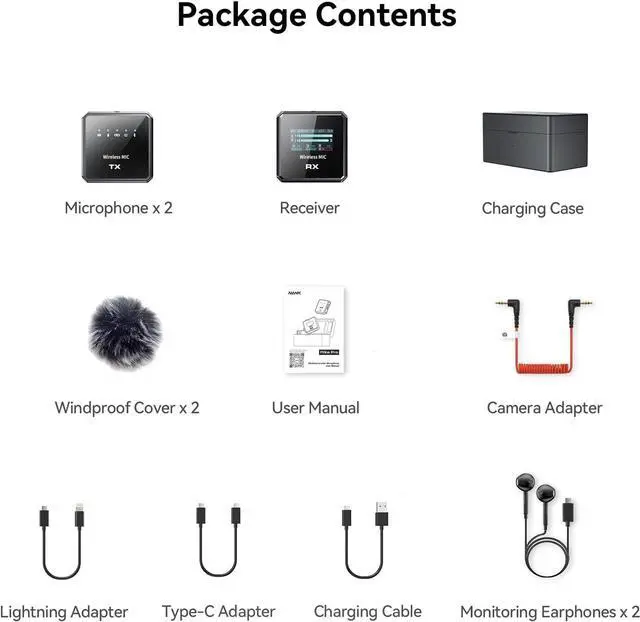
NANK wireless clip on microphone is equipped with three types of connection cables (Camera/Type-C/Lightning), which can be connected to Tablet, Android phones, iphone, cameras and other devices.
How to Use Nank Wireless Lavalier Microphone?
Does the NANK Lavalier Mic Have a Stereo Mode?
How to Avoid Picking Up Background Noise?
How to Add Background Music to Audio or Video?
What Devices Can be Connected With NANK Wireless Lavalier Microphones & Systems?





 here!
here!