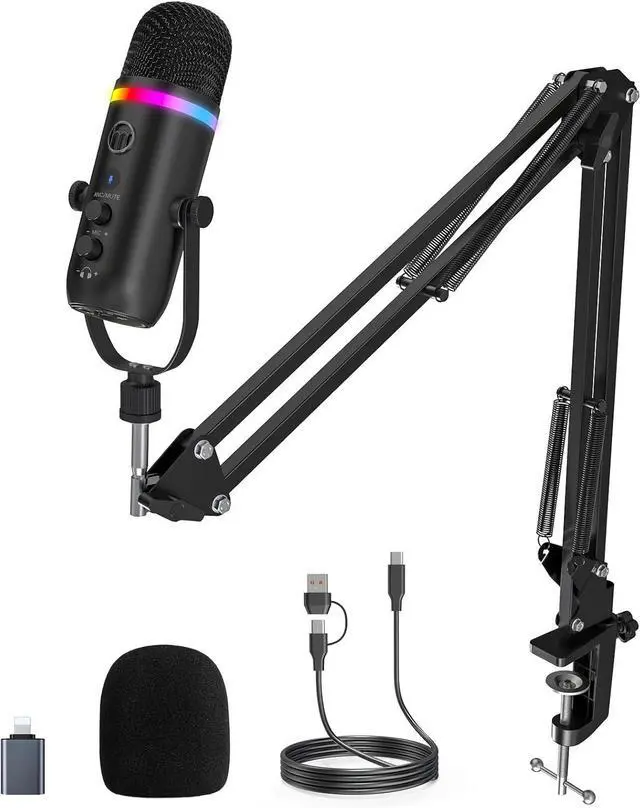
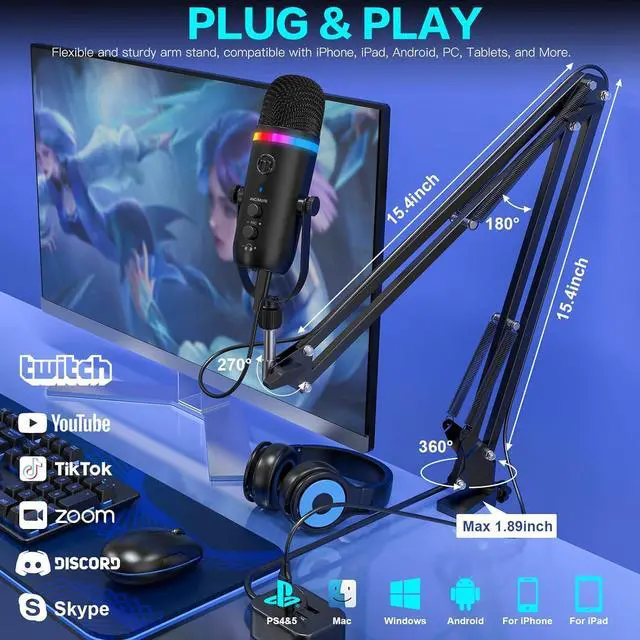
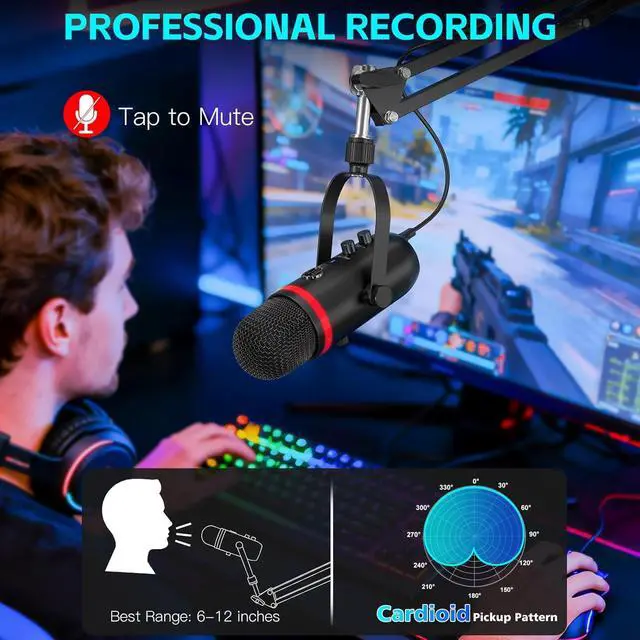
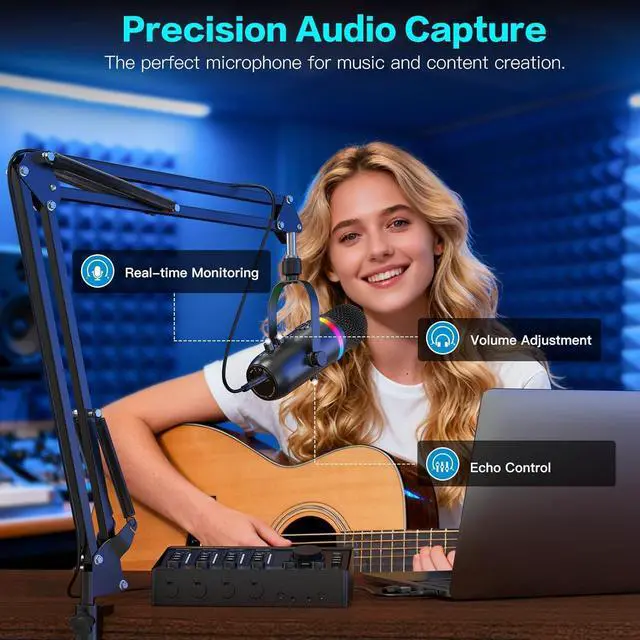
The K66PROS delivers clear, professional sound with noise reduction to cut background distractions. With broad multi-device compatibility and a cardioid pickup pattern that keeps your voice focused and clean, its perfect for podcasting, streaming, gaming, and content creation.
Lightly press the Mute buttonred LED lights up to indicate silence. Mute your microphone instantly and discreetly during recordings or calls.
Hear your voice instantly with zero-latency monitoring, easily adjusting volume, gain, and tone for clear, confident recordings every time.
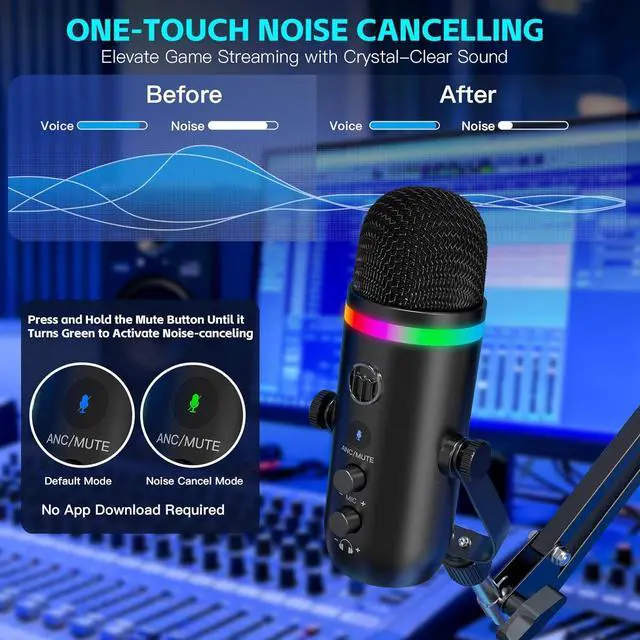
Press the Mute/ANC buttongreen LED lights up to activate noise cancellation. Filter out background chatter for clear, professional audio.
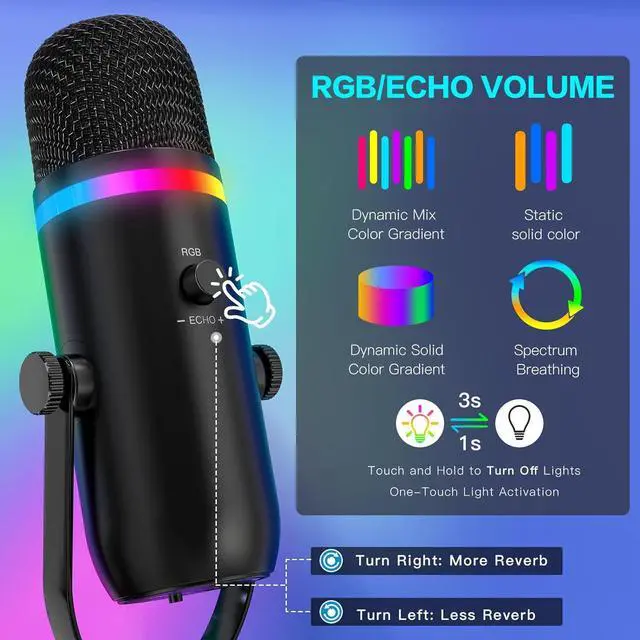
Turn the echo knob to adjust depth and ambiance. Enhancing recordings and livestreams with rich, polished, and expressive sound.
The K66 PROS comes with a USB-A to Lightning adapter for iPhone & iPad, and a USB-C adapter for all Type-C devices. Instantly compatible with PC, Mac, laptops, PS4, PS4 Pro, PS5, and more. No drivers or software needed just plug in and start creating.
Enhance your recording experience with the K66 PROSs 2-in-1 RGB & Echo control. Cycle through 4 static colors and 3 dynamic gradients with a short press, hold to turn off the lights, and rotate to adjust or mute the echo for the perfect sound and style.
With the ALL-IN-ONE Microphone Kit, everything you need comes includedjust plug in and start recording, streaming, or podcasting instantly.
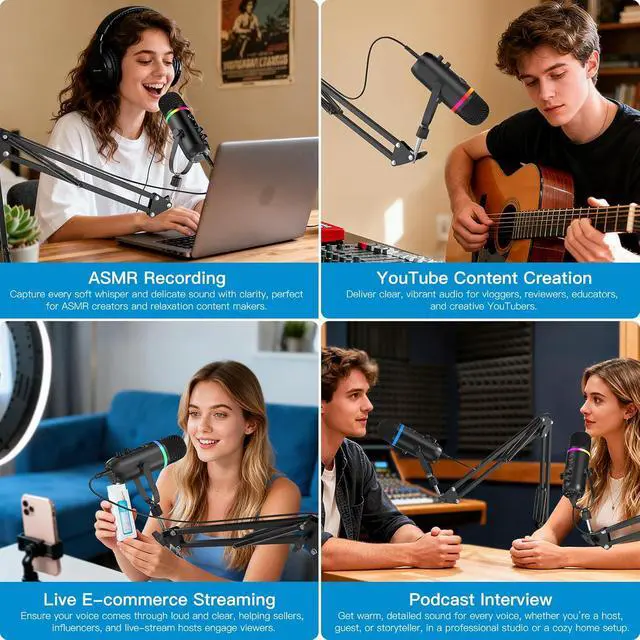
The K66 PROS delivers clear, reliable, and professional audio for a wide range of creators.Perfect for podcasters, online teachers, streamers, and remote workers, it provides crisp sound and stable performance for recording, meetings, gaming, and live broadcasts.
Why does it not work with my Android phone but function well with my iPhone 17?
Please ensure that your Android device supports OTG and verify that it's enabled in the settings before use. (Search for "OTG" in the settings and enable it.)
As a YouTuber, Im experiencing excessive background noise with this microphone. How can I fix it?
The noise-canceling feature is turned off by default. To enable it, touch and hold the ANC/MUTE button until the LED indicator turns green. This will help reduce ambient noise during recording.
Why can't l hear my own voice?
As the microphone doesn't have an internal amplifier, please plug the headphones via the 3.5mm headphone jack and then listen to the recording,and there will be sound.
This microphone is not compatible with my iPad.
The K66 Pros microphone works with iPad 4th generation and newer, iPad Air 2 and newer, all iPad Mini models, and all iPad Pro models. It includes both Lightning and USB-C adapters.
How do I disable the reverb (echo) effect on the microphone?
Rotate the RG knob counter-clockwise - that is, toward the "-" side -until the echo sound disappears. This knob is stepless, so keep turning slowly until your voice sounds clean-then the reverb is off.
Built for Podcasting Mastery The Upgraded K66 PROS RGB Boom-Arm Microphone K66 PROS Podcast Microphone Total Audio Control for Creators Instant Tap-to-Mute Real-Time Monitoring Noise Cancelling Mode Adjustable Echo Control Ready to Use Compatible with All Your Devices 2-in-1 RGB & Echo Control Customize Light & Sound Effortlessly ALL-IN-ONE Microphone Kit A microphone for all of your needs Why does it not work with my Android phone but function well with my iPhone 17?
As a YouTuber, Im experiencing excessive background noise with this microphone. How can I fix it?
Why can't l hear my own voice?
This microphone is not compatible with my iPad.
How do I disable the reverb (echo) effect on the microphone?





 here!
here!