

Your Browsing History
- Free 30-day Returns
$101.99

Meet Your Seller


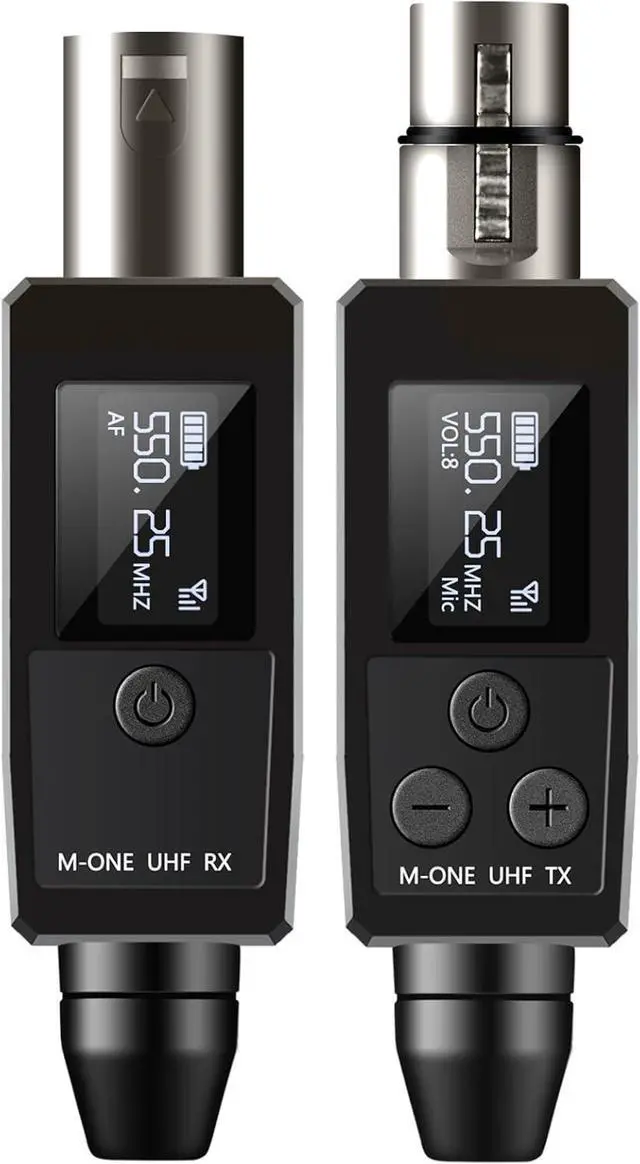


EBJ Wireless Microphone System UHF wireless XLR transmitter and receiver for dynamic/capacitive microphones, 48V Phantom power supply, electric guitar/bass, audio mixer, PA system (One drag one)
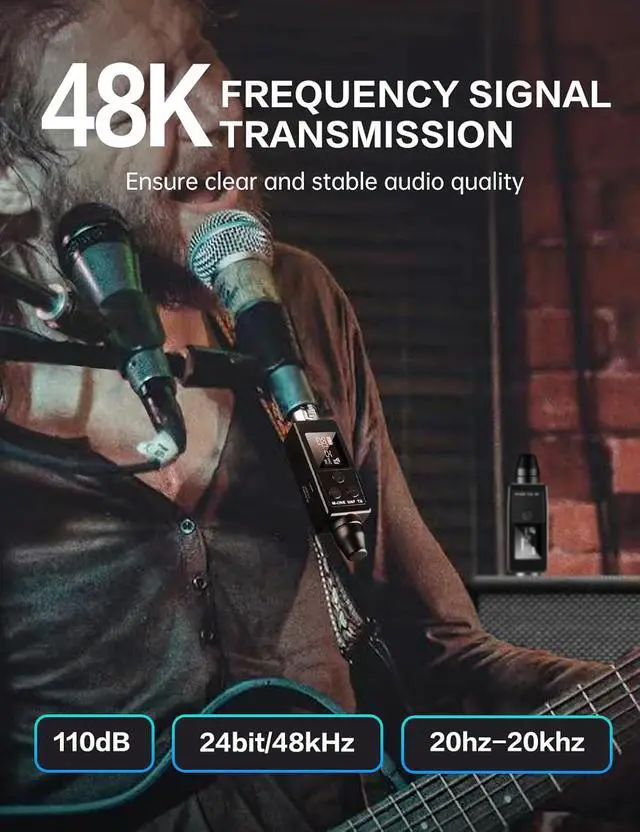
- EBJ M-ONE Wireless XLR transmitters and receivers, the UHf band is best suited for microphone wireless,uncompressed wireless signal transmission, low noise and latency. A signal-to-noise ratio of up to 107 dB deliversclear, delicate audio at any volume. High resolution 24.
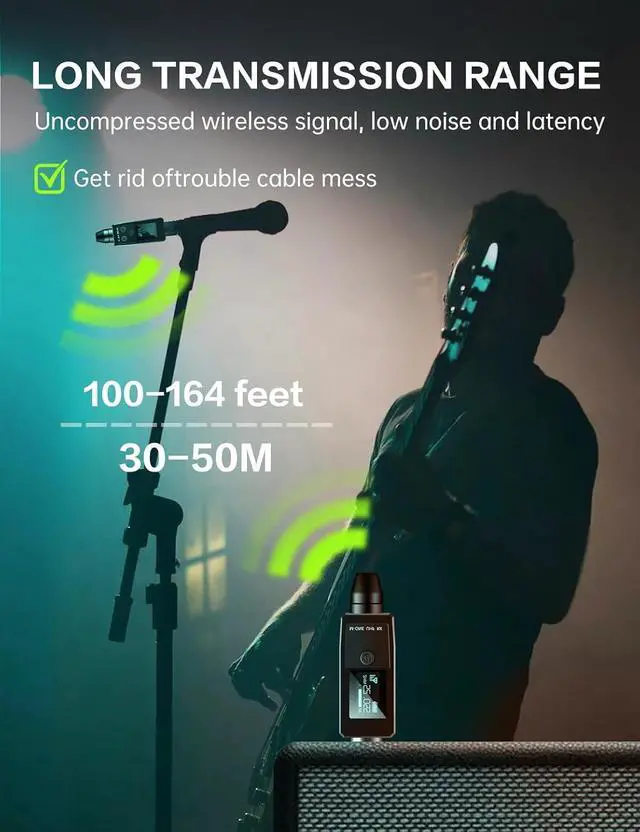
- wireless microphone system frees wired microphones from traditional cables, enabling wireless transmission up to50 meters / 164 feet (30 meters / 100 feet for obstacles). lt also supports remote volume signal adjustment, allowingyou to control the volume remotely.
- EB, M-0NE microphone wireless svstem aims to eliminate the complexity and frustration of traditional wirelessmicrophone systems. Create a flexible all-in-one solution that turns any microphone you like into a wirelessmicrophone, ensuring good performance in every performance.
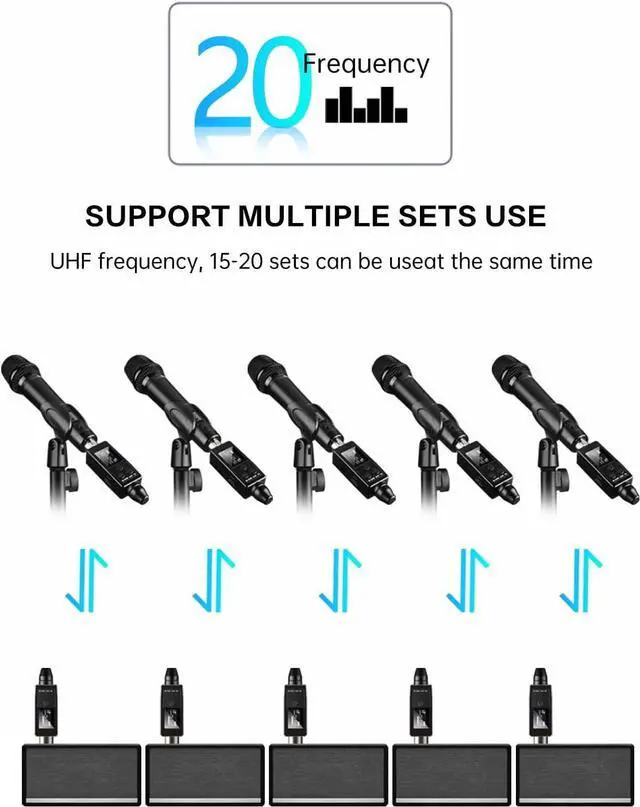
- XLR transmitter and XLR receiver, Supports 15 sets simultaneously in the same location. Suitable for anydynamic/harmonic microphone, mixer, PA system, providing stable and reliable
+
+
Overview
Reviews

Any questions? Our AI mode will help you find out quickly.
Try me now
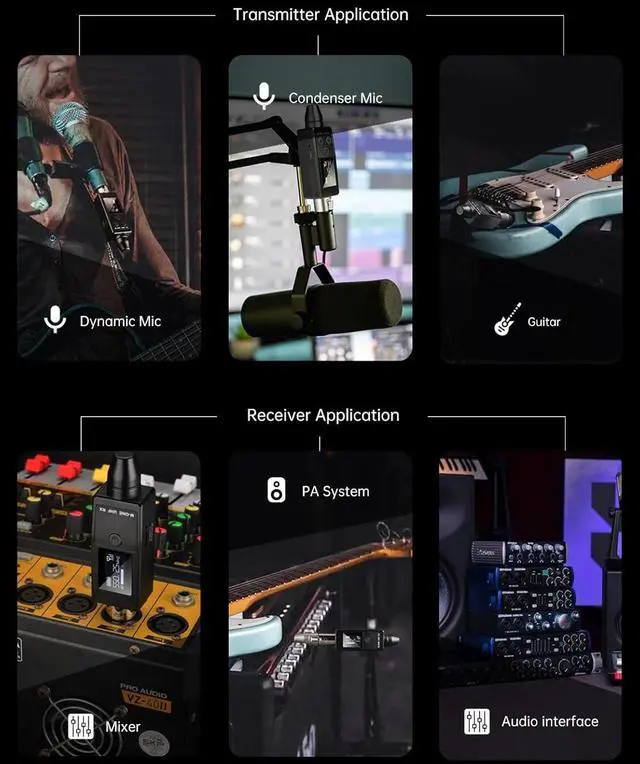
Dynamic- XLR transmitter and XLR receiver : Works with any dynamic/Harmonic microphone or battery-powered condenser wireless microphones system, Audio mixer, PA system, Provides stable and reliable wireless transmission.
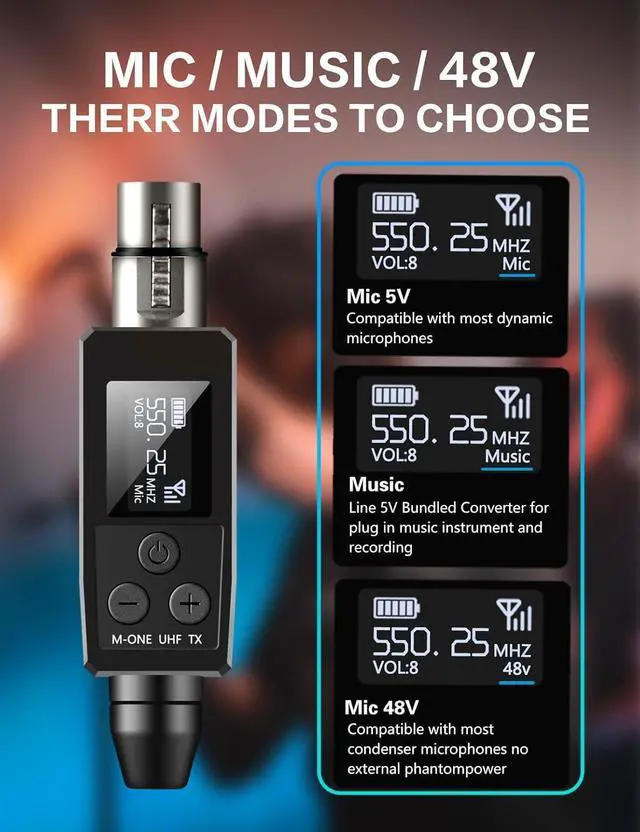
MIC for dynamic mic
MUSIC indicates the instrument recording mode
48V for phantom power vocal recording mic
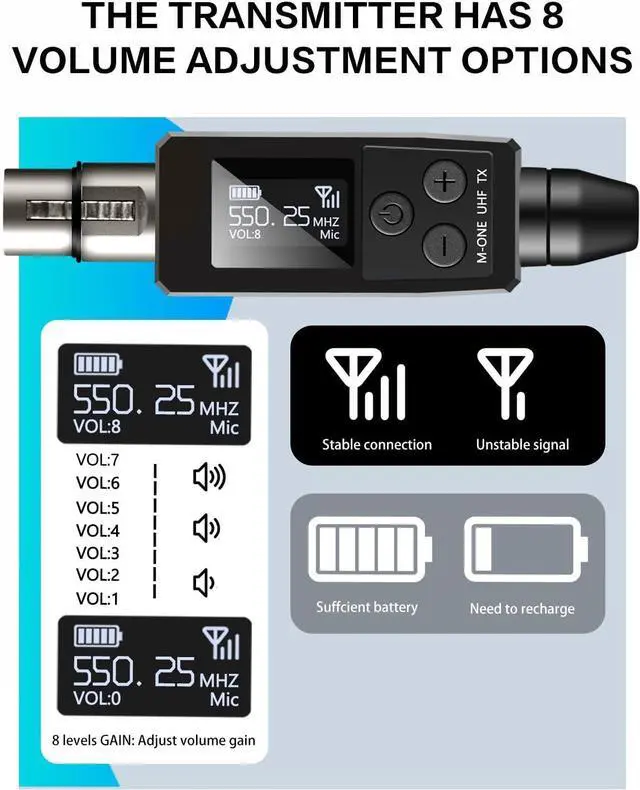
The device can adjust the volume remotely
When using the phantom power microphoneor when usingit for the first time, the volume should be set tothelowest possible level to avoid tearingsounds
1Transmission distance2Durable Battery Life320 Frequencies4specification parameter1Transmitter2Receiver What do I need to do after receiving the product in order to use it better?
It is necessary to ensure that the M-ONE microphone wireless system has sufficient power and charges for more than 3 hours until the indicator light changes from red to off.
How to change the channel-Part One
After both the receiver and the transmitter are turned on, and the distance between them is more than 15cm.
How to change the channel-Part Two
Press and hold the receiver power button and "-" button at the same time until the screen displays CH, then let go, and then enter the FM interface.
How to change the channel-Part Three
Click the "-" button to select the corresponding frequency band, and wait for 20 seconds to complete the automatic pairing after the screen displays SYNC.
Function Introduction 3 modes of operation 0-8 level volume adjustment What do I need to do after receiving the product in order to use it better?
How to change the channel-Part One
How to change the channel-Part Two
How to change the channel-Part Three
MIC for dynamic mic
MUSIC indicates the instrument recording mode
48V for phantom power vocal recording mic
The device can adjust the volume remotely
When using the phantom power microphoneor when usingit for the first time, the volume should be set tothelowest possible level to avoid tearingsounds
1Transmission distance2Durable Battery Life320 Frequencies4specification parameter1Transmitter2Receiver What do I need to do after receiving the product in order to use it better?
It is necessary to ensure that the M-ONE microphone wireless system has sufficient power and charges for more than 3 hours until the indicator light changes from red to off.
How to change the channel-Part One
After both the receiver and the transmitter are turned on, and the distance between them is more than 15cm.
How to change the channel-Part Two
Press and hold the receiver power button and "-" button at the same time until the screen displays CH, then let go, and then enter the FM interface.
How to change the channel-Part Three
Click the "-" button to select the corresponding frequency band, and wait for 20 seconds to complete the automatic pairing after the screen displays SYNC.
Function Introduction 3 modes of operation 0-8 level volume adjustment What do I need to do after receiving the product in order to use it better?
How to change the channel-Part One
How to change the channel-Part Two
How to change the channel-Part Three
Warranty & Returns
Warranty, Returns, And Additional Information
Warranty
- Please contact the Seller directly for warranty information. Warranty information may also be found on the Manufacturer's website.
- CONTACT
Return Policies
- Return for refund within: 30 days
- Return for replacement within: 30 days
- This item is covered by Guhong Trade'Shop Return Policy
Manufacturer Contact Info
- For a directory of all our manufacturers, please click below.
- Manufacturers Directory
LOADING...