






If you like triggers,Welcome!!!
EXCELLENT AFTER-SALEA SERVICE
"Newseego" base on quality and service.Your satisfaction is our greatest motivation.
If you are not satisfied,We will reply you within 24 hours.
High quality
Durable and not afraid of breaking
- New Generation Mobile Game Joystick
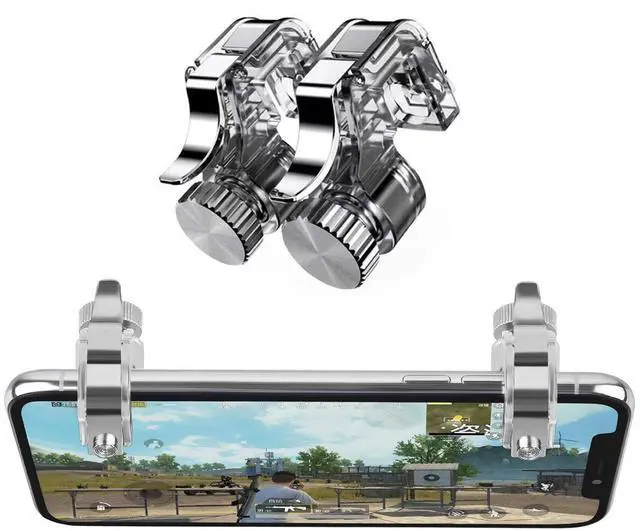
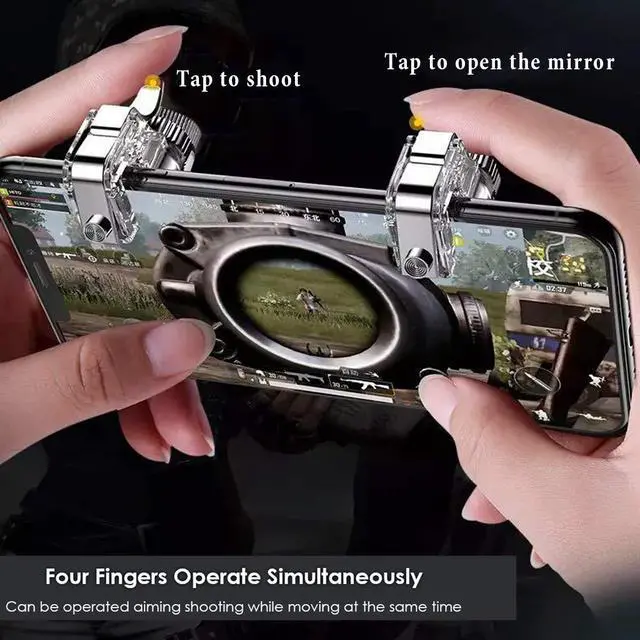
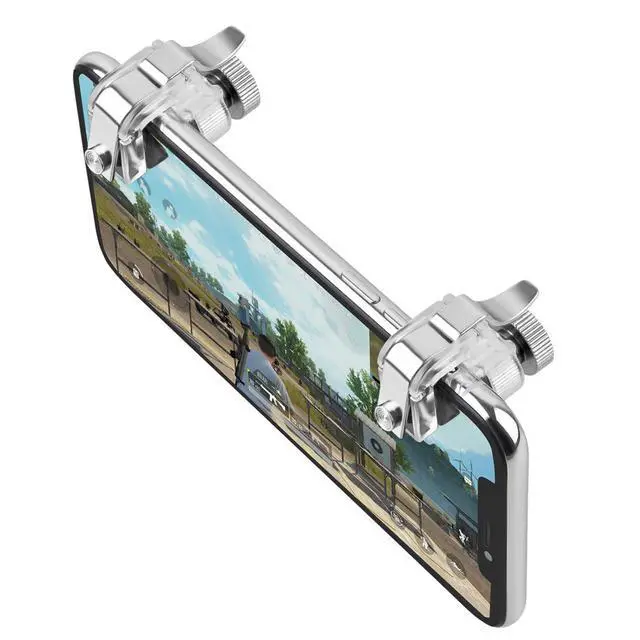
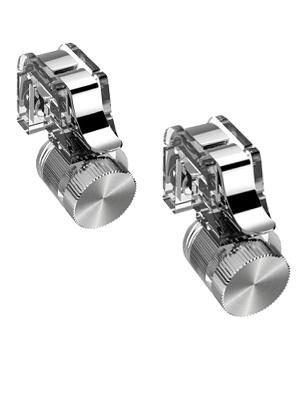
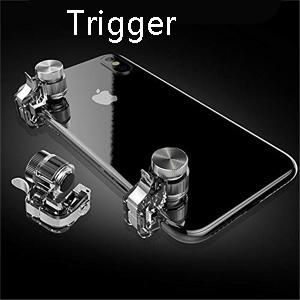
Winner winner chicken dinner! This pair of fire buttons will help you improve the gaming experience. High Sensitive! No Power supply and driver needed, easy to use and high precision, increase your game score.
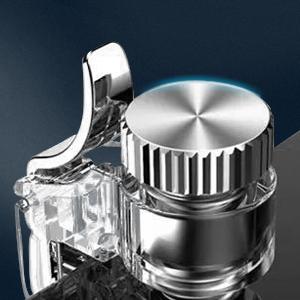
- Movable buckle
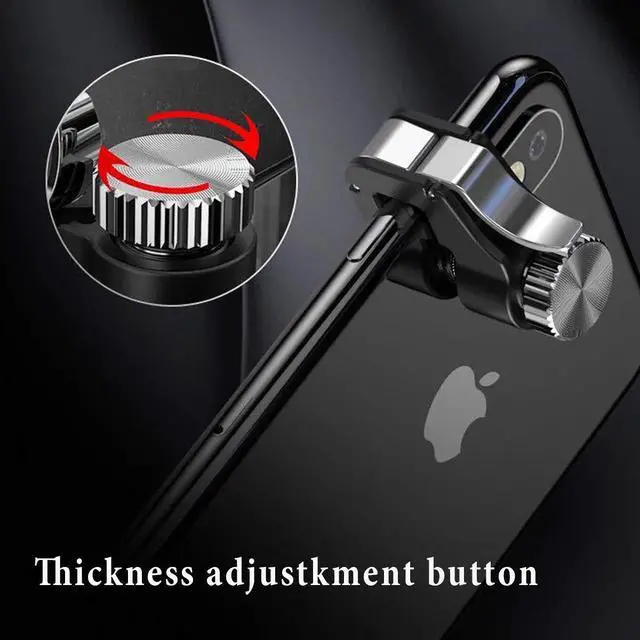
Easy to install and allows you to grip the mobile phone firmly and steadily
- Convenient to use
Tools or drivers needed to complete the installation in seconds. Just set your shoot and aim buttons under the touchpad on "customize" page, save the setting and start the game to be a winner
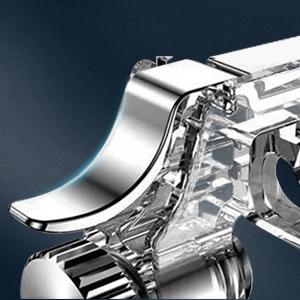
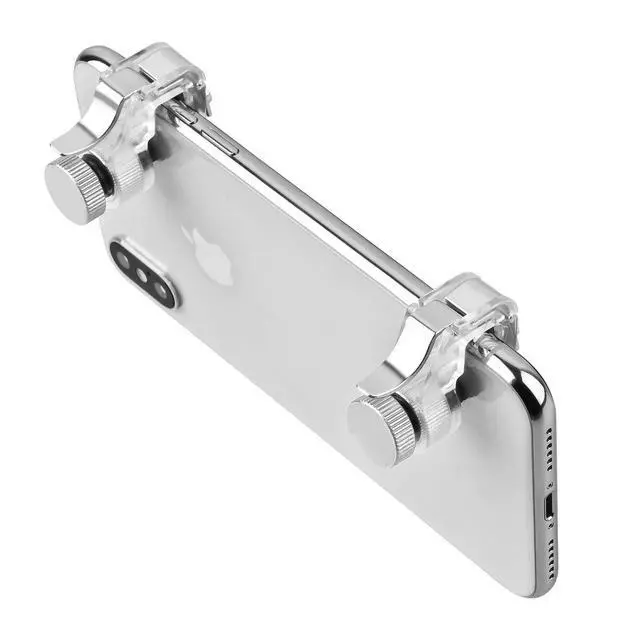
Back Trigger
- Metal Material
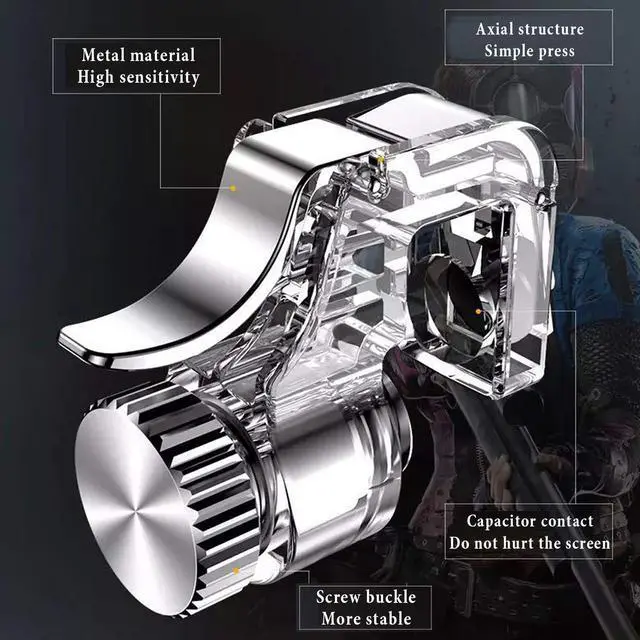
Restore the real shooting experience
Trigger buttons to restore the real shooting experience
They have a very satisfying click when you pull the triggers as well.
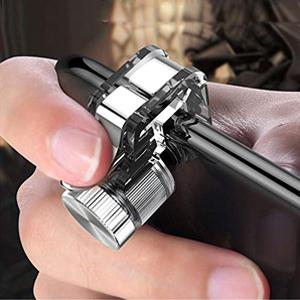
Built-in soft rubber
Built-in soft rubber to protect the phone and keep stable when playing.
- Package Includes:
1 Pair Game Controller (L+R)
- Won't block the Map.
Other mobile game Joystick may blocking the map, it will hinder you from observing around.
- More sensitive buttons that you can shoot the enemies quickly.
Other mobile game triggers are not sensitive, sometimes fire continuously or react in a awkward way. Our update PUBG game triggers is sensitive and never waist your bullets.
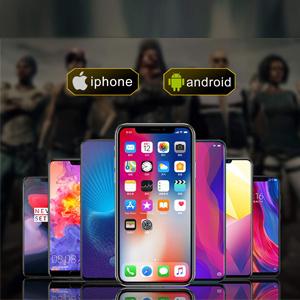
- Supported games --- Designed for games on iPhone and android, PUBG, Knives Out, Rules of Survival, Survivor Royale, Critical Ops.How to Use: Before playing game, customize your shoot and aim buttons under the touch pad of the cell phone game controller.
How to use?
- How to Use?
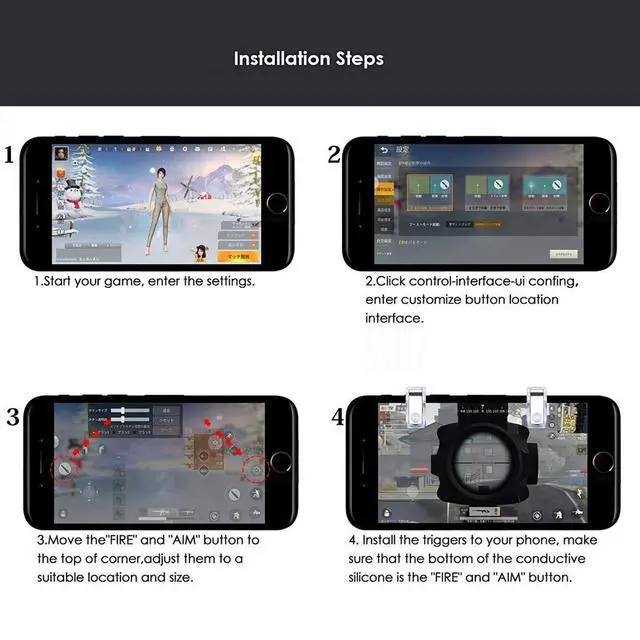
- Start your game, and clicks the Settings-Control-Customize;
- Move the "FIRE" button to the top of left corner;
- Move the "AIM" button to the top of right corner;
- Adjust the shoot and aim buttons under the touchpad,of the cell phone game controller;
- "Save" your settings;
- When the setting is completed, you need to lock your screen and unlock the screen again, and then these buttons will work normally.
- KINDLY NOTE:
- According to different mobile phones models, It may have position deviation shown in the picture, please adjust your button in a comfortable way.
- It is highly suggested that you remove the case when using the controller.
If you like triggers,Welcome!!!
High quality
EXCELLENT AFTER-SALEA SERVICE
"Newseego" base on quality and service.Your satisfaction is our greatest motivation.
If you are not satisfied,We will reply you within 24 hours.
Durable and not afraid of breaking
- New Generation Mobile Game Joystick
Winner winner chicken dinner! This pair of fire buttons will help you improve the gaming experience. High Sensitive! No Power supply and driver needed, easy to use and high precision, increase your game score.
- Movable buckle
Easy to install and allows you to grip the mobile phone firmly and steadily
- Convenient to use
Tools or drivers needed to complete the installation in seconds. Just set your shoot and aim buttons under the touchpad on "customize" page, save the setting and start the game to be a winner
Back Trigger
- Metal Material
Restore the real shooting experience
Trigger buttons to restore the real shooting experience
They have a very satisfying click when you pull the triggers as well.
Built-in soft rubber
Built-in soft rubber to protect the phone and keep stable when playing.
- Package Includes:
1 Pair Game Controller (L+R)
- Won't block the Map.
Other mobile game Joystick may blocking the map, it will hinder you from observing around.
- More sensitive buttons that you can shoot the enemies quickly.
Other mobile game triggers are not sensitive, sometimes fire continuously or react in a awkward way. Our update PUBG game triggers is sensitive and never waist your bullets.
- Supported games --- Designed for games on iPhone and android, PUBG, Knives Out, Rules of Survival, Survivor Royale, Critical Ops.How to Use: Before playing game, customize your shoot and aim buttons under the touch pad of the cell phone game controller.
How to use?
- How to Use?
- Start your game, and clicks the Settings-Control-Customize;
- Move the "FIRE" button to the top of left corner;
- Move the "AIM" button to the top of right corner;
- Adjust the shoot and aim buttons under the touchpad,of the cell phone game controller;
- "Save" your settings;
- When the setting is completed, you need to lock your screen and unlock the screen again, and then these buttons will work normally.
- KINDLY NOTE:
- According to different mobile phones models, It may have position deviation shown in the picture, please adjust your button in a comfortable way.
- It is highly suggested that you remove the case when using the controller.