here!
here!
I’m your shopping assistant for PC builds, upgrades, and everything tech.
Got questions? Ask away!
Start a conversation
here!
I’m your shopping assistant for PC builds, upgrades, and everything tech.
Got questions? Ask away!
Start a conversation




Any questions? Ask CelesteSM will help you find out quickly.

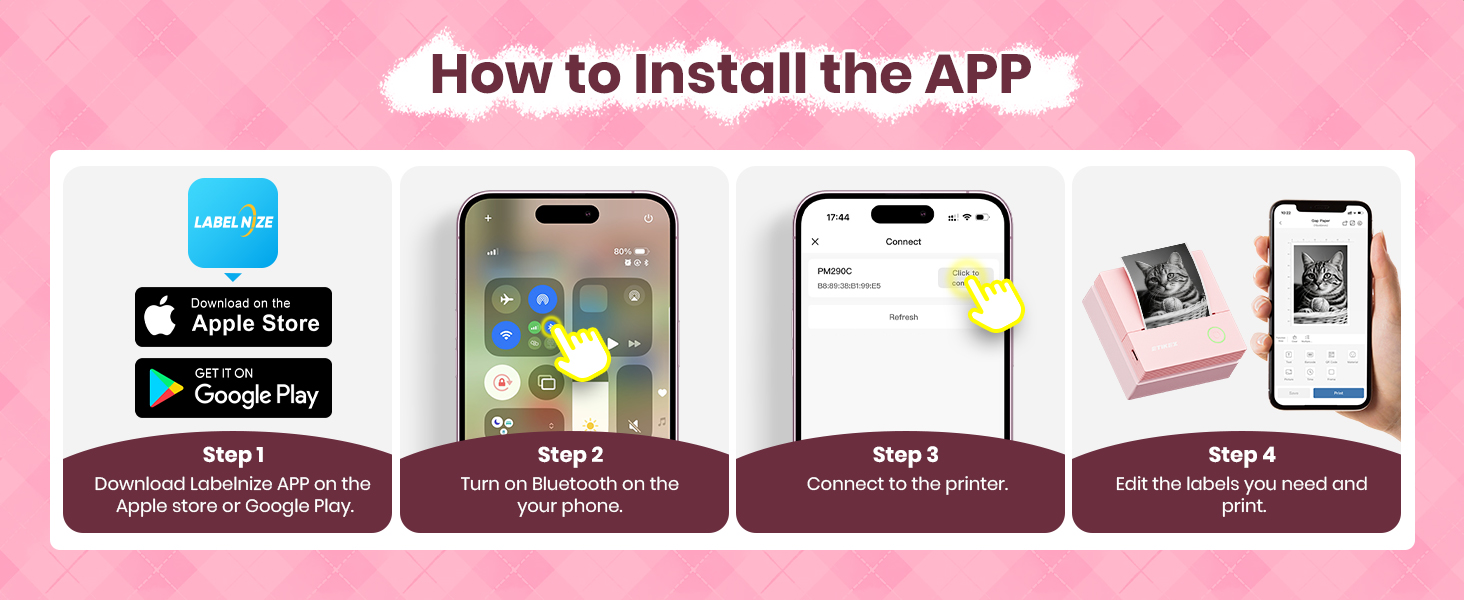
How to PM290C label makerconnect Bluetooth?
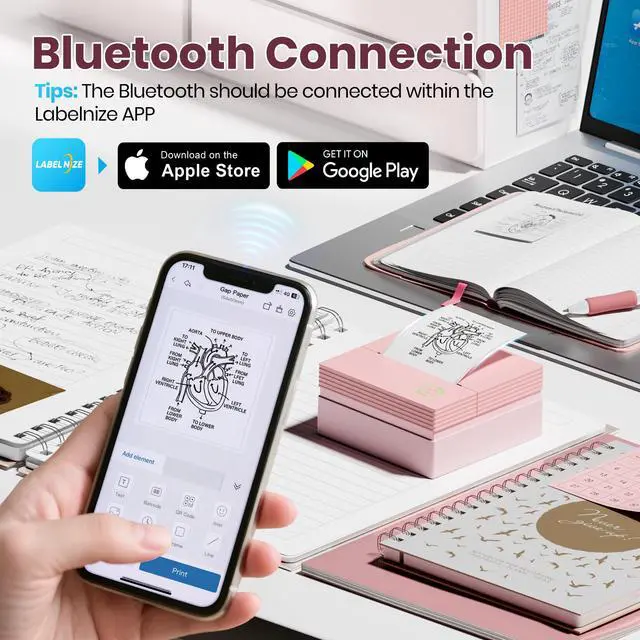
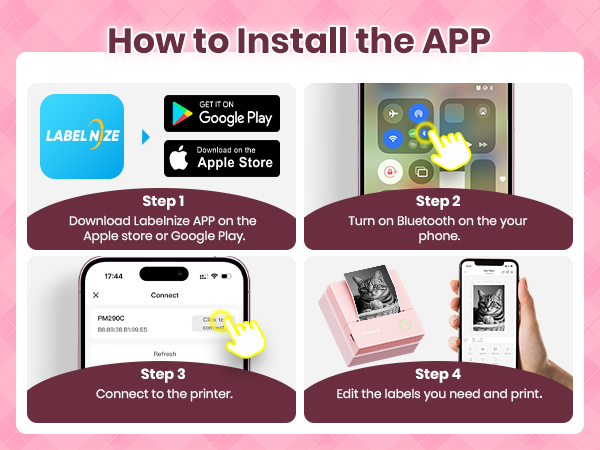
1.Connecting to Bluetooth through the "Labelnize" APP
2.Download the App "Labelnize" fromi the Apple Store/Google Play
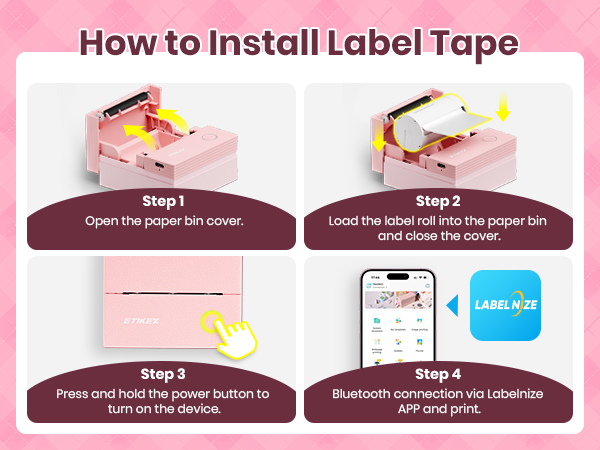
3.Turn on Bluetooth on your phone, long press to turn on the PM290C sticker printer and open the Labelnize App to link to Bluetooth
What systems does this sticker label maker machine support and how to cut labels?
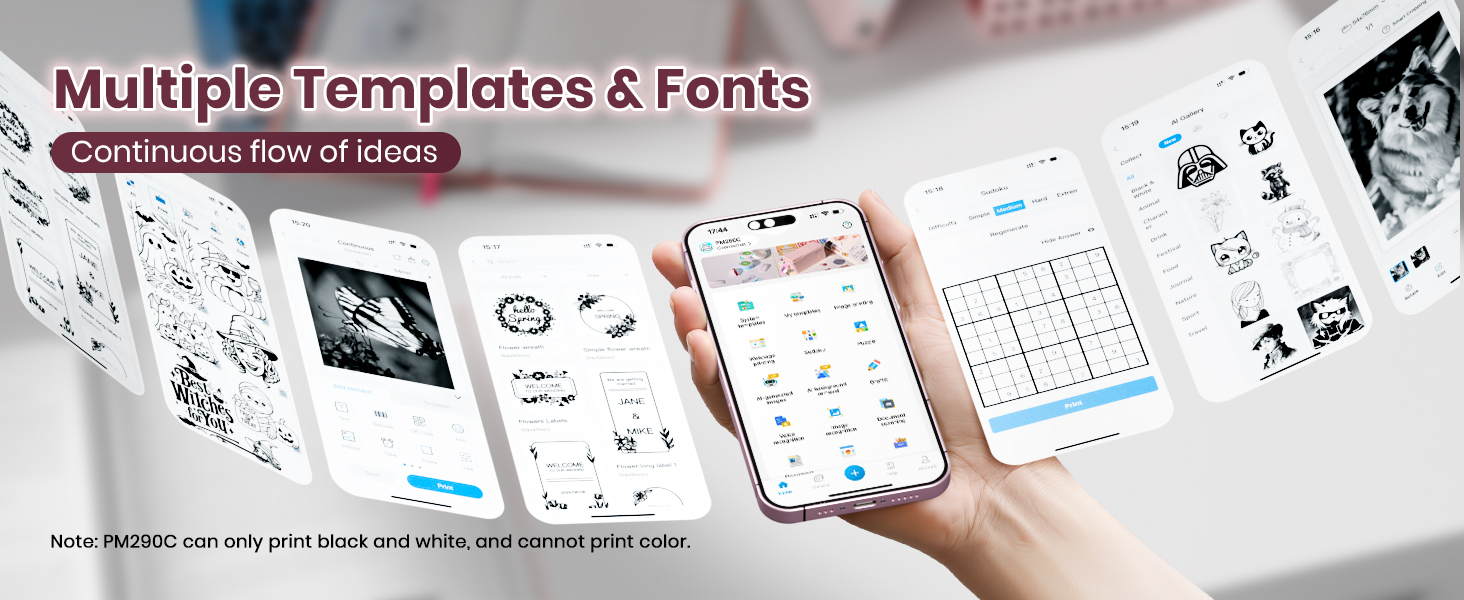
This PM290C sticker printer supports IOS and Android mobile systems. Need to download Labelnize App connect to mobile Bluetooth.
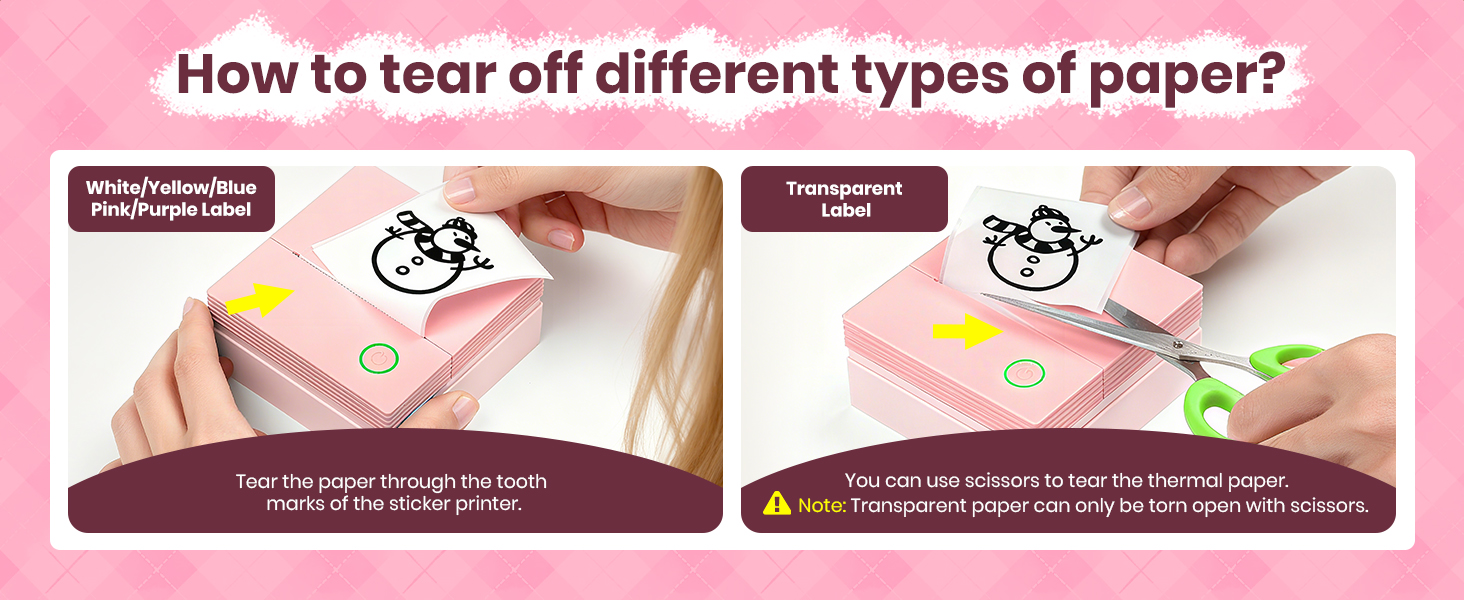
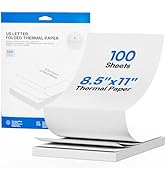
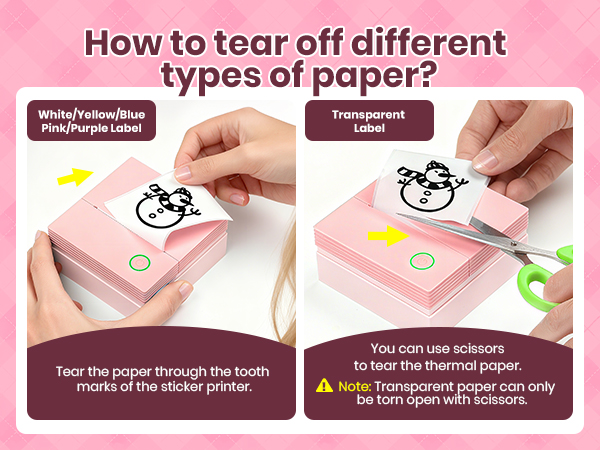
Tear off the paper along the teeth marks of the printer
Note: Transparent paper can only be torn open with scissors.
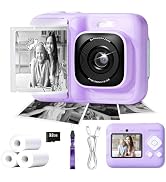
Is PM290C a photo camera?
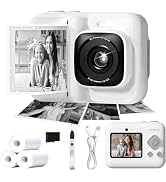
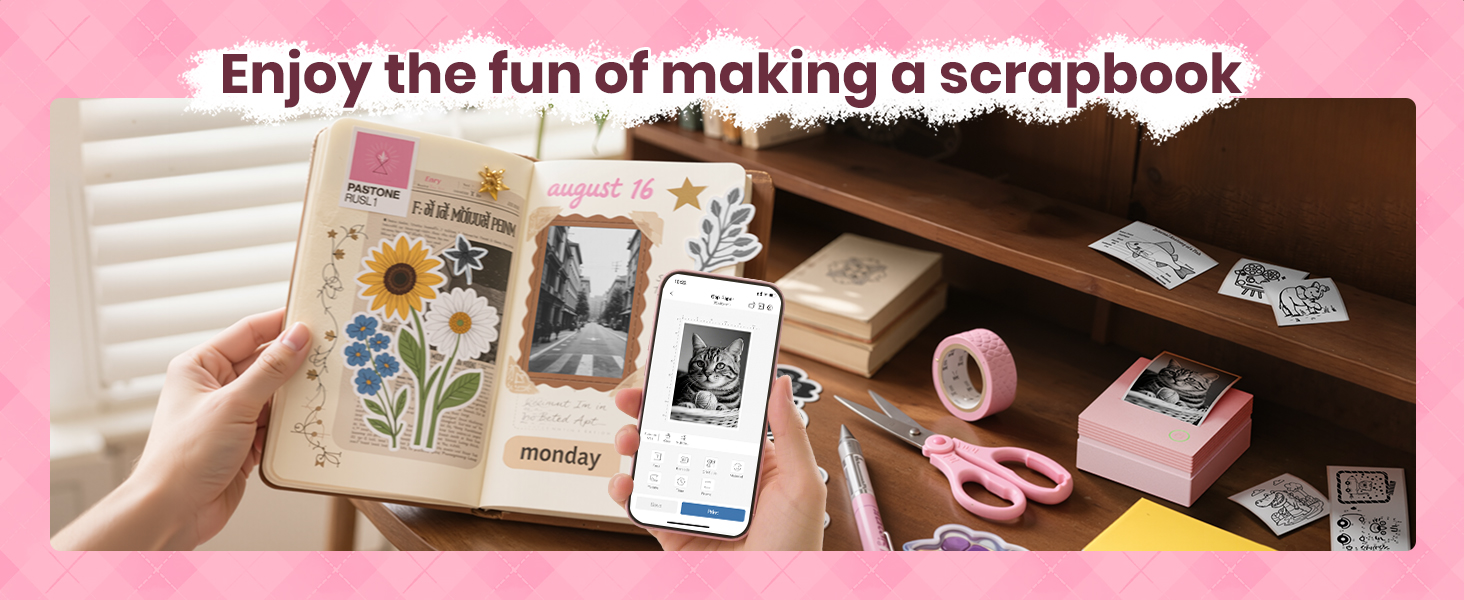
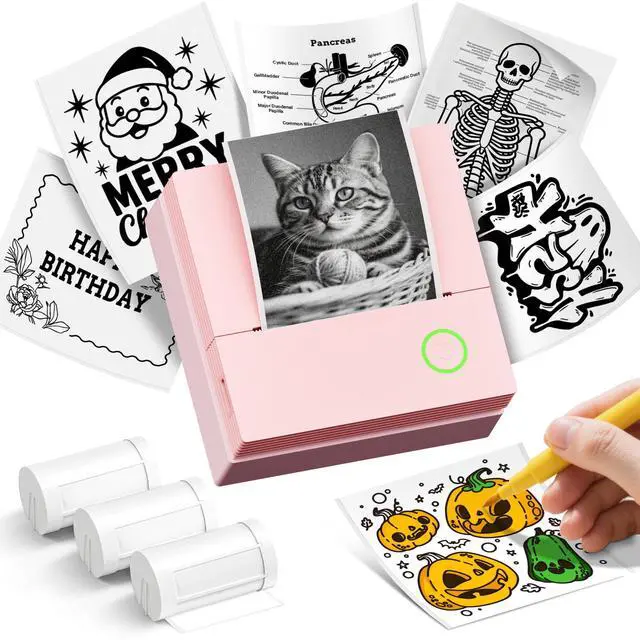
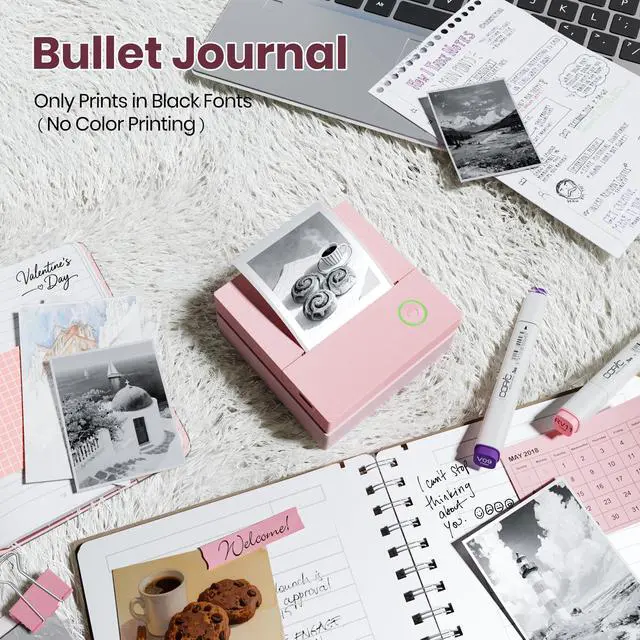
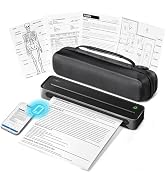
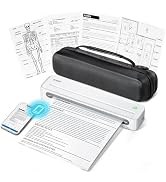
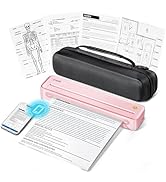
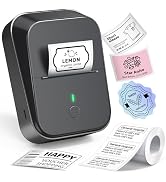
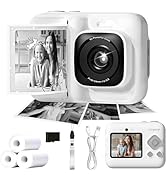
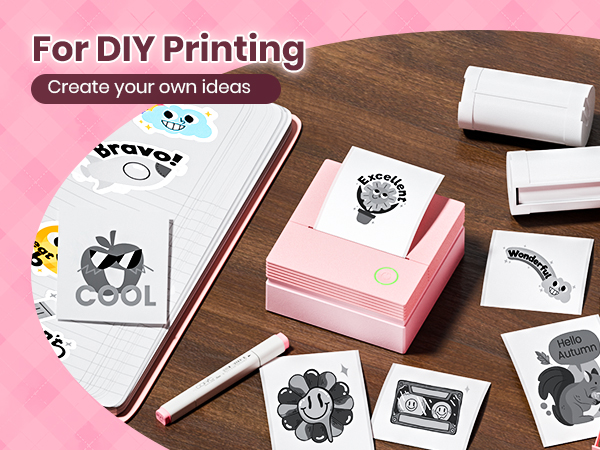
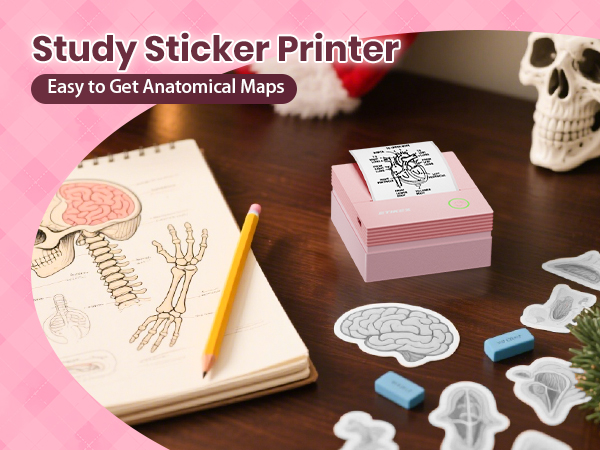
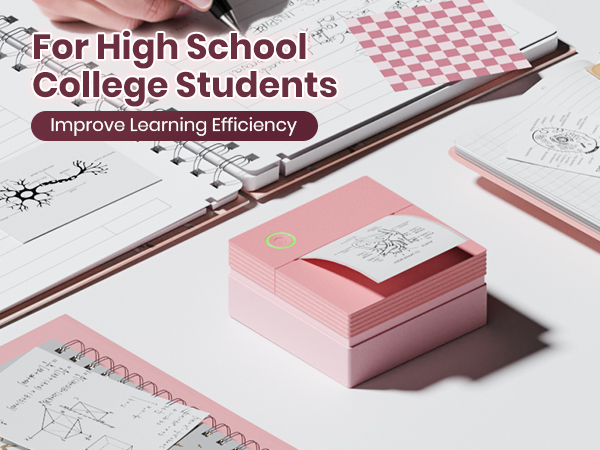
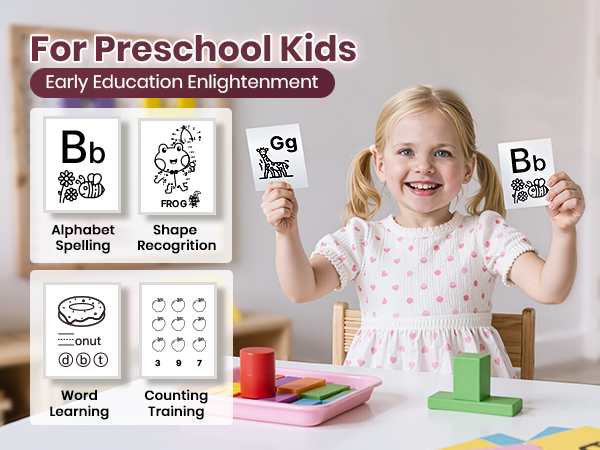
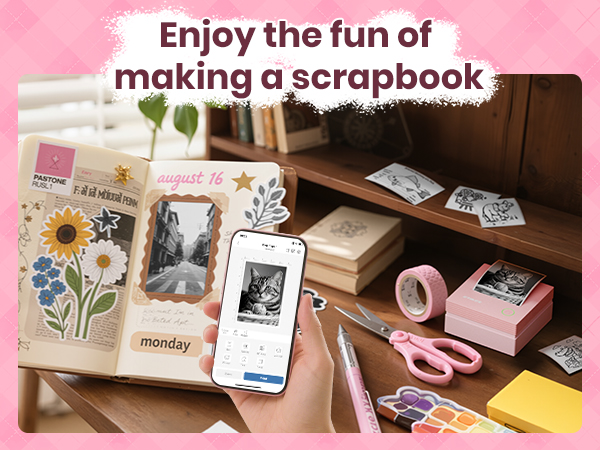
No, the ETIKEZ PM290C mini printer is a thermal printer that can print black and white photos, but not a camera.
Why does blank paper appear for printing? The sticker printer doesn't print?
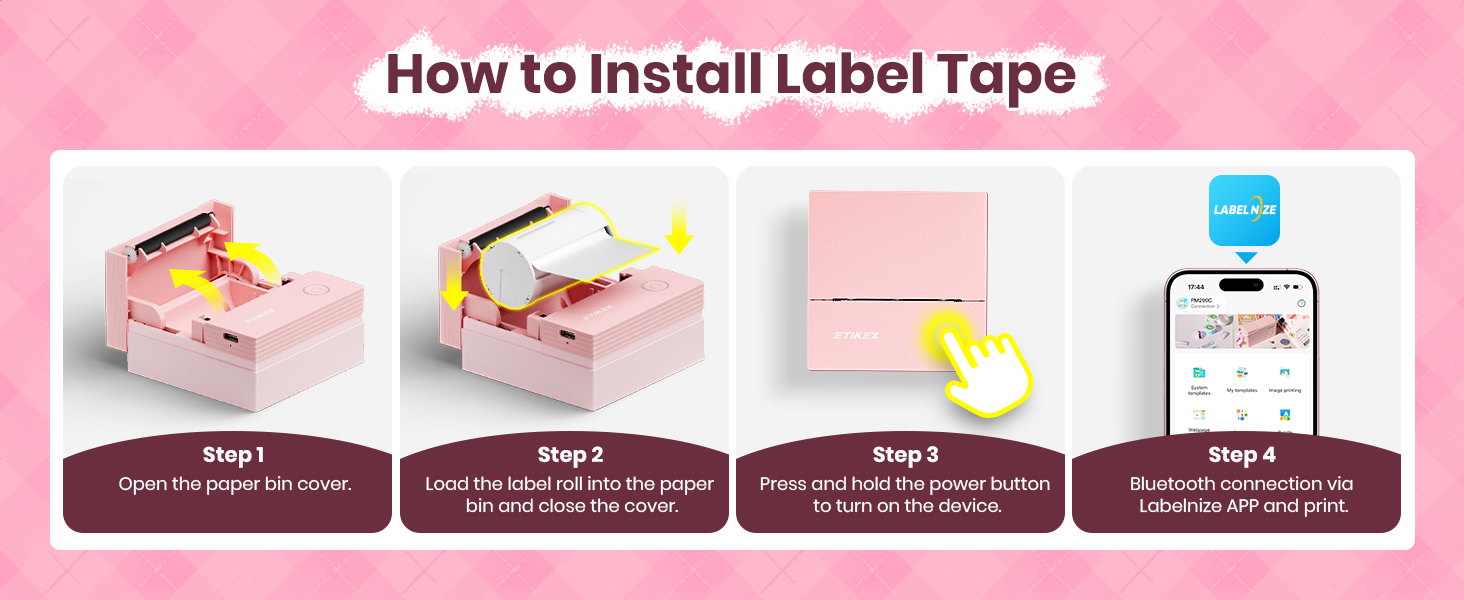
The most common problem isnot placing thepaperroll correctly. Pull out thepaper to the covered position of the printer.
Please place thepaper correctly according to the prompts on A+ or the paper loading video on the details page.
Can I use this mini sticker printer to print shipping labels?
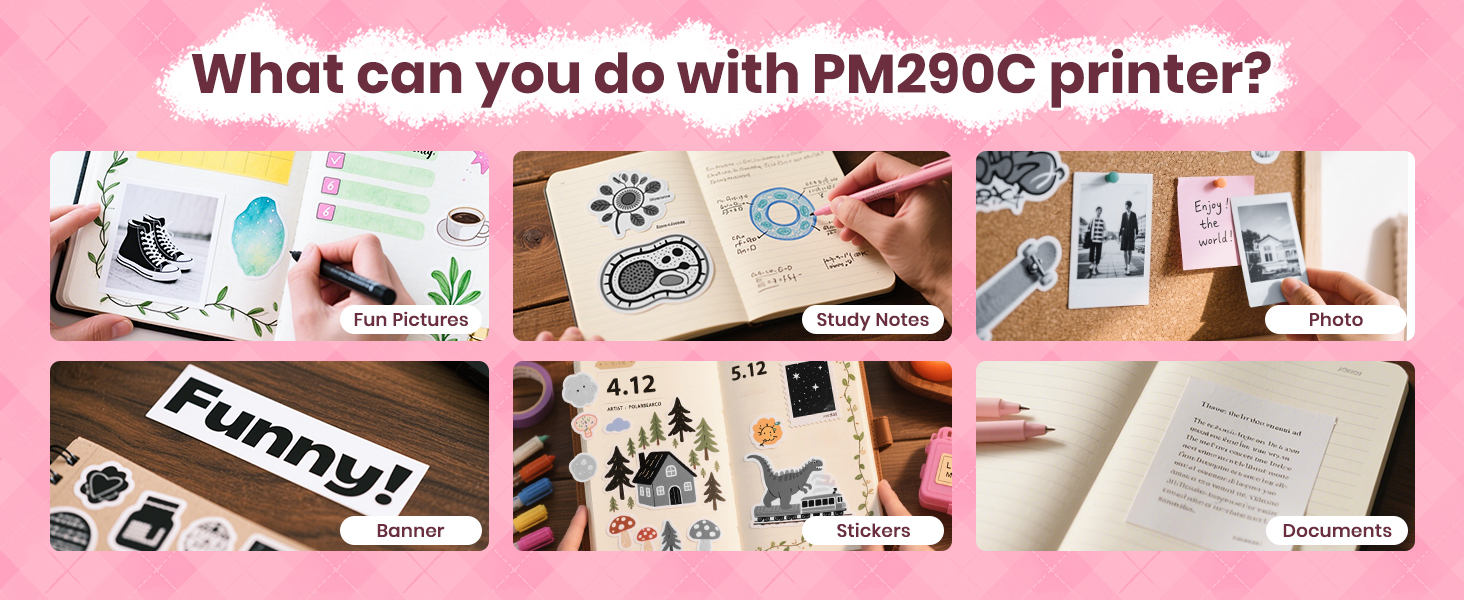
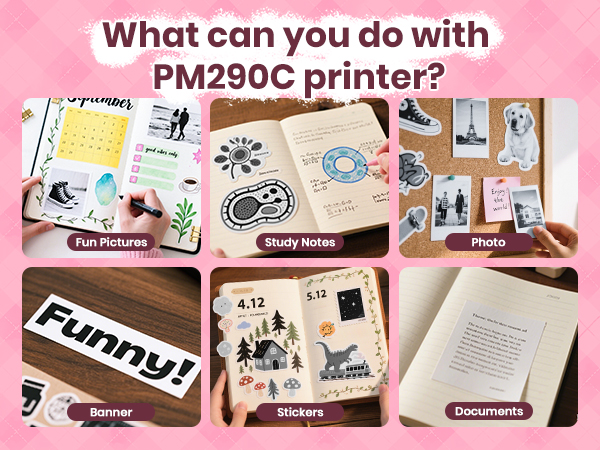
No,this kind of sticker printer is NOT FOR printing any shipping labels. The print width is about 2.8". It“s right for printing some simple text and images, no more than10 lines.
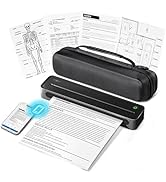
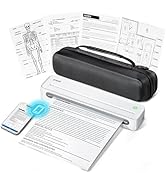
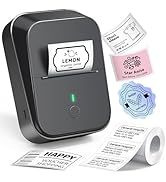
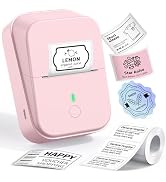
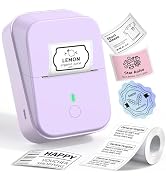
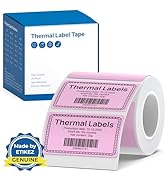
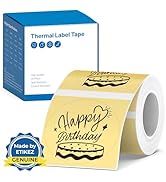
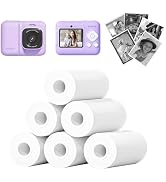
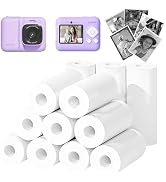
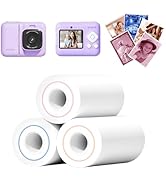
 ETIKEZ PM290C Printer |  PM290C Printer Purple | 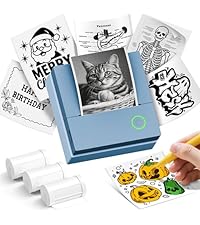 PM290C Printer Blue | 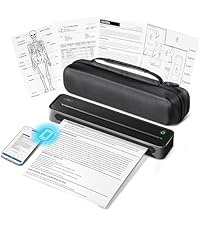 D90E Portable Printer | 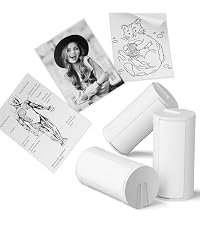 54mm x 3.2m Paper White |  54mm x 3.2m Paper |  54mm x 3.2m Paper | |
|---|---|---|---|---|---|---|---|
Customer Reviews | — | — | — | — | — | — | — |
Price | — | — | — | — | — | — | — |
Pack | 1 | 1 | 1 | with Case, 10 sheets | 3 Rolls | 3 Rolls | 3 Rolls |
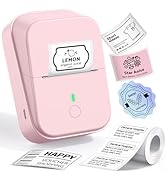
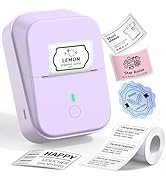
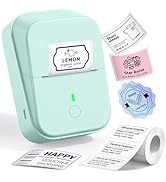
Color | Pink | Purple | Blue | Black | White | Transparent | Blue/Pink/Purple |
Work with | Work with PM290C Paper Rolls | Work with PM290C Paper Rolls | Work with PM290C Paper Rolls | Work with D90E Thermal Paper | Work with ETIKEZ PM290C | Work with ETIKEZ PM290C | Work with ETIKEZ PM290C |
Advantage | Portable, Clear Printing | Portable, Clear Printing | Portable, Clear Printing | Portable, Clear Printing | Strong Adhesion, Print Clearly | Strong Adhesion, Print Clearly | Strong Adhesion, Print Clearly |
Support | Android and IOS phones | Android and IOS phones | Android and IOS phones | Phone/Windows/Mac OS | ETIKEZ PM290C Sticker Printer | ETIKEZ PM290C Sticker Printer | ETIKEZ PM290C Sticker Printer |
High Quality | ? | ? | ? | ? | ? | ? | ? |

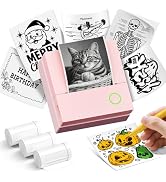
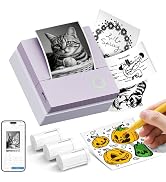
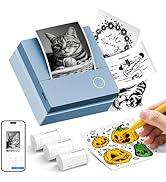
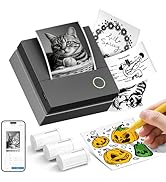
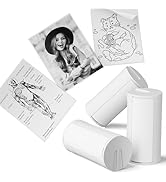
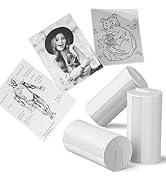
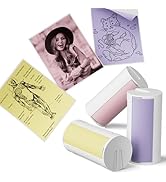
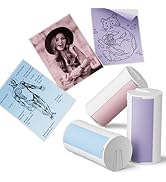
1.Connecting to Bluetooth through the "Labelnize" APP
2.Download the App "Labelnize" fromi the Apple Store/Google Play
3.Turn on Bluetooth on your phone, long press to turn on the PM290C sticker printer and open the Labelnize App to link to Bluetooth
1.The PM290C cannot be connected to a computer for use; it can only be used with mobile phones or iPads.
2.The ETIKEZ PM290C mini printer is a thermal printer that can print black and white photos, but not a camera.
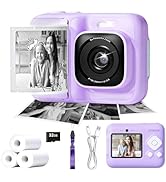
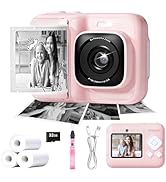
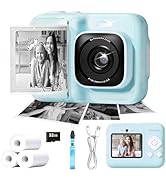
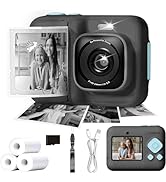




Warm Tips:
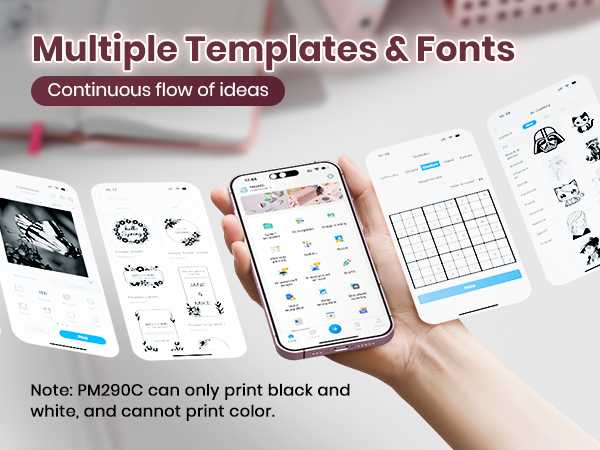
1.ETIKEZ PM290C mini printer is a thermal printer that can print black and white photos, but not a camera.
2.Connect the Bluetooth via the "Labelnize" App, not on the phone system.
3.Transparent labels need to be cut with scissors
How to PM290C label makerconnect Bluetooth?
1.Connecting to Bluetooth through the "Labelnize" APP
2.Download the App "Labelnize" fromi the Apple Store/Google Play
3.Turn on Bluetooth on your phone, long press to turn on the PM290C sticker printer and open the Labelnize App to link to Bluetooth
What systems does this sticker label maker machine support and how to cut labels?
This PM290C sticker printer supports IOS and Android mobile systems. Need to download Labelnize App connect to mobile Bluetooth.
Tear off the paper along the teeth marks of the printer
Note: Transparent paper can only be torn open with scissors.
Is PM290C a photo camera?
No, the ETIKEZ PM290C mini printer is a thermal printer that can print black and white photos, but not a camera.
Why does blank paper appear for printing? The sticker printer doesn't print?
The most common problem isnot placing thepaperroll correctly. Pull out thepaper to the covered position of the printer.
Please place thepaper correctly according to the prompts on A+ or the paper loading video on the details page.
Can I use this mini sticker printer to print shipping labels?
No,this kind of sticker printer is NOT FOR printing any shipping labels. The print width is about 2.8". It“s right for printing some simple text and images, no more than10 lines.
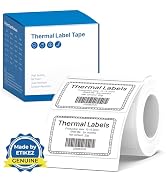
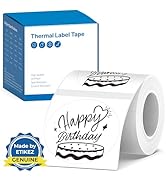
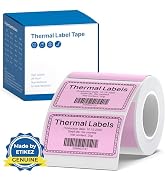
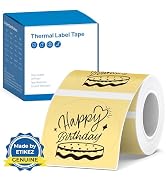
ETIKEZ PM290C Printer |  PM290C Printer Purple | PM290C Printer Blue | D90E Portable Printer | 54mm x 3.2m Paper White | 54mm x 3.2m Paper | 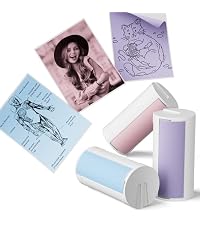 54mm x 3.2m Paper |
|---|---|---|---|---|---|---|
| Customer Reviews | ||||||
| — | — | — | — | — | — | — |
| Price | ||||||
| — | — | — | — | — | — | — |
| Pack | ||||||
| 1 | 1 | 1 | with Case, 10 sheets | 3 Rolls | 3 Rolls | 3 Rolls |
| Color | ||||||
| Pink | Purple | Blue | Black | White | Transparent | Blue/Pink/Purple |
| Work with | ||||||
| Work with PM290C Paper Rolls | Work with PM290C Paper Rolls | Work with PM290C Paper Rolls | Work with D90E Thermal Paper | Work with ETIKEZ PM290C | Work with ETIKEZ PM290C | Work with ETIKEZ PM290C |
| Advantage | ||||||
| Portable, Clear Printing | Portable, Clear Printing | Portable, Clear Printing | Portable, Clear Printing | Strong Adhesion, Print Clearly | Strong Adhesion, Print Clearly | Strong Adhesion, Print Clearly |
| Support | ||||||
| Android and IOS phones | Android and IOS phones | Android and IOS phones | Phone/Windows/Mac OS | ETIKEZ PM290C Sticker Printer | ETIKEZ PM290C Sticker Printer | ETIKEZ PM290C Sticker Printer |
| High Quality | ||||||
| ? | ? | ? | ? | ? | ? | ? |
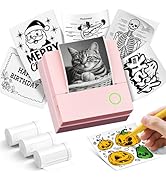
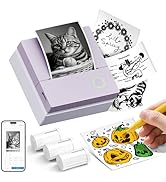
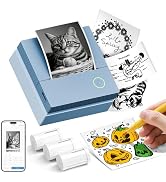
1.Connecting to Bluetooth through the "Labelnize" APP
2.Download the App "Labelnize" fromi the Apple Store/Google Play
3.Turn on Bluetooth on your phone, long press to turn on the PM290C sticker printer and open the Labelnize App to link to Bluetooth
1.The PM290C cannot be connected to a computer for use; it can only be used with mobile phones or iPads.
2.The ETIKEZ PM290C mini printer is a thermal printer that can print black and white photos, but not a camera.