• $121.48
  • Free 30-day Returns
  • Ships from China.
    Price alert
    Shop it at NeweggBusiness.

    Meet Your Seller

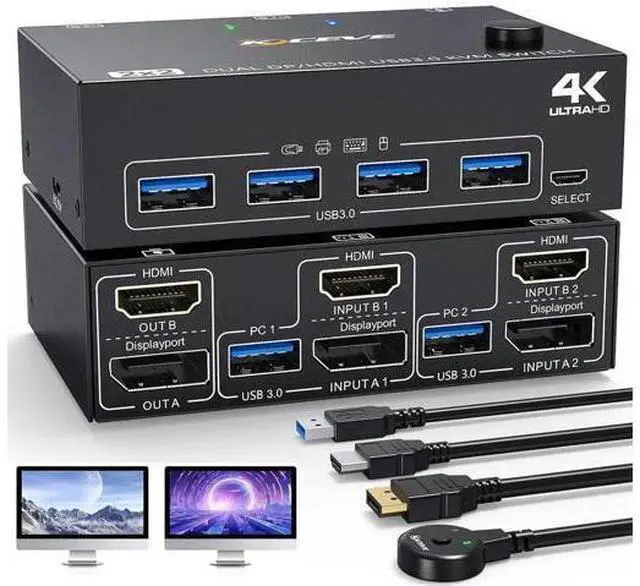
    KVM Switch 2 PC 2 Monitors 4K @ 60Hz 2K @ 120Hz, Displayport + HDMI Dual Monitors KVM Switch for 2 PCs that share 2 Monitors and 4 USB 3.0 Devices with HDMI + DP + USB Cable and Wired Remote

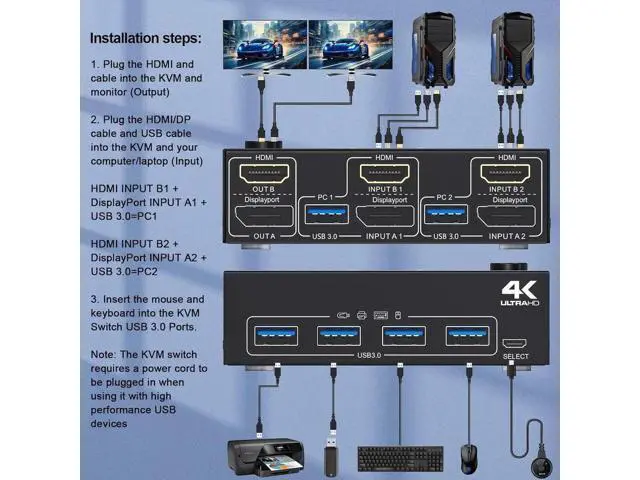
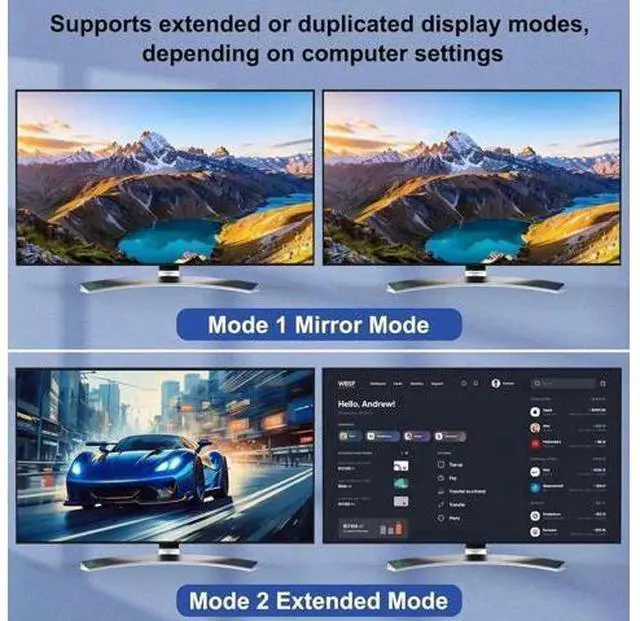
    • KVM Switch 2 PC 2 Monitors: The KVM switch can control 2 computers or laptops with 1 set of independent keyboards and mice that share 2 monitors and 4 USB 3.0 devices.
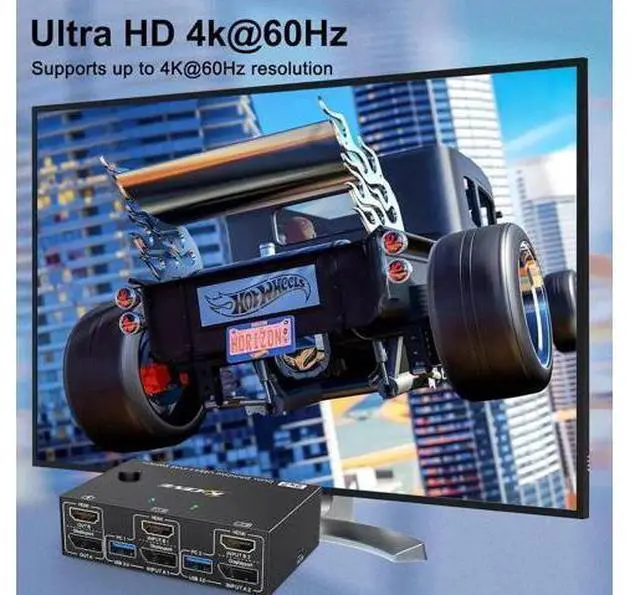
    • 4K Visual Experience: KVM switch with HDMI 2.0 + DP1.4 ports supports 4K Ultra HD resolution and refresh rate
    • Supports resolutions up to 4K@60Hz/2K@120Hz.
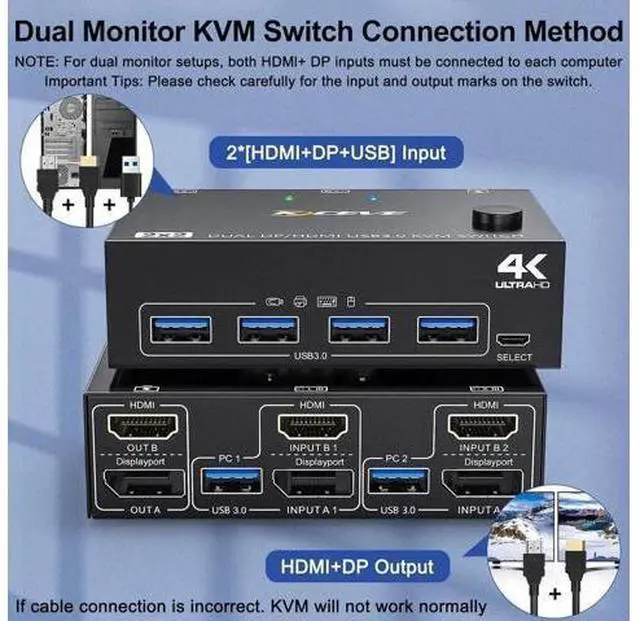
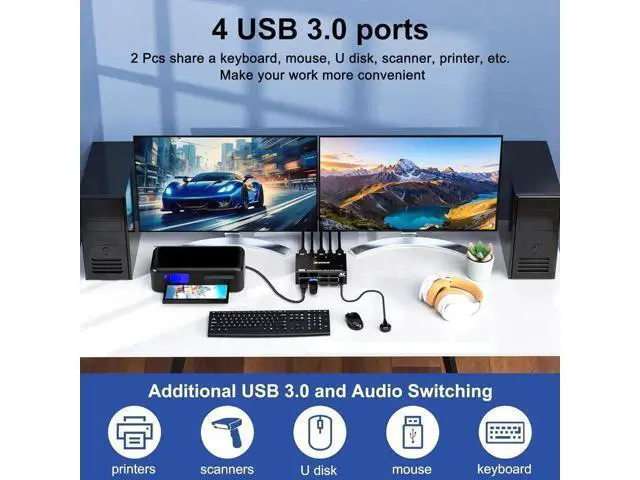
    • 4 USB 3.0 Ports: KVM switch with 4 USB 3.0 ports supports SuperSpeed 5Gbps data transfer, 10x faster than USB 2.0 for connecting RGB keyboard, mouse, printer, hard drive, etc. Backward compatible with USB 2.0/1.1 devices. IMPORTANT: Please make sure you use a USB cable to connect the KVM switch to the USB port of your computer, otherwise the USB port may not be recognized.
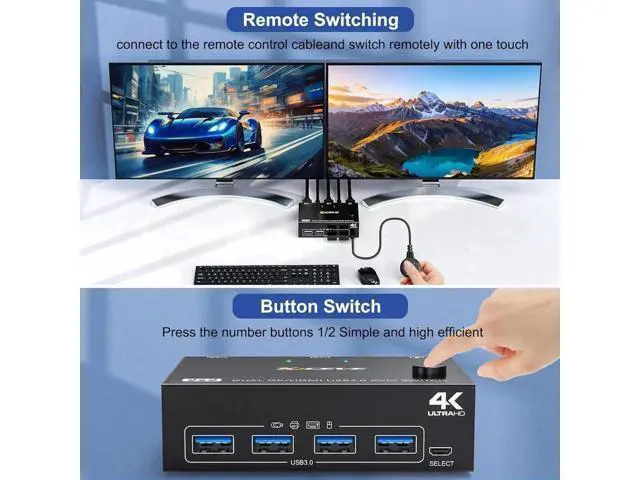
    • Convenient switching: You can use the buttons on the control panel or the cable remote control to switch freely between the two computers.
    • Plug & Play, Strong Compatibility: Plug & Play, driver-free, works with Windows/Vista/XP/Mac OS/Linux/Uni and most other mainstream systems.

    +
    +
    Overview
    Specs
    Reviews
    avatar

    Any questions? Our AI beta will help you find out quickly.

    KVM Switch 2 PC 2
    Monitors: The KVM switch can control 2 computers or laptops with 1 set of independent keyboards and mice that share 2 monitors and 4 USB 3.0 devices..
    4K Visual Experience: KVM switch with HDMI 2.0 + DP 1.4 ports supports 4K Ultra HD resolution and refresh rate. Supports resolutions up to 4K@60Hz/2K@120Hz..
    4 USB 3.0 Ports: KVM switch with 4 USB 3.0 ports supports SuperSpeed 5Gbps data transfer, 10x faster than USB 2.0 for connecting RGB keyboard, mouse, printer, hard drive, etc. Backward compatible with USB 2.0 / 1.1 devices.
    IMPORTANT: Please make sure you use a USB cable to connect the KVM switch to the USB port of your computer, otherwise the USB port may not be recognized..
    Convenient switching: You can use the buttons on the control panel or the cable remote control to switch freely between the two computers.. Plug & Play, Strong
    Compatibility: Plug & Play, driver-free, works with Windows/Vista/XP/Mac OS/Linux/Uni and most other mainstream systems.

    Warranty & Returns

    Warranty, Returns, And Additional Information

    Warranty

    • Please contact the Seller directly for warranty information. Warranty information may also be found on the Manufacturer's website.
    • CONTACT

    Return Policies

    • Return for refund within: 30 days
    • Return for replacement within: 30 days
    • This item is covered by MUSE TECH Return Policy

    Manufacturer Contact Info

    LOADING...