


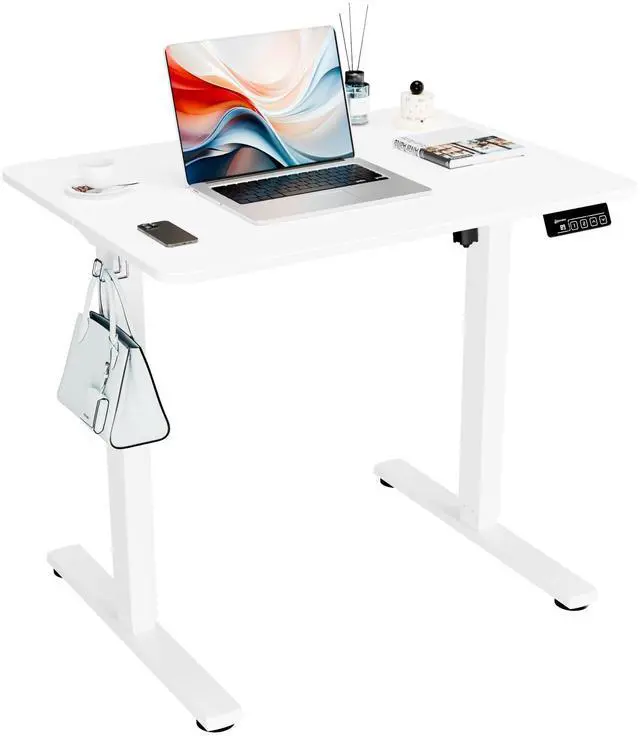
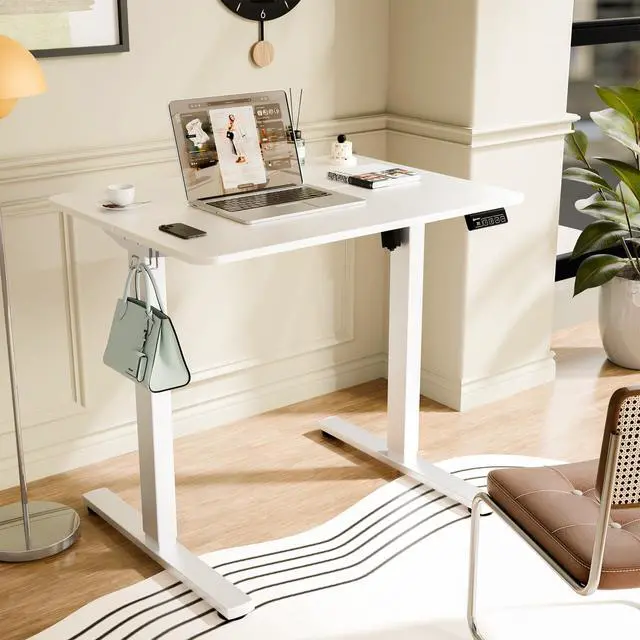
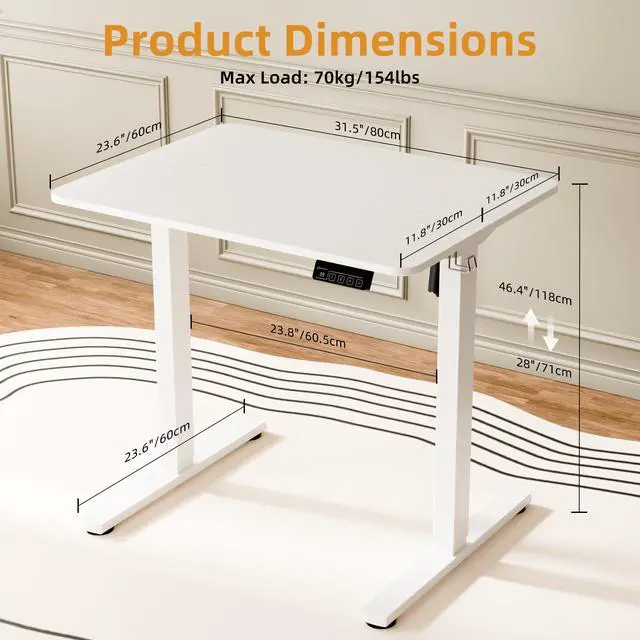


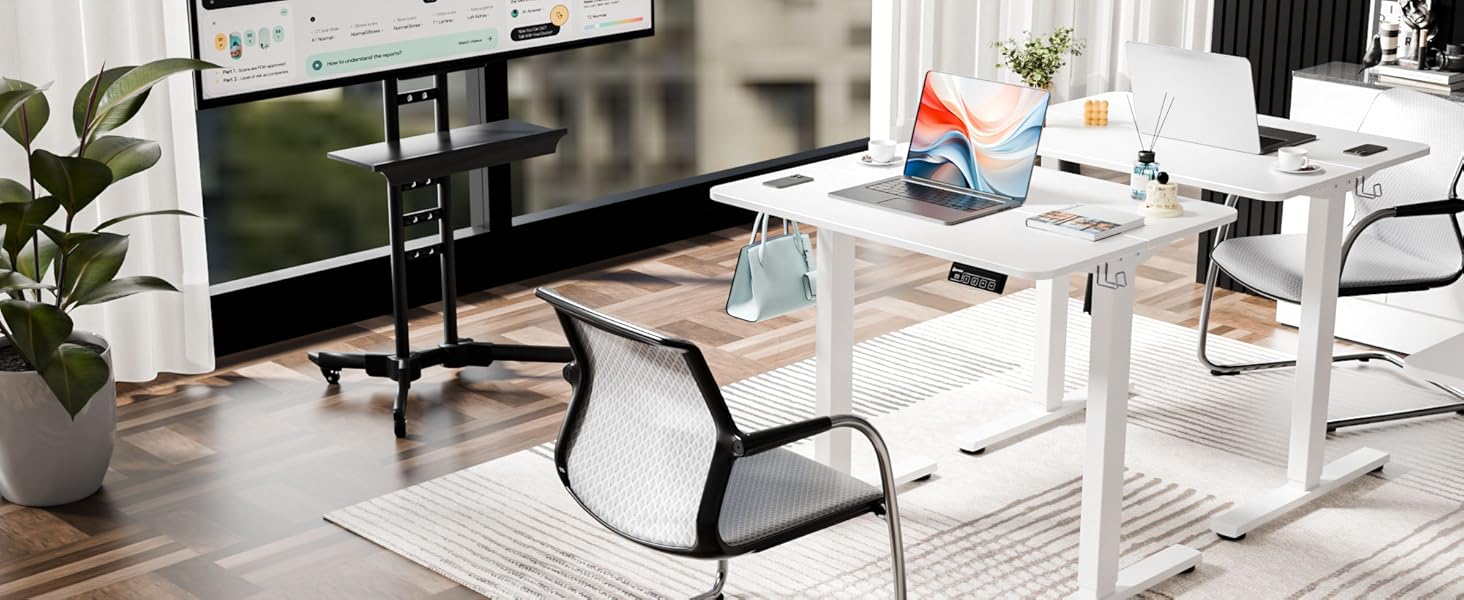
Versatile height-adjustable desk
No matter if you are gamer, writer, coder, blogger, you can always find what you want from Ergomaker
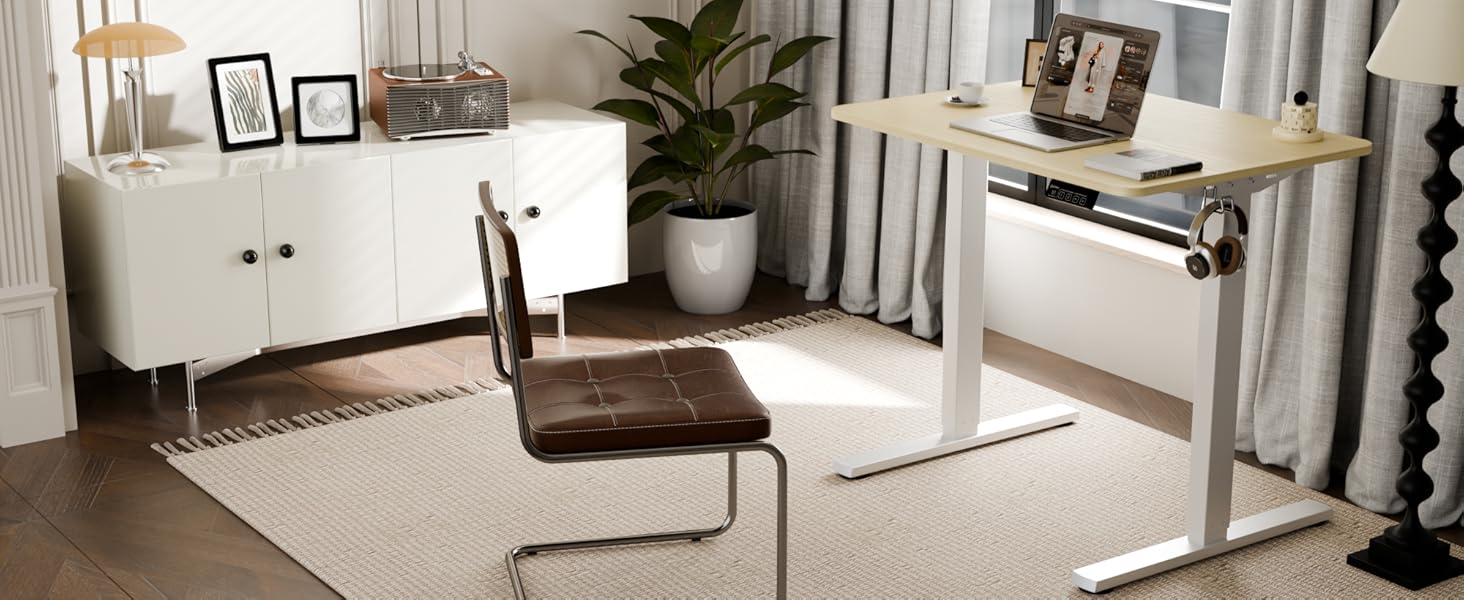
Ergomaker Electric Standing Desk
You may fresh your mind switching from stand or sit and efficient your productivity
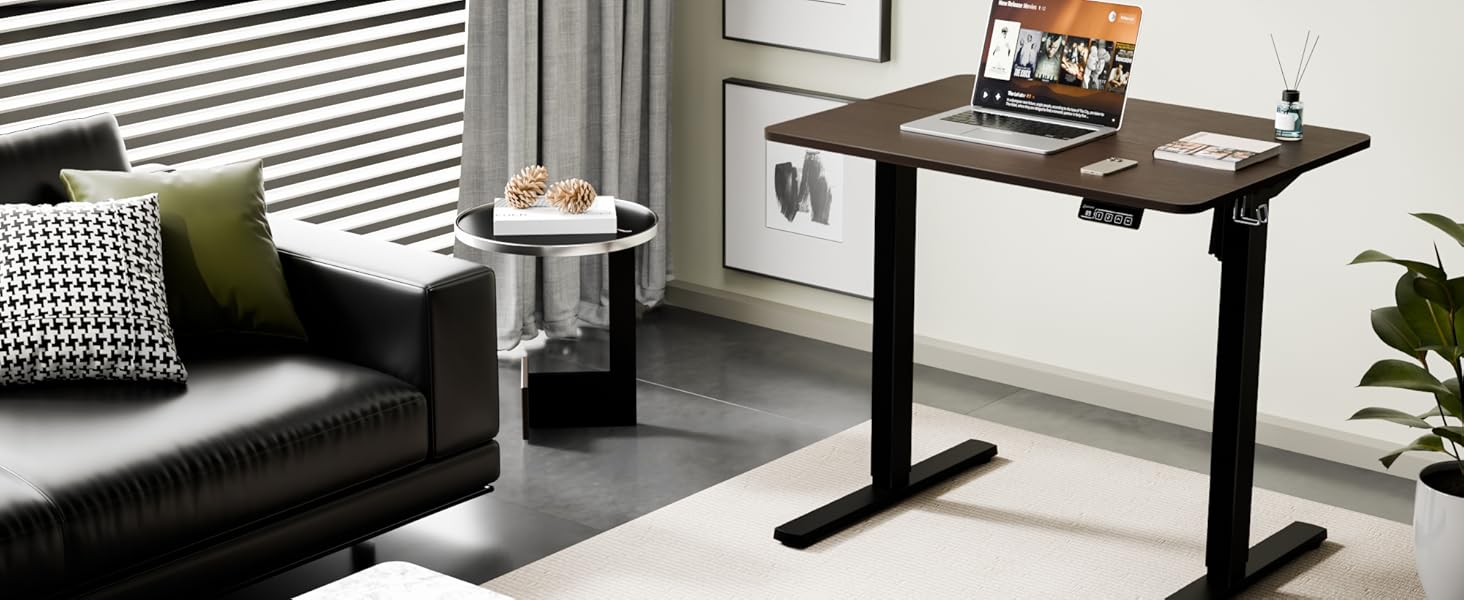
Invest your working from home
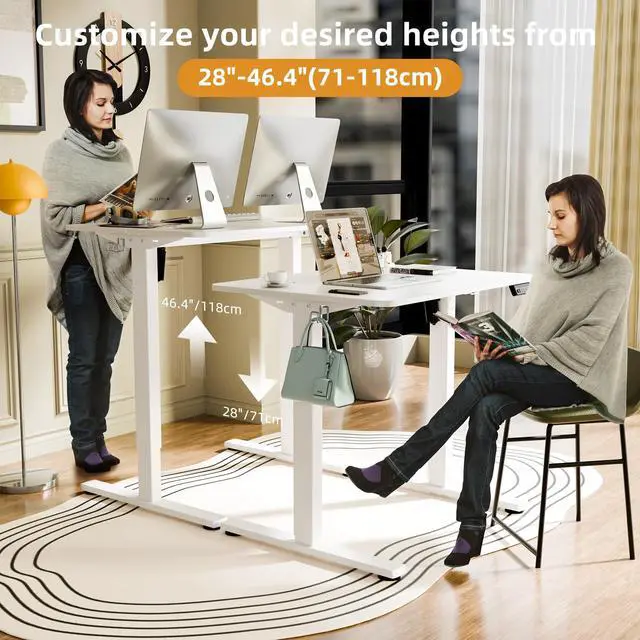
Ease your body from daily strain by switching from siting to standing with ERGOMAKER standing desk
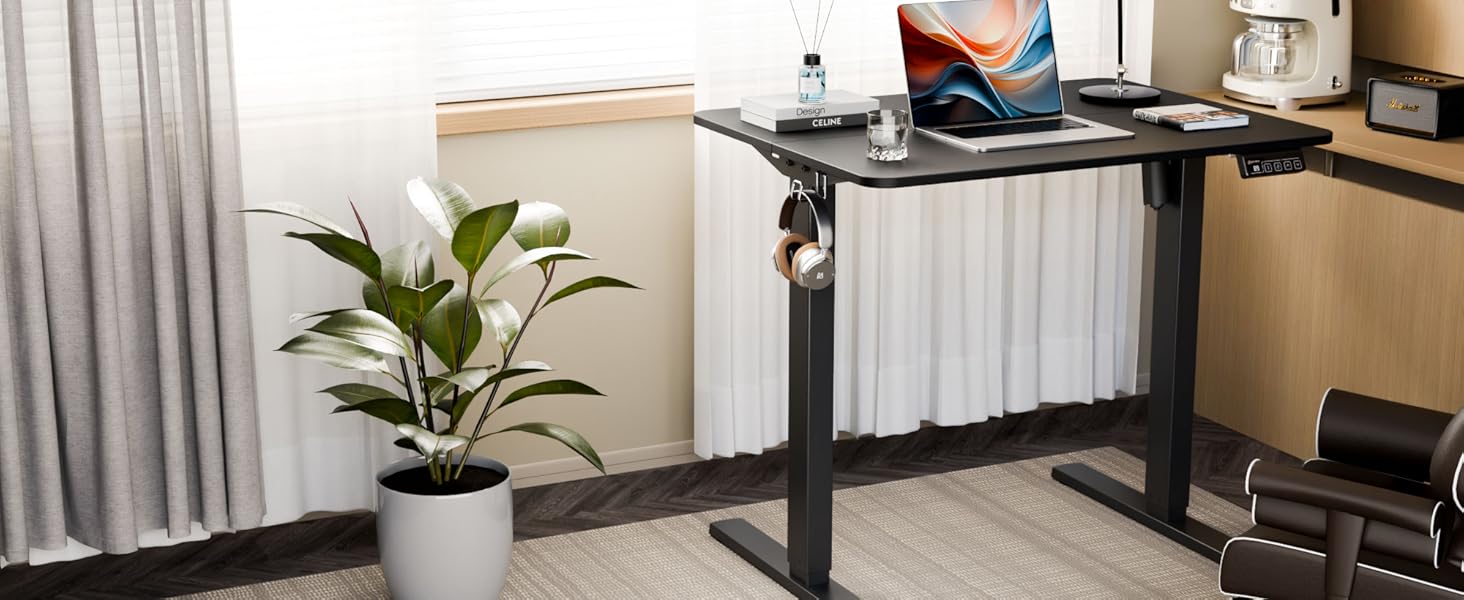
Change the Way You Work
ERGOMAKER's height adjustable desk can achieve the perfect sit/stand balance throughout your workday


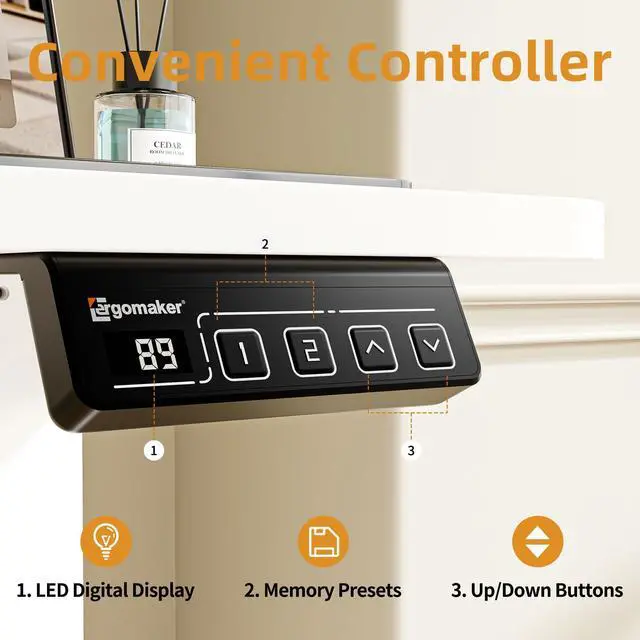
What if the hand controller shows “Loc”?
TO LOCK: Press and hold the ‘‘ ? ’’ and “ ? ” buttons simultaneously for 5 seconds until the LED reads “Loc”
TO UNLOCK: Press and hold the ‘‘ ? ’’ and “ ? ” buttons simultaneously for 5 seconds until the LED switches from “Loc” to the height display
What should I do if the handset displays “rst”?
It means you need reset procedure.
1. You should press and hold the "? " button until the desk lowers a little bit more, slightly rises and stops.
2. The handset will then display the current height, and you should be able to operate the desk.
What should I do if the handset displays “Er1”?
The code "Er1" means you need to reset procedure.
Versatile height-adjustable desk
No matter if you are gamer, writer, coder, blogger, you can always find what you want from Ergomaker
Ergomaker Electric Standing Desk
You may fresh your mind switching from stand or sit and efficient your productivity
Invest your working from home
Ease your body from daily strain by switching from siting to standing with ERGOMAKER standing desk
Change the Way You Work
ERGOMAKER's height adjustable desk can achieve the perfect sit/stand balance throughout your workday


What if the hand controller shows “Loc”?
TO LOCK: Press and hold the ‘‘ ? ’’ and “ ? ” buttons simultaneously for 5 seconds until the LED reads “Loc”
TO UNLOCK: Press and hold the ‘‘ ? ’’ and “ ? ” buttons simultaneously for 5 seconds until the LED switches from “Loc” to the height display
What should I do if the handset displays “rst”?
It means you need reset procedure.
1. You should press and hold the "? " button until the desk lowers a little bit more, slightly rises and stops.
2. The handset will then display the current height, and you should be able to operate the desk.
What should I do if the handset displays “Er1”?
The code "Er1" means you need to reset procedure.