
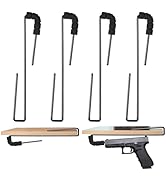
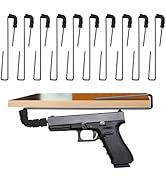
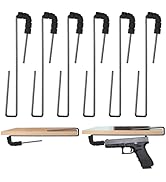
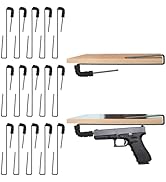

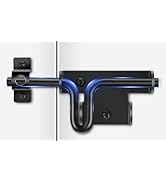
• $27.99
  • Free 30-day Returns
  • Price alert
    Shop it at NeweggBusiness.

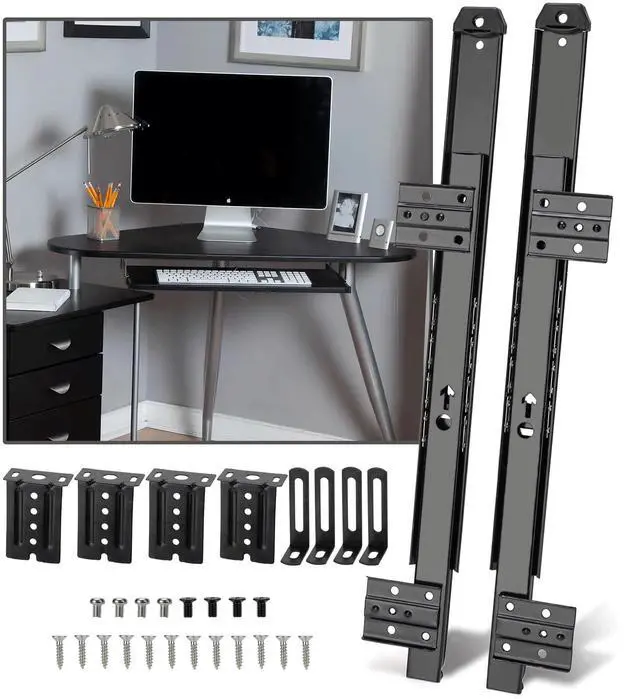
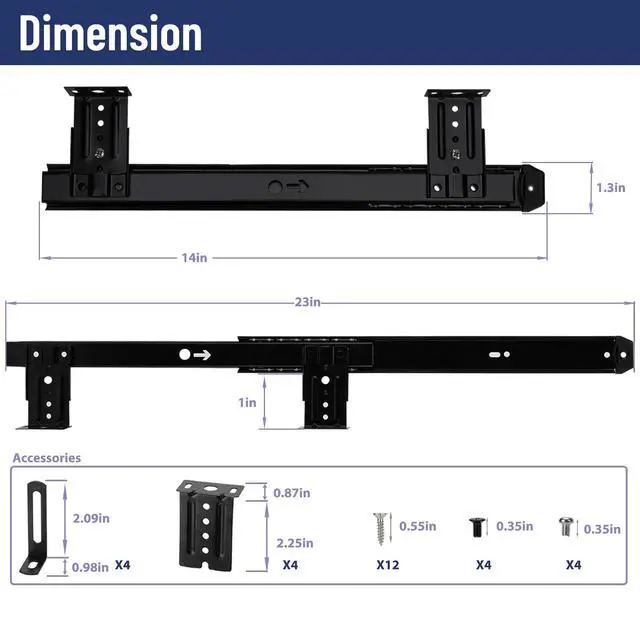
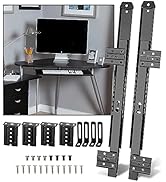
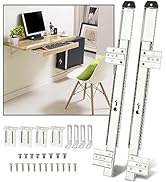
    14" Keyboard Slide Heavy Duty Ball Bearing Slides Computer Tray Under Desk Rails Rack Cabinet Furniture Drawer Hardware Accessories with Adjustable Height Bracket & L Extension Support Bracket (Black)

    • HIGH-QUALITY MATRIALCreate your own custom sliding shelf! Made of heavy duty cold-rolled steel construction with a black powder coat finish, our keyboard slides are smooth, quiet, and stable in motion, making them stronger, more durable, and longer lasting than ordinary keyboard slides.
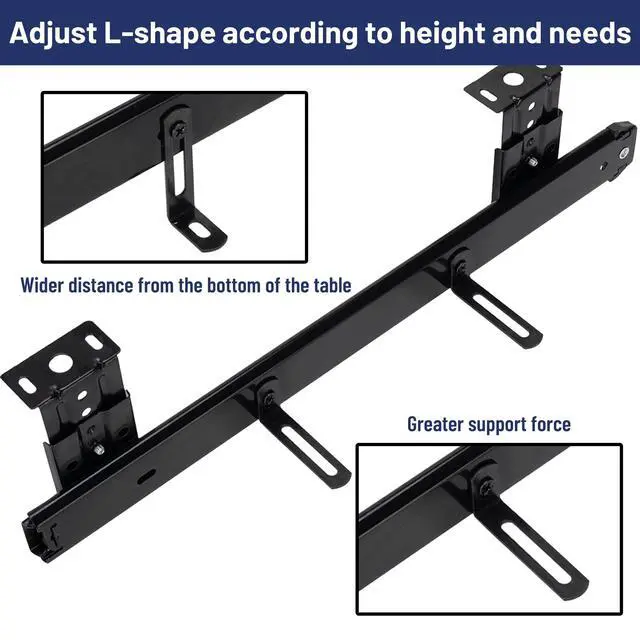
    • EXCELLENT SUPPORT FORCEWe have updated and upgraded the original keyboard slide. With adjustable slotted L-shaped corner brace, tighten the suitable screws where needed, solving installation problems and displacement problems. The bracket is designed as a structural support, which strengthens the right-angle compression with stronger support, and can hold the tray securely and safely.
    • SMOOTH AND QUIET SLIDING Equipped with steel ball bearings and cushion, it can be extended and retracted smoothly, ensuring smooth sliding of the slide rail and reducing noise, while effectively reducing damage caused by collisions when pulling in and out of the drawer, increasing the keyboard slide rail service life.
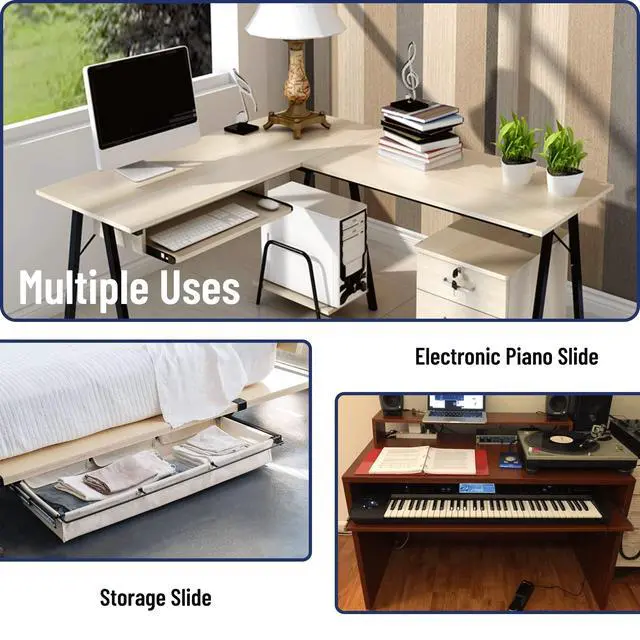
    • MULTIPLE APPLICATIONSKeyboard slides can be used for computer keyboard tray or keyboard drawers and kitchen drawers, dresser drawer, tool storage accessories, etc. Ideal for home, office, garage to save space and organize things! In addition, with 4 adjustable holes and set screws for vertical adjustment, it can be adjusted to a suitable height according to ergonomics.
    +
    +
    Overview
    Specs
    Reviews
    avatar

    Any questions? Our AI beta will help you find out quickly.

    keyboard slide

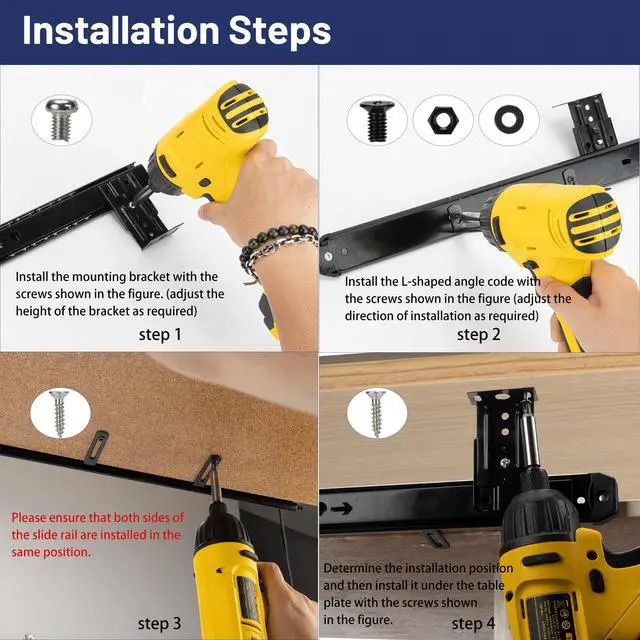
    INSTALLATION STEPS

    keyboard slide

    Step 1

    Install the mounting bracket with the screws shown in the figure. (adjust the height of the bracket as required).

    keyboard slide

    Step 2

    Install the L-shaped angle code with the screws shown in the figure (adjust the direction of installation as required).

    keyboard slide

    Step 3

    Nut and gasket display ( mounted on either the front or the back )

    keyboard slide

    Step 4

    Please ensure that both sides of the slide rail are installed in the same position.

    keyboard slide

    Step 5

    Determine the installation position and then install it under the table plate.

    keyboard slide

    Step 6

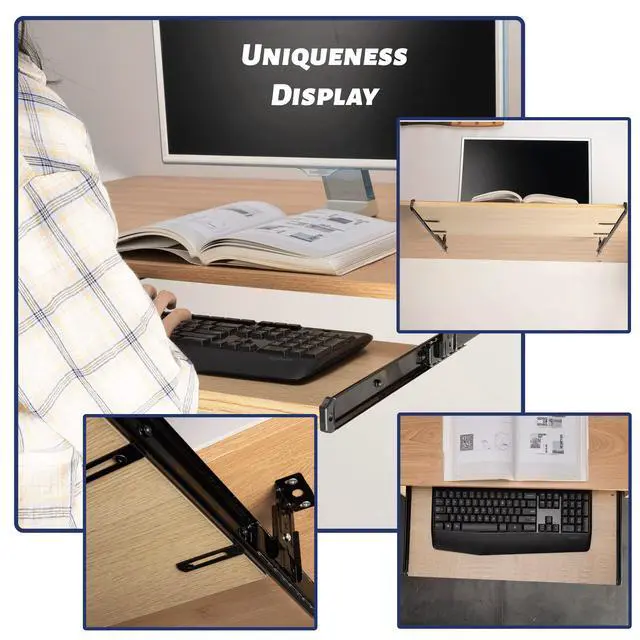
    Finished product display

    keyboard slide
    keyboard slide

    INSTALLATION STEPS

    keyboard slide

    Step 1

    Install the mounting bracket with the screws shown in the figure. (adjust the height of the bracket as required).

    keyboard slide

    Step 2

    Install the L-shaped angle code with the screws shown in the figure (adjust the direction of installation as required).

    keyboard slide

    Step 3

    Nut and gasket display ( mounted on either the front or the back )

    keyboard slide

    Step 4

    Please ensure that both sides of the slide rail are installed in the same position.

    keyboard slide

    Step 5

    Determine the installation position and then install it under the table plate.

    keyboard slide

    Step 6

    Finished product display

    keyboard slide
    14" Keyboard Slide Heavy Duty Ball Bearing Slides Computer Tray Under Desk Rails Rack Cabinet Furniture Drawer Hardware Accessories with Adjustable Height Bracket & L Extension Support Bracket (Black)

    Warranty & Returns

    Warranty, Returns, And Additional Information

    Warranty

    • Please contact the Seller directly for warranty information. Warranty information may also be found on the Manufacturer's website.
    • CONTACT

    Return Policies

    Manufacturer Contact Info

    LOADING...