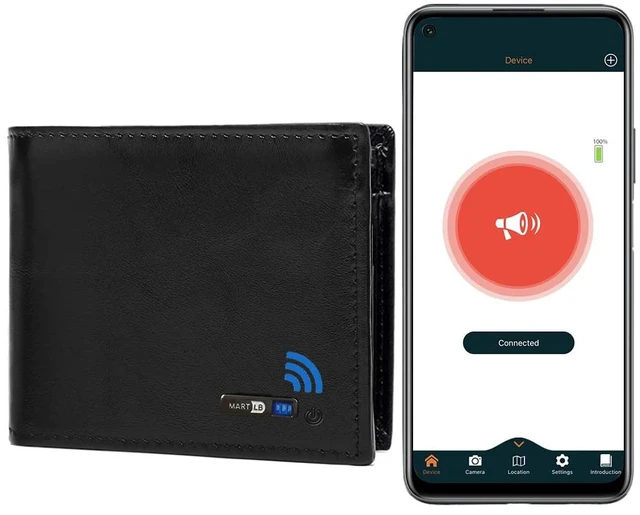
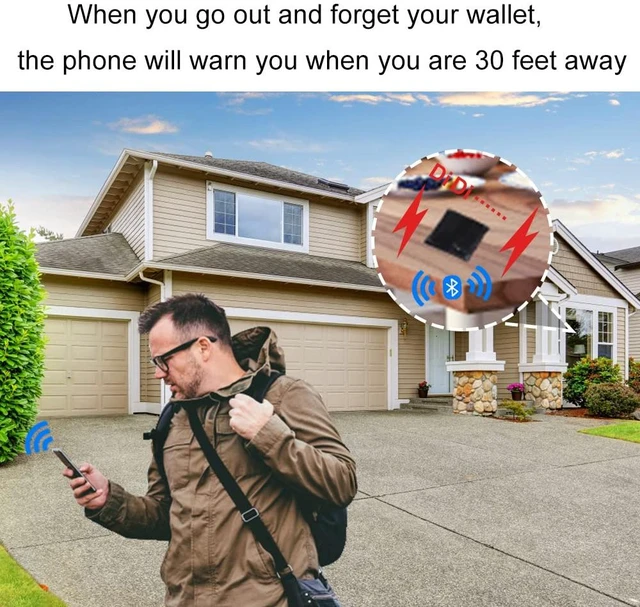
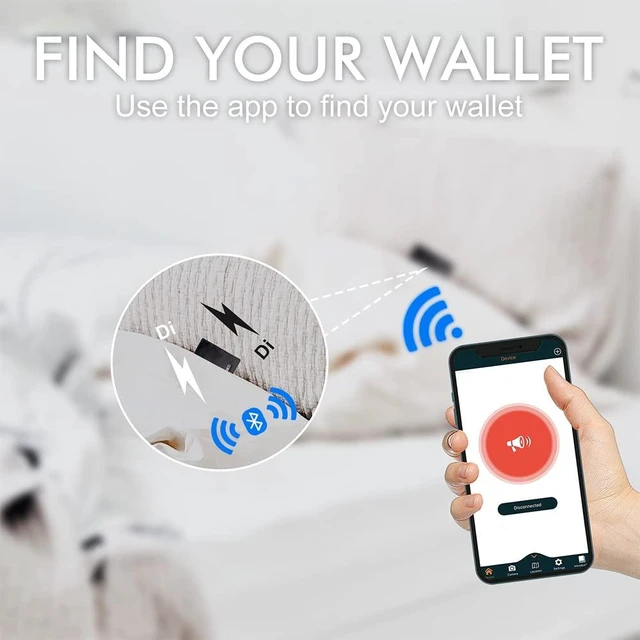
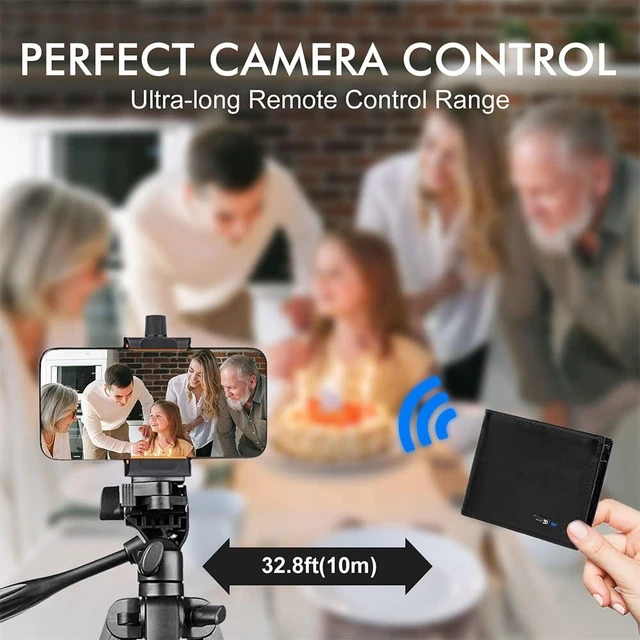
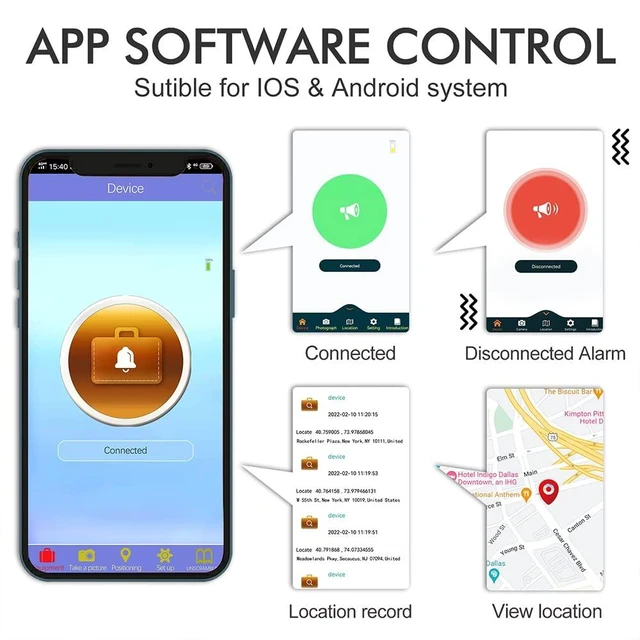
This smart wallet has a built-in tracker and works with Android devices and iOS devices through the BSEEK app, which can be downloaded from Google Play or the App Store. It pairs with a mobile phone via Bluetooth. Smart features include left-behind notifications, two-way tracking, selfie remote control, and last location history. Left-behind alerts provide instant notifications on your smartphone if you accidentally leave the tracker wallet behind. Within Bluetooth range, the mobile phone can track the wallet anywhere, and the wallet can also help locate the mobile phone.
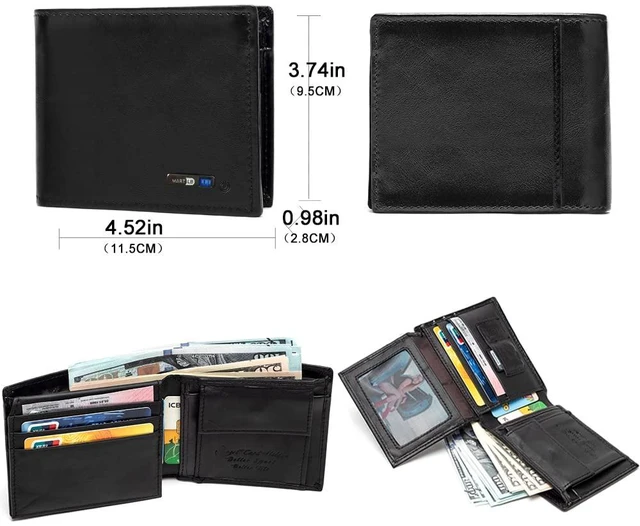
The built-in tracker is rechargeable through a standard USB-C port located inside the wallet behind the compartment with the window slot. The tracker and charger are completely integrated. The leather wallet has multiple card slots and a standard cash compartment inside, unlike some new wallets that do not hold cash. It holds up to 9 cards, including credit cards, drivers licenses, and insurance cards. A hidden battery with a USB-C port is built in.
Setup: 1. Open the downloaded BSEEK app. 2. The app will load and display BSEEK connected, and it. 3. Press and hold the wallet power button. You will hear 2 beeps and see 2 blue flashes next to the button. 4. Press the button again to turn the power off, indicated by 1 flash/beep. 5. Keep the app running and the wallet powered on to maintain the connection between your phone and wallet. Closing the app, turning off the wallet, or separating the two will activate a loud siren sound on your phone, a flashing light, and a tweet from the wallet. At night, you can use the do not disturb option or turn off the wallet and close the app. 6. The app supports dropping a pin, showing the wallet location on a map, and using the wallet power button to trigger the phone camera shutter





 here!
here!