Your Browsing History
- Free 30-day Returns
$10.99
Ships from China.
Meet Your Seller
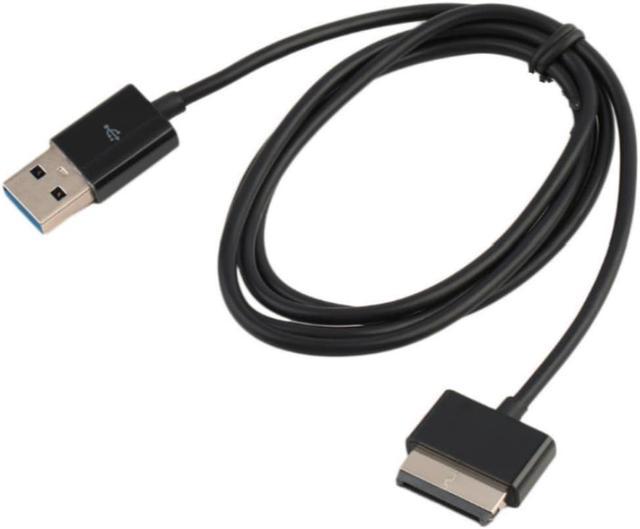
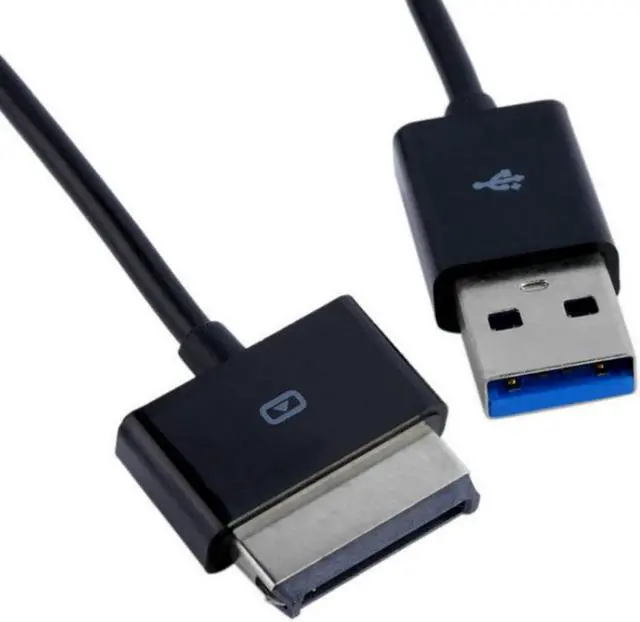
USB 3.0 Charger Data Cable for Asus Eee Pad TransFormer TF101 TF201 TF300 TF300T TF700 TF700T EEEPad Slider SL101Tablet charging
- USB 3.0 Charger Data Cable for Asus Eee Pad TransFormer TF101 TF201 TF300 TF300T TF700 TF700T EEEPad Slider SL101Tablet charging
+
+
Overview
Specs
Reviews
Any questions? Our AI beta will help you find out quickly.
Try me now
Package:No
Model Number:0455
Type:Dada Transfer Cable
Origin:Mainland China
Certification:NONE
Products Status:STOCK
Features:
This cable cannot be a charger directly, can only be used with your adapter to charge tablet.
USB Data Sync Charger Cable.
Easy operation, plug and play.
High Quality Copper core Wire 9pin
High data transfer speed (USB 3.0)
All test before shipping
Specification:
Length: 1m/ 3.3ft
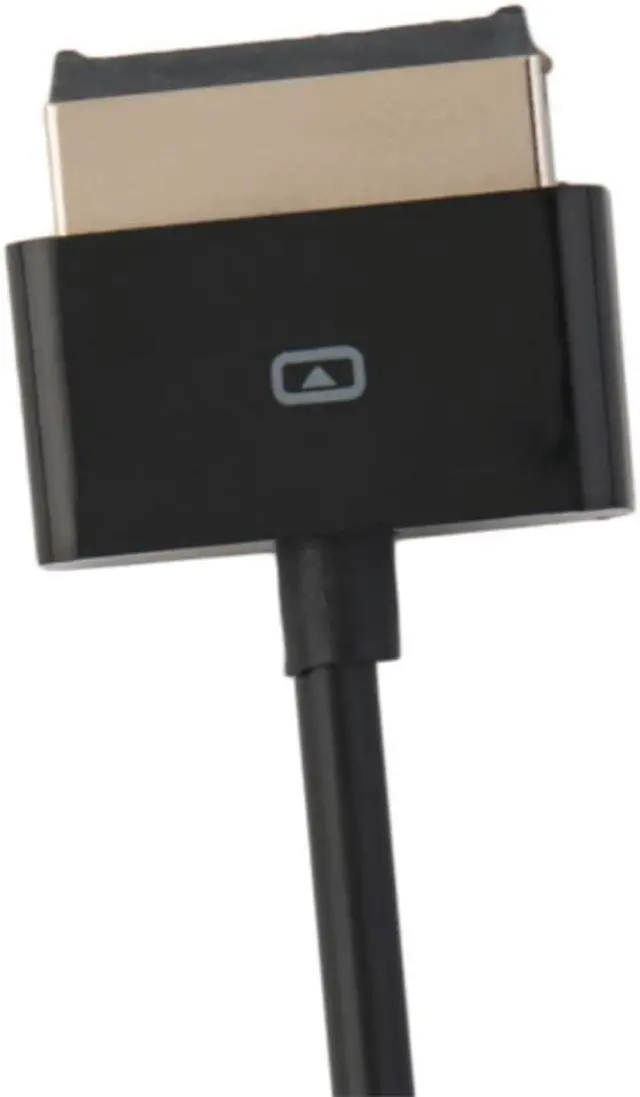
Interface: USB 3.0, 40Pin Data Port
Compatible with:
For ASUS EEEPad Transformer Prime TF101 TF201 TF300 TF300T TF700 TF700T, EEEPad Slider SL101
How to use it:
1. Connect the Cable to your EEEpad and connect the USB side to PC or laptop.
2. Transfer the data from PC to Tablet or from Tablet to PC.
3. If you want to use this cable to charge your EEEpad, you need a USB AC Adapter. Tested by our Manufacuturer, with the Cable and the Original USB AC Adapter to charge the EEEpad fully, it may take 2 hours only!
Note:
for Asus Eee Pad Transformer cannot be charged with normal PC/ Laptop USB ports, charging requires a USB AC Adapter.
What is included:
1 x USB Charger Data Cable

Model Number:0455
Type:Dada Transfer Cable
Origin:Mainland China
Certification:NONE
Products Status:STOCK
Features:
This cable cannot be a charger directly, can only be used with your adapter to charge tablet.
USB Data Sync Charger Cable.
Easy operation, plug and play.
High Quality Copper core Wire 9pin
High data transfer speed (USB 3.0)
All test before shipping
Specification:
Length: 1m/ 3.3ft
Interface: USB 3.0, 40Pin Data Port
Compatible with:
For ASUS EEEPad Transformer Prime TF101 TF201 TF300 TF300T TF700 TF700T, EEEPad Slider SL101
How to use it:
1. Connect the Cable to your EEEpad and connect the USB side to PC or laptop.
2. Transfer the data from PC to Tablet or from Tablet to PC.
3. If you want to use this cable to charge your EEEpad, you need a USB AC Adapter. Tested by our Manufacuturer, with the Cable and the Original USB AC Adapter to charge the EEEpad fully, it may take 2 hours only!
Note:
for Asus Eee Pad Transformer cannot be charged with normal PC/ Laptop USB ports, charging requires a USB AC Adapter.
What is included:
1 x USB Charger Data Cable
Warranty & Returns
Warranty, Returns, And Additional Information
Warranty
- Please contact the Seller directly for warranty information. Warranty information may also be found on the Manufacturer's website.
- CONTACT
Return Policies
- Return for refund within: 30 days
- Return for replacement within: non-replaceable
- This item is covered by Ruth's sister Return Policy
Manufacturer Contact Info
- For a directory of all our manufacturers, please click below.
- Manufacturers Directory
LOADING...