WIFI:No
DAC:-
Body Material:Plastic
Bluetooth:Yes
Supports EBook Reading:No
Operation Mode:Touch Tone
Have Speakers or not:Yes
Supports FM:Yes
Battery Specification:Lithium Battery
Supports Recording Function:No
Package:No
Function:bluetooth
Model Number:0507
Style:mp3
Screen:Yes
Balanced Out:No
External Memory:No
Audio Format Support:MP3, WAV
Origin:Mainland China
Certification:NONE
Model: JQ-D038BT (with Bluetooth)
Shell size: 50*25MM
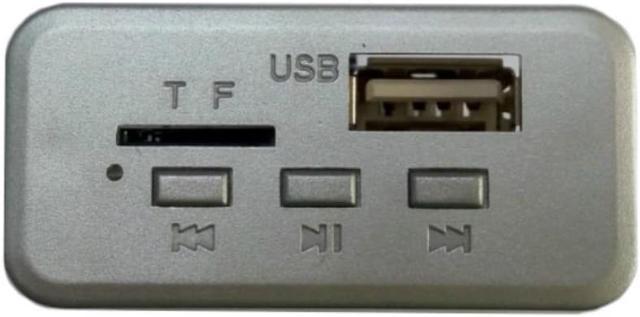
Function introduction: support Bluetooth-compatible function / Jieli scheme, double decoding (solve MP3, WMA, WAV format music) / read USB disk / read TF card / external audio input LINE IN / power supply 12V
First, the main function
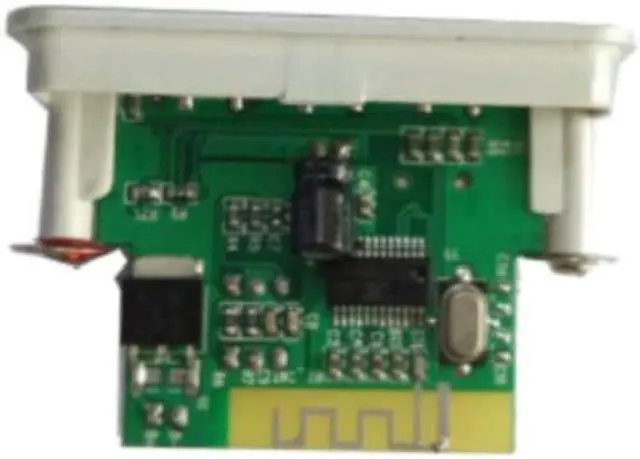
Main control IC: AC6925A
Bluetooth-compatible IC: AC6925A Bluetooth version is 5.0
Music format: MP3 / WMA / WAV / FLAC / APE lossless format
Radio FM frequency: 87.5-107.5 MHZ
Support function introduction: support MP3/USB/TF/LINE IN/FM/BLUETOOTH/DC
Working voltage: 12V
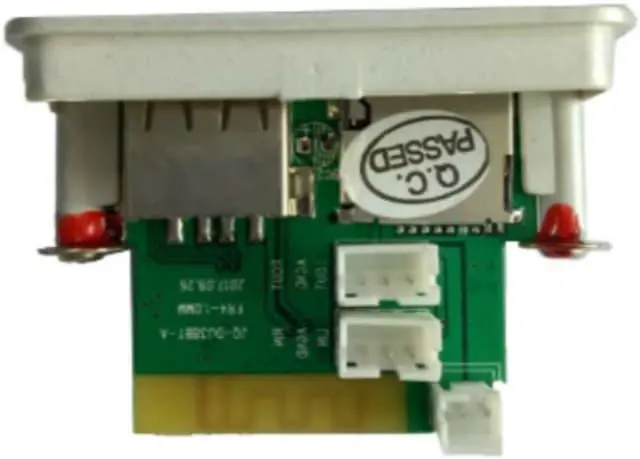
Panel size: 50 * 24 mm, the depth of the board is 35mm
Second, the button operation details
1. PREV button (previous song/volume reduction): In the MP3 state, the PREV short press is the previous song, and the long press is the volume reduction;
2, PLAY button (play / pause): PLAY short press for play / pause in MP3 state; long press is USB / TF card / AUX / Bluetooth-compatible mode test tone switch.
3, NEXT button (next song / volume increase): NEXT short press for the next song in MP3 state, long press for the volume to increase;
4. This model has the function of automatic conversion device. When there is no device, the default is in the Bluetooth-compatible state. If there is a device, the device is interpreted first.