




 here!
here!
I’m your shopping assistant for PC builds, upgrades, and everything tech.
Got questions? Ask away!
Start a conversation
here!
I’m your shopping assistant for PC builds, upgrades, and everything tech.
Got questions? Ask away!
Start a conversation



Any questions? Ask CelesteSM will help you find out quickly.
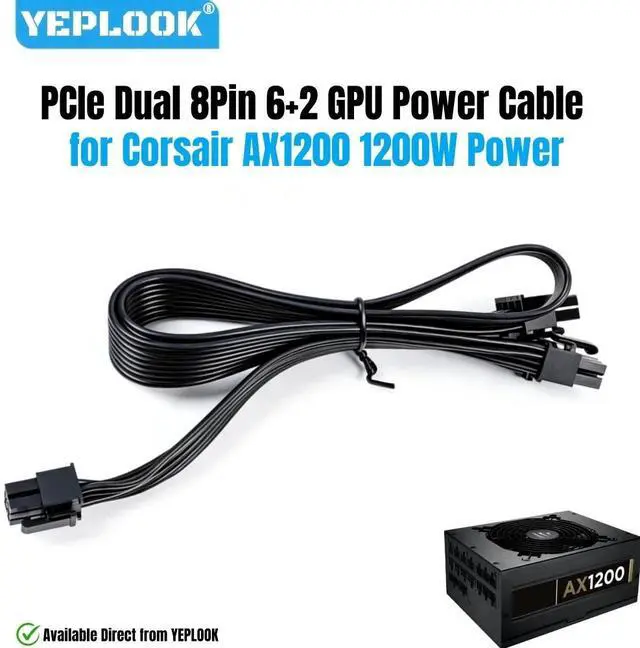
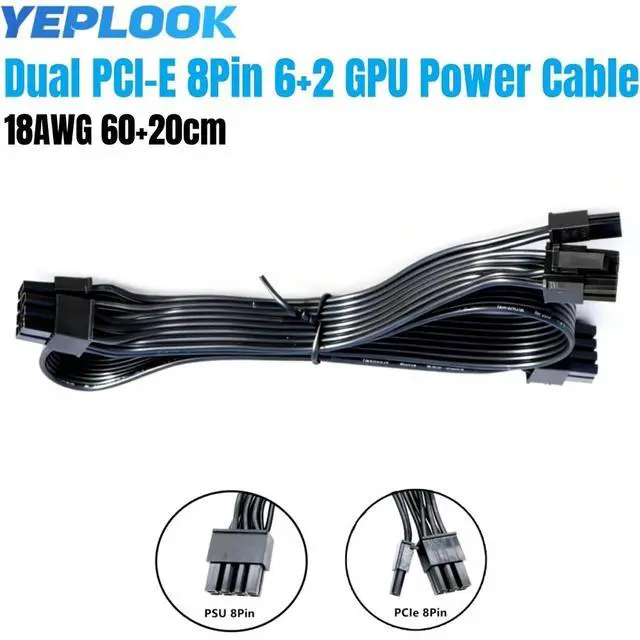
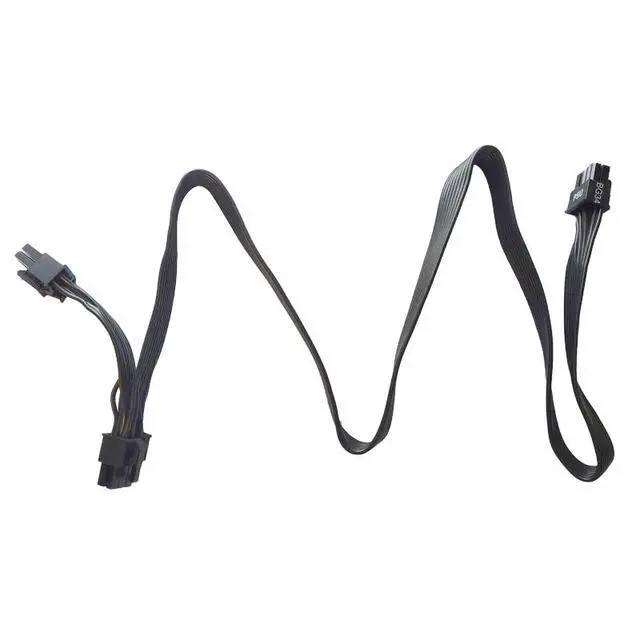
YEPLOOK PCIe Dual 8Pin 6+2 GPU Power Cable for Corsair AX1200 1200W Gold Modular Power, 18AWG Tinned Copper Flat Wire, 18AWG Tinned Copper Wire, 60+20 CM / 23.62 + 7.87 inch/ 1.97 + 0.66 ft.
*YEPLOOK Store Purchase Notice:
1. All images are for reference only. For actual photos, please contact us.
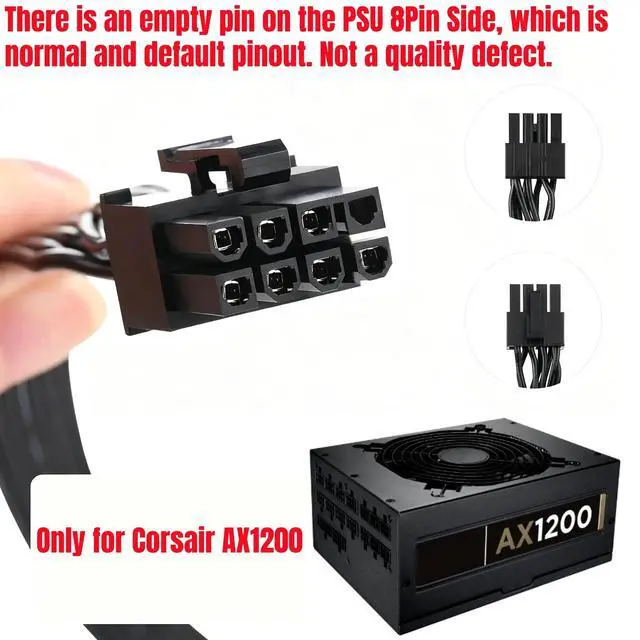
2. The empty hole (No Pin) on the PSU 8Pin connector, which is default pinout, not a faulty product.
3. YEPLOOK technicians will test every cable to ensure seamless connection and avoid any pin issues.
Compatibility about this PCIe Single 8Pin 6+2 GPU Power Supply Cable:
Only Compatible with Corsair AX1200 1200W Gold Modular Power Supply Unit. If your modular power is not AX1200 Gold, which means incompatible. Do not buy!
Not for Corsair AX1200i Type 3 Modular Power. Not for powers of other brands and models.
Not for Corsair Type 1, Type 2, Type 3, Type 4 and Type 5 Power Supplies. Do not mix use cables between different brands and models.
Description
Brand: YEPLOOK
Length: about 60+20CM / 23.62 + 7.87 inch/ 1.97 + 0.66 ft.
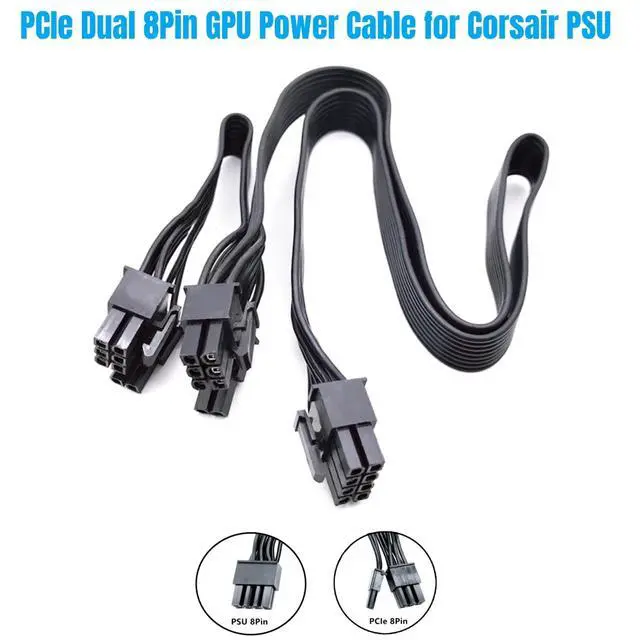
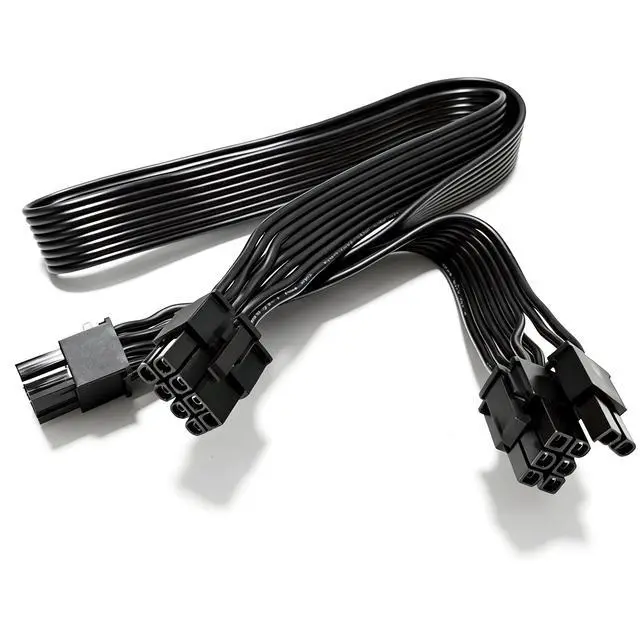
Interface: PSU 8Pin to PCI-E Dual 8Pin (6+2Pin)
Cable Gauge: 18AWG standard tin-coating copper wire.
Conductor Construction: 34x 0.178 mm thick inner wires combined.
Temperature Range: -30°C ~ 80°C
Package List: 1x PCIe Dual 8Pin 6+2 GPU Power Cable for Corsair AX1200 1200W GOLD Modular Power.
Features
1.Gauge: Made of 18AWG tinned copper wire, solid connectors and sturdy cable, adding an extra layer of protection, improving the performance and extending the service life of this wire.
2. Soft flat cables are wieldy, easy to solder and bend. Have a greater flexibility allowing tighter folding and cable management.
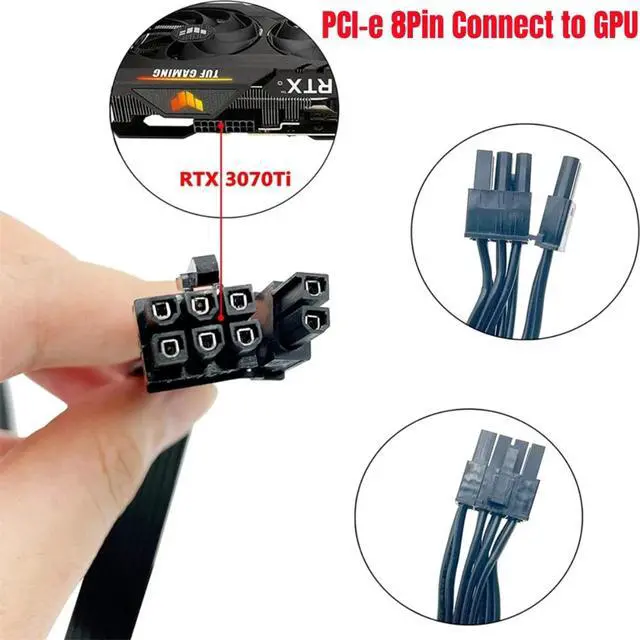
3. YEPLOOK PCI-e 2x 8Pin 6+2Pin GPU power cable compatible with GPU graphics card that has 8pin, 6pin or 8pin+6pin power socket.
4. Support power at most 800W for GTX1080, GTX1080Ti, RTX2060, RTX2070, RTX2080, RTX2080Ti, RTX3060, RTX3070, RTX3080Ti, RTX3090Ti, RTX4060. RTX4080, RTX4090, RX570, RX580, RX590, RX5700 XT, RX6700 XT, RX6800 XT, RX6900 XT, etc.
Installation
The only correct way to connect this PCIe cable is 7Pin port [PSU side] insert into PCI-E socket of modular power. The 6+2 PIN [PCIE] port insert into GPU card side (with 6Pin or 8Pin port). Please confirm before and after installation.
Questions
Q 1: Why is its [PSU] interface only 7Pin?
A: please notice that the one that came with the PSU has a double wired pin and so there is an empty pin in the upper right corner. Because the graphics card power supply only needs 3Pins 12V signals. The other 5 Pins are GND signals.
Q 2: Can I use it power for CPU?
A: No, although the CPU interface in the power panel is shared with the PCIE interface. The PCIE 8Pin connector pinout differs and has a different latch position. It is distinct from the 8-Pin EPS/CPU connector.
Q 3: Does it work with other brands of module power supplies?
A: No, it only compatible with modular powers mentioned above.


