



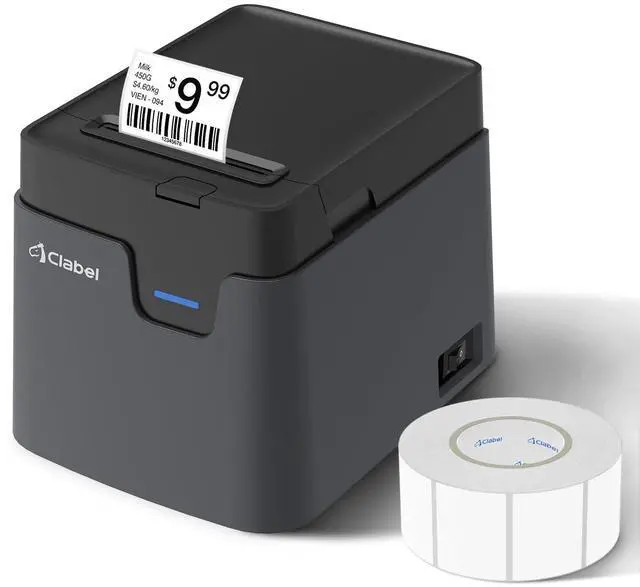


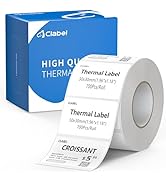
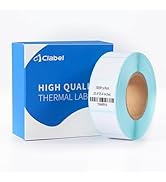
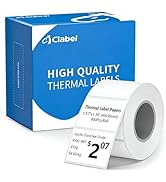
Labels for desktop 221D 320D
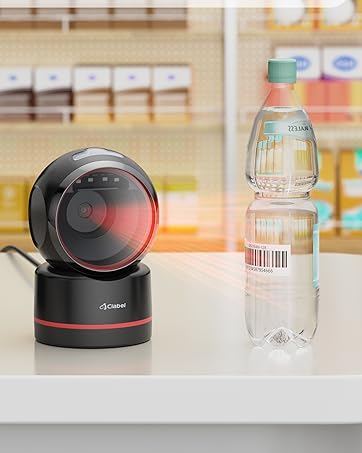
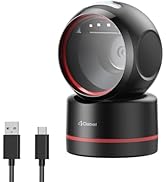
T27H High-Speed 1D/2D Scanner
Engineered for quick response and reliable performance, helping streamline checkout and inventory workflows.
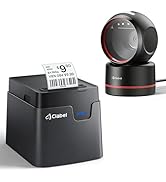
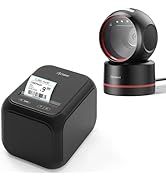
Label Printer and Scanner Kit
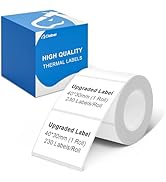
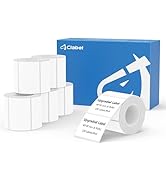
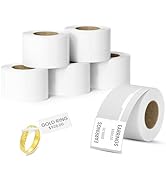
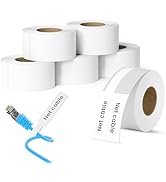
Labels for Portable 221B
How did we get our start?
After carefully studying the thermal printer market, clabel discovered a key problem: while many brands focus on providing affordable printers, they often lock users into expensive proprietary thermal paper supplies. This hidden cost can add up over time, limiting flexibility and placing a high expense burden on users.
What makes our products unique?
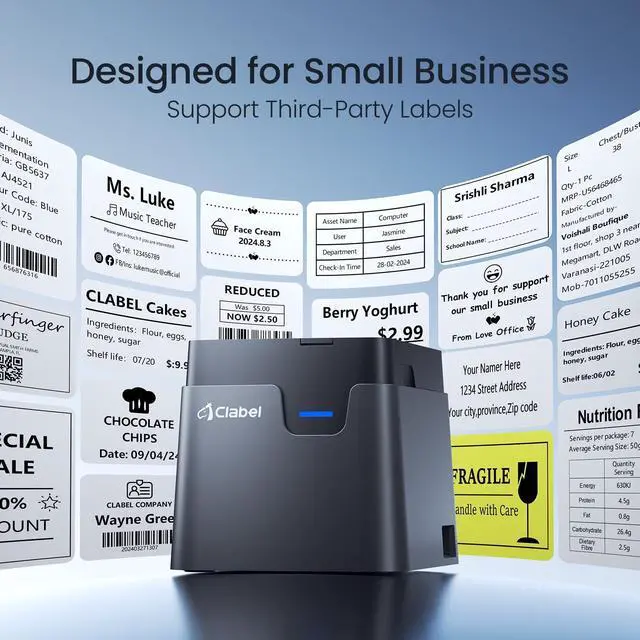
Clabel was created to break away from this model. With the idea of ??reducing long-term print costs in mind, we have developed printers that support all brands of thermal labels.


Clabel Label Printer&Barcode Scanner&Labels
 T27H USB Barcode Scanner |  Label Printer |  Label Printer and Scanner |  1Roll 40x30mmLabel |  1Roll 40x60mm Label |  1Roll 50x40mm Label | |
|---|---|---|---|---|---|---|
Customer Reviews | — | — | — | — | — | — |
Price | — | — | — | — | — | — |
Best for | Barcode scanning | Label printing | Printing/Barcode scanning | Label printing | Label printing | — |
Compatible OS | Windows/Mac/Android/iOS/Linux | Windows/Mac/Android/iOS | - | - | - | — |
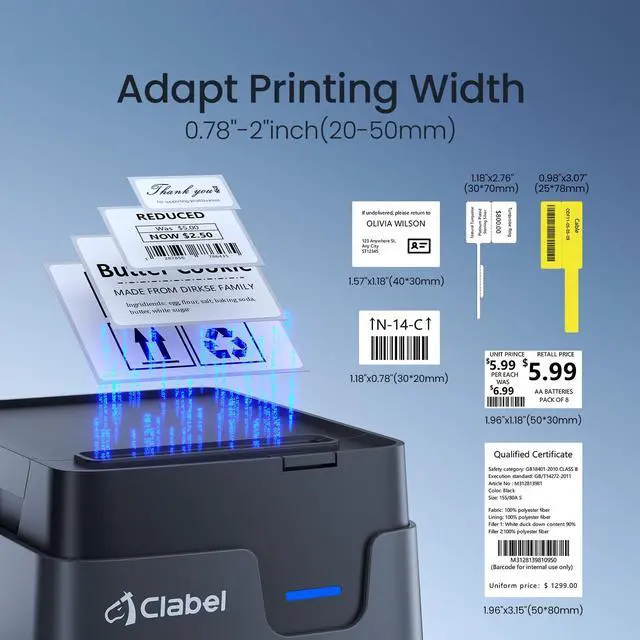
Label Width | - | 20-50mm | - | 1.57"x1.18"(40x30mm) | 1.57"x2.36"(40x60mm) | 1.96"x1.57" (50x40mm) |
USB Plug & Play | ? | ? | ? | ? | ? | ? |
Bluetooth | ? | ? | ? | ? | ? | ? |
How to set up CT221D label maker to connect Bluetooth?
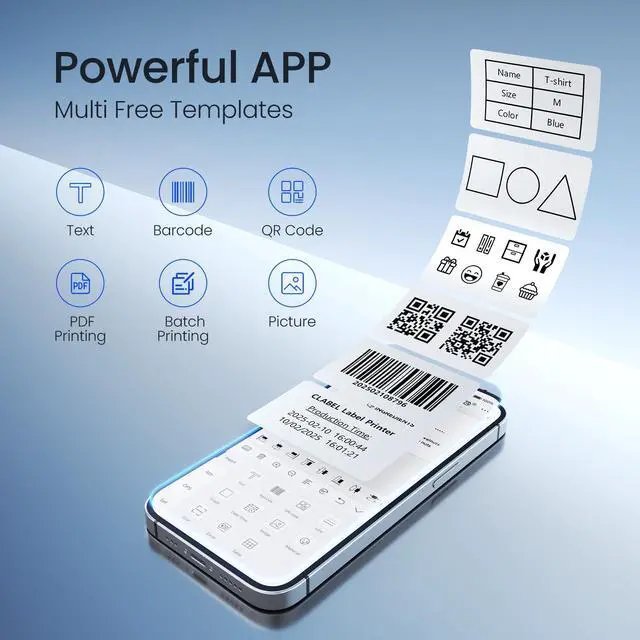
1. Connecting Bluetooth via "Clabel Trade" APP.
2. Download the App "Clabel Trade" from the Apple Store/Google Play.
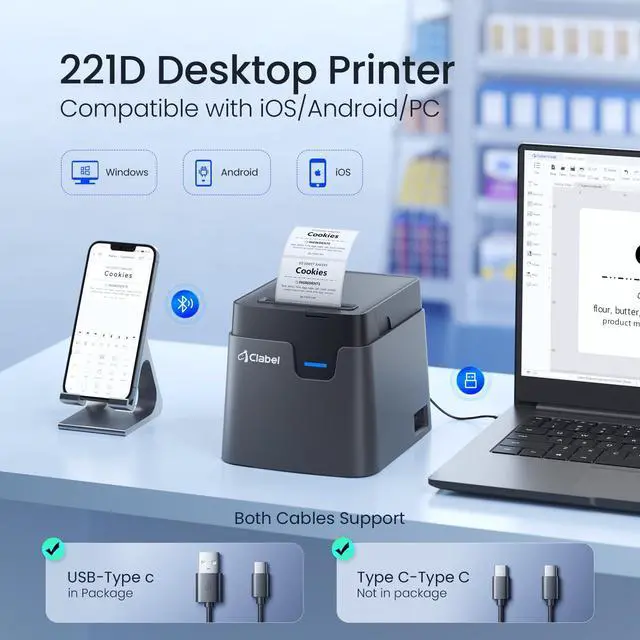
3. Turn on Bluetooth on your phone, turn on the CT221D label printer, and open the "Clabel Trade" app to link to Bluetooth.
What system does CT221D label maker support?
This label maker compatible with both Phone (iOS & Android) and Computer (Windows7&10)
How to set up CT221D label printe on computer via USB cable?
1. Before installation, power on printer and connect it to computer via USB cable.
2. Visit "ga.ctaiot.com" Install the CT221D Driver, then open the desktop version APP
3.There is a detailed video on the product details page, please watch it.


Clabel Label Printer&Barcode Scanner&Labels
T27H USB Barcode Scanner | Label Printer | Label Printer and Scanner | 1Roll 40x30mmLabel | 1Roll 40x60mm Label | 1Roll 50x40mm Label |
|---|---|---|---|---|---|
| Customer Reviews | |||||
| — | — | — | — | — | — |
| Price | |||||
| — | — | — | — | — | — |
| Best for | |||||
| Barcode scanning | Label printing | Printing/Barcode scanning | Label printing | Label printing | — |
| Compatible OS | |||||
| Windows/Mac/Android/iOS/Linux | Windows/Mac/Android/iOS | - | - | - | — |
| Label Width | |||||
| - | 20-50mm | - | 1.57"x1.18"(40x30mm) | 1.57"x2.36"(40x60mm) | 1.96"x1.57" (50x40mm) |
| USB Plug & Play | |||||
| ? | ? | ? | ? | ? | ? |
| Bluetooth | |||||
| ? | ? | ? | ? | ? | ? |
How to set up CT221D label maker to connect Bluetooth?
1. Connecting Bluetooth via "Clabel Trade" APP.
2. Download the App "Clabel Trade" from the Apple Store/Google Play.
3. Turn on Bluetooth on your phone, turn on the CT221D label printer, and open the "Clabel Trade" app to link to Bluetooth.
What system does CT221D label maker support?
This label maker compatible with both Phone (iOS & Android) and Computer (Windows7&10)
How to set up CT221D label printe on computer via USB cable?
1. Before installation, power on printer and connect it to computer via USB cable.
2. Visit "ga.ctaiot.com" Install the CT221D Driver, then open the desktop version APP
3.There is a detailed video on the product details page, please watch it.
Labels for desktop 221D 320D
T27H High-Speed 1D/2D Scanner
Engineered for quick response and reliable performance, helping streamline checkout and inventory workflows.
Label Printer and Scanner Kit
Labels for Portable 221B
How did we get our start?
After carefully studying the thermal printer market, clabel discovered a key problem: while many brands focus on providing affordable printers, they often lock users into expensive proprietary thermal paper supplies. This hidden cost can add up over time, limiting flexibility and placing a high expense burden on users.
What makes our products unique?
Clabel was created to break away from this model. With the idea of ??reducing long-term print costs in mind, we have developed printers that support all brands of thermal labels.