

Your Browsing History








Portable-Printer Wireless for Travel,300DPI Inkless Thermal Small Printers for Home Use,Office,Vehicles,Mobile Bluetooth Printer Supports 8.5" x 11" US Letter,for Smartphone & PC,White Gray
- Portable Thermal Printing: The MT610 mobile printer utilizes the latest inkless printing technology, requiring only 4-6 seconds to print with 300 DPI resolution. Ideal for home, small office, and educational settings. Please note: This thermal printer is designed for use with thermal paper only, not standard paper. Broad Compatibility: This portable wireless printer is generally compatible with various operating systems and applications, including iOS, Android, Windows, and MacBook. It supports multiple paper sizes, including 8.5"x11" US Letter & Legal, A4 & A5, and 2", 3", and 4" thermal paper. (Note: This thermal printer, unlike conventional models, is compatible solely with thermal printing paper.) Print Anytime and Anywhere: This compact printer weighs just 498g and measures 26 x 5.6 x 4.6 cm, making it highly portable. Whether you are in a vehicle, at home, outdoors, or traveling, you can print contracts, office documents, lists, invoices, labels, and other necessary documents conveniently. MT610 Printing from a Phone: Connect via your phone's Bluetooth: (1) Download the "Hereprint" application from your app store; (2) Power on the wireless printer; (3) Enable Bluetooth on your phone and launch the "Hereprint" app; (4) Add the MT610 device in the app's upper left corner to establish a Bluetooth connection; (5) Select your file type to begin printing. Printing from a PC: (1) Connect the MT610 printer to your computer using the included USB cable; (2) Download and instal
+
+
Overview
Specs
Reviews

Any questions? Our AI mode will help you find out quickly.
Try me now
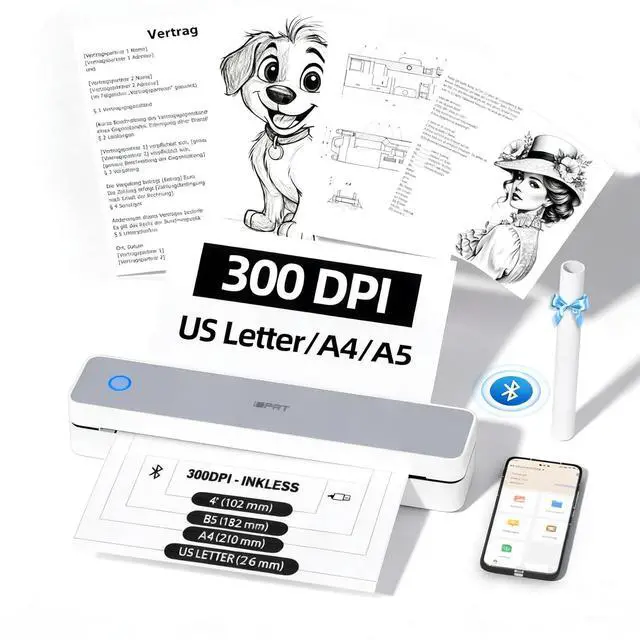
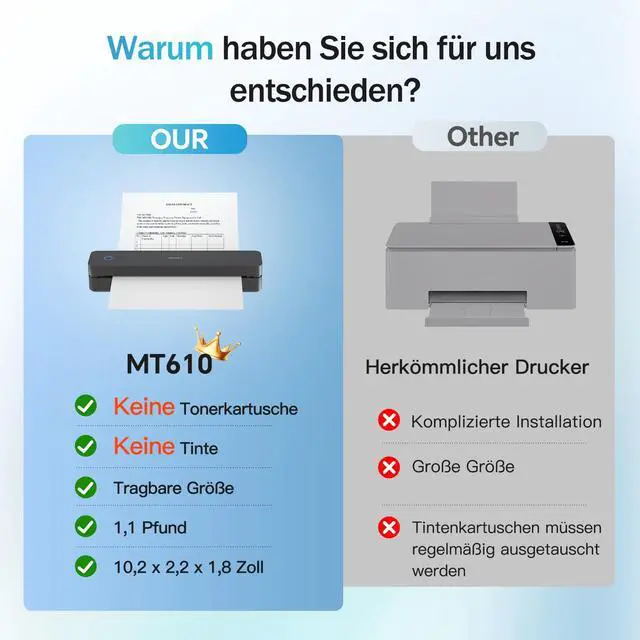
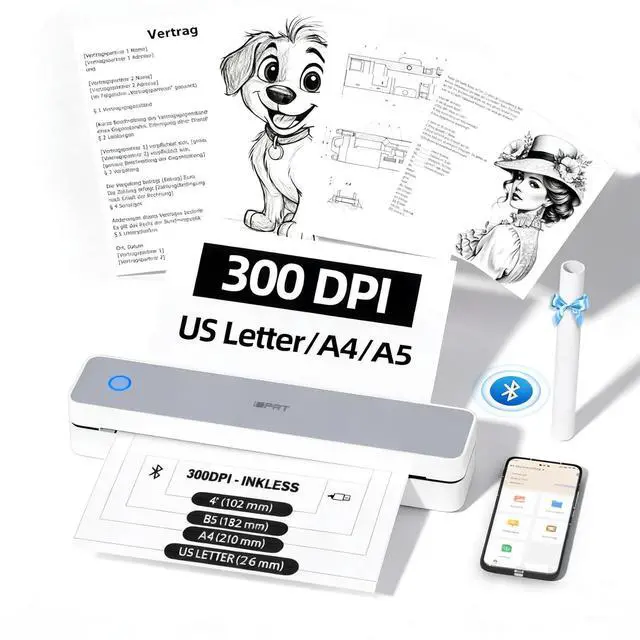
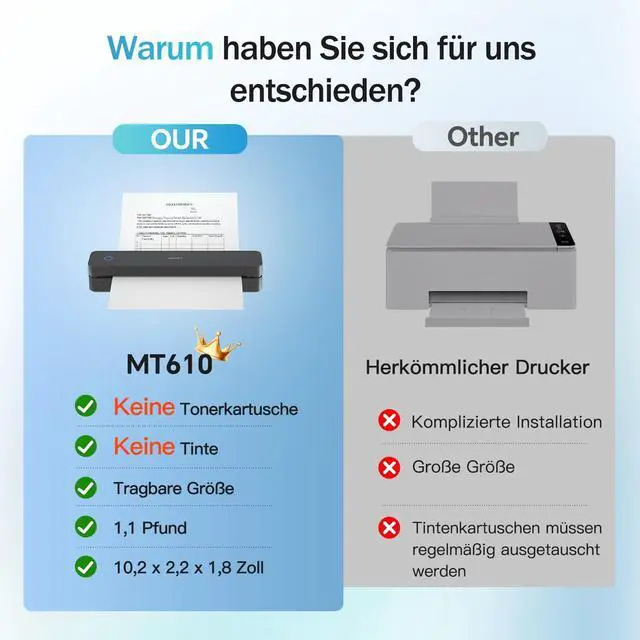
Portable Thermal Printing: The MT610 mobile printer utilizes the latest inkless printing technology, requiring only 4-6 seconds to print with 300 DPI resolution. Ideal for home, small office, and educational settings.
Please note: This thermal printer is designed for use with thermal paper only, not standard paper.
Broad Compatibility: This portable wireless printer is generally compatible with various operating systems and applications, including iOS, Android, Windows, and MacBook. It supports multiple paper sizes, including 8.5" x11" US Letter & Legal, A4 & A5, and 2", 3", and 4" thermal paper.
(Note: This thermal printer, unlike conventional models, is compatible solely with thermal printing paper. ) Print Anytime and
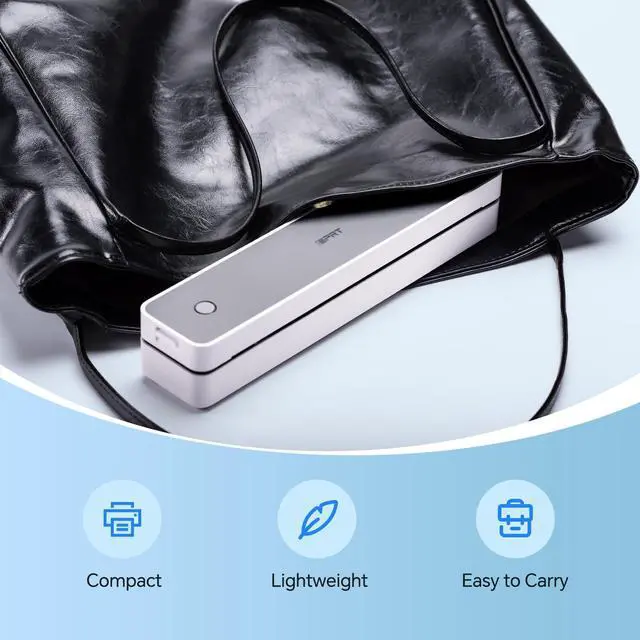
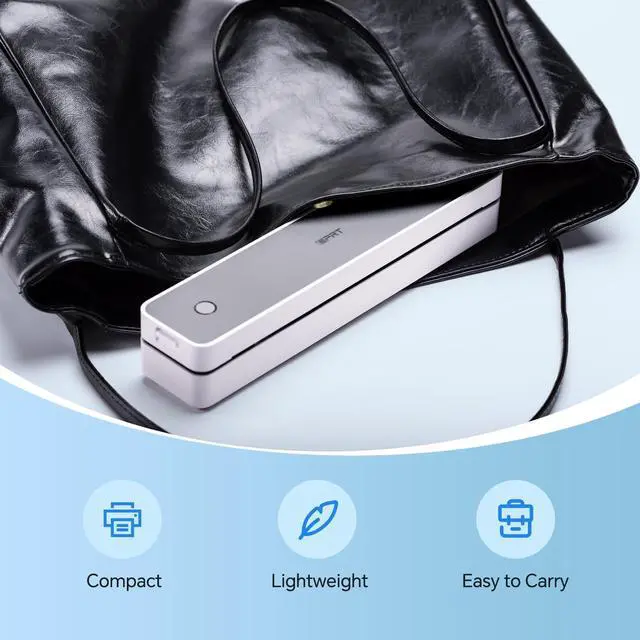
Anywhere: This compact printer weighs just 498g and measures 26 x 5.6 x 4.6 cm, making it highly portable. Whether you are in a vehicle, at home, outdoors, or traveling, you can print contracts, office documents, lists, invoices, labels, and other necessary documents conveniently. MT610 Printing from a
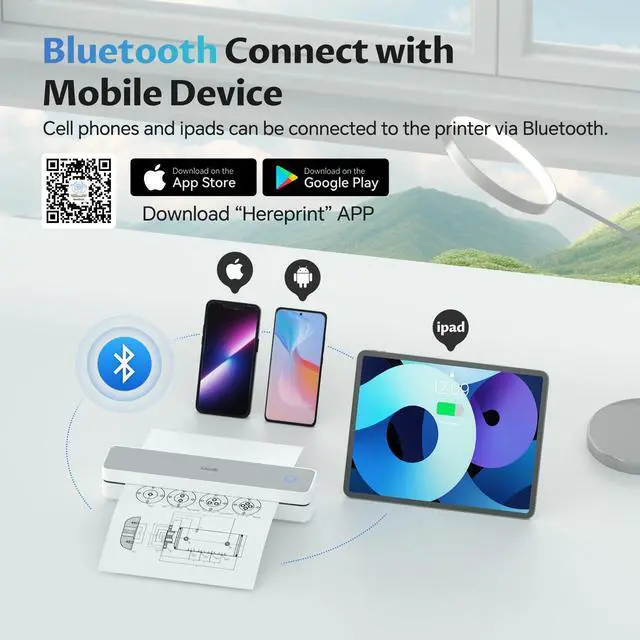
Phone: Connect via your phone's
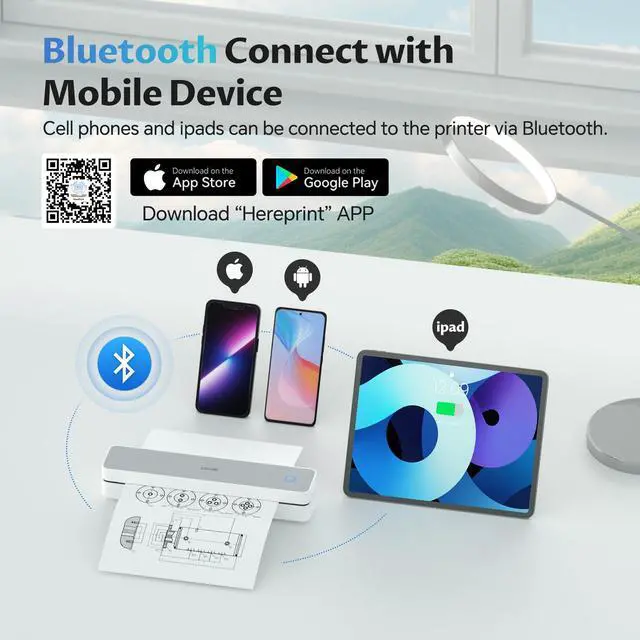
Bluetooth: (1) Download the "Hereprint" application from your app store; (2) Power on the wireless printer; (3) Enable Bluetooth on your phone and launch the "Hereprint" app; (4) Add the MT610 device in the app's upper left corner to establish a Bluetooth connection; (5) Select your file type to begin printing.
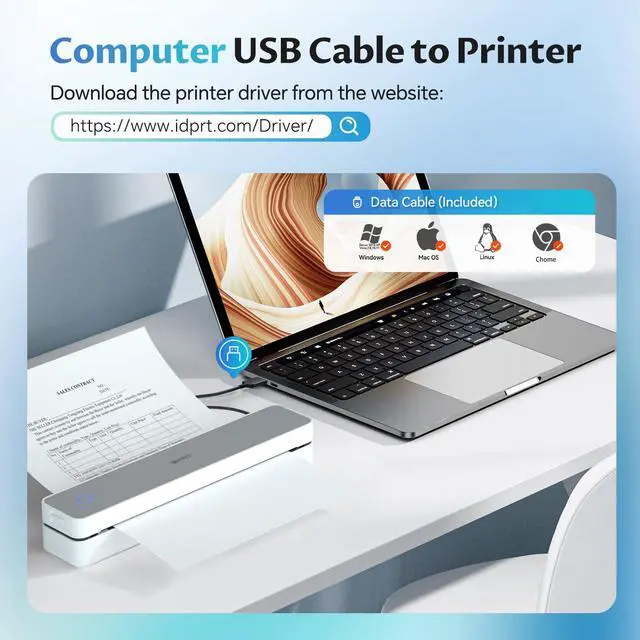
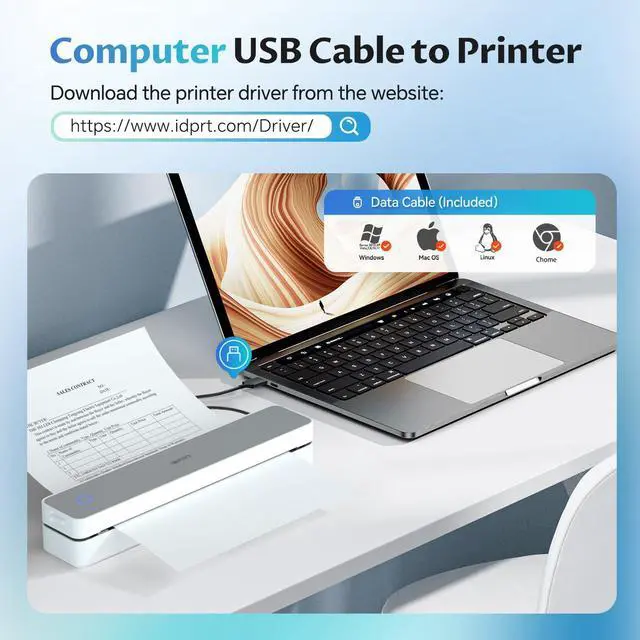
Printing from a PC: (1) Connect the MT610 printer to your computer using the included USB cable; (2) Download and install the MT610 Pro driver from the website; (3) Select and open your document, then choose MT610 from the printer list
Please note: This thermal printer is designed for use with thermal paper only, not standard paper.
Broad Compatibility: This portable wireless printer is generally compatible with various operating systems and applications, including iOS, Android, Windows, and MacBook. It supports multiple paper sizes, including 8.5" x11" US Letter & Legal, A4 & A5, and 2", 3", and 4" thermal paper.
(Note: This thermal printer, unlike conventional models, is compatible solely with thermal printing paper. ) Print Anytime and
Anywhere: This compact printer weighs just 498g and measures 26 x 5.6 x 4.6 cm, making it highly portable. Whether you are in a vehicle, at home, outdoors, or traveling, you can print contracts, office documents, lists, invoices, labels, and other necessary documents conveniently. MT610 Printing from a
Phone: Connect via your phone's
Bluetooth: (1) Download the "Hereprint" application from your app store; (2) Power on the wireless printer; (3) Enable Bluetooth on your phone and launch the "Hereprint" app; (4) Add the MT610 device in the app's upper left corner to establish a Bluetooth connection; (5) Select your file type to begin printing.
Printing from a PC: (1) Connect the MT610 printer to your computer using the included USB cable; (2) Download and install the MT610 Pro driver from the website; (3) Select and open your document, then choose MT610 from the printer list
Warranty & Returns
Warranty, Returns, And Additional Information
Warranty
- Please contact the Seller directly for warranty information. Warranty information may also be found on the Manufacturer's website.
- CONTACT
Return Policies
- Return for refund within: 30 days
- Return for replacement within: 30 days
- This item is covered by Hui Cheng Trading Store Return Policy
Manufacturer Contact Info
- For a directory of all our manufacturers, please click below.
- Manufacturers Directory
LOADING...