

Your Browsing History

Meet Your Seller


Portable Printer Wireless for Travel, Bluetooth Thermal Printer | Support 8.5x11 US Letter Thermal Paper, Compatible with Android and iOS Phone & Laptop, Inkless Printer, White
Limited time offer, ends 09/18 By Tecinhblissu
- Requires special thermal paper to print; it cannot work with regular paper. Only prints in black, not in color. Avoid printing large solid color blocks to prevent the printer from overheating. Ink-Free High-Efficiency Printing Solution: This portable thermal printer incorporates an upgraded high-resolution printing system with customized thermal media, providing excellent print quality. It fully removes the maintenance needs for frequent replacement of ink, toner, or ribbons common in traditional printing devices. Seamless Multiple Connectivity: This mobile printer connects effortlessly with smart devices. Pair via Bluetooth to iOS or Android phones or tablets in seconds. For computer use, simply plug in the included USB cable and install the driver for a stable and ready connection. Portable & Print Anywhere: This 500g lightweight thermal printer fits easily into bags or briefcases. Print on the goideal for travel, work, business trips, home, car rides, or campus. Quick Start Guide for Printing: For mobile device users: Power on the printer, scan the provided QR code to download the "Hereprint" application, and establish a wireless connection with the printer via the app (ensure Bluetooth remains enabled throughout the process). For PC users: Use a USB cable and install the required drivers, then connect the PC to the printer to start printing
+
+
Overview
Specs
Reviews

Any questions? Our AI mode will help you find out quickly.
Try me now
Requires special thermal paper to print; it cannot work with regular paper.
Only prints in black, not in color.
Avoid printing large solid color blocks to prevent the printer from overheating.
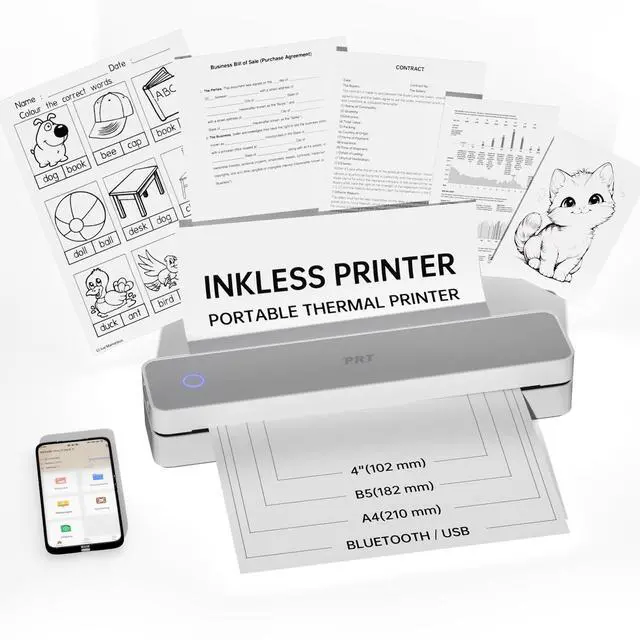
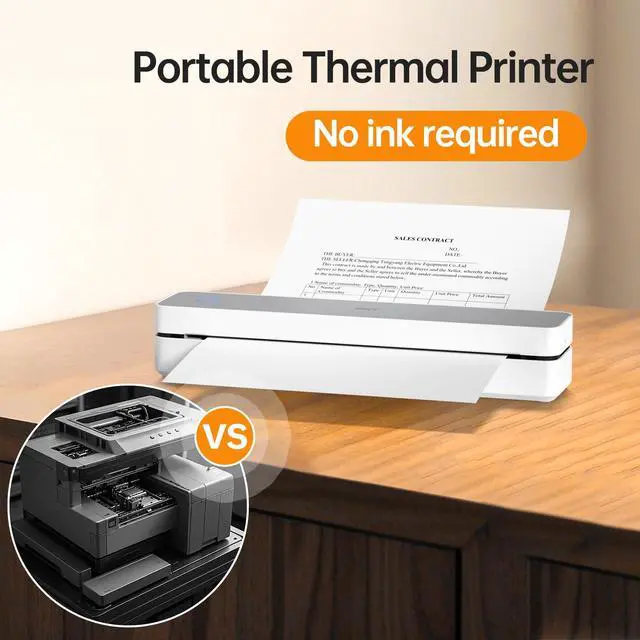
Ink-Free High-Efficiency Printing Solution: This portable thermal printer incorporates an upgraded high-resolution printing system with customized thermal media, providing excellent print quality.
It fully removes the maintenance needs for frequent replacement of ink, toner, or ribbons common in traditional printing devices.
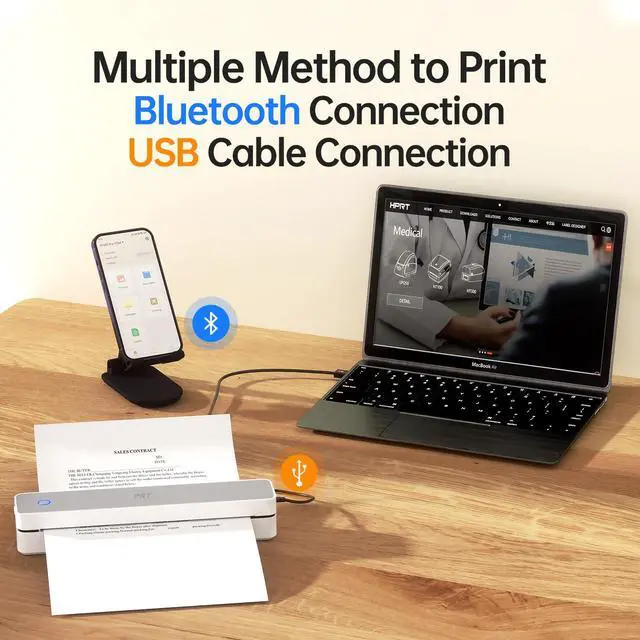
Seamless Multiple Connectivity: This mobile printer connects effortlessly with smart devices.
Pair via Bluetooth to iOS or Android phones or tablets in seconds.
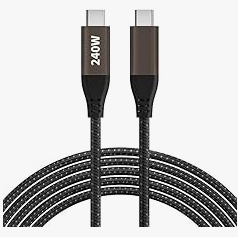
For computer use, simply plug in the included USB cable and install the driver for a stable and ready connection.
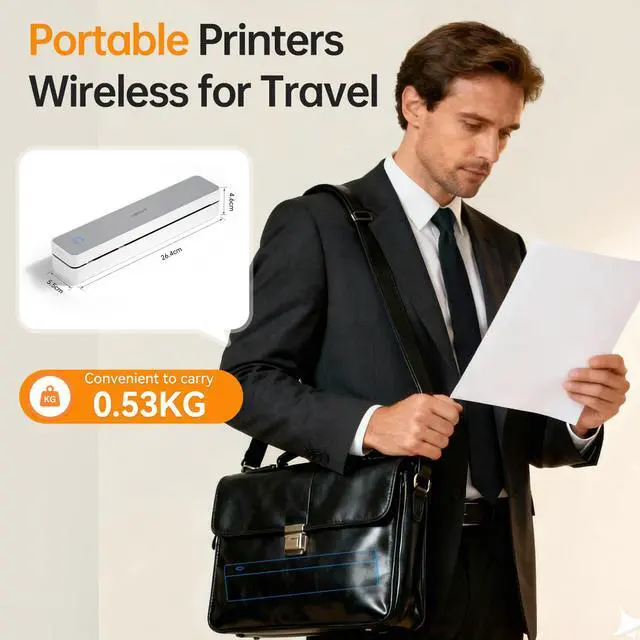
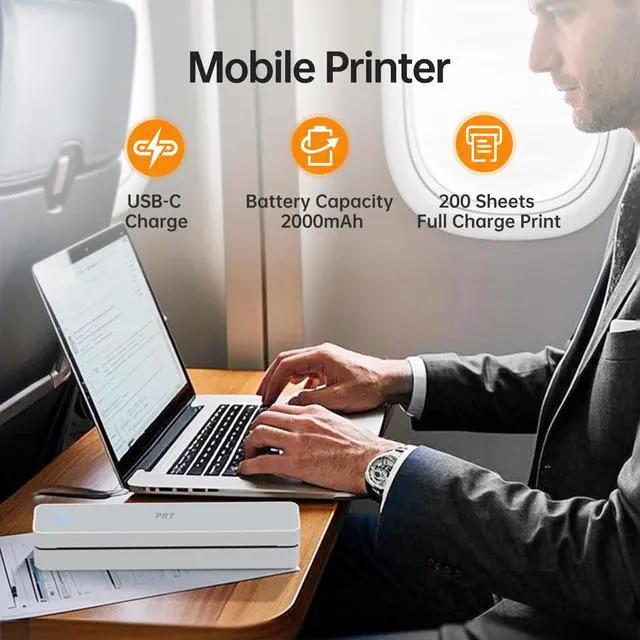
Portable & Print Anywhere: This 500g lightweight thermal printer fits easily into bags or briefcases.
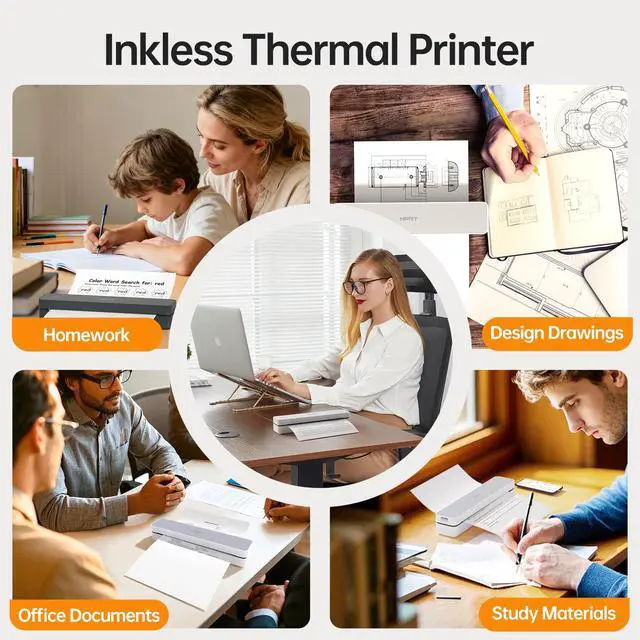
Print on the goideal for travel, work, business trips, home, car rides, or campus.
Quick Start Guide for Printing:
For mobile device users: Power on the printer, scan the provided QR code to download the "Hereprint" application, and establish a wireless connection with the printer via the app (ensure Bluetooth remains enabled throughout the process).
For PC users: Use a USB cable and install the required drivers, then connect the PC to the printer to start printing
Only prints in black, not in color.
Avoid printing large solid color blocks to prevent the printer from overheating.
Ink-Free High-Efficiency Printing Solution: This portable thermal printer incorporates an upgraded high-resolution printing system with customized thermal media, providing excellent print quality.
It fully removes the maintenance needs for frequent replacement of ink, toner, or ribbons common in traditional printing devices.
Seamless Multiple Connectivity: This mobile printer connects effortlessly with smart devices.
Pair via Bluetooth to iOS or Android phones or tablets in seconds.
For computer use, simply plug in the included USB cable and install the driver for a stable and ready connection.
Portable & Print Anywhere: This 500g lightweight thermal printer fits easily into bags or briefcases.
Print on the goideal for travel, work, business trips, home, car rides, or campus.
Quick Start Guide for Printing:
For mobile device users: Power on the printer, scan the provided QR code to download the "Hereprint" application, and establish a wireless connection with the printer via the app (ensure Bluetooth remains enabled throughout the process).
For PC users: Use a USB cable and install the required drivers, then connect the PC to the printer to start printing
Warranty & Returns
Warranty, Returns, And Additional Information
Warranty
- Please contact the Seller directly for warranty information. Warranty information may also be found on the Manufacturer's website.
- CONTACT
Return Policies
- Return for refund within: 30 days
- Return for replacement within: 30 days
- This item is covered by Tecinhblissu Return Policy
Manufacturer Contact Info
- For a directory of all our manufacturers, please click below.
- Manufacturers Directory
LOADING...