

Your Browsing History


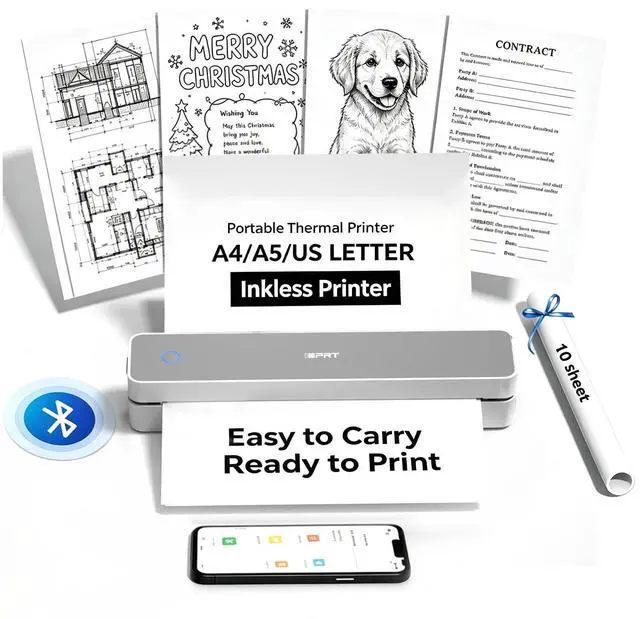


MT610 Portable Thermal Printer, 203DPI Mobile-Travel-Printers, Inkless-Wireless-Small-Printer for Home Use, Office, Vehicles, Bluetooth Printers Supports 8.5" x 11" US Letter&A4&A5, White
- Print anywhere without the ink hassle: say goodbye to messy ink cartridges. This portable printer produces sharp 300 DPI documents quickly, with a speed of 4-6 seconds per A4 page. Whether you're printing contracts at a coffee shop or boarding passes at the airport, it delivers professional results every time. Supports thermal paper only. Durable enough for daily use: weighing less than a hardcover book (1.1 lb / 498 g), it slides easily into backpacks or tote bags. The textured grip prevents slips, and the matte finish hides scuffs from daily commutes. At 10.2 inches long, it fits neatly beside your laptop in any work bag. One full charge handles 360 pages enough to print a 200-page manual plus your weekly meeting notes. The 2000 mAh battery supports up to 4 hours of continuous use. You'll need to buy thermal paper separately; standard 3.1" width works fine. Pair with smartphones via Bluetooth in 90 seconds no tech expertise required. The free HerePrint app allows you to print photos directly from Instagram or turn handwritten notes into PDFs. For laptops, simply plug in the USB cable: it functions like a regular printer for Word documents, Excel sheets, or even instruction PDFs. Note: To ensure print quality, do not print images that are entirely black. From office to life: print last-minute permission slips at school pickup, create parking passes for weekend events, keep food truck orders organized with instant receipts, document rental property inspections on-site,
+
+
Overview
Specs
Reviews

Any questions? Our AI mode will help you find out quickly.
Try me now
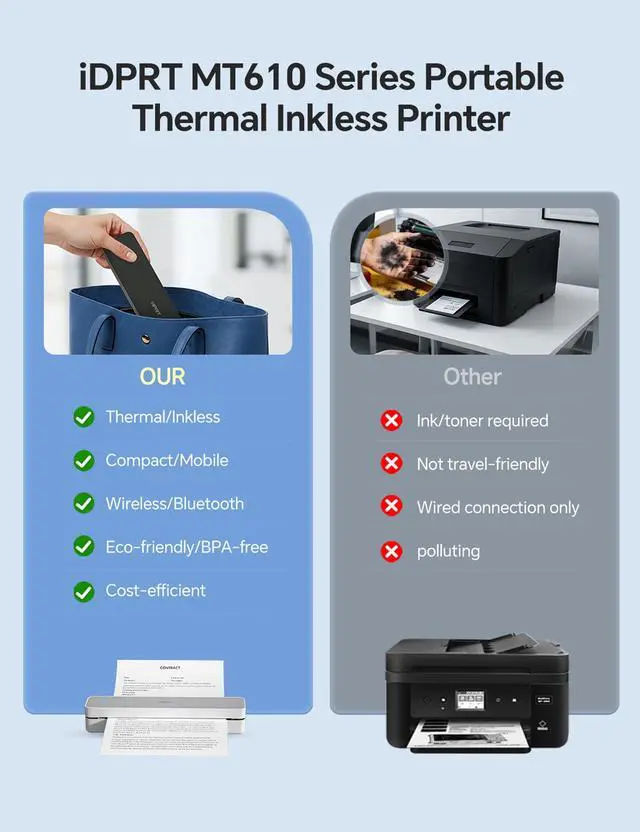
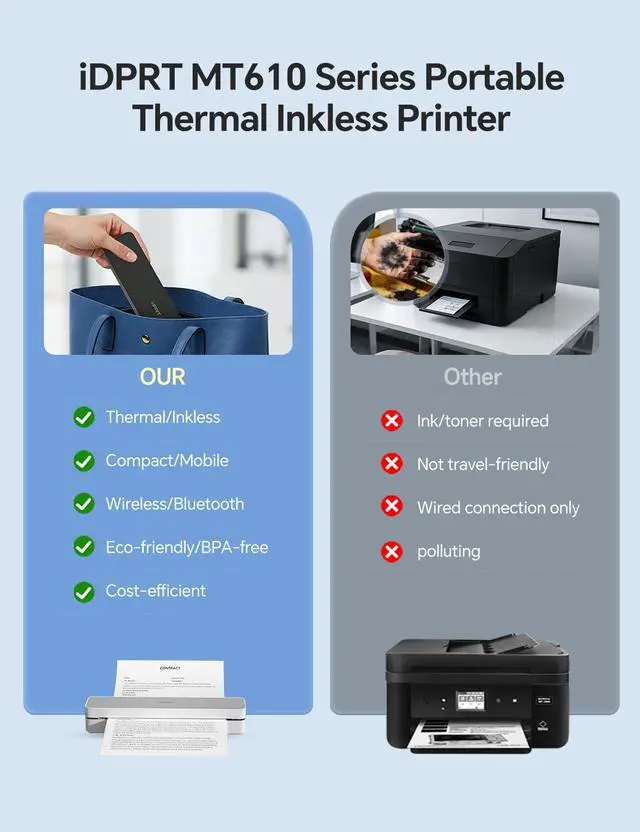
Print anywhere without the ink hassle: say goodbye to messy ink cartridges.
This portable printer produces sharp 300 DPI documents quickly, with a speed of 4-6 seconds per A4 page.
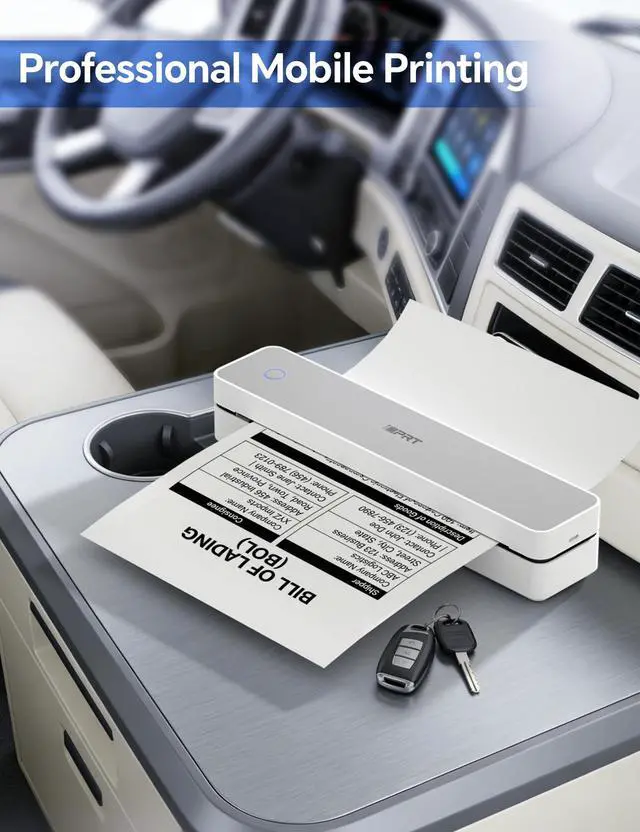
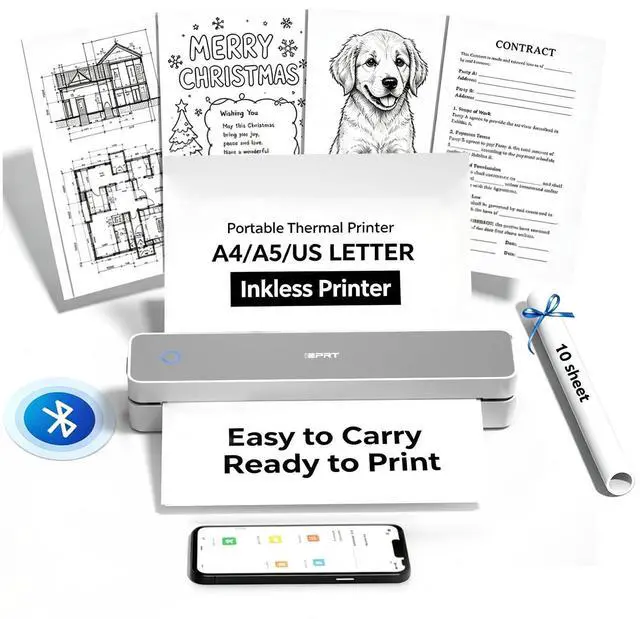
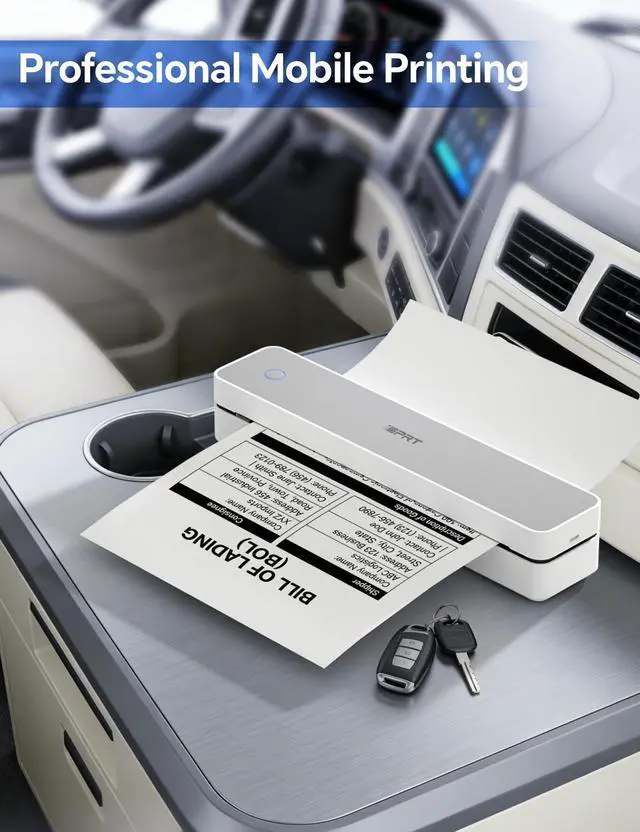
Whether you're printing contracts at a coffee shop or boarding passes at the airport, it delivers professional results every time.
Supports thermal paper only.
Durable enough for daily use: weighing less than a hardcover book ( 1.1 lb / 498 g), it slides easily into backpacks or tote bags.
The textured grip prevents slips, and the matte finish hides scuffs from daily commutes.
At 10.2 inches long, it fits neatly beside your laptop in any work bag.
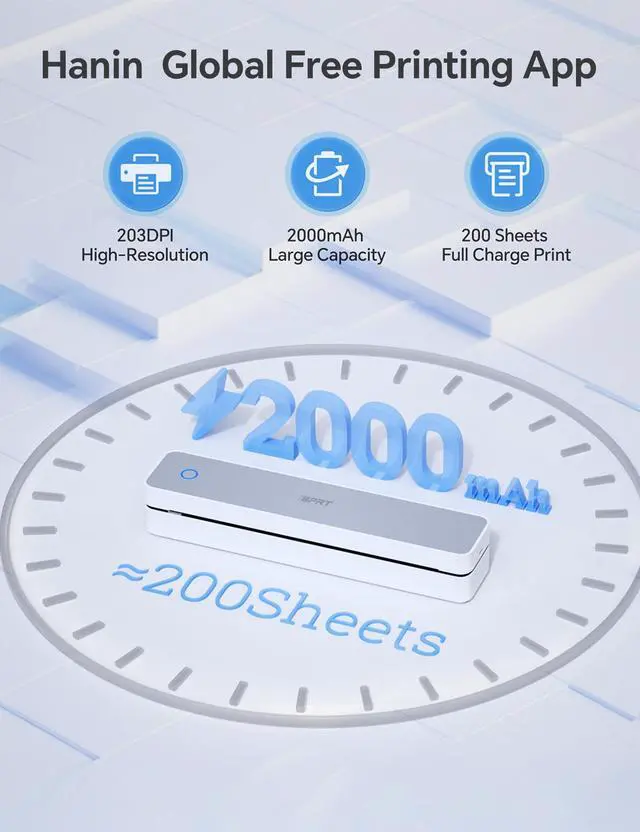
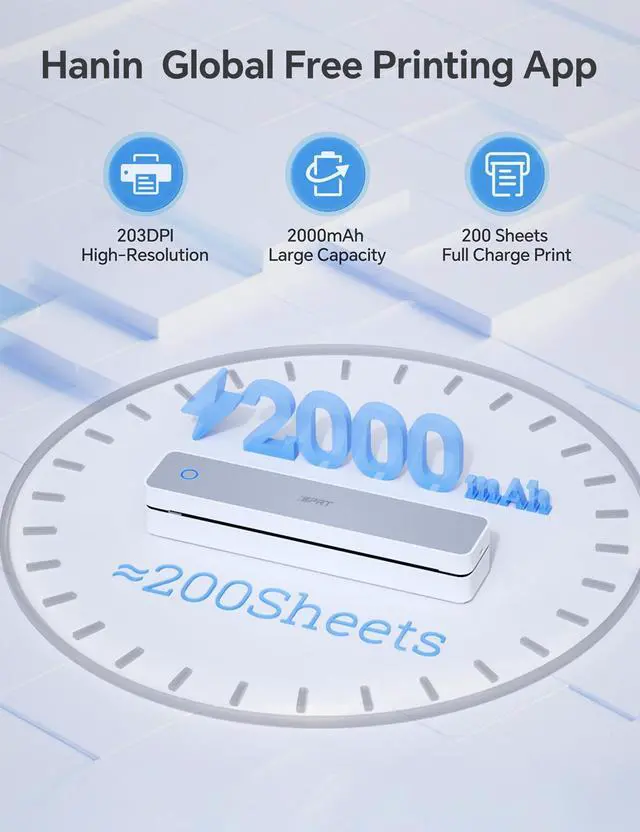
One full charge handles 360 pages enough to print a 200-page manual plus your weekly meeting notes.
The 2000 mAh battery supports up to 4 hours of continuous use.
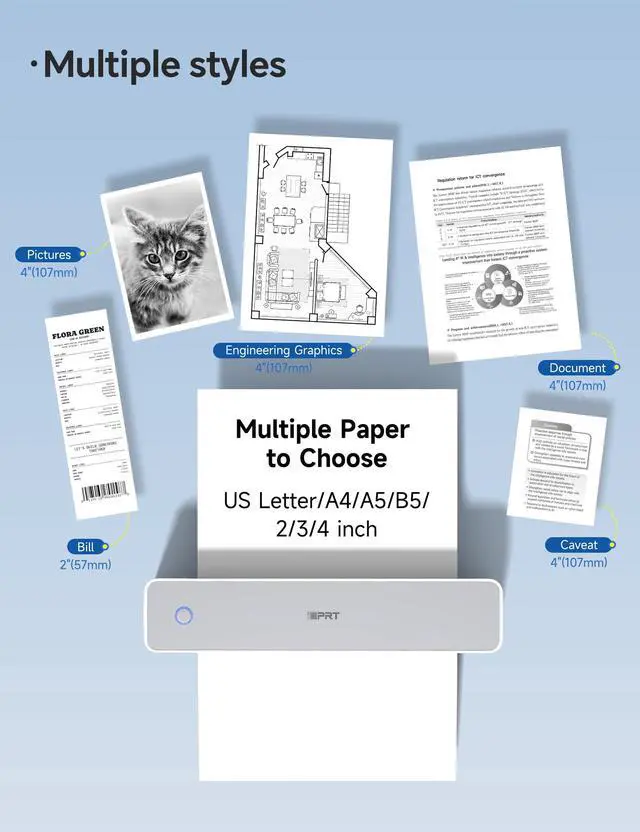
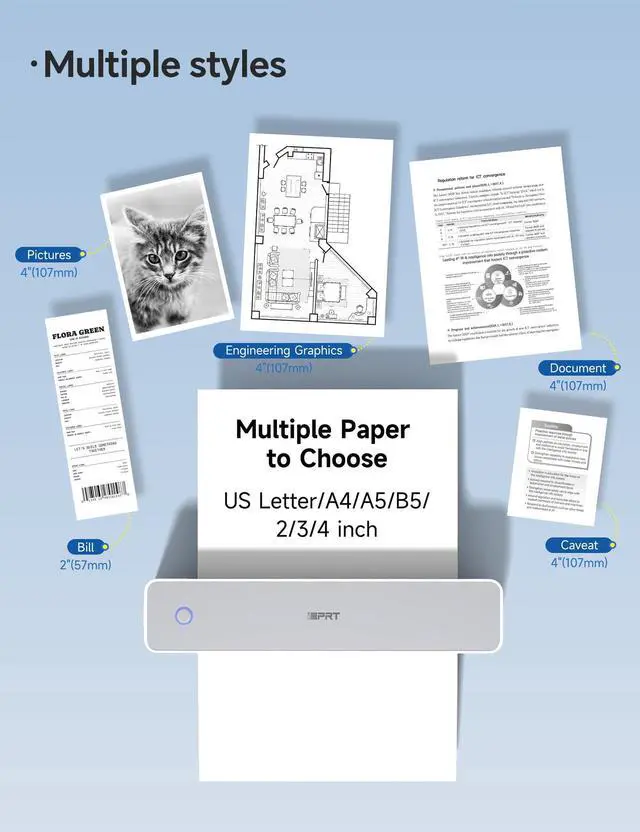
You'll need to buy thermal paper separately; standard 3.1" width works fine.
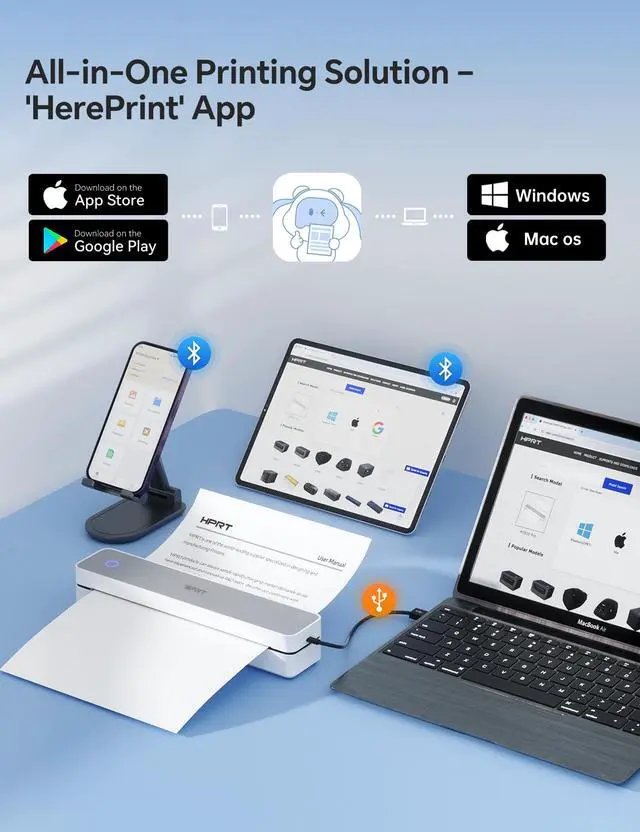
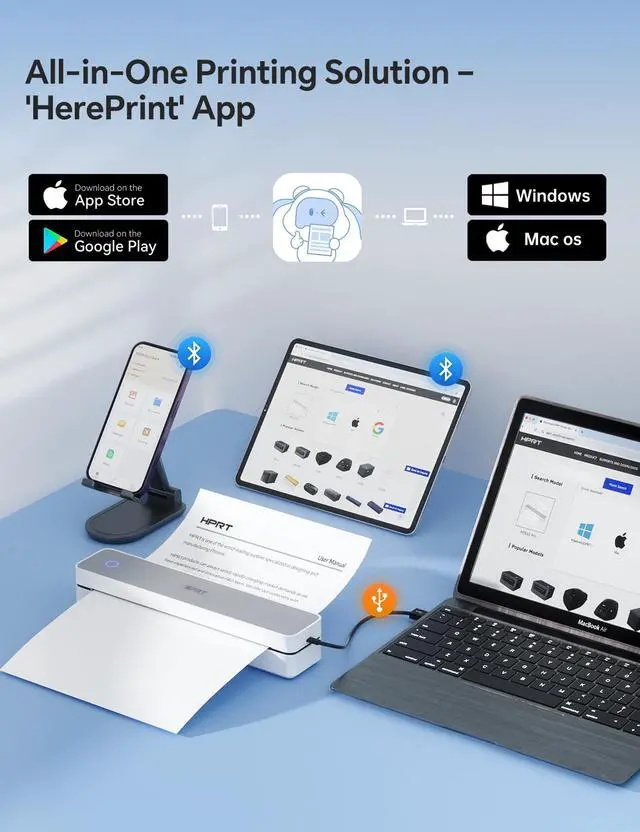
Pair with smartphones via Bluetooth in 90 seconds no tech expertise required.
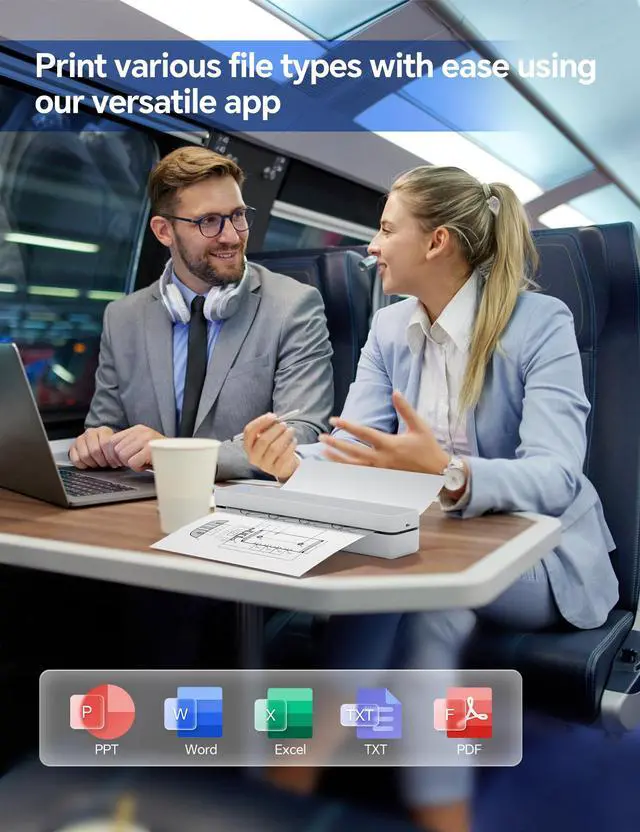
The free HerePrint app allows you to print photos directly from Instagram or turn handwritten notes into PDFs.
For laptops,
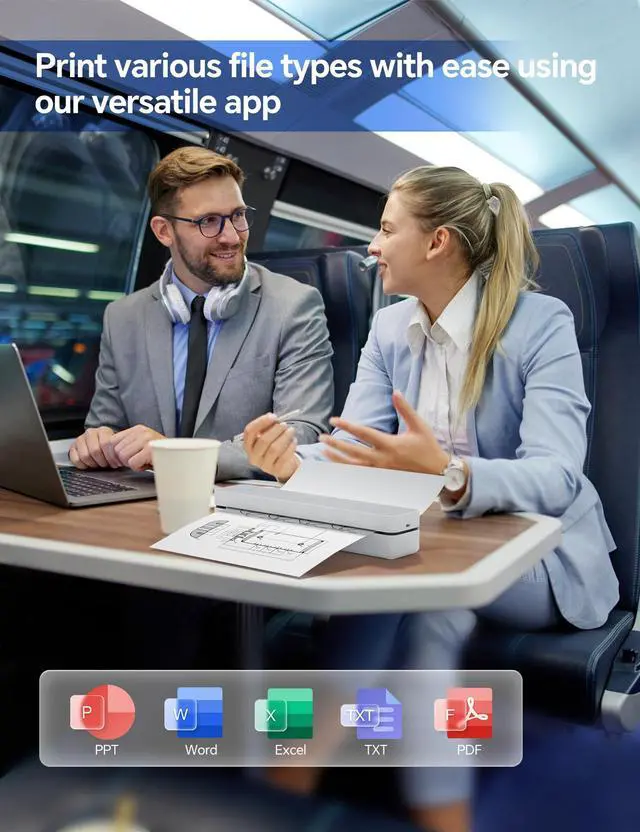
simply plug in the USB cable: it functions like a regular printer for Word documents, Excel sheets, or even instruction PDFs.
Note: To ensure print quality, do not print images that are entirely black.
From office to life: print last-minute permission slips at school pickup, create parking passes for weekend events, keep food truck orders organized with instant receipts, document rental property inspections on-site, and make scavenger hunt lists during family trips.
Phone Start Print:
Step 1: Download the "HerePrint" app.
Step 2: Turn on the device and establish a Bluetooth connection within the app.
Step 3: Click the "+" sign to complete the device connection, select the file type, and start printing.
Computer-Driven Print:
Step 1: Connect the device to your computer using a USB-C cable and power it on.
Step 2: Download and install the appropriate driver for your computer's operating system.
Step 3: Load thermal paper into the printer.
On your PC, select the file, set the corresponding paper size, and start printing
This portable printer produces sharp 300 DPI documents quickly, with a speed of 4-6 seconds per A4 page.
Whether you're printing contracts at a coffee shop or boarding passes at the airport, it delivers professional results every time.
Supports thermal paper only.
Durable enough for daily use: weighing less than a hardcover book ( 1.1 lb / 498 g), it slides easily into backpacks or tote bags.
The textured grip prevents slips, and the matte finish hides scuffs from daily commutes.
At 10.2 inches long, it fits neatly beside your laptop in any work bag.
One full charge handles 360 pages enough to print a 200-page manual plus your weekly meeting notes.
The 2000 mAh battery supports up to 4 hours of continuous use.
You'll need to buy thermal paper separately; standard 3.1" width works fine.
Pair with smartphones via Bluetooth in 90 seconds no tech expertise required.
The free HerePrint app allows you to print photos directly from Instagram or turn handwritten notes into PDFs.
For laptops,
simply plug in the USB cable: it functions like a regular printer for Word documents, Excel sheets, or even instruction PDFs.
Note: To ensure print quality, do not print images that are entirely black.
From office to life: print last-minute permission slips at school pickup, create parking passes for weekend events, keep food truck orders organized with instant receipts, document rental property inspections on-site, and make scavenger hunt lists during family trips.
Phone Start Print:
Step 1: Download the "HerePrint" app.
Step 2: Turn on the device and establish a Bluetooth connection within the app.
Step 3: Click the "+" sign to complete the device connection, select the file type, and start printing.
Computer-Driven Print:
Step 1: Connect the device to your computer using a USB-C cable and power it on.
Step 2: Download and install the appropriate driver for your computer's operating system.
Step 3: Load thermal paper into the printer.
On your PC, select the file, set the corresponding paper size, and start printing
Warranty & Returns
Warranty, Returns, And Additional Information
Warranty
- Please contact the Seller directly for warranty information. Warranty information may also be found on the Manufacturer's website.
- CONTACT
Return Policies
- Return for refund within: 30 days
- Return for replacement within: 30 days
- This item is covered by Hui Cheng Trading Store Return Policy
Manufacturer Contact Info
- For a directory of all our manufacturers, please click below.
- Manufacturers Directory
LOADING...