

Your Browsing History

Meet Your Seller





Portable-Printer Wireless for Travel,300DPI Inkless Thermal Small Printers for Home Use,Office,Vehicles,Mobile Bluetooth Printer Supports 8.5" x 11" US Letter,for Smartphone & PC,White Gray
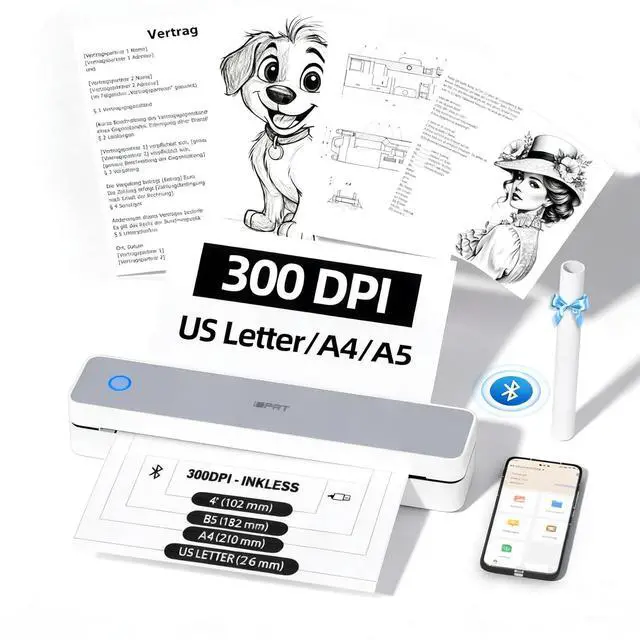
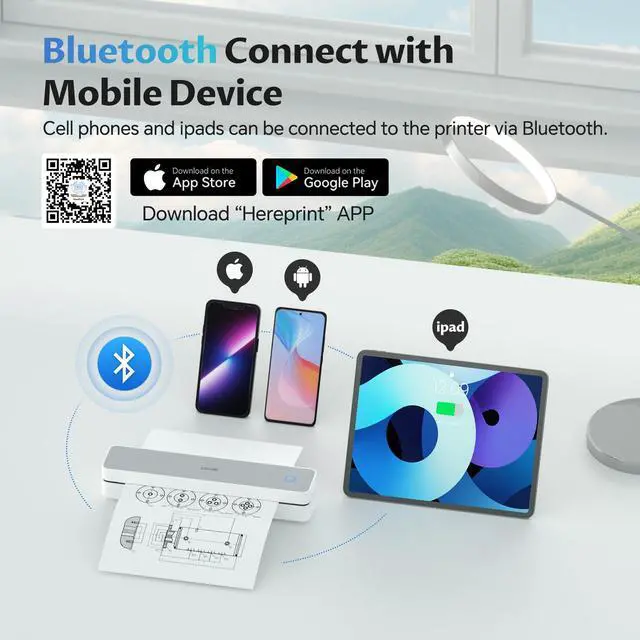
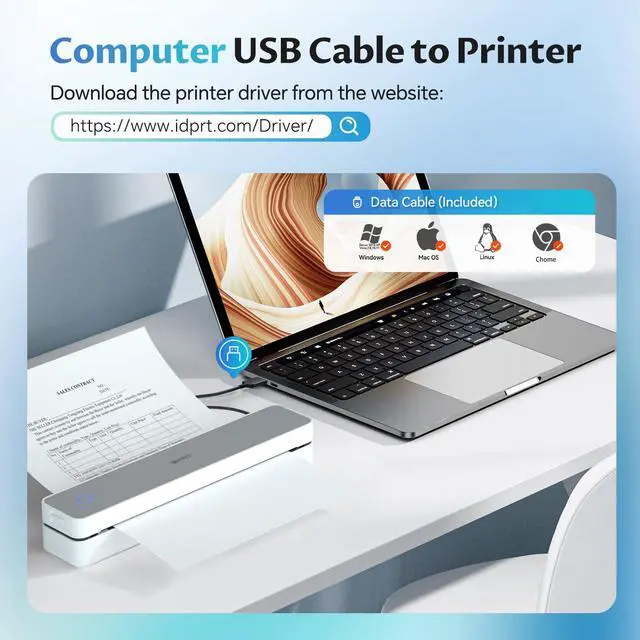
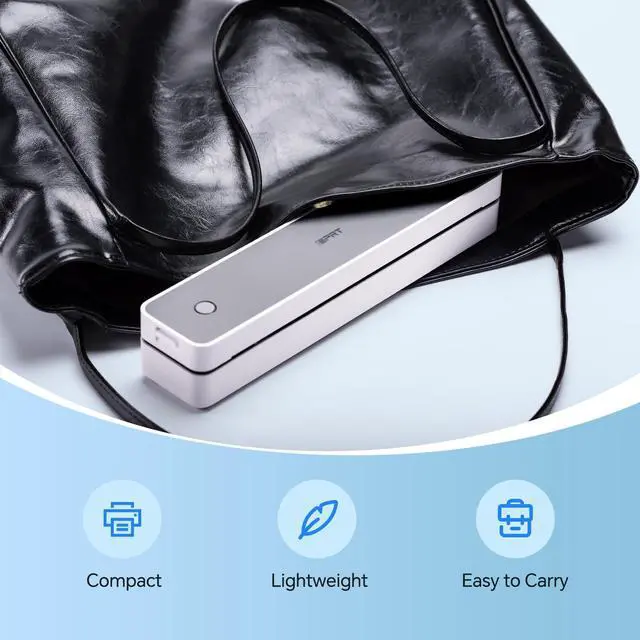
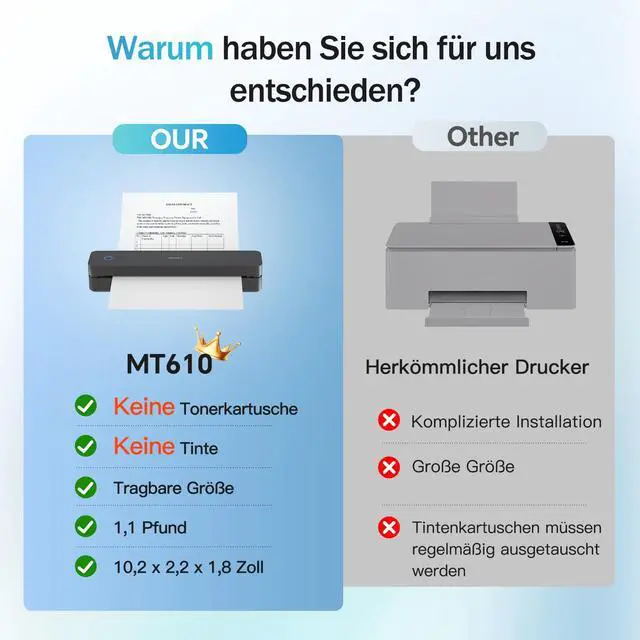
- Portable Thermal Printing: MT610 mobile printer uses the latest inkless printing technology; it only takes 4-6 seconds to print a prints with 300DPI density.Perfect for home, small office, and school use.Note: This thermal printer is only suitable for thermal paper, not ordinary paper High Compatibility:Portable wireless printer are generally compatible with a variety of operating systems and applications,including iOS,Android,and Windows,MacBook.The thermal printer supports a variety of paper sizes,including 8.5"x11" US Letter & Legal,A4 & A5,and 2",3",and 4" thermal paper.(note: unlike traditional printers, this thermal printer only supports thermal printing paper) Print Anytime and Anywhere:This compact printer only 498g and 26 x 5.6 x 4.6 cm body size, which is lightweight, whether you are in the car, at home, outdoors or your travels, you can print your contracts, office documents, lists, invoices, labels and any documents you need at any time. It is also the best choice as a gift IDPRT MT610 Printing on Phone:Connect via Bluetooth on your phone: (1 )Download "Hereprint" app from app store; (2) Turn on the wireless printer;(3) Turn on your phone Bluetooth and open the "Hereprint" app;(4) Add MT610 device in the upper left corner of the app to establish a Bluetooth connection;(5)Select the file type to start print Printing on PC:(1)Use the USB cable to connect the MT610 printer to your computer; (2) Please download and install the MT610 Pro driver from the w
+
+
Overview
Specs
Reviews

Any questions? Our AI mode will help you find out quickly.
Try me now
Portable Thermal Printing: MT610 mobile printer uses the latest inkless printing technology; it only takes 4-6 seconds to print a prints with 300DPI density. Perfect for home, small office, and school use.
Note: This thermal printer is only suitable for thermal paper, not ordinary paper
High Compatibility: Portable wireless printer are generally compatible with a variety of operating systems and applications, including iOS, Android, and Windows, MacBook. The thermal printer supports a variety of paper sizes, including 8.5" x11" US Letter & Legal, A4 & A5, and 2", 3", and 4" thermal paper.
(note: unlike traditional printers, this thermal printer only supports thermal printing paper) Print Anytime and
Anywhere: This compact printer only 498g and 26 x 5.6 x 4.6 cm body size, which is lightweight, whether you are in the car, at home, outdoors or your travels, you can print your contracts, office documents, lists, invoices, labels and any documents you need at any time. It is also the best choice as a gift IDPRT MT610 Printing on
Phone: Connect via
Bluetooth on your phone: (1 ) Download "Hereprint" app from app store; (2) Turn on the wireless printer; (3) Turn on your phone Bluetooth and open the "Hereprint" app; (4) Add MT610 device in the upper left corner of the app to establish a Bluetooth connection; (5) Select the file type to start print Printing on
PC: (1) Use the USB cable to connect the MT610 printer to your computer; (2) Please download and install the MT610 Pro driver from the website; (3) Select and open your document, and choose MT610 in the printer list
Note: This thermal printer is only suitable for thermal paper, not ordinary paper
High Compatibility: Portable wireless printer are generally compatible with a variety of operating systems and applications, including iOS, Android, and Windows, MacBook. The thermal printer supports a variety of paper sizes, including 8.5" x11" US Letter & Legal, A4 & A5, and 2", 3", and 4" thermal paper.
(note: unlike traditional printers, this thermal printer only supports thermal printing paper) Print Anytime and
Anywhere: This compact printer only 498g and 26 x 5.6 x 4.6 cm body size, which is lightweight, whether you are in the car, at home, outdoors or your travels, you can print your contracts, office documents, lists, invoices, labels and any documents you need at any time. It is also the best choice as a gift IDPRT MT610 Printing on
Phone: Connect via
Bluetooth on your phone: (1 ) Download "Hereprint" app from app store; (2) Turn on the wireless printer; (3) Turn on your phone Bluetooth and open the "Hereprint" app; (4) Add MT610 device in the upper left corner of the app to establish a Bluetooth connection; (5) Select the file type to start print Printing on
PC: (1) Use the USB cable to connect the MT610 printer to your computer; (2) Please download and install the MT610 Pro driver from the website; (3) Select and open your document, and choose MT610 in the printer list
Warranty & Returns
Warranty, Returns, And Additional Information
Warranty
- Please contact the Seller directly for warranty information. Warranty information may also be found on the Manufacturer's website.
- CONTACT
Return Policies
- Return for refund within: 30 days
- Return for replacement within: 30 days
- This item is covered by EpicTransTrade Return Policy
Manufacturer Contact Info
- For a directory of all our manufacturers, please click below.
- Manufacturers Directory
LOADING...