

Your Browsing History

Meet Your Seller

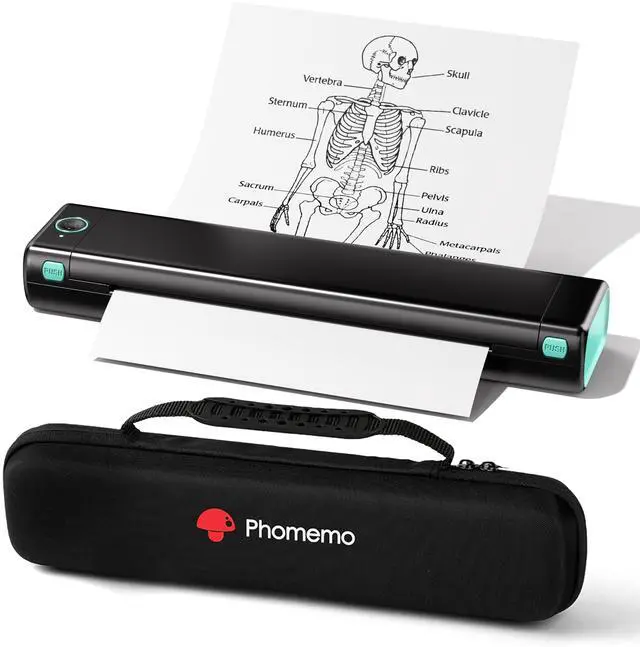



Portable Printers Wireless for Travel - Bluetooth Thermal Printer Supports 8.5" X 11" Letter, Inkless Printer Compatible with Phone Laptop for Home Use Car School Office, Come with Carry Case
Limited time offer, ends 10/05 By EpicTransTrade
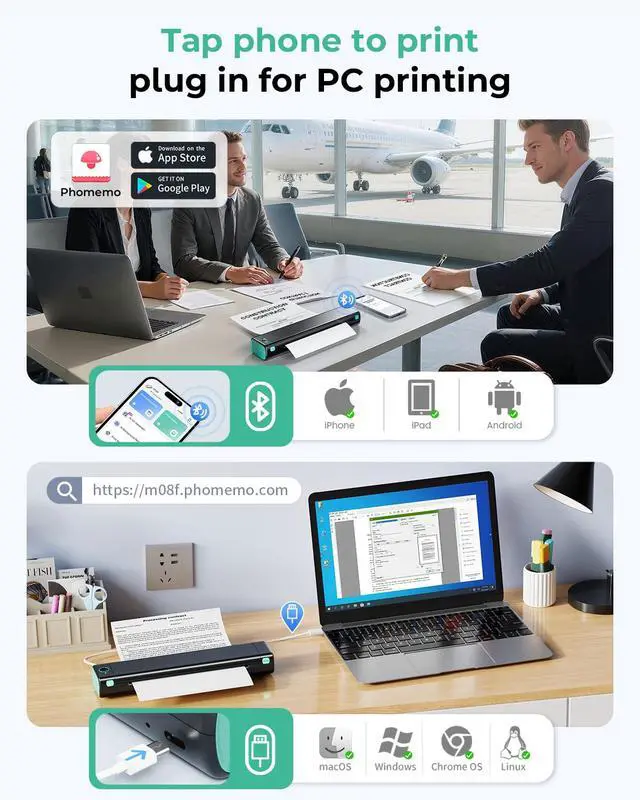
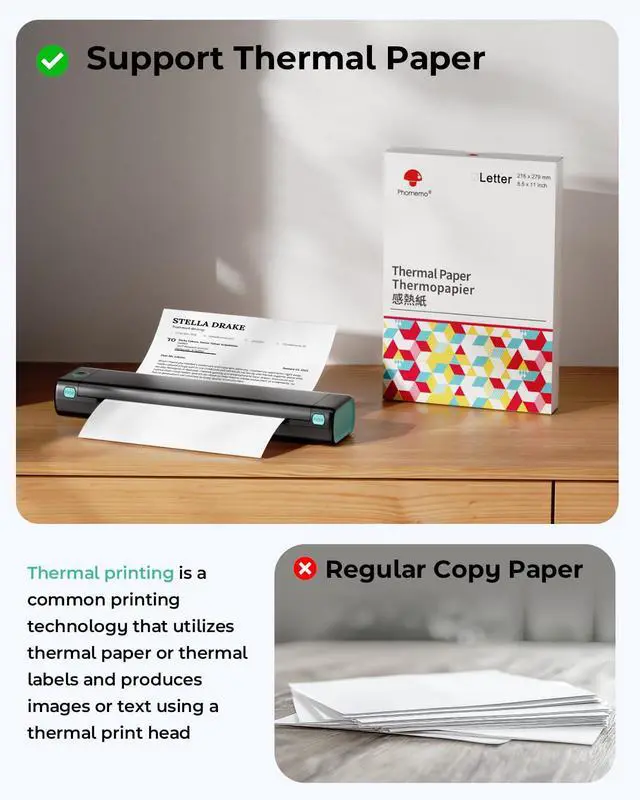
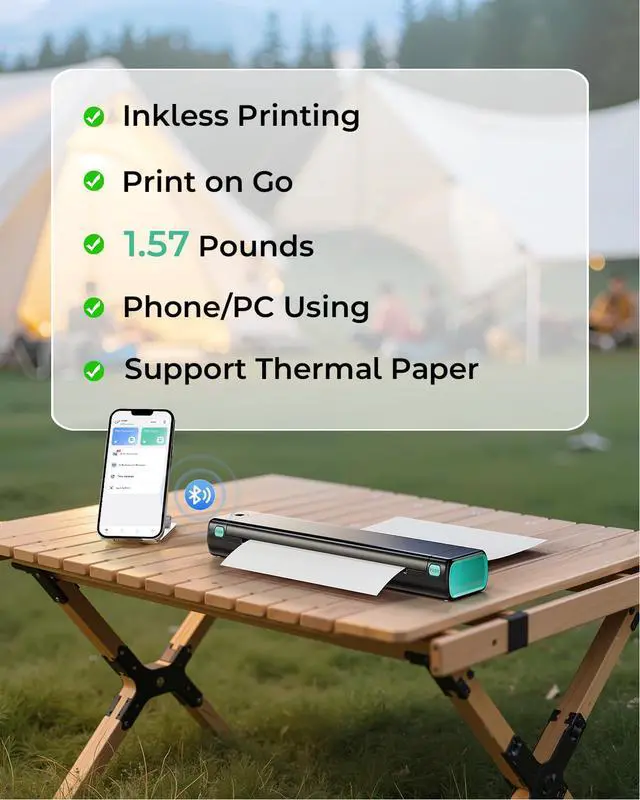
- Bluetooth PrinterGo Wireless by BluetoothGet the "" app from Google Play or Apple Store to print via Bluetooth on your M08F Portable Printer for iOS and Android. (Note: All devices cannot be directly connected to Bluetooth and need to be used through the app.) Inkless PrinterInkless PrintingSmall Printer use thermal technology - don't require ink, toner, or ribbons, no ink-related blockages and cleaning issues. And instead you only need to replace the thermal paper and you're good to go, each thermal paper costs only $0.12, cheaper than traditional ink cartridges + paper. (Note: Portable printer is a thermal printer and only supports thermal printing paper, not support regular copy paper) Phone PrinterStrong CompatibilityPrint PDF, Word, Images, Web from your phonewhenever, wherever. You can also use a USB cable to connect for computer printing; (PC devices only works with USB connection, needs to download the driver first: m08f.phomemo.com) How to Print on Phones1.) Power on printer. 2.) Download the from your app store. 3). Enable Bluetooth on your phone > return to the app & and click to add device. 4.) Selected the M08F (for this model)- wait for one second you should be connected. It took not even 5 minutes to set up and print. **If pairing took too long - reboot the printer by holding the power button down then back on again & and return to the app to pair. It was so easy to set up.Go Wireless by Bluetooth Perfect Gift
+
+
Overview
Specs
Reviews

Any questions? Our AI mode will help you find out quickly.
Try me now
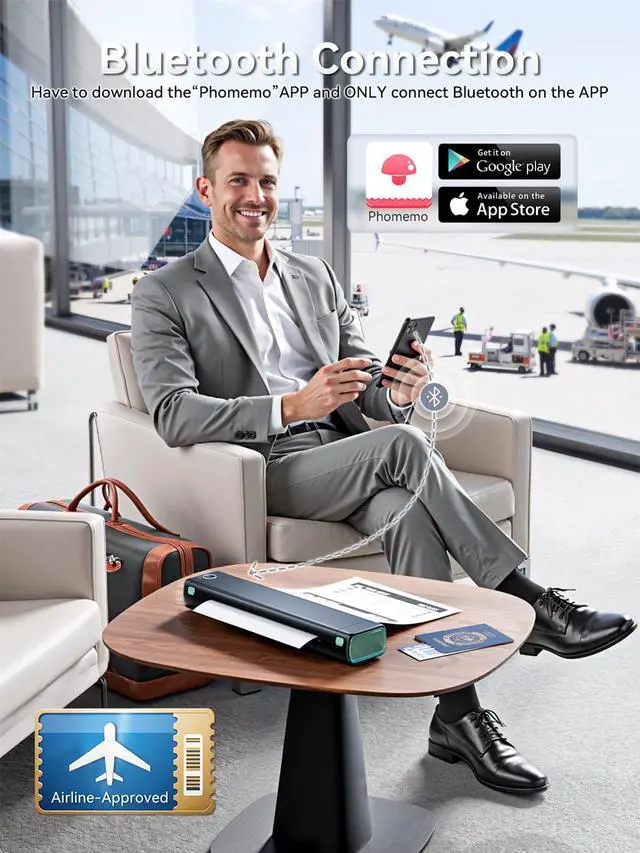
Bluetooth PrinterGo Wireless by BluetoothGet the "" app from Google Play or Apple Store to print via Bluetooth on your M08F Portable Printer for iOS and Android.
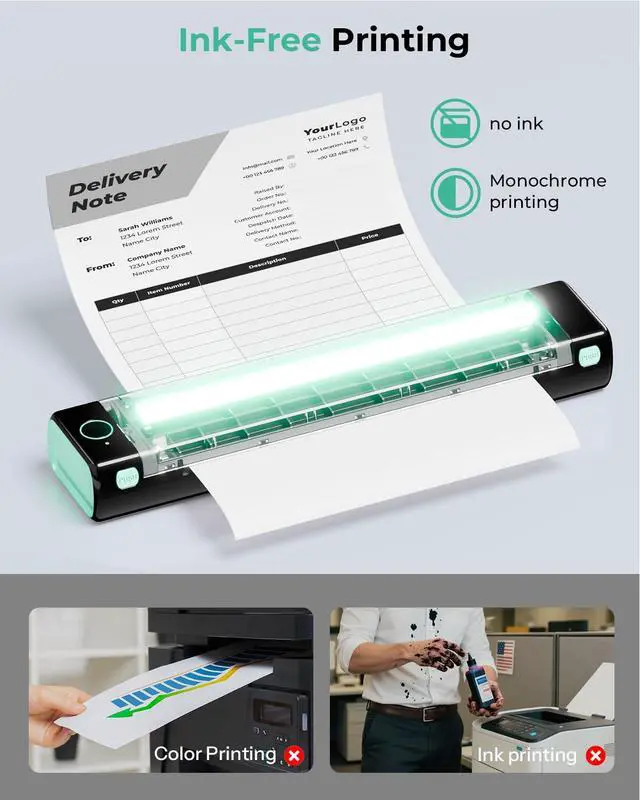
(Note: All devices cannot be directly connected to Bluetooth and need to be used through the app. ) Inkless PrinterInkless PrintingSmall Printer use thermal technology - don't require ink, toner, or ribbons, no ink-related blockages and cleaning issues. And instead you only need to replace the thermal paper and you're good to go, each thermal paper costs only $ 0.12, cheaper than traditional ink cartridges + paper.
(Note: Portable printer is a thermal printer and only supports thermal printing paper, not support regular copy paper) Phone PrinterStrong CompatibilityPrint PDF, Word, Images, Web from your phonewhenever, wherever. You can also use a USB cable to connect for computer printing; (PC devices only works with USB connection, needs to download the driver first: m08f. phomemo. com) How to Print on Phones1. ) Power on printer. 2. ) Download the from your app store. 3). Enable Bluetooth on your phone > return to the app & and click to add device. 4. ) Selected the M08F (for this model) - wait for one second you should be connected. It took not even 5 minutes to set up and print. **If pairing took too long - reboot the printer by holding the power button down then back on again & and return to the app to pair. It was so easy to set up. Go Wireless by
Bluetooth Perfect Gift: portable thermal printer can print clear image, DIY drawings and Files. It's perfect for busy professionals and school students. Come with a carry case, making it as a perfect gift and suprise for your families and friends
(Note: All devices cannot be directly connected to Bluetooth and need to be used through the app. ) Inkless PrinterInkless PrintingSmall Printer use thermal technology - don't require ink, toner, or ribbons, no ink-related blockages and cleaning issues. And instead you only need to replace the thermal paper and you're good to go, each thermal paper costs only $ 0.12, cheaper than traditional ink cartridges + paper.
(Note: Portable printer is a thermal printer and only supports thermal printing paper, not support regular copy paper) Phone PrinterStrong CompatibilityPrint PDF, Word, Images, Web from your phonewhenever, wherever. You can also use a USB cable to connect for computer printing; (PC devices only works with USB connection, needs to download the driver first: m08f. phomemo. com) How to Print on Phones1. ) Power on printer. 2. ) Download the from your app store. 3). Enable Bluetooth on your phone > return to the app & and click to add device. 4. ) Selected the M08F (for this model) - wait for one second you should be connected. It took not even 5 minutes to set up and print. **If pairing took too long - reboot the printer by holding the power button down then back on again & and return to the app to pair. It was so easy to set up. Go Wireless by
Bluetooth Perfect Gift: portable thermal printer can print clear image, DIY drawings and Files. It's perfect for busy professionals and school students. Come with a carry case, making it as a perfect gift and suprise for your families and friends
Warranty & Returns
Warranty, Returns, And Additional Information
Warranty
- Please contact the Seller directly for warranty information. Warranty information may also be found on the Manufacturer's website.
- CONTACT
Return Policies
- Return for refund within: 30 days
- Return for replacement within: 30 days
- This item is covered by EpicTransTrade Return Policy
Manufacturer Contact Info
- For a directory of all our manufacturers, please click below.
- Manufacturers Directory
LOADING...