

Your Browsing History


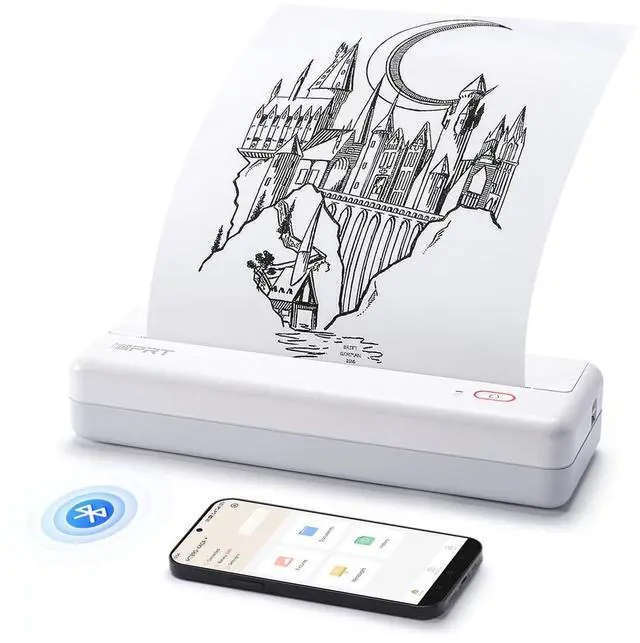
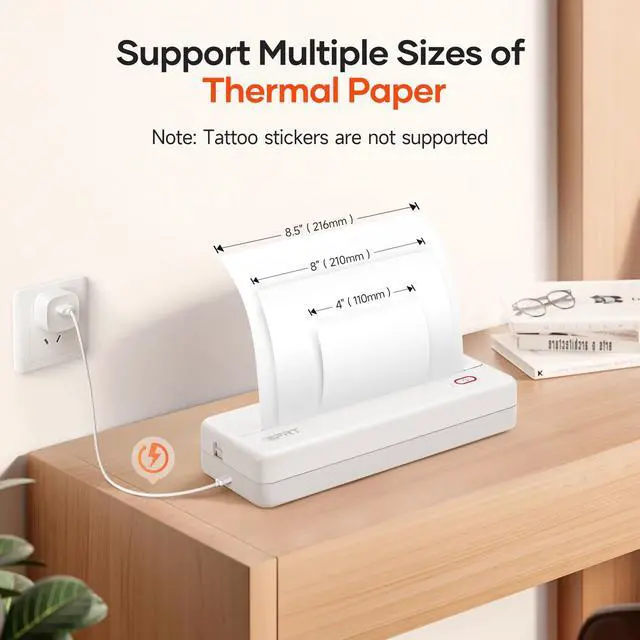




MT890 Portable Wireless Printer - with Thermal A4 Paper, Bluetooth Inkless Printer for Travel/Home, Support US Letter&A4&A5 Size, Mobile Printers Compatible with iOS, Android & Laptop - White
- ADVANCED INKLESS TECHNOLOGY: The MT890 portable A4 thermal printer utilizes modern inkless printing technology. This technology enables rapid printing, requiring only 5-8 seconds to print an A4 page without compromising print quality. INNOVATIVE BUILT-IN ROLL PAPER DESIGN: This printer is designed with portable thermal roll paper. You can print on A4 size or any length as required. It features a serrated tearing knife for convenient paper removal. FREE APP IS VERSATILE: The MT890 thermal printer supports connections to laptops (Mac, Windows, Linux, Chrome OS) and mobile phones. The "HerePrint" app is free and offers a variety of functions for a creative printing experience. EASY CONNECTION: For printing from a computer, simply connect the USB cable, obtain the corresponding printer driver from the official site, and print conveniently and quickly. COMPACT AND PORTABLE: With dimensions of 12.4 x 4.8 x 2.7 inches, it is lightweight and portable, fitting easily into a laptop briefcase, backpack, or suitcase, making it ideal for traveling and working out anytime, anywhere. CELL PHONE PRINTING: Step 1: Download the "HerePrint" app. Step 2: Turn on the MT890 and establish a Bluetooth connection via the app. Step 3: Tap the "+" sign to complete the device connection, select your file type, and begin printing. PC PRINTING: Step 1: Download and install the MT890 driver from the website. Step 2: Connect the MT890 printer to your computer using the USB cable. Step 3: Select and open y
+
+
Overview
Specs
Reviews

Any questions? Our AI mode will help you find out quickly.
Try me now
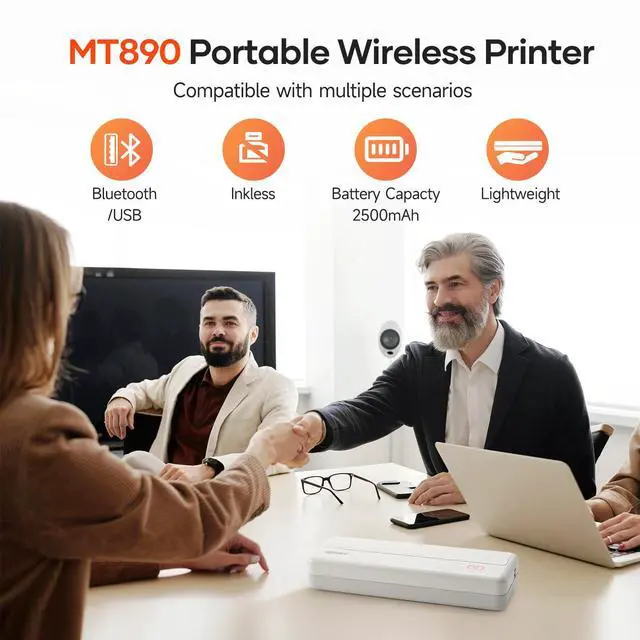
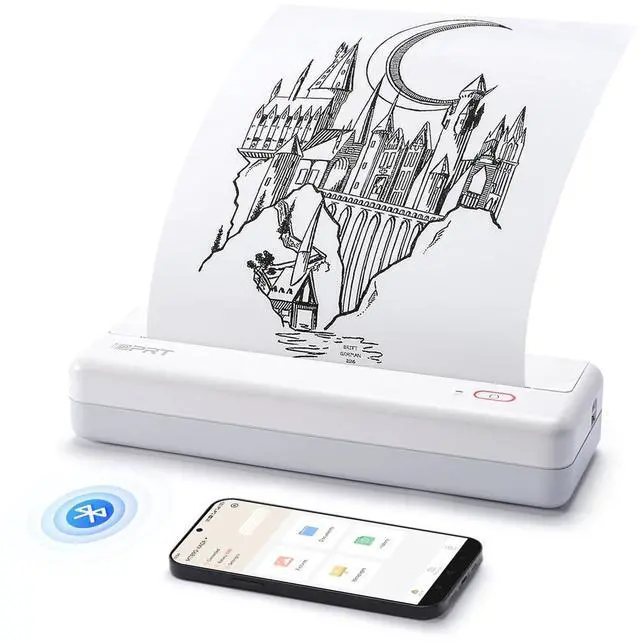
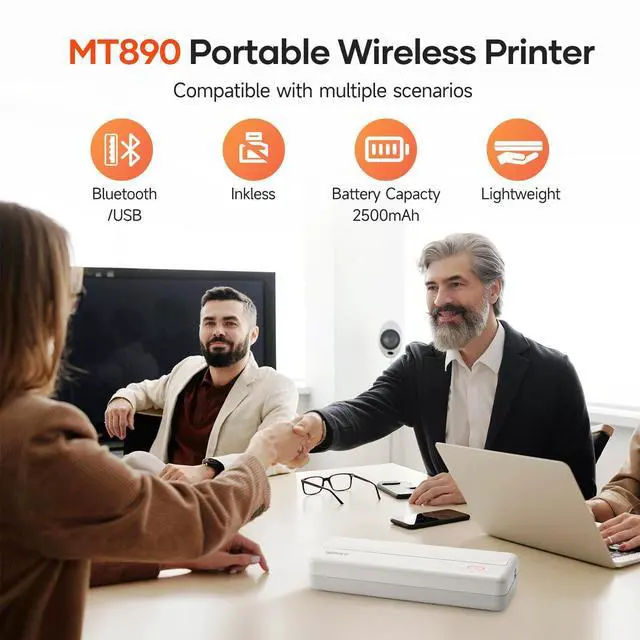
ADVANCED INKLESS TECHNOLOGY: The MT890 portable A4 thermal printer utilizes modern inkless printing technology. This technology enables rapid printing, requiring only 5-8 seconds to print an A4 page without compromising print quality.
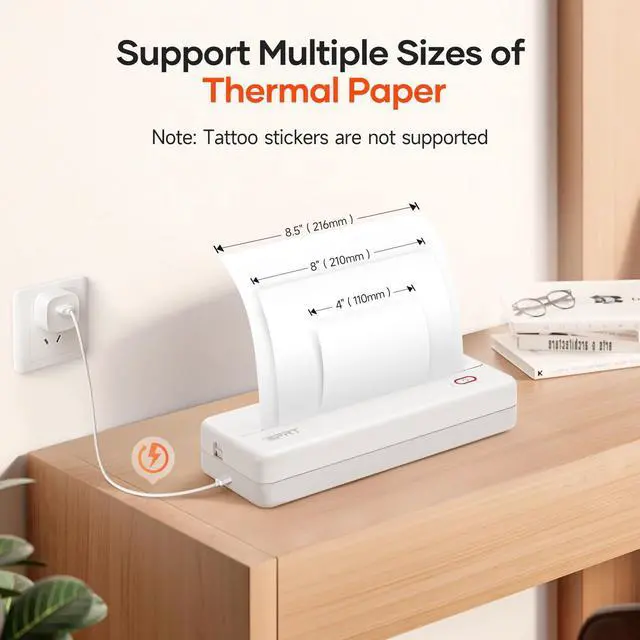
INNOVATIVE BUILT-IN ROLL PAPER DESIGN: This printer is designed with portable thermal roll paper. You can print on A4 size or any length as required. It features a serrated tearing knife for convenient paper removal.
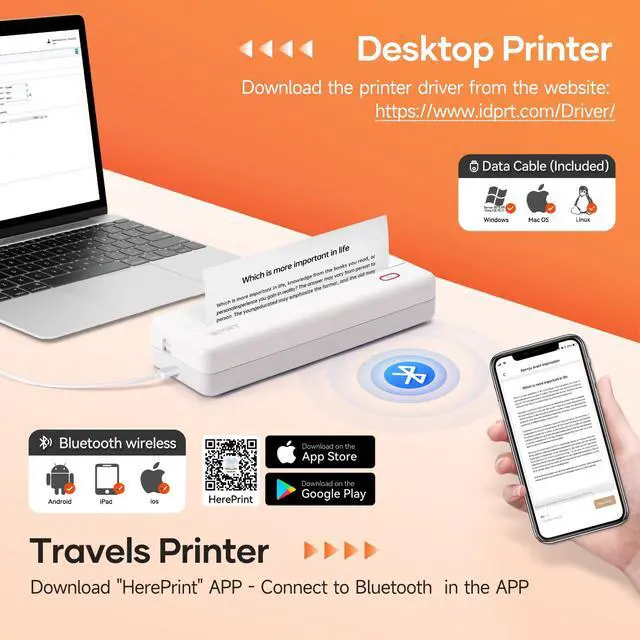
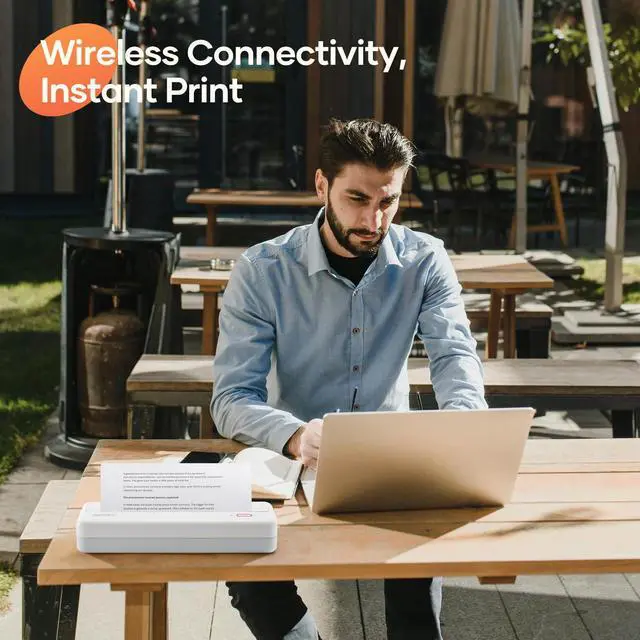
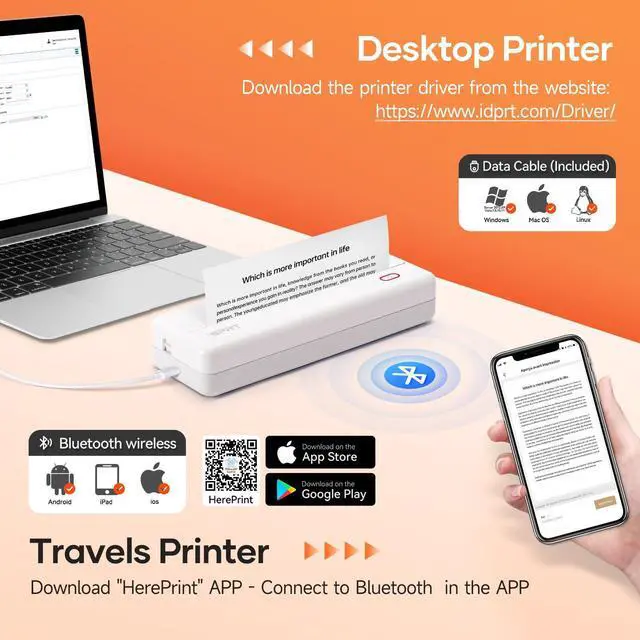
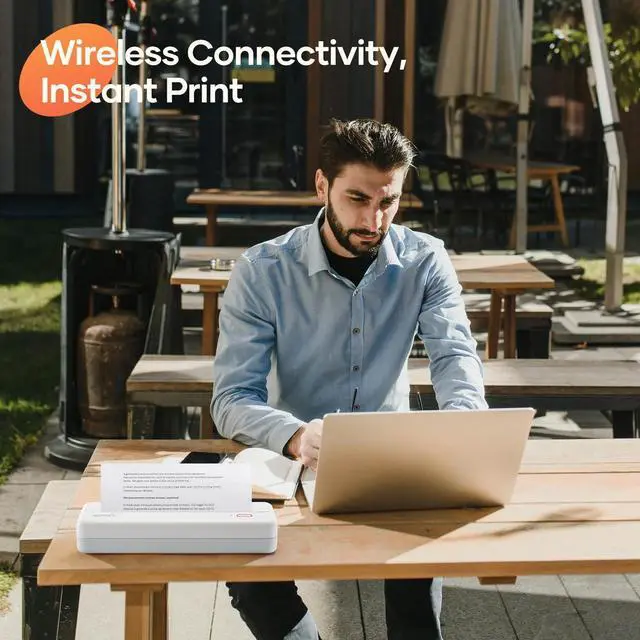
FREE APP IS VERSATILE: The MT890 thermal printer supports connections to laptops (Mac, Windows, Linux, Chrome OS) and mobile phones. The "HerePrint" app is free and offers a variety of functions for a creative printing experience.
EASY CONNECTION: For printing from a computer, simply connect the USB cable, obtain the corresponding printer driver from the official site, and print conveniently and quickly.
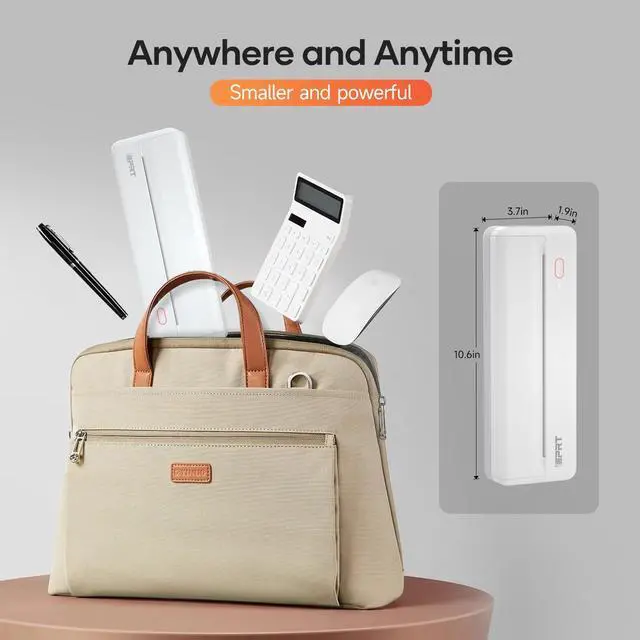
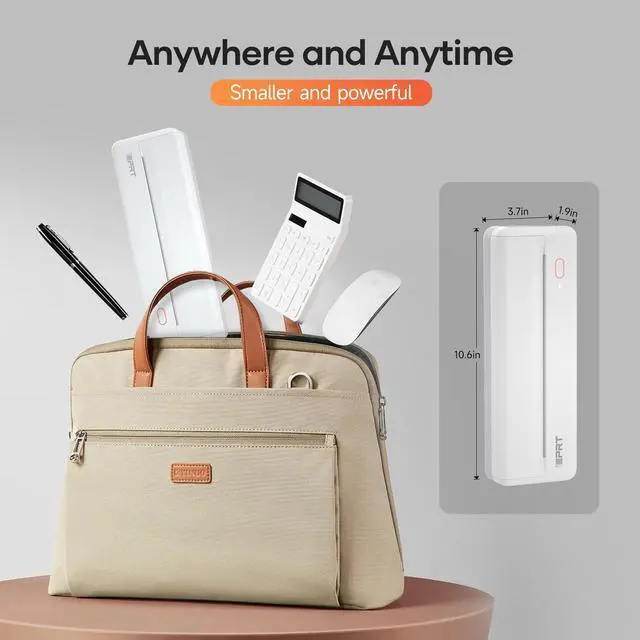
COMPACT AND PORTABLE: With dimensions of 12.4 x 4.8 x 2.7 inches, it is lightweight and portable, fitting easily into a laptop briefcase, backpack, or suitcase, making it ideal for traveling and working out anytime, anywhere.
CELL PHONE PRINTING: Step
1: Download the "HerePrint" app.
Step 2: Turn on the MT890 and establish a Bluetooth connection via the app.
Step 3: Tap the "+" sign to complete the device connection, select your file type, and begin printing.
PC PRINTING: Step
1: Download and install the MT890 driver from the website.
Step 2: Connect the MT890 printer to your computer using the USB cable.
Step 3: Select and open your document, then choose MT890 from the printer list
INNOVATIVE BUILT-IN ROLL PAPER DESIGN: This printer is designed with portable thermal roll paper. You can print on A4 size or any length as required. It features a serrated tearing knife for convenient paper removal.
FREE APP IS VERSATILE: The MT890 thermal printer supports connections to laptops (Mac, Windows, Linux, Chrome OS) and mobile phones. The "HerePrint" app is free and offers a variety of functions for a creative printing experience.
EASY CONNECTION: For printing from a computer, simply connect the USB cable, obtain the corresponding printer driver from the official site, and print conveniently and quickly.
COMPACT AND PORTABLE: With dimensions of 12.4 x 4.8 x 2.7 inches, it is lightweight and portable, fitting easily into a laptop briefcase, backpack, or suitcase, making it ideal for traveling and working out anytime, anywhere.
CELL PHONE PRINTING: Step
1: Download the "HerePrint" app.
Step 2: Turn on the MT890 and establish a Bluetooth connection via the app.
Step 3: Tap the "+" sign to complete the device connection, select your file type, and begin printing.
PC PRINTING: Step
1: Download and install the MT890 driver from the website.
Step 2: Connect the MT890 printer to your computer using the USB cable.
Step 3: Select and open your document, then choose MT890 from the printer list
Warranty & Returns
Warranty, Returns, And Additional Information
Warranty
- Please contact the Seller directly for warranty information. Warranty information may also be found on the Manufacturer's website.
- CONTACT
Return Policies
- Return for refund within: 30 days
- Return for replacement within: 30 days
- This item is covered by Hui Cheng Trading Store Return Policy
Manufacturer Contact Info
- For a directory of all our manufacturers, please click below.
- Manufacturers Directory
LOADING...