

Your Browsing History

Meet Your Seller




Portable Scanner, 900 DPI Photo Scanner for A4 Documents & Pictures, Wand Reader with 16G SD Card, Flat Scanning, USB Transfer to PC/Laptop, No Driver Required (Silver)
Limited time offer, ends 09/18 By Tecinhblissu
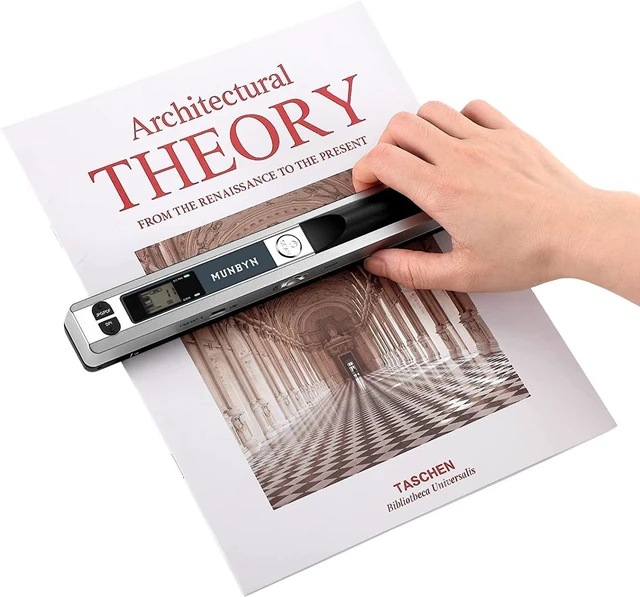
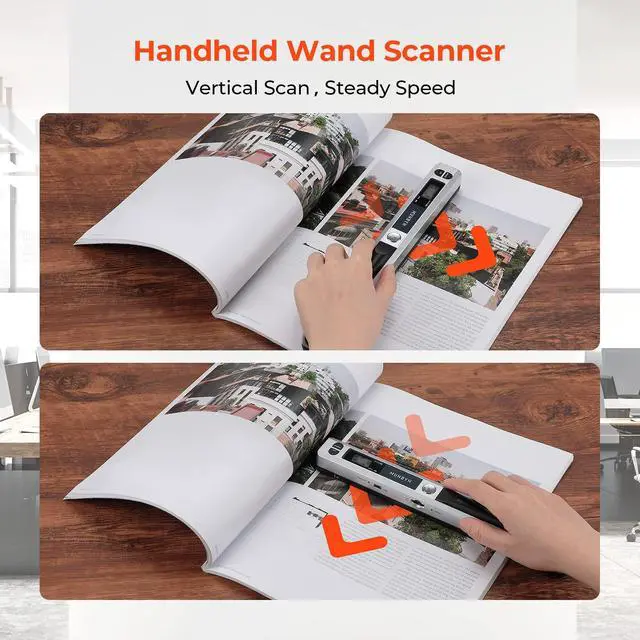
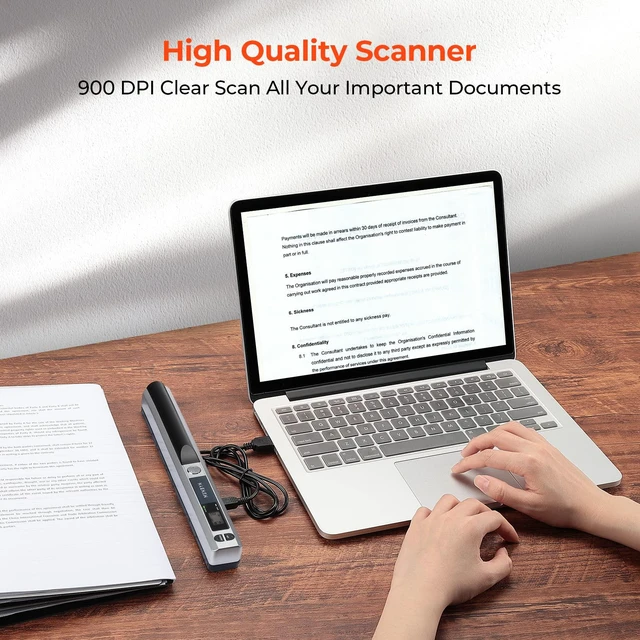
- Handheld Scanner--Easy to Scan Portable scanners use handheld scanning to maximize your diverse scanning needs. 1. Place the scan target flat on a table. 2. Hold and place the scanner close to the top of the scan target. 3. Scan from top to bottom at a constant speed. NOTE: The scanned image resolution is 900DPI. Portable Scanner--Easy to Carry Length: 10 inches. Weight: 0.44 lbs. Power source: 2AA Alkaline Batteries(not included). Carry method: Put it in a schoolbag/briefcase. Scan way: Flat scan independently from the computer. Storage method: 16G SD Card(included). Multi-purpose Scanner--Advantages Handheld scanners make your scanning have a tactile appeal. Compared to feeding scanners, handheld scanners will maximize protection from bending and damaging old photos by the feeding machine. Scanners can digitize photos, documents, text, charts, drafts, pages, magazines, recipes, small maps, and more. Scanned Images--Easy to Transfer, No Installation Needed Transfer method: USB cable. Computers recognize the photo scanner via a USB cable like recognize other hardware such as a camera or SD card. The portable scanner is connectable with Mac, Windows 7/8/10/XP, and Linux systems computers. Warm Tips Practice a few more times to get the hang of scanning speed. Poor image quality could be fixed by cleaning the bottom of the scanner, restarting the scanner, or processing white balance calibration. Red light wronging can be solved by restarting the scanner. Please watch
+
+
Overview
Specs
Reviews

Any questions? Our AI mode will help you find out quickly.
Try me now
Handheld Scanner--Easy to Scan Portable scanners use handheld scanning to maximize your diverse scanning needs.
1. Place the scan target flat on a table.
2. Hold and place the scanner close to the top of the scan target.
3. Scan from top to bottom at a constant speed.
NOTE: The scanned image resolution is 900DPI. Portable Scanner--Easy to
Carry Length: 10 inches.
Weight: 0.44 lbs.
Power source: 2AA Alkaline Batteries (not included).
Carry method: Put it in a schoolbag/briefcase.
Scan way: Flat scan independently from the computer.
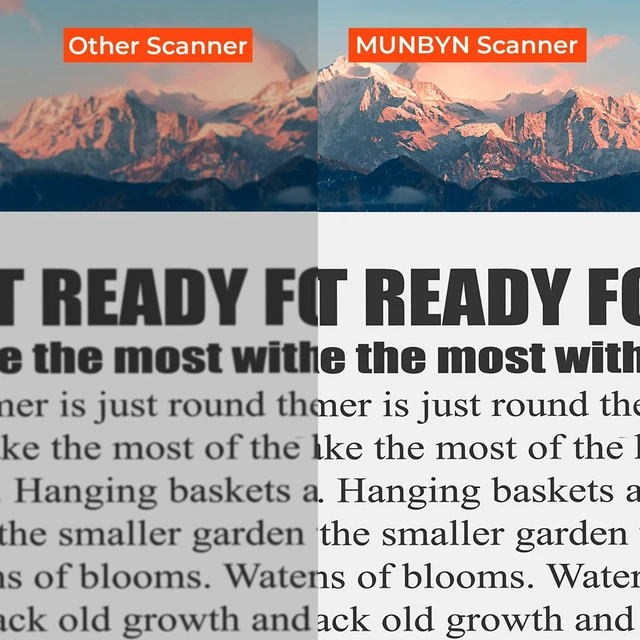
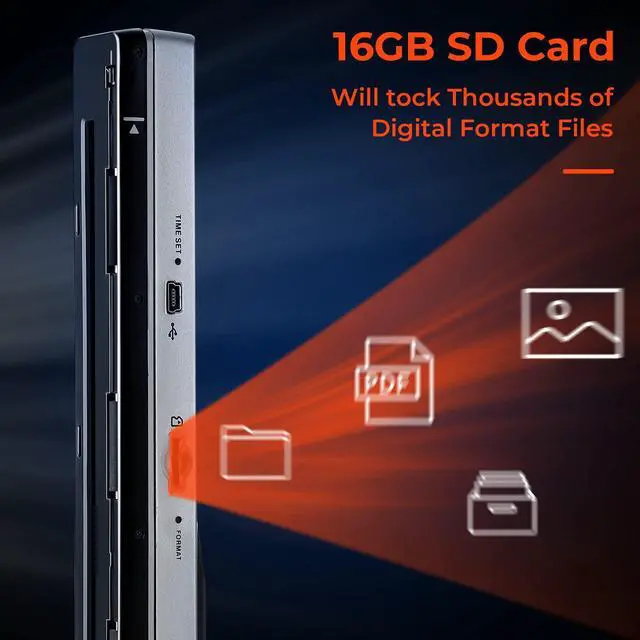
Storage method: 16G SD Card (included). Multi-purpose Scanner--Advantages Handheld scanners make your scanning have a tactile appeal. Compared to feeding scanners, handheld scanners will maximize protection from bending and damaging old photos by the feeding machine. Scanners can digitize photos, documents, text, charts, drafts, pages, magazines, recipes, small maps, and more. Scanned Images--Easy to Transfer, No
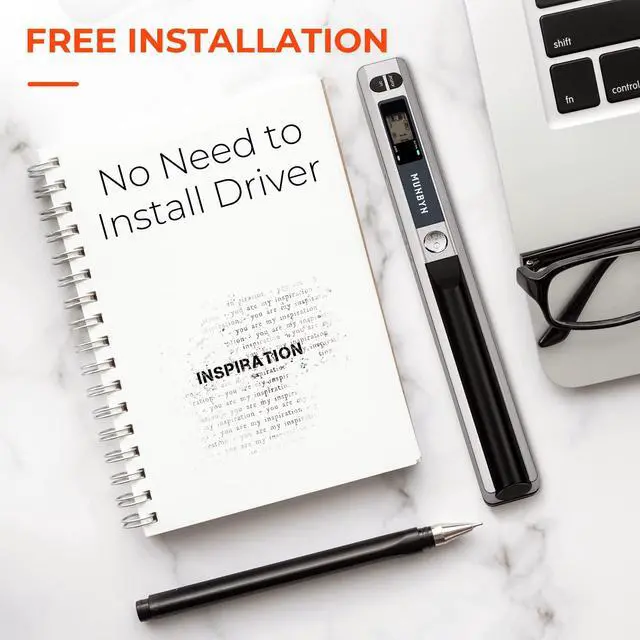
Installation Needed Transfer method: USB cable. Computers recognize the photo scanner via a USB cable like recognize other hardware such as a camera or SD card. The portable scanner is connectable with Mac, Windows 7/8/10/XP, and Linux systems computers. Warm Tips Practice a few more times to get the hang of scanning speed. Poor image quality could be fixed by cleaning the bottom of the scanner, restarting the scanner, or processing white balance calibration. Red light wronging can be solved by restarting the scanner. Please watch the instruction videos
1. Place the scan target flat on a table.
2. Hold and place the scanner close to the top of the scan target.
3. Scan from top to bottom at a constant speed.
NOTE: The scanned image resolution is 900DPI. Portable Scanner--Easy to
Carry Length: 10 inches.
Weight: 0.44 lbs.
Power source: 2AA Alkaline Batteries (not included).
Carry method: Put it in a schoolbag/briefcase.
Scan way: Flat scan independently from the computer.
Storage method: 16G SD Card (included). Multi-purpose Scanner--Advantages Handheld scanners make your scanning have a tactile appeal. Compared to feeding scanners, handheld scanners will maximize protection from bending and damaging old photos by the feeding machine. Scanners can digitize photos, documents, text, charts, drafts, pages, magazines, recipes, small maps, and more. Scanned Images--Easy to Transfer, No
Installation Needed Transfer method: USB cable. Computers recognize the photo scanner via a USB cable like recognize other hardware such as a camera or SD card. The portable scanner is connectable with Mac, Windows 7/8/10/XP, and Linux systems computers. Warm Tips Practice a few more times to get the hang of scanning speed. Poor image quality could be fixed by cleaning the bottom of the scanner, restarting the scanner, or processing white balance calibration. Red light wronging can be solved by restarting the scanner. Please watch the instruction videos
Warranty & Returns
Warranty, Returns, And Additional Information
Warranty
- Please contact the Seller directly for warranty information. Warranty information may also be found on the Manufacturer's website.
- CONTACT
Return Policies
- Return for refund within: 30 days
- Return for replacement within: 30 days
- This item is covered by Tecinhblissu Return Policy
Manufacturer Contact Info
- For a directory of all our manufacturers, please click below.
- Manufacturers Directory
LOADING...